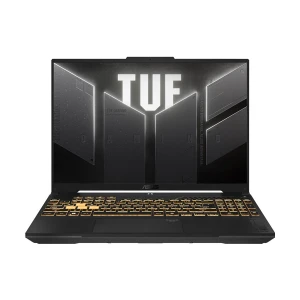
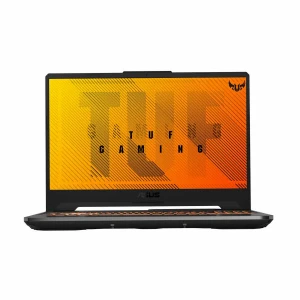
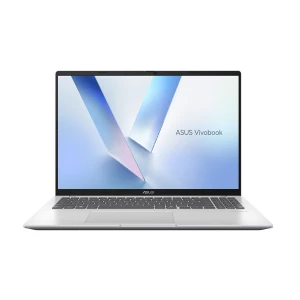
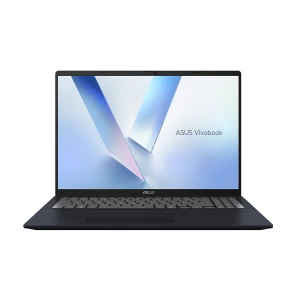
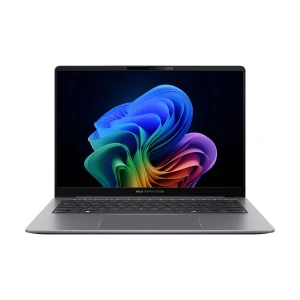

Laptop Series
Processor Brand
NPU
Display Size Range (Inch)
RAM
Hard Disk Drive (HDD)
Solid-State Drive (SSD)
Installed SSD Type
Installed SSD Generation
Graphics Memory
Panel Type
Display Refresh Rate
Display Resolution Range
Display Resolution
Touch Screen
RAM Type
Empty/Expansion RAM Slot
Max. RAM Support
HDD Expansion Slot
M.2/SSD Expansion Slot
Storage Upgrade
LAN
Keyboard Back-lit
Finger Print Sensor
Operating System
Licensed Application
Weight Range (Kg)
Warranty
Some brands earn their reputation over decades. Asus is one of them. From budget-friendly student laptops to ferocious gaming machines and razor-thin ultrabooks built for professionals on the move - Asus covers it all, and covers it well.
At Ryans, we bring you the complete Asus laptop lineup in Bangladesh with the latest prices, genuine products, and dedicated after-sales support. Whether you are buying your first laptop or upgrading to something better, you are in the right place.
Still figuring out which Asus laptop makes sense for you? Start here.
Buying an ASUS laptop in Bangladesh isn’t just about picking a model - it’s about choosing something that actually fits how you use your device every day. With so many options available across different price ranges, understanding a few key specs can save you from overspending or ending up with a laptop that feels slow after a few months. Whether you’re comparing models or checking the latest Asus notebook price in BD, these are the things that truly matter before making your decision.
The processor determines how fast your laptop feels every single day. Here is a plain-language guide.
One practical tip - always check the generation alongside the processor name. A 13th Gen Core i5 performs noticeably better than an older 10th Gen Core i7 in many real-world tasks.
A simple rule - if gaming or creative work is part of your plan, do not compromise on the GPU. A laptop that is powerful in one area but weak in another will feel frustrating sooner than you expect.
Asus also offers OLED panels in select ZenBook and ProArt models. If color accuracy, contrast, and visual richness matter to your work or entertainment habits, an OLED display is a meaningful upgrade over a standard IPS screen.
Specs tell part of the story. These details fill in the rest.
ZenBook and ExpertBook offer excellent backup. Gaming laptops drain faster, so plan accordingly if you’re often away from a charger.
Comfortable typing across most Asus models. Backlit keyboards help in low light, and features like ErgoSense improve long typing sessions.
Minimum 720p is fine, but 1080p + IR (Windows Hello) is better for clearer calls and quick, secure login.
Make sure you have what you need - USB-C (USB4/Thunderbolt if possible), HDMI, USB-A, and card reader based on your usage.
Aluminum feels more premium and durable. TUF Gaming models add extra toughness with MIL-SPEC durability.
Most come with Windows 11. Check if it’s DOS if you plan to install your own OS (like Ubuntu).
Not all laptops are created equal. While HP and Dell handle the basics, Lenovo wins on keyboards, and Acer cuts corners to cut costs - Asus plays a different game entirely. From ROG's gaming dominance to ProArt's studio-grade displays, Asus builds laptops with a purpose. See how they stack up below.
| Brand | Best For | Key Strengths | Weaknesses |
|---|---|---|---|
| Asus | Gamers & creators | Deep lineup; strong cooling; good after-sales | Expensive high-end models |
| HP | Mainstream users | Reliable; strong business laptops | Gaming not as strong |
| Dell | Premium productivity | Build quality; display | Expensive |
| Lenovo | Balanced performance | Keyboard; cooling | Budget build quality |
| Acer | Budget gaming | Cheap; good specs | Thermals & build |
| Apple | Creative pros | Display; battery; ecosystem | No gaming; costly |
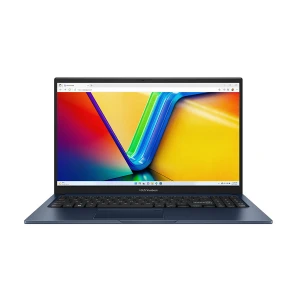
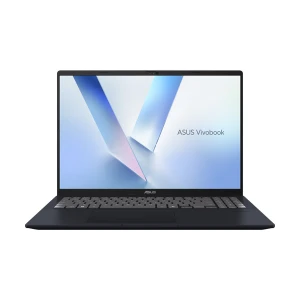
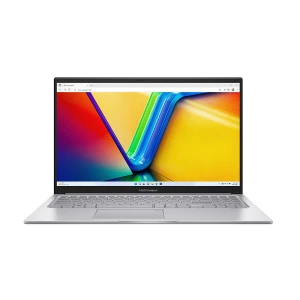
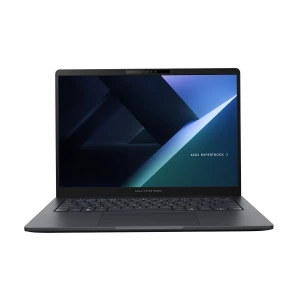
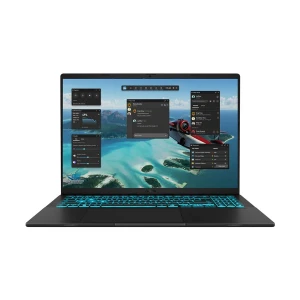
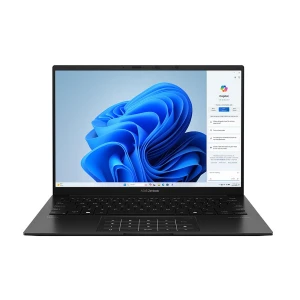
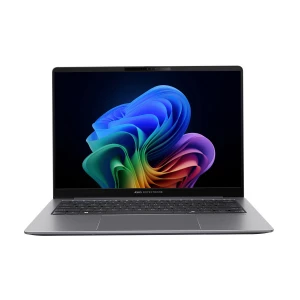
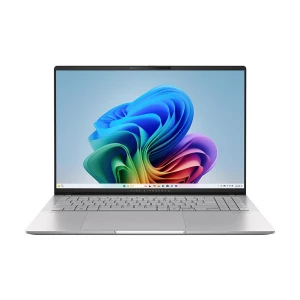
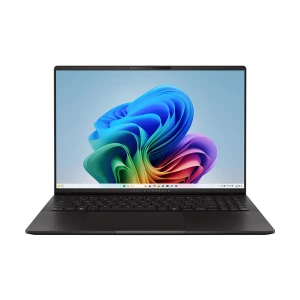
N.B. Image may differ with actual product's layout, color, size & dimension. No claim will be accepted for image mismatch.
Product Id:
Sort Options
Filter
