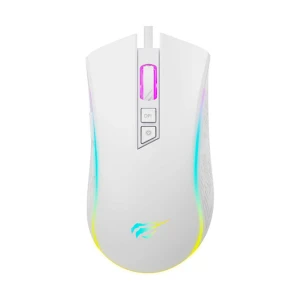

Series
Style & Size
Connection Type
Interface
Click Sound
Modes
Max. DPI Range
Scrolling Control
Lighting
Tracking Type
Smartphone Apps
App Name
Battery Type
Color
Warranty
A mouse should feel comfortable, track properly, and match the way you actually use your computer. This category helps buyers compare mouse price in Bangladesh across wired, wireless, Bluetooth, gaming, silent, RGB, and ergonomic options, so it becomes easier to choose the right one for office work, study, gaming, design, and everyday use.
At Ryans, you can explore mice from brands like A4TECH, Fantech, Micropack, ONIKUMA, Rapoo, PC Power, Redragon, and UGREEN in one place, then compare them by connectivity, DPI, button layout, build quality, and overall value.
DPI affects cursor speed, but sensor quality matters just as much. For office and everyday use, 800–1200 DPI is usually enough, while gaming and high-resolution work often need higher DPI and better tracking accuracy.
Wired mice are cheaper, stable, and always ready to use. Wireless mice offer a cleaner setup and more flexibility, while Bluetooth models are useful for laptops and devices with limited USB ports.
A better mouse usually lasts longer because the switches, scroll wheel, and cable quality are stronger. This matters more for office desks, call centers, gaming, and other long daily-use situations.
Basic users usually need only standard buttons, but side buttons and programmable controls can improve browsing, gaming, and creative work. This is one reason gaming and productivity mice cost more than simple office models.
RGB lighting mainly affects appearance, not performance. If budget matters more than looks, it is often smarter to spend on better sensor quality, connectivity, or comfort instead.
For office work, data entry, and daily desk use, a comfortable wired or wireless mouse with reliable tracking is usually the best choice. A4TECH and Rapoo are practical options for this kind of everyday use.
For assignments, browsing, classes, and general use, a budget wired or simple wireless mouse is often enough. Micropack and PC Power are common choices for buyers who want basic performance at a lower cost.
Gaming users usually need higher DPI, a more accurate sensor, faster response, and extra buttons. Fantech, Redragon, and ONIKUMA are popular for buyers who want gaming features without moving straight into premium pricing.
If you use a mouse for long hours, comfort matters more than flashy features. Ergonomic wireless models and mice with side buttons are often the better choice for coding, writing, and multitasking.
Creative users benefit from accurate tracking and programmable buttons for shortcuts. A mouse with better control and comfort usually makes more sense here than a very basic office model.
For heavy daily clicking, durability matters a lot. A mouse with stronger switches, a reliable scroll wheel, and a comfortable shape is usually the safer long-term choice.
| Brand | Best For | Mouse Types | Notable Strength |
|---|---|---|---|
| A4TECH | Office · Home · Daily Use | Wired, Wireless, Silent, Bluetooth | Widest range, strong local support |
| Fantech | Gaming · RGB Setups | Gaming, RGB, Wireless | Gaming performance at mid-budget |
| Micropack | Students · Budget Buyers | Wired, Basic Wireless | Reliable everyday use at low cost |
| ONIKUMA | Entry Gaming · First Upgrade | Gaming, RGB | Gaming look and feel at entry price |
| Rapoo | Office · Freelancers · Clean Desks | Wireless, Silent, Rechargeable | Long battery life, silent variants |
| PC Power | Home · Student · Basic Office | Wired, Basic Wireless | Budget-friendly day-to-day option |
| Redragon | Gaming · Programmable Setups | Gaming, Programmable, RGB | Macro buttons + RGB at mid-range |
| UGREEN | Ergonomic · Programmer · Developer | Ergonomic, Wireless | Wrist-friendly design for long sessions |
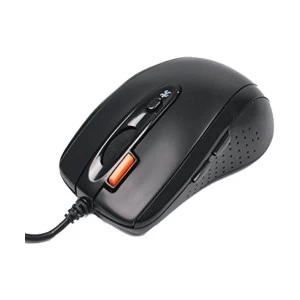
Plug in and use - no pairing, no battery, no latency. The most affordable type and the top choice for fixed office desks, data-entry stations, and gaming rigs. A4TECH and Rapoo wired optical mice are the strongest options at Ryans for daily desk use. Look for braided or reinforced cable on models intended for heavy daily use.
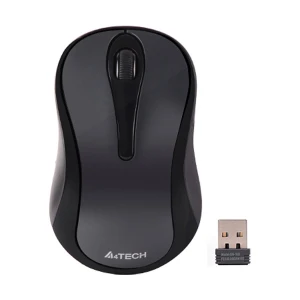
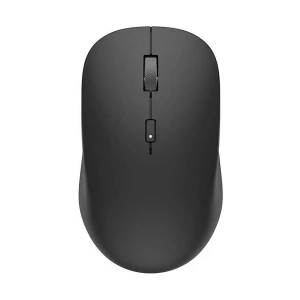
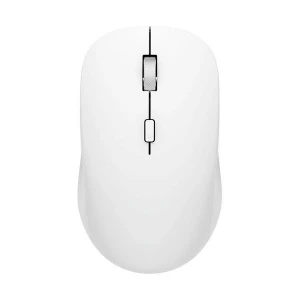
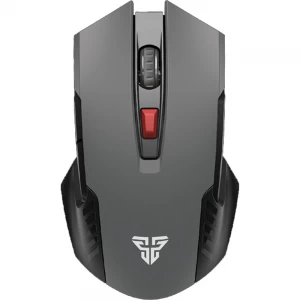
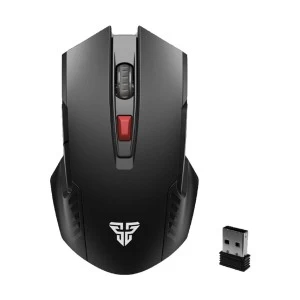
The nano-receiver connects wirelessly up to 10 meters with near-zero latency. Most run 6–18 months on AA batteries. Logitech wireless mouse models are the go-to pick for buyers who prioritize battery life above all else - some models run 18 months on a single AA. A4TECH and Rapoo mouse wireless variants give comparable everyday performance at a more accessible price point in Bangladesh.
No USB dongle. Pairs directly with any Bluetooth 4.0+ device. Most useful when USB ports are occupied or when you switch the same mouse between a desktop and a secondary device. Many current wireless mouse models are dual-mode - 2.4GHz and Bluetooth in one unit. Confirm your device has Bluetooth 4.0 or newer before purchasing a Bluetooth-only model.
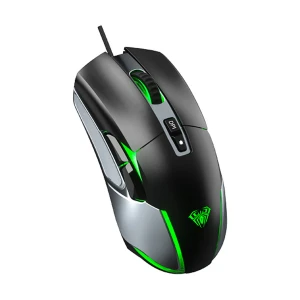
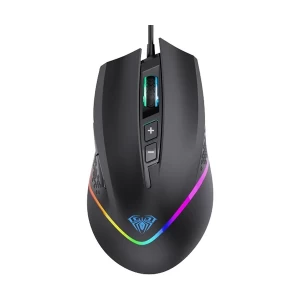
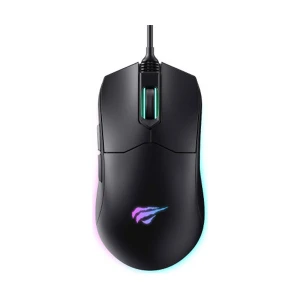
Adjustable high DPI, 1000Hz polling rate, lightweight ergonomic shell, programmable side buttons, and optional RGB. Fantech and Redragon cover the competitive mid-range. Razer mouse and ASUS mouse (ROG) handle the premium end. ONIKUMA is the entry-level gaming option for first-time peripheral upgraders.
Silent-click models reduce the click sound to near-inaudible levels - no difference in tracking or response, just quieter switches. A4TECH and Rapoo both carry silent wireless and wired variants. A practical choice for open-plan offices, library study, and shared homework spaces.
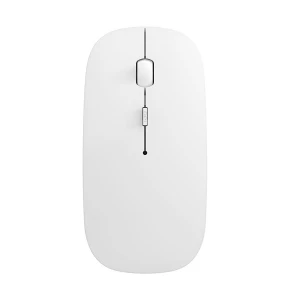
Built-in battery charged via Micro-USB or USB-C. Slightly higher upfront cost than AA-powered wireless models, but no recurring battery expense. Most rechargeable models continue working while plugged in - zero charging downtime. Rapoo rechargeable wireless mice are the go-to pick at Ryans for office and freelance users who prefer one less maintenance task.
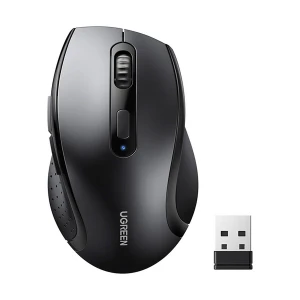
Vertical or contoured shapes reduce wrist and forearm strain during extended use - relevant for programmers, writers, designers, and anyone at a mouse 6+ hours daily. UGREEN ergonomic options are stocked at Ryans. Pair with a wrist-rest mousepad for maximum long-session comfort.
Optical: accurate on desks, fabric pads, and most surfaces - right for most users. Laser: tracks on glass and reflective surfaces - only needed if your desk surface is genuinely reflective.
USB wired: zero latency, no battery. 2.4GHz nano-receiver: near-wired wireless. Bluetooth: no dongle, slightly higher latency, best for laptops.
Dual-mode (2.4GHz + Bluetooth) lets you switch between two devices without re-pairing. Tri-mode adds wired USB. Only relevant if you use the mouse across multiple devices.
3 buttons for basic use. 2 side thumb buttons for browser and file navigation. 6–12 programmable buttons for gaming macros or design shortcuts. Only pay for buttons you will actually use.
Standard switches: 5–10M clicks, covers everyday office and home use. Gaming-grade switches: 10–20M clicks for high-volume daily use. Silent switches: dampened for shared spaces. A4TECH and Rapoo for silent; Fantech and Redragon for gaming-grade.
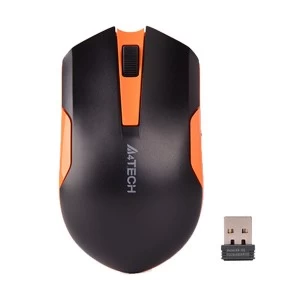
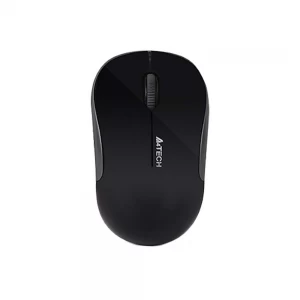
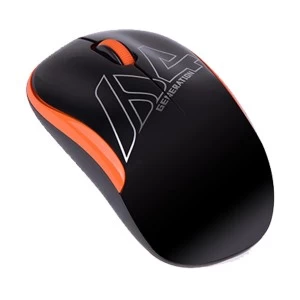
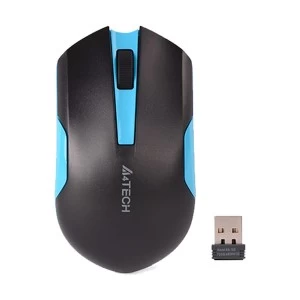
N.B. Image may differ with actual product's layout, color, size & dimension. No claim will be accepted for image mismatch.
Product Id:
Sort Options
Filter
