
Form Factor (Inch)
Interface Mode
PCIe/NVMe Generation
Dynamic Random-Access Memory (DRAM)
Read Speed (Max.)
Write Speed (Max.)
Shockproof
Warranty
An internal SSD is one of the easiest upgrades for making a laptop or desktop feel faster, more responsive, and more reliable. This page helps buyers compare internal SSD price in Bangladesh by interface, capacity, NAND type, warranty, and real use case, so they can choose the right SSD without paying for performance they will not actually use.
For older laptops and entry-level home systems, a 512GB SATA SSD is usually the smartest first upgrade. It gives better boot speed, smoother app loading, and enough space for regular files and daily use without overspending on NVMe if the device does not support it properly.
For office and business desktops, 512GB to 1TB SATA or NVMe Gen3 is usually the practical range. In this segment, reliability, brand warranty, and consistent daily performance matter more than chasing the highest benchmark speed.
For gaming PCs, 1TB NVMe Gen3 or Gen4 is usually the strongest value point. An SSD improves game loading and asset streaming, while better NAND and a stronger controller help keep long-term performance more stable under heavier use.
Creative work usually needs 1TB or 2TB NVMe, preferably with TLC NAND and stronger sustained write performance. This is where SSD quality matters more, because larger files and repeated exports expose the limits of weaker budget drives much faster.
For developers, 512GB to 1TB NVMe is usually the better fit because code indexing, VMs, package installs, and project files benefit from faster random performance. A drive with better consistency is usually worth more here than the cheapest high-capacity option.
Writers, freelancers, and general content creators often do well with 512GB SATA or entry NVMe. The goal here is smoother daily work, faster saving, and less waiting, not necessarily the highest-end Gen4 speed.
SATA is enough for many everyday upgrades, while NVMe is the better choice if your system supports it and you want stronger performance.
512GB is the practical minimum for most buyers, while 1TB is usually the best balance for long-term use.
TLC is the safer long-term option for most buyers. QLC may look cheaper, but it is usually weaker under heavier write use.
Higher endurance matters more for editing, development, and large-file work than for light everyday use.
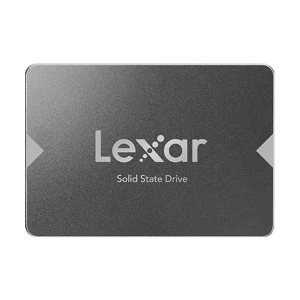
Check whether your device supports 2.5-inch SATA or M.2 2280 before choosing the drive.
Brand warranty matters more than a short shop warranty, especially for a drive that will hold important files.
| Brand | Tier | Best For |
|---|---|---|
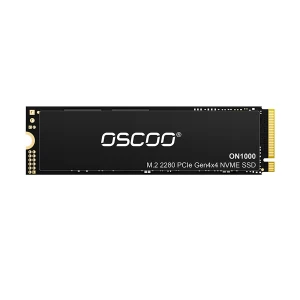
| OSCOO | Entry / Budget | Tight-budget OS or secondary storage |
| Transcend | Entry / Mid | Students, office users, safe everyday upgrades |
| TEAM | Mid / High | Gaming and higher-speed Gen4 builds |
| ADATA | Entry / Mid / High | Flexible range from budget SATA to gaming NVMe |
| TwinMOS | Entry / Mid | Everyday laptop and office upgrades |
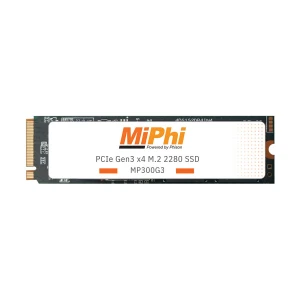
| MiPhi | Entry / Budget | Secondary or light-use storage only |
| Apacer | Entry / Mid | Reliable mainstream upgrades and budget Gen4 step-up |
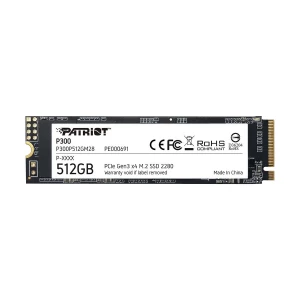
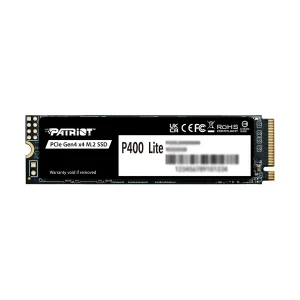
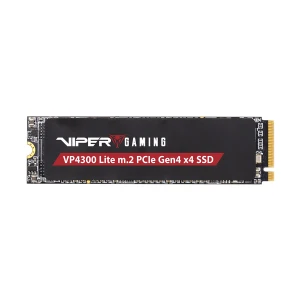
| Patriot | Entry / Mid / High | Gaming, performance, and developer builds |
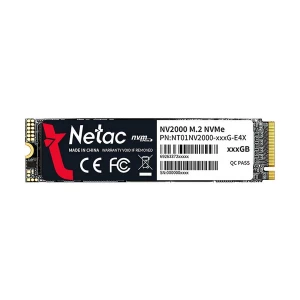
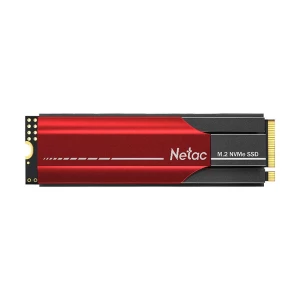
| Netac | Entry / Mid | Budget-conscious buyers wanting decent warranty support |
| Western Digital | Mid / High | Trusted choice for office, gaming, and premium use |
For most buyers in Bangladesh, Transcend, Apacer, Netac, and TwinMOS are the safer value choices for everyday upgrades, while Western Digital, TEAM, ADATA XPG, and Patriot make more sense when performance matters more.
Before comparing anything else, check whether your device supports 2.5-inch SATA, M.2 SATA, or M.2 NVMe. This is still the most common SSD buying mistake.
Choose SATA if the device only supports SATA or the upgrade is purely budget-focused. Choose NVMe if your slot supports it and you want better speed for gaming, work, or heavier daily use.
512GB is the practical entry point for most buyers, while 1TB is usually the smarter long-term choice. 2TB or above makes more sense for editing, larger projects, or one-drive setups.
If budget allows, choose TLC. It gives better endurance and more stable long-term performance. QLC is more acceptable for light use than for gaming, work, or frequent large writes.
A drive with DRAM is usually better for stronger daily consistency and heavier workloads. DRAM-less options can still work well for light use, but they are usually a weaker long-term choice for primary drives.
You do not always need to reinstall Windows when moving from HDD to SSD.
SSDs are a safer upgrade than HDDs in areas with load-shedding and sudden shutdowns.
Faster NVMe drives can run hotter, especially in smaller laptops or tighter PC builds.
Keep the invoice and check whether the drive has brand warranty or only shop warranty.
Buying from a trusted retailer matters because counterfeit or refurbished-as-new SSDs still exist in the market.
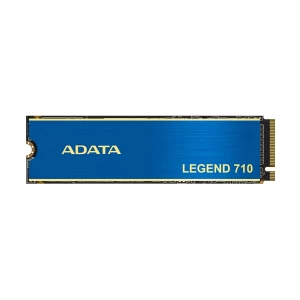
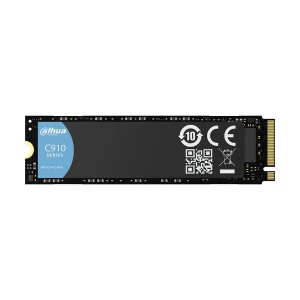
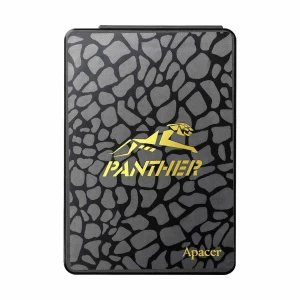
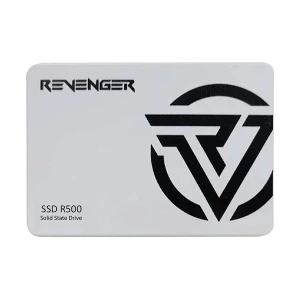
N.B. Image may differ with actual product's layout, color, size & dimension. No claim will be accepted for image mismatch.
Product Id:
Sort Options
Filter
