Features of Asus Designo MX27UCS Monitor In Bangladesh
ASUS Designo MX27UCS Eye Care Monitor - 27 inch ASUS Designo MX27UCS Eye Care Monitor - 27 inch, 4K, IPS, USB Type-C, Frameless, Flicker Free, Blue Light Filter, Anti Glare
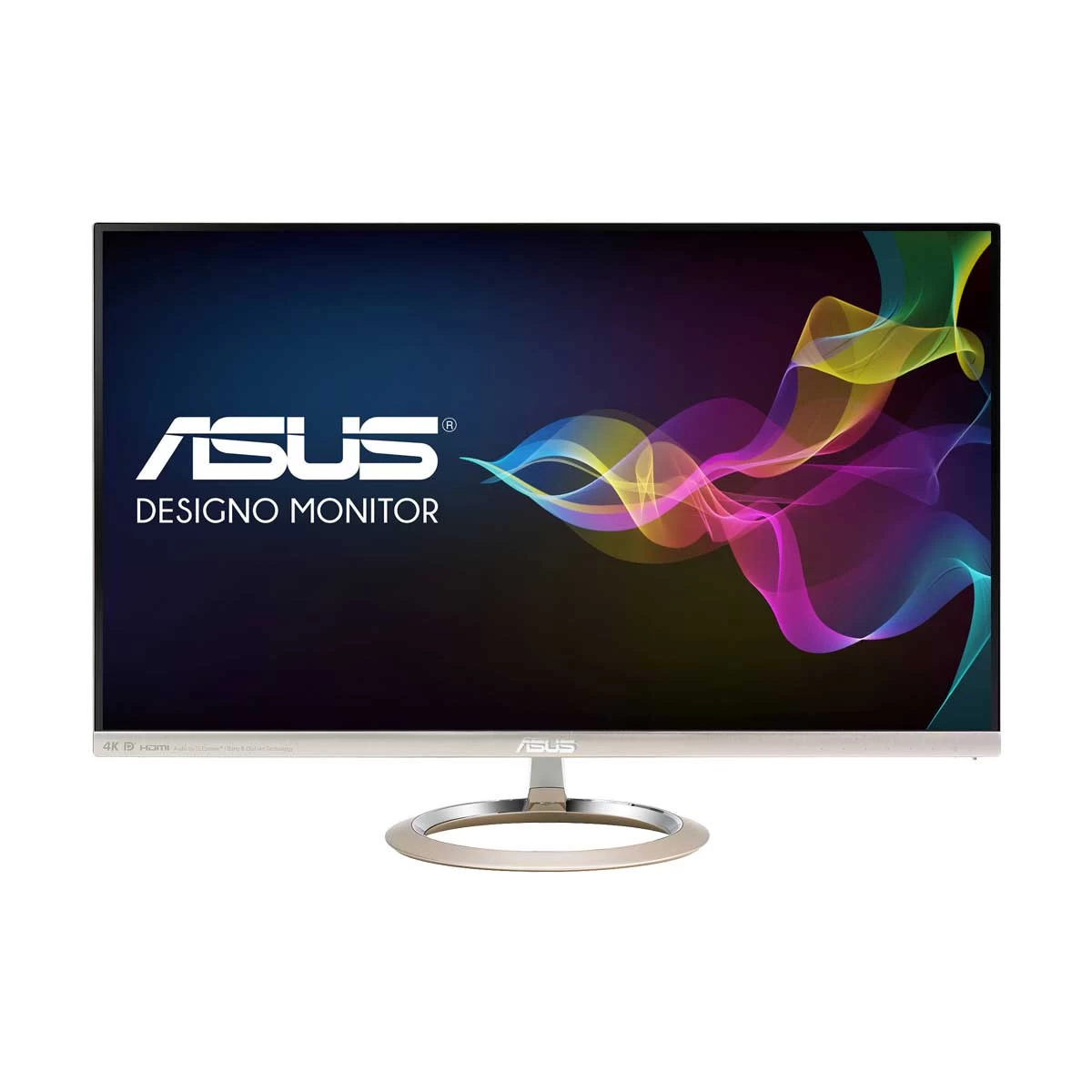
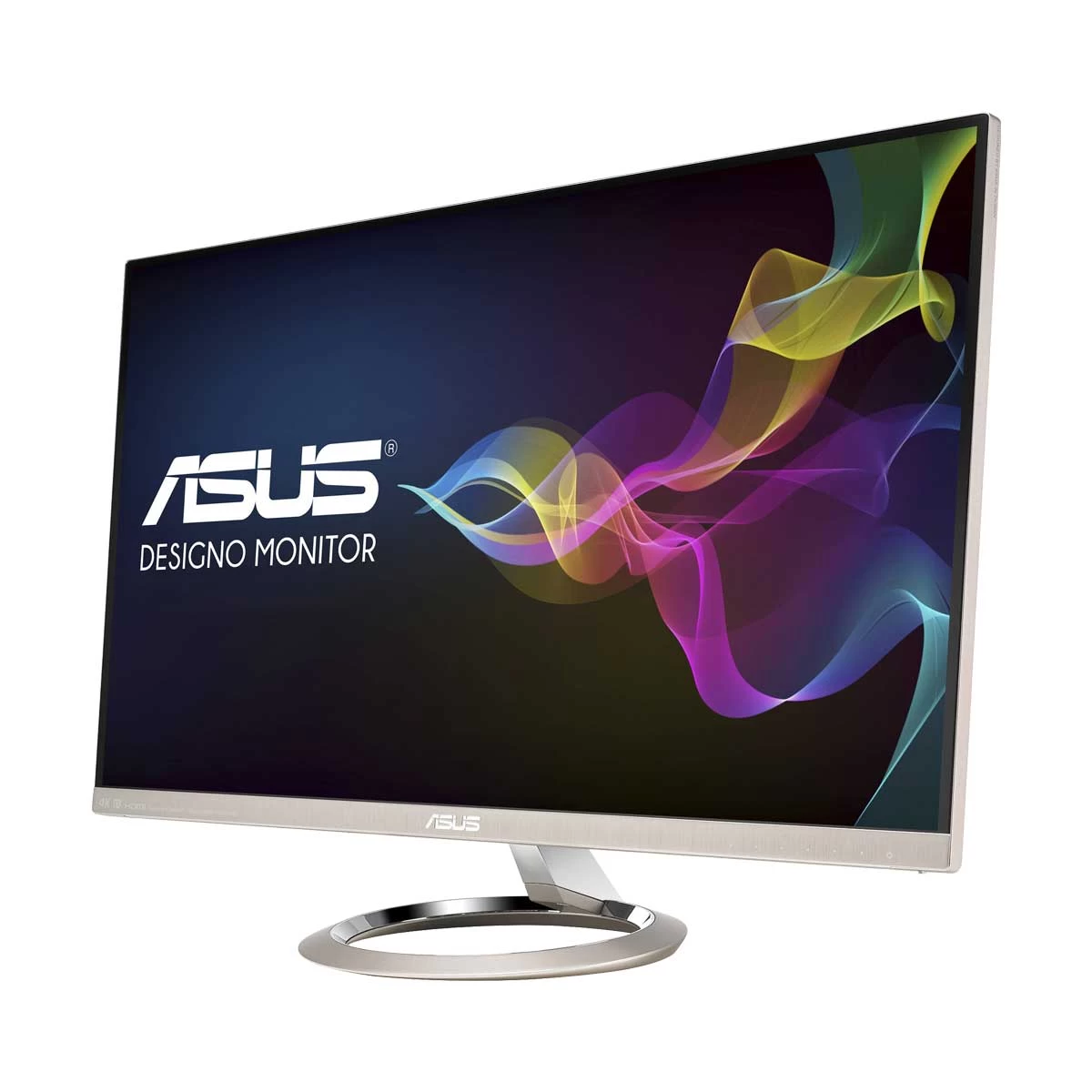
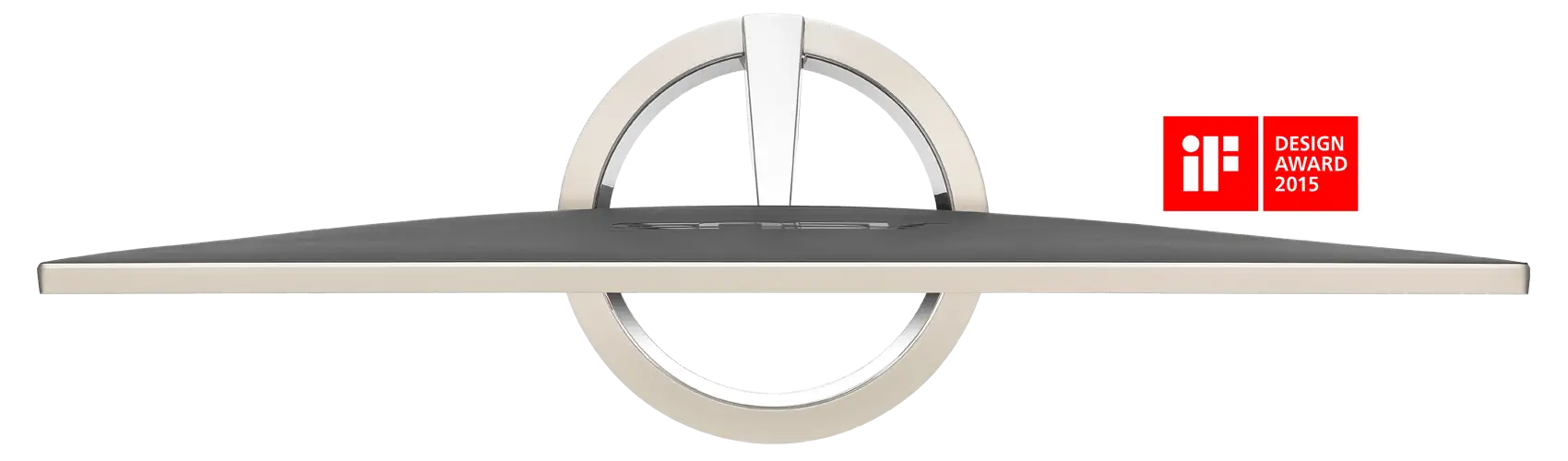
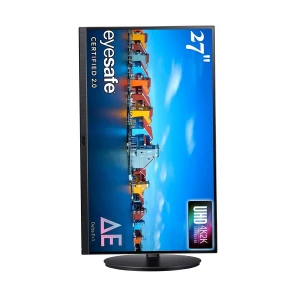
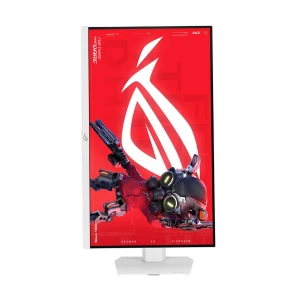
Designo MX27UCS delivers stunning 4K visuals, wide 100% sRGB color gamut, and IPS technology Classy frameless design with a brushed metal Icicle Gold finish blends well with any home or office setting Adopt USB Type-C port for power delivery, 4K video display and data transmission with single cable ASUS Eye Care monitors feature TÜV Rheinland-certified Flicker-free and Low Blue Light technologies to ensure a comfortable viewing experience Exquisite ultra-slim, frameless design ASUS Designo MX27UCS feels right at home in any living space, with a space-saving ultra-slim profile that measures just 1.25cm at its thinnest point. Like its contemporaries in the Designo MX family, Designo MX27UCS features an exquisite edge-to-edge frameless panel with a bezel measuring just 0.1cm thick.
A true work of art Through exquisite metal craftsmanship and an uncompromising attention to detail, Designo MX27UCS features iF award-winning design, simplistic classic lines, a sturdy sundial-inspired base stand, and an Icicle Gold finish.
See better with 4K UHD resolution Designo MX27UCS delivers 4K UHD (3840 x 2160 resolution) visuals with stunning levels of detail. With a pixel density of 163 pixels per inch, MX27UCS gives you sharper images with more details and textures. Having a higher pixel count also means more efficient multitasking, with Designo MX27UCS giving you up to 300% more onscreen space than a similarly sized Full HD display. Whether you're watching 4K UHD video streams online, or re-watching your own video clips, the Designo MX27UCS lets you fully enjoy them in all their glory.
Images are relatively blurrier
· Shows less detail and spacing with less room for work bars on the side
· MX27UCS gives 300% more onscreen space than a similarly sized Full HD display
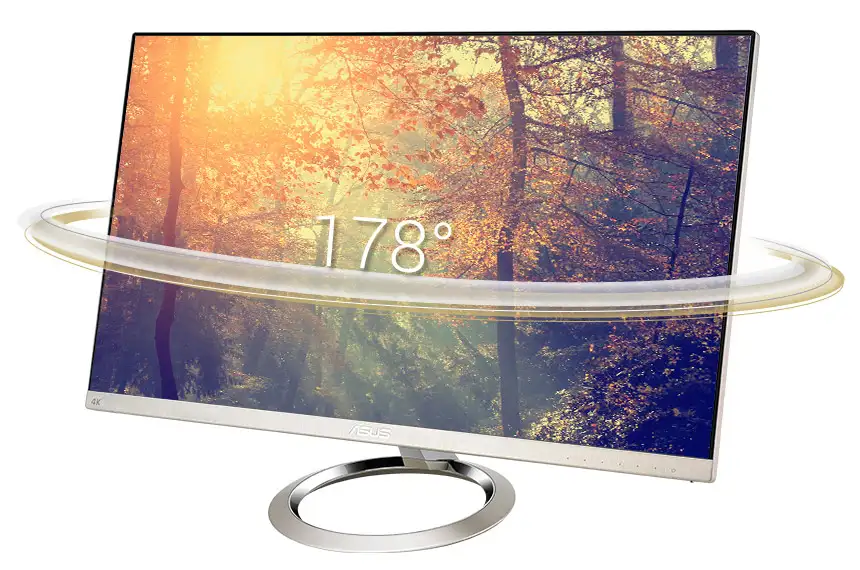
Stunning 178° wide viewing angles Designo MX27UCS has an advanced high-performance IPS panel that provides an astonishing 100,000,000:1 contrast ratio and 178-degree wide viewing angles. This LED-backlit display covers the entire sRGB color space — ensuring extremely accurate color reproduction for professional-grade photo and video editing, or for home entertainment.
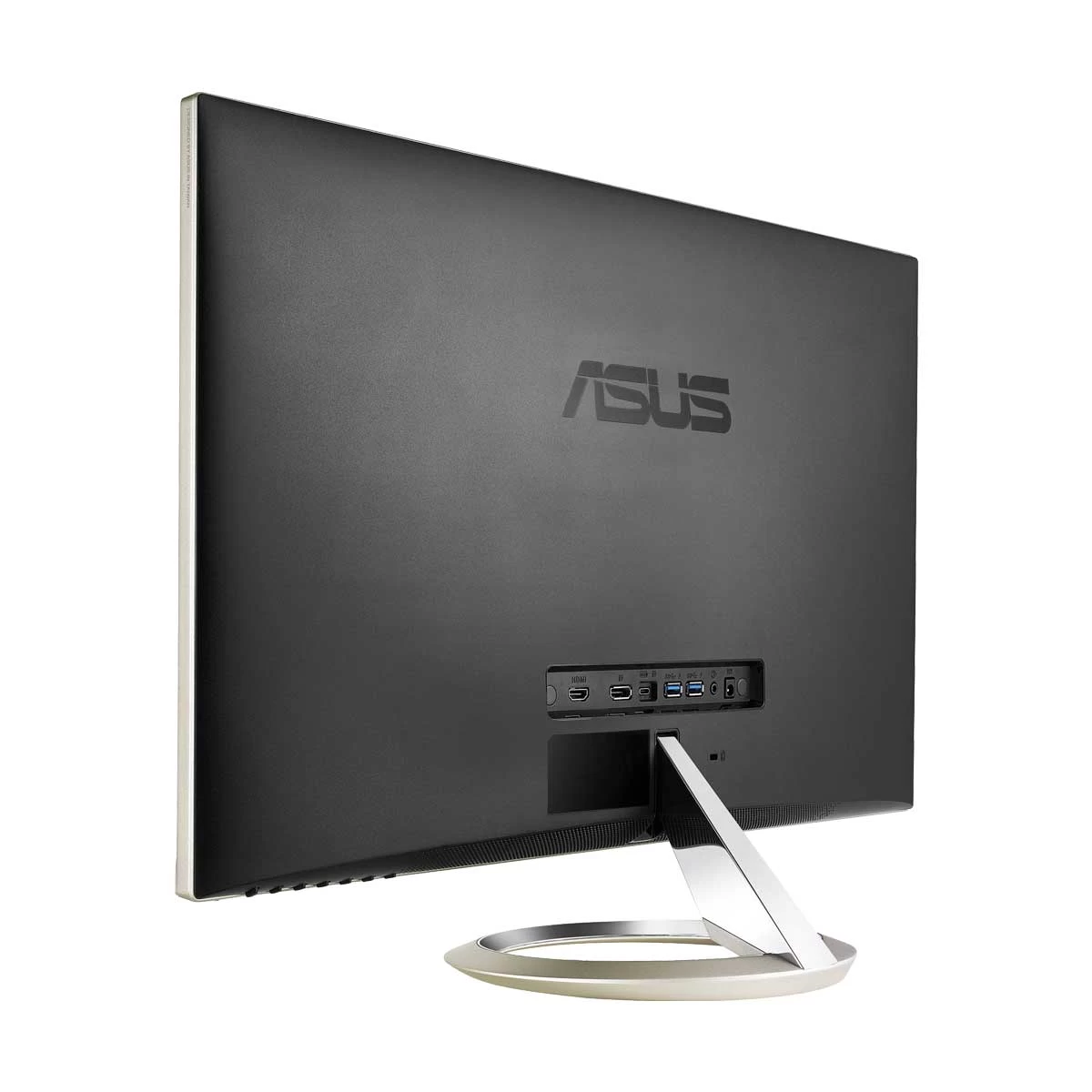
Extensive connectivity options for a multitude of multimedia devices Including USB Type-C for smooth 4K UHD content playback Designo MX27UCS gives you unparalleled compatibility with most multimedia devices. Its USB Type-C, DisplayPort and HDMI (v2.0) ports support 4K UHD content playback at 60Hz. The integrated USB Type-C port gives you data transfer speeds of up to 5Gbps, and provides power to charge laptops or mobile devices via a single cable*. MX27UCS also serves as a USB hub, meaning that when you connect to it via USB-C (using C to C cable, or C to A cable), your device gains access to whatever peripherals are connected to the two USB 3.1 ports.**
* Only for devices that support DP Alt mode.
HDMI (v2.0) DisplayPort USB Type-C USB 3.1 ports Audio Input Powerful, immersive audio To match those incredible visuals, Designo MX27UCS utilizes a combination of advanced audio hardware and professional audio processing with built-in 3-Watt dual stereo speakers for fully-immersive sound. ASUS SonicMaster audio technology refines every acoustic detail to deliver crystal clear sound with more distinct vocals, wide frequency range, and incredible audio fidelity.
Exclusive AudioWizard providesflexibility of preference Designo MX27UCS features ASUS AudioWizard for optimized audio settings to suit the task at hand. You can access its four pre-set modes via the onscreen display (OSD) menu.
Music Mode Enhances bass and gives you a wider audio range to bring your favorite songs to
Movie Mode Enhances vocals and overall audio for a true theater-like audio experience.
Gaming Mode Enhances in-game sound effects and vocals to add a new level of immersion to your gaming experience.
User Mode Manual mode allowing you to customize your preferred audio settings.
Protect your eyes with ASUS Eye Care technology Ultra-low Blue Light Monitor The TÜV Rheinland-certified ASUS Blue Light Filter protects you from harmful blue light, and you can easily access its four different filter settings via a hotkey. Designo MX27UCS has undergone stringent performance tests and has been certified by TÜV Rheinland laboratories, a global provider of technical, safety, and certification services, to be flicker-free and to emit low blue light levels.
Flicker-free Technology It's time to say goodbye to those tired, strained eyes. Designo MX27UCS features TÜV Rheinland-certified ASUS Flicker-Free technology to reduce flicker for a comfortable viewing experience. This technology helps minimize instances of eyestrain and other damaging ailments, especially when you spend long, countless hours in front of a display watching favorite videos.
Exclusive ASUS features for added versatility SplendidPlus™ Video Intelligence Technology Designo MX27UCS features ASUS SplendidPlus™ technology to provide you with optimized visuals by enhancing color brightness, contrast, and sharpness. It has eight preset modes (Reading, Darkroom, Scenery, Night View, Theater, Game, sRGB, and Standard) — allowing you to select the one that best suits the content you're currently viewing.
Standard sRGB Scenery Theater Game Night View Reading Darkroom QuickFit Virtual Scale A hotkey lets you preview your photos and documents on screen in their actual sizes prior to printing; it also provides you with an alignment grid to ensure everything is straight and true.
MultiFrame Management Software ASUS MultiFrame keeps your desktop neat and organized and allows you to manage multiple windows simultaneously.
ASUS GamePlus ASUS GamePlus enhances your gaming experience with additional in-game crosshair, timer functions and FPS counter. You get four different crosshair options to suit the game environment; while the latter keeps you aware of the elapsed time – especially useful in real-time strategy games. FPS counter* shows the rate at which frames are being drawn by the graphics card. You can access these GamePlus functions easily via the OSD menu.
What is the price of Asus Designo MX27UCS Monitor In Bangladesh? The price of Asus Designo MX27UCS Monitor not mentioned for stock unavailability.The price may vary due to your customization and product availability.
You can buy Asus Designo MX27UCS Monitor from our website or visit our showrooms nearby.