Choosing the right Smart TV today requires more than just comparing screen sizes. With rapid advancements in display technology, operating systems, audio enhancements, and smart features, buyers often feel overwhelmed. Based on years of experience helping thousands of customers choose the right Smart TV through Ryans Computers, this guide is designed to give you clear, practical, and trustworthy advice.
At Ryans, we consistently evaluate the latest Smart TV models from top brands, test their real-world performance, and compare features to help buyers make confident decisions. This article explains exactly how to choose a smart TV before buying—in simple language and backed by retailer-level experience.
How to Choose a Smart TV Before Buying
1. Decide the Ideal Screen Size Based on Room Setup
The right screen size significantly impacts your viewing comfort. Too small feels underwhelming; too large can cause eye strain. Use the table below to choose correctly.
For bright rooms, QLED performs better. For dark home theaters or movie lovers, OLED is unmatched.
3. Choose the Right Resolution for the Best Picture Quality
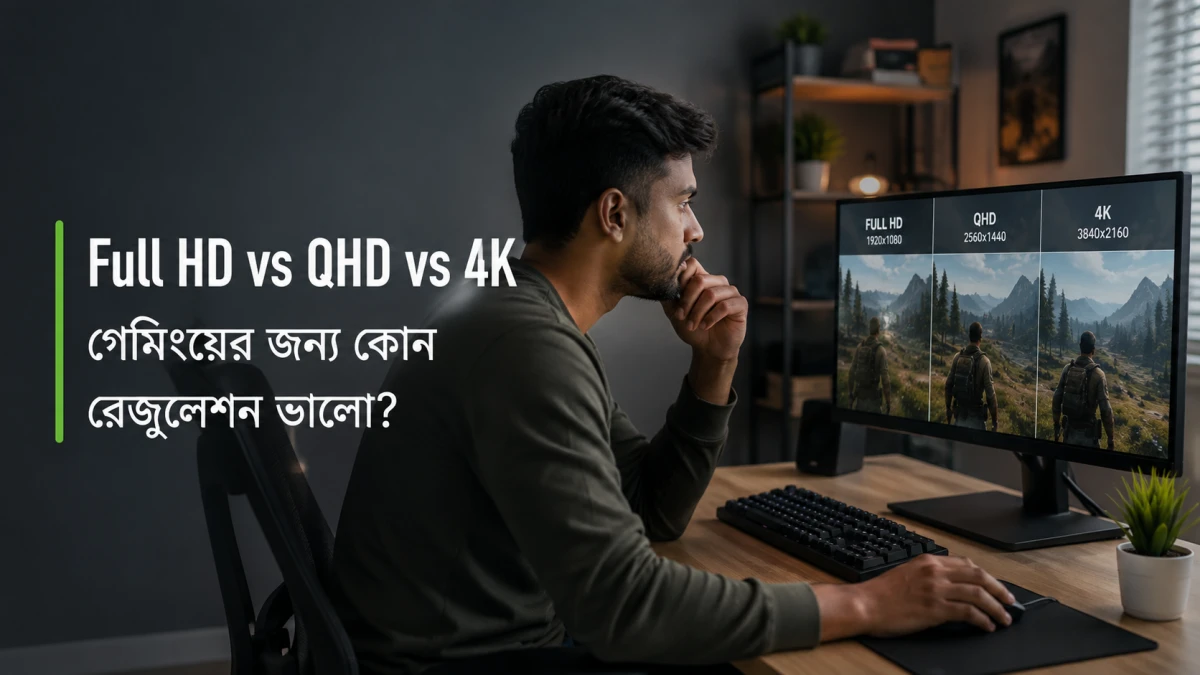
In 2025, the most practical and popular resolution is 4K. It gives sharp picture quality, vibrant colors, and a smooth viewing experience for movies, sports, and streaming. Full HD is still useful, but only for small rooms and smaller TVs such as 32-inch to 43-inch models. If you want modern picture quality, 4K is the best option because almost all new content is created in 4K.
For people who want the highest clarity and a future-ready TV, 8K is available, but 8K content is still limited. This makes 8K more suitable for premium users who want the latest technology. For regular streaming on platforms like Netflix, YouTube, Amazon Prime Video, or Disney+, 4K remains the most balanced and recommended choice.
4. Check the Operating System for App Support and Ease of Use
Smart TVs run on different operating systems, and each system offers a unique user experience. Google TV is one of the most organized platforms because it provides smart suggestions based on your viewing habits and makes content discovery easier.
Android TV is widely popular for its large app collection and flexibility. It allows users to install many apps and customize the interface according to personal preference. For people who want a clean and smooth layout, LG’s WebOS offers an easy-to-use interface that feels simple and responsive.
Samsung’s Tizen OS is known for its fast performance and strong security. It is stable, lightweight, and perfect for users who want quick navigation and a clutter-free design.
If you prefer more apps, more customization, and better personalization, Google TV and Android TV are the best choices. If you want a smoother and simpler interface, WebOS and Tizen are excellent options.
5. Consider Refresh Rate for Gaming & Smooth Motion
Refresh rate determines how smoothly motion appears on screen. Sports lovers and gamers should pay special attention.
Content Type
Recommended Refresh Rate
Regular TV shows & movies
60Hz
Gaming, sports, action movies
120Hz
For gaming consoles like PS5 or Xbox Series X, choose a TV with HDMI 2.1 + 120Hz support.
6. Evaluate Sound Quality (Don’t Rely Only on Display Specs)
Many ultra-slim smart TVs have limited speaker depth. Always check for sound technologies.
Smart TVs vary widely in price depending on screen size, display type, and brand reputation. The goal is not to buy the cheapest TV, but to choose the one that provides balanced performance, durability, and features.
Choosing a smart TV requires understanding size, display technology, resolution, OS features, audio performance, connectivity, and long-term reliability. With extensive experience in selling and reviewing Smart TVs, Ryans Computers makes it easier for you to select a model that fits your needs and budget.








Leave a comment