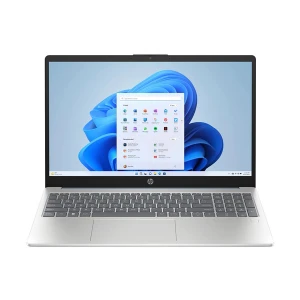
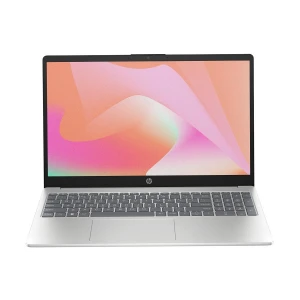
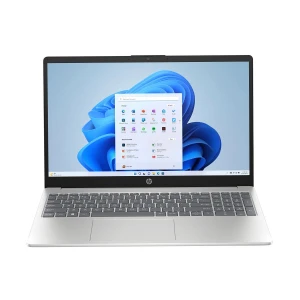
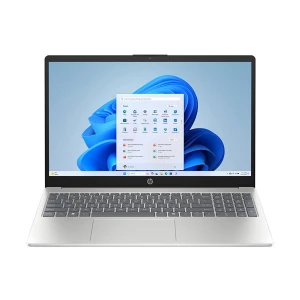

Laptop Series
Processor Brand
Generation
NPU
Display Size Range (Inch)
RAM
Hard Disk Drive (HDD)
Solid-State Drive (SSD)
Installed SSD Type
Installed SSD Generation
Graphics Memory
Panel Type
Display Refresh Rate
Display Resolution Range
Display Resolution
Touch Screen
RAM Type
Empty/Expansion RAM Slot
Max. RAM Support
HDD Expansion Slot
M.2/SSD Expansion Slot
Storage Upgrade
LAN
Keyboard Back-lit
Finger Print Sensor
Operating System
Licensed Application
Weight Range (Kg)
Warranty
HP laptop price in Bangladesh varies based on series, processor, RAM, SSD, display size, graphics, and warranty type. This category page is for buyers who are comparing HP laptops before purchase and want to understand why one model costs more than another.
When checking HP laptop prices, the main things to focus on are the processor generation, memory capacity, storage type, screen size, build quality, battery backup, graphics option, and official warranty. Popular HP laptop series in Bangladesh include HP 14, HP 15, Pavilion, ProBook, EliteBook, Victus, OMEN, and ZBook.
Before choosing an HP laptop, it helps to focus on the features that actually affect daily use. Things like the laptop series, performance, RAM, storage, display quality, and budget all play an important role in helping you find the right one.
These are the more common everyday HP laptops. They are usually suitable for students, home users, and general office work, especially when the goal is to get a practical laptop for regular use without spending too much.
Pavilion is a more balanced mainstream series for buyers who want something better than entry-level. It usually offers a more polished design, better displays, stronger everyday usability, and a more complete experience for work and entertainment.
OmniBook is better suited to buyers who want a more premium consumer laptop with a modern design, better portability, and in some cases more flexible usage. It appeals more to users who care about design, display quality, and overall refinement.
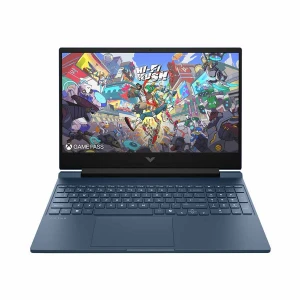
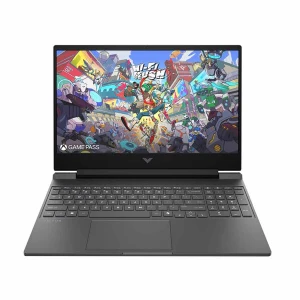
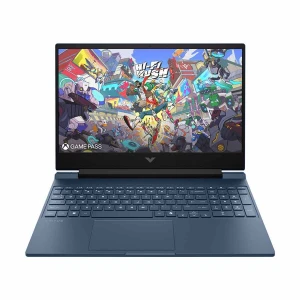
Victus is HP’s gaming-focused lineup. It is the more natural choice if you want dedicated graphics, stronger gaming performance, and a laptop built for heavier workloads beyond standard everyday use.
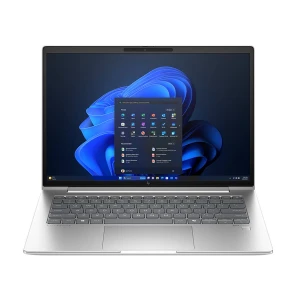
These series are better suited to office, business, and professional users. ProBook is usually the more practical business choice, while EliteBook sits higher with a more premium business feel, stronger design, and greater professional appeal.
ZBook is HP’s workstation family. It is more appropriate for users who need serious performance for design, engineering, advanced editing, rendering, or other demanding professional tasks.
Do not make your decision based on the processor name alone. Think about what you actually do every day. Basic tasks can be handled easily by lower-end processors, while heavier multitasking, creative software, and demanding workloads usually need stronger options.
For most buyers, 8GB RAM with SSD storage is the most practical place to start. If you multitask heavily or plan to do more demanding work, 16GB RAM is usually the more comfortable option.
Display quality affects comfort more than many buyers expect. If the laptop will be used for long hours of study or office work, the screen should feel comfortable to look at for extended periods.
If you use the laptop every day, keyboard comfort, durability, and portability become important. Students may care more about easy carrying, while office and business users often care more about typing comfort and long-session usability.
A laptop should match your practical needs, not just look good on paper. It is worth checking for USB ports, Type-C, HDMI, Wi-Fi performance, webcam quality, and other features that affect day-to-day use.
If you travel often, work from different places, or attend classes regularly, battery life and portability become more important than many buyers expect. A powerful laptop is useful, but not if it becomes inconvenient to carry or use away from a charger.
Here is a simplified comparison to help buyers understand how HP generally stands beside other popular laptops in Bangladesh.
| Brand | Often Best For | Typical Strengths | What to Check Carefully |
|---|---|---|---|
| HP | Students, office users, business buyers, gamers, creators | Wide lineup across everyday use, business, gaming, and workstation segments | Choose the right HP series first, because entry-level and premium HP laptops serve very different needs |
| Dell | Office work, business use, home users | Strong reputation in office and business segments, dependable mainstream lineup | Compare display quality and build carefully across different series |
| Lenovo | Students, office users, business buyers, creators | Broad lineup with strong everyday, business, and performance options | Series differences are large, so compare model by model instead of judging by brand alone |
| ASUS | Mainstream users, students, creators, gamers | Strong balance across everyday laptops and gaming models | Check thermals, display quality, and model positioning carefully |
| Acer | Budget buyers, students, gamers | Competitive pricing and strong value in many entry-level and gaming segments | Lower-priced models may vary more in display and build quality |
| Apple | Premium users, creators, professionals | Strong battery life, display quality, ecosystem, and premium experience | Better suited to users who specifically want macOS and Apple workflow integration |
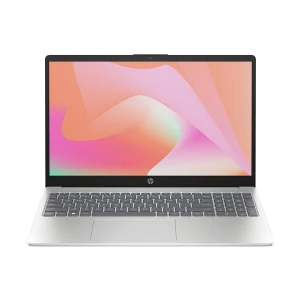
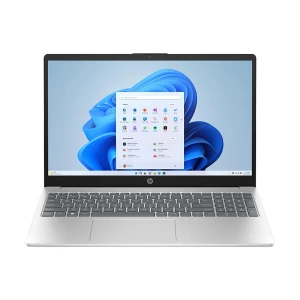
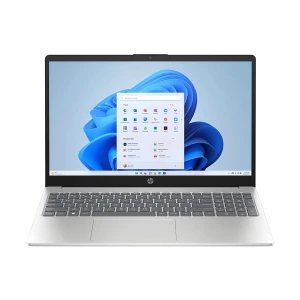
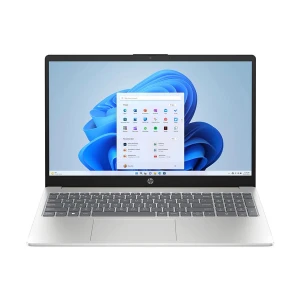
N.B. Image may differ with actual product's layout, color, size & dimension. No claim will be accepted for image mismatch.
Product Id:
Sort Options
Filter
