
Chipset Brand
Case Type
PSU Category
Size
Style & Size
Connection Type
RAM Type
Read Speed (CD)
Speed Control
Read Speed (DVD)
Supported Motherboard Type (Max.)
Number of Pin
Write Speed (CD)
LED Light
2X Click
Language
LED Display
Click Sound
Fuse
Fan Size
Memory Slot
Stabilizer
Mechanical (Key)
LED Lighting
Optical Drive Bay
Optane Memory Support
Blade Qty
VGA Port
DVI Port
Over Voltage Protection (OVP)
Power Supply (Built-In)
HDMI Port
Over Power Protection (OPP)
Display Port
Number of Strips
Over Temperature Protection (OTP)
Short Circuit Protection (SCP)
Under Voltage Protection (UVP)
Multi Display Capability
WiFi
Transparent Side Window
CrossFire Support
Remote Control.
Sli Support
Supported CPU Socket Brand
Thunderbolt
RGB Support
Desktop components are PC components that are used for building/assembling a PC. You may create a bespoke desktop computer by choosing the PC components, such as the processor, motherboard, case, RAM, SSD, and other PC parts according to your preferences and needs.
Given that the CPU affects most of your component choices, we advise starting there. What CPU you select will determine your motherboard, RAM requirements, and even if you need a graphics card. The first and most crucial step in creating a PC is deciding whether to use an Intel or AMD CPU.
We have a thorough guide for selecting PC components! This manual will go through every component needed to build a PC as well as what to look for when purchasing them. To briefly go through the essentials, your PC construction will consist of the following main components:
The central processing unit (CPU)
Although not strictly necessary, you'll likely need the majority or all of these peripherals to use and enjoy your PC:
The motherboard's vital heart is its processor. There are two different types of processors available. One is AMD Ryzen, and the other is Intel. Manufacturer differences affect the sockets. The socket and motherboard must be compatible.
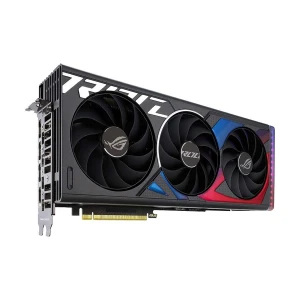
GPU is a crucial component of extremely productive operations. The main jobs that require an integrated or specialized graphics card include 3D animation, graphics design, video editing, and gaming. Check the compatibility of the PCI express slot with the motherboard before buying a GPU.
All of a desktop computer's internal components are carried by the casing. So it makes sense to choose your shell based on the motherboard's form factor. The form factors for the motherboard and casing are ATX, mini ATX, micro ATX, and ITX.
Yes! You heard correctly! The essential part of every computer component is motherboard. Before choosing other PC components, you must follow the motherboard's slots and sockets.
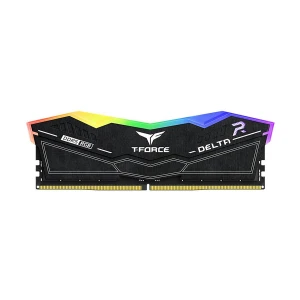
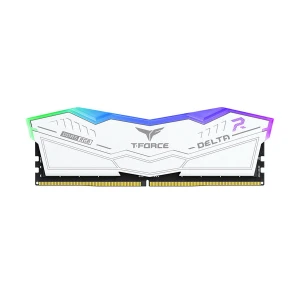
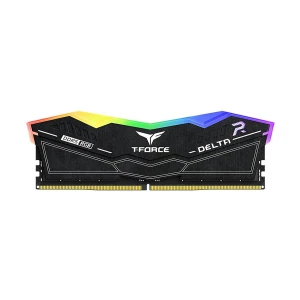
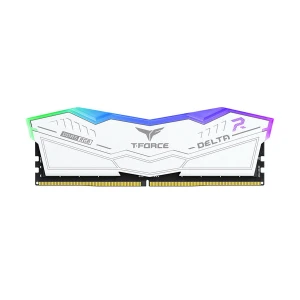
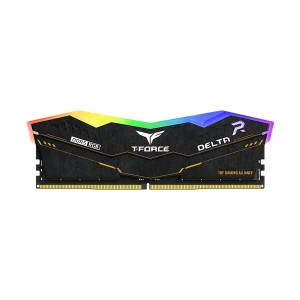
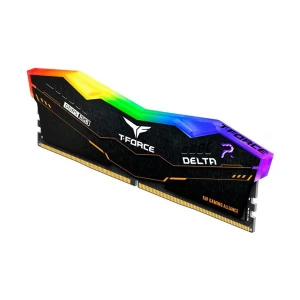
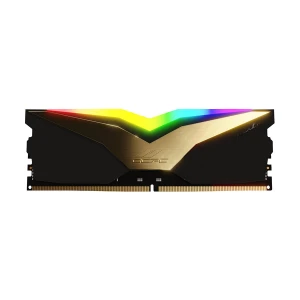
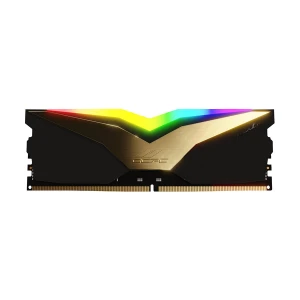
The temporary data storage option for PC construction is desktop RAM. Additionally, it is known as system memory. When choosing a component, bus speed and size are important.
The PC building's permanent storage solution consists of HDD and SSD. When choosing an HDD, the form factors of 2.5 and 3.5 inches are taken into account. For SSDs, interface, and form size are important as well.
A computer's power is directly proportional to how many watts it can deliver to its parts. The GPU's power requirements determine the PSU's wattage.
Bangladesh has access to a variety of computer monitor types, including CRT, LCD, LED, OLED, and Plasma. However, LCD and LED displays are the most widely used varieties. Make sure your PC has a VGA or HDMI connector before you buy a monitor so you can connect it.
Everywhere in the world, keyboards have the same letter configuration. The QWERTY keyboard is what it is known as.
With a mouse, we can do a plethora of things, like pointing and clicking on things on the screen, selecting and moving files and data, dragging and dropping, launching applications and shortcuts, opening files, scrolling web pages, and more. Using a computer would have been much more challenging without a mouse. Thankfully, Bangladesh has all different kinds of mice.
The desktop component's sound system includes a speaker. When selecting a speaker, factors like USB, AUX, Bluetooth, and 3.5 mm ports are taken into account.
What part should I use as my first purchase while building a computer?
Given that the CPU affects most of your component choices, we advise starting there. What CPU you select will determine your motherboard, RAM requirements, and even if you need a graphics card. The first and most crucial step in creating a PC is deciding whether to use an Intel or AMD CPU.
If you are looking for a Desktop Component that can fulfill your requirements, the Desktop Component is a great option. Shop for the Desktop Component today at Ryans Computers Limited. We offer a wide variety of Desktop components to choose from, and Our friendly and knowledgeable staff can help you find the perfect one for your needs.
We also offer easy payment methods both in branches and online stores. From COD to debit/credit card payment, bKash/Rocket/Nagad/OK wallet options are also available for customers. You can avail of EMI facilities through credit card at any of our branches.
Visit our website or one of our showrooms to learn more about Desktop Components and to place your order. We also offer free shipping in the Dhaka, Chattogram, Khulna, Rajshahi, Rangpur, Bogura, Mymensingh, Sylhet, Jashore, and Barishal metropolitan areas and very fast delivery anywhere in the country, so you can get your Desktop Component without worrying about shipping.
| Product Name | Taka/BDT |
|---|---|
| Transcend 110S 512GB M.2 2280 PCIe SSD | 12,999 |
N.B. Image may differ with actual product's layout, color, size & dimension. No claim will be accepted for image mismatch.
Product Id:
Sort Options