
Series
Shape
Panel Surface
Display Size Range (Inch)
Panel Type
Touch Screen
Response Time Range (ms)
Borderless
DVI Port
VGA Port
HDMI Port
DisplayPort (DP)
Mini DisplayPort
USB Type-A
USB Type-B
USB Type-C
Thunderbolt
Speaker (Built-in)
Rotatable
Warranty
A monitor is one of the most important display devices for desktop PC users, and it is also useful for laptop users who need a second screen for multitasking, remote work, design, trading, coding, presentations, or entertainment. It is commonly used for office work, study, freelancing, programming, gaming, content creation, and everyday media use.
At Ryans, you can explore monitors in different sizes, resolutions, refresh rates, panel types, and brands to match different needs and budgets.
Different types of monitors are available in Bangladesh for different needs. A regular monitor is suitable for office work, study, browsing, and basic media use. A gaming monitor is better for buyers who want smoother visuals and faster response. A curved monitor gives a more immersive viewing experience, while a professional monitor is more suitable for design, editing, and color-focused tasks.
A Full HD monitor is one of the most practical choices for regular users. It is suitable for office tasks, online classes, browsing, media watching, and everyday desktop use. Buyers who want a simple and dependable display often start with this type.
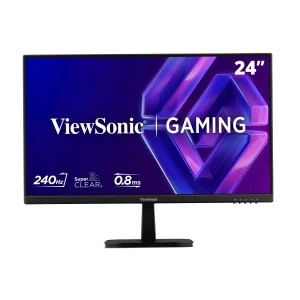
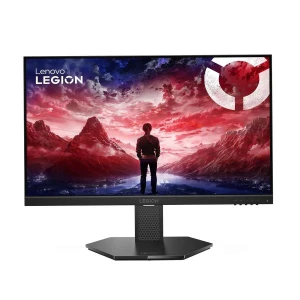
A gaming monitor is more suitable for users who want smoother motion, higher refresh rate, and better responsiveness during gameplay. It is a practical option for people who play competitive games or want better motion clarity in fast-moving scenes.
A curved monitor is useful for buyers who want a more immersive viewing experience. It is especially popular for gaming, entertainment, multitasking, and wider-screen setups. Many users also prefer curved displays for a more engaging desktop environment.
A professional monitor is better for users who want stronger color accuracy, sharper resolution, and a more work-focused display for editing, designing, and content creation. It is suitable for users who need better visual precision for creative tasks.
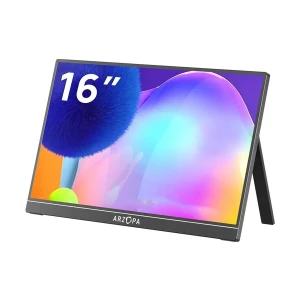
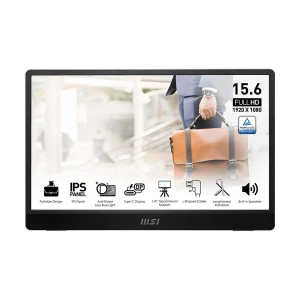
Portable monitors are a practical choice for users who need an extra screen for travel, remote work, study, presentations, or flexible workspace setups. It is especially useful for laptop users who want a second display without carrying a full-size monitor.
Recommended: Arzopa Z3FC 16.1 Inch Portable Monitor
A touch monitor is suitable for users who prefer interactive control for commercial use, POS setups, education, design, or presentation environments. It can also be useful for users who want more direct screen interaction in specific workflows.
Recommended: ASUS VT229H 21.5 Inch Full HD IPS Touch Monitor
Some monitor features matter more depending on how you plan to use the display every day. Resolution affects screen sharpness and workspace, refresh rate affects motion smoothness, Eye Care features improve long-session comfort, and ergonomic adjustment helps you set a better viewing position.
SHARP
Up to HD monitors are suitable for basic display needs like CCTV, POS, browsing, or secondary screen use. Full HD, also called FHD or 1080p, is practical for office work, study, online classes, movies, and regular home use. For sharper visuals, 2K QHD, QHD, WQHD, and 1440p usually refer to the same 2560 x 1440 resolution class. It is useful for 27 inch monitors, multitasking, spreadsheets, coding, gaming, editing, and creative work.
WORKSPACE
WQHD means Wide Quad HD, while UWQHD means Ultra-Wide Quad HD. These monitors give more horizontal space than regular displays, so users can open more windows side by side. 2K UWQHD and 3K WQHD monitors are useful for video editing timelines, coding, trading dashboards, wide spreadsheets, multitasking, and immersive gaming. 5K DQHD gives an even wider workspace, similar to using two QHD monitors side by side.
PRO
UHD means Ultra HD. A 4K monitor, also called 4K UHD, is useful for sharper detail, larger screens, editing, design, and premium entertainment. A 5K monitor can include 5K UHD for high clarity or 5K DQHD for a wider workspace. A 6K monitor, also called 6K UHD, is mainly for advanced editing, studio work, color-critical production, and professional creative use.
Refresh rate affects how smoothly a monitor shows motion on screen. At the moment, 100Hz is a practical starting point for comfortable everyday use, while 144Hz or above makes more sense for gaming and faster visual work.
An Eye Care monitor is practical for users who spend long hours in front of the screen for office work, study, browsing, and regular use. Features like low blue light and flicker-free viewing help improve comfort during long sessions.
Height adjustment, tilt adjustment, swivel adjustment, and rotation adjustment are useful for users who want better comfort and a more ergonomic viewing position. These features are especially practical for office users, remote workers, and anyone who spends long hours at a workstation.
Size affects comfort, desk space, and the way you use your screen every day
21 inch monitors are a good choice for basic office work, study setups, online learning, and everyday computing, especially for users who have limited desk space and prefer a compact, efficient display.
A 24 inch monitor is a practical choice for regular users, offering a balanced mix of screen space and usability. It is well suited for office work, study, browsing, and everyday productivity without taking up too much desk space.
27 inch monitors offer a better experience for multitasking, spreadsheets, content creation, gaming, and anyone who wants more screen space for everyday work and entertainment.
32"+ monitors are ideal for immersive entertainment, larger workspaces, and users who want a stronger visual presence in their setup. They are also a great choice for multitasking, creative work, and premium viewing comfort.
Choose based on desk space and daily use. Around 23.8-inch to 24-inch is a practical starting point for most users.
Full HD is enough for regular use. Compare 2K or 4K if you want sharper visuals and more workspace.
Standard refresh rate is fine for office work, but 100Hz and above feels smoother. For gaming, 144Hz or more makes better sense.
Eye Care features and ergonomic stand adjustments are practical if you spend long hours at a desk.
Start with size, then compare resolution, refresh rate, panel type, and ports. These are the main features that affect everyday use and long-term satisfaction. If you need a broader overview before deciding, you can also check our monitor buying guide to choose the right monitor for your needs.
Popular monitor brands in Bangladesh across regular use, gaming, and professional needs
↗
ASUS monitors are a practical choice for buyers who want gaming monitors and Eye Care-focused displays. They are suitable for users who want smooth visuals, modern design, and reliable performance for regular use as well as gaming.
BenQ monitors are a practical option for office work, professional use, and buyers who want Eye Care features with dependable display quality. They suit users who need comfort for longer screen sessions.
Dell monitors are suitable for users who want simple, professional, and work-focused displays for office and home productivity. It is a dependable choice for business users and regular desktop setups.
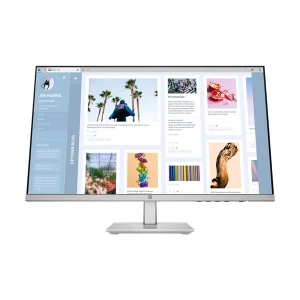
HP monitors are suitable for office work, study, and regular productivity. They are a practical choice for buyers who want dependable performance and common connectivity features.
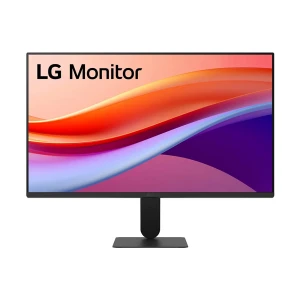
LG monitors are popular among users who want IPS displays, larger screens, and a good balance of color quality, design, and usability for regular or professional use.
Samsung monitors are a good choice who want curved monitors, modern design, and a strong display experience for entertainment, multitasking, and gaming.
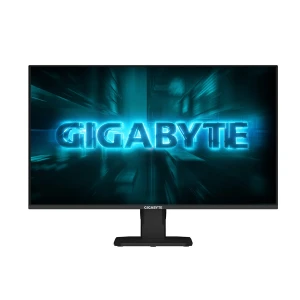
Other brands monitors are also available at Ryans, including Acer monitor, Apple monitor, Arzopa monitor, AOC monitor, Dahua monitor, Gigabyte monitor, Hikvision monitor, Lenovo monitor, MSI monitor, Philips monitor, Value Top monitor, ViewSonic monitor, Xiaomi monitor, and more.
Bangladesh's most trusted tech retailer since 2000.
Along with monitors, Ryans is also a trusted destination for related categories such as desktop PC, Gaming Monitor, monitor accessories, PC components, gaming products, and other tech essentials.
N.B. Image may differ with actual product's layout, color, size & dimension. No claim will be accepted for image mismatch.
Product Id:
Sort Options
Filter
