Monitor Buying Guide in Bangladesh – Choose the Right Display for Work, Gaming & Design
Buying a monitor in Bangladesh is easier when you focus on how you will actually use it every day. A student usually needs a comfortable screen for study, assignments, and online classes. An office user wants sharp text, dependable ports, and something reliable for long working hours. Programmers often prefer more screen space and better eye comfort, while gamers focus on smooth motion and faster refresh rates. Designers and editors care more about color quality and detail. No matter the user type, most people want the same basic things: good picture quality, long-lasting performance, and a monitor that feels worth the money.
The most value-focused monitors are 21.5-inch to 24-inch Full HD models, and 100Hz has become much more common even in budget and mid-range options. For most users, a good monitor is not the most expensive one. It is the one that fits in the desk, daily workload, and most importantly the budget without creating problems later.
This guide will help you understand what really matters before buying a monitor, what features are worth paying for, and which specifications you can safely skip.
How to Choose the Right Monitor for Your Use Case
Before buying, think what will you use it for the most?
For office work, study, browsing, and online meetings, a Full HD display with an IPS panel is usually the safest choice. It gives better viewing angles, clearer text, and more natural colors for everyday work. Features like flicker-free, low blue light, eye care, and an anti-glare screen also matter if you spend long hours in front of the display.
For gaming, the priorities change. A gamer should look more closely at refresh rate, response time, and sync technology. 144Hz, 165Hz, 180Hz, and 240Hz monitors are popular for competitive gaming, while 120Hz can also be useful for console-focused users. Support for FreeSync, G-Sync Compatible, or Adaptive Sync helps reduce screen tearing and makes gameplay feel smoother.
For design, editing, and creative work, resolution and color matter more. A monitor with strong sRGB coverage, good color accuracy, and higher resolution like QHD/2K or 4K UHD is usually a better fit. More ports such as DisplayPort and USB-C are also useful for modern laptops and workstations.
For CCTV, security monitoring, and long-hour commercial use, buyers often care more about durability, stable connectivity, and stock availability than premium color performance. In these cases, practical features like HDMI, VGA, and long daily operating reliability become more important.
For general home use, the best choice is usually a balanced monitor with Full HD, 75Hz or 100Hz, simple ports, and a size that fits comfortably on the desk.
What Monitor Size Is Best
Monitor size should match both your use case and your desk space.
19–22 Inch
A 19-inch to 22-inch monitor works well for compact desks, basic office tasks, and buyers who want an affordable setup. It is also a good option as a secondary display beside a laptop or a larger main monitor.
A 23.8-inch to 24-inch monitor is the sweet spot for most users in Bangladesh. It gives enough screen space for office work, study, browsing, spreadsheets, and coding without overwhelming a normal desk. This size is especially practical for apartments, student rooms, and office tables.
A 27-inch monitor is better for multitasking, gaming, and creative work. If you regularly open multiple windows side by side, edit photos, or want a bigger screen for gaming, 27-inch can feel much more comfortable. But at this size, resolution matters more. A 27-inch Full HD monitor can still be fine for many users, but QHD/2K often looks sharper.
A 32-inch monitor or larger is more suitable for immersive gaming, large spreadsheets, video editing, and premium entertainment. Many users also move to this range when they want a more cinematic experience.
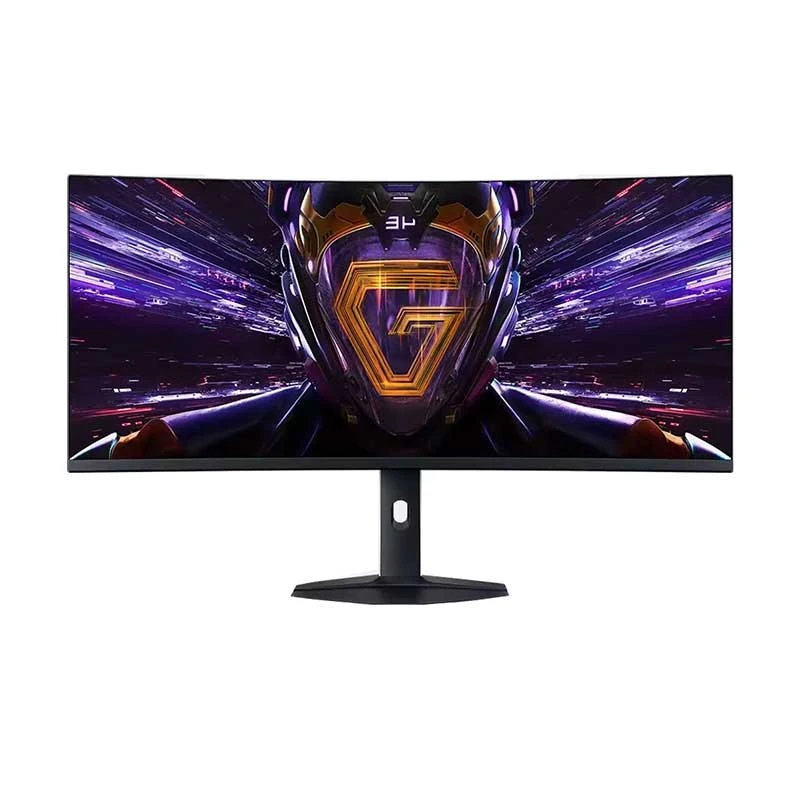
Ultrawide monitors are ideal for multitasking, timeline-based editing, trading, and users who want to replace a dual-screen setup with one large display.
As a practical rule, if your desk is small or shallow, 22-inch to 24-inch is usually the safest fit. If your desk is deeper and you need more working area, then 27-inch or larger makes more sense.
Resolution affects sharpness, workspace, and how clear text and images look on screen.
HD is only worth considering for very basic use or extremely budget-conscious setups. For most desktop users today, HD feels limited.
Full HD remains the most practical resolution for buyers in Bangladesh, especially on 21.5-inch to 24-inch monitors. It is sharp enough for office work, study, coding, media use, and even many gaming setups.
QHD/2K is a strong upgrade for 27-inch monitors or for people who want more workspace and sharper visuals. It is especially useful for multitasking, spreadsheets, programming, and creative work.
4K UHD is best for designers, editors, premium users, and those who want maximum screen detail. It becomes more useful on larger displays such as 27-inch, 32-inch, and above. It is also a good choice for users who want to keep many windows open at once.
In simple terms:
22-inch to 24-inch: Full HD is usually enough
27-inch: QHD is the stronger long-term choice
32-inch and above: QHD minimum, 4K if your budget and hardware support it
IPS vs VA vs TN Panel - Which One Is Best
IPS panels are the most versatile, offering wide viewing angles and accurate color. They are perfect for office work, content creation, and programming. VA panels provide strong contrast, making them ideal for watching movies or gaming in dark rooms. TN panels are budget-friendly with fast response times, suitable for legacy systems or speed-focused gaming.
Panel Type
Ideal User
Picture Quality
Viewing Experience
Gaming Performance
Recommended For Most BD Buyers?
IPS
Students, office users, programmers, designers
Sharp and color-accurate
Wide-angle and comfortable
Good to very good
Yes
VA
Movie lovers, home users, casual gamers
Deep contrast and richer blacks
Good, especially in darker rooms
Good
Yes, if contrast matters more
TN
Competitive gamers on a tight budget
Basic image quality
Limited side viewing
Very fast
Only for niche speed-first needs
Not sure which panel fits your needs? Read our Monitor Panel Types Explained guide to understand the differences between IPS, VA, TN, OLED, and QD-OLED before choosing your monitor.
What Refresh Rate and Response Time Do You Actually Need
Refresh rate affects how smooth movement looks on screen.
For regular office use, study, and browsing, 60Hz is still usable. 75Hz feels a little smoother, and 100Hz has now become one of the best value features in the Bangladesh market. Many buyers notice that scrolling, moving windows, and everyday use feel more comfortable on a 100Hz monitor.
For gaming:
120Hz is useful for users who want smoother gameplay than standard 60Hz
144Hz is a strong starting point for serious PC gaming
165Hz and 180Hz are popular upgrades for competitive players
240Hz is more for enthusiasts and esports-focused setups
Response time tells you how quickly pixels can change. A 1ms panel is especially attractive for fast-paced gaming, while 5ms is still perfectly fine for office work, study, design, and general use. Most regular users do not need to chase the lowest response time.
In practical terms, 100Hz + 5ms is already a very good combination for regular users, while gamers should start looking more seriously at 144Hz, 165Hz, or 180Hz depending on budget.
Adaptive Sync: FreeSync and G-SYNC Compatible
If you are buying for gaming, variable refresh rate support is worth checking.
AMD says FreeSync uses industry-standard variable refresh protocols over HDMI and DisplayPort to reduce tearing, stutter, and input latency. NVIDIA’s G-SYNC was built for the same basic goal: synchronizing monitor refresh with GPU output for smoother gameplay.
The practical takeaway is simple:
If you game, VRR support is useful
If you do not game, it should not be a buying priority
Do not overpay for premium sync branding if the rest of the monitor is average
Ports and Connectivity
Ports matter more than many buyers expect and most importantly port version controls how much data can pass.
HDMI Ports
HDMI is now the most common and practical option for connecting desktops, laptops, TV boxes, and consoles. VGA is still important in Bangladesh because many office desktops, older PCs, and budget systems still rely on it. That is why a monitor with both HDMI and VGA is often a very practical choice.
DisplayPort is more useful for gaming PCs and higher refresh rate setups. If you want the best experience from a gaming monitor, DisplayPort is often worth having. Remember, DisplayPort 1.4 144Hz+ / 2K / 4K smooth
USB-C Ports
USB-C is becoming more important for modern laptops, creative professionals, and cleaner desk setups. It is especially useful if you want easy connectivity with fewer cables.
Other Ports
An audio output, headphone out, or audio jack can also be helpful for meetings, casual media use, and connecting speakers or headphones directly from the monitor.
Before buying, always check whether the monitor ports match your desktop, laptop, console, or CCTV system.
Comfort and Ergonomics Matter More Than Many Buyers Expect
A monitor is not just a screen. It is part of your workstation.
OSHA and Mayo Clinic both recommend placing the monitor directly in front of you, about 20 to 40 inches away, with the top of the screen at or slightly below eye level. That means stand adjustability is not a luxury if you work for long hours. It is a comfort feature with real value.
Tilt is the minimum. Height adjustment is much better. Swivel and pivot become useful if you work with multiple screens, portrait documents, long code files, or spreadsheets.
Eye-care features also matter, though they should be viewed realistically. Flicker-free and low blue light settings can help improve comfort during long sessions, but they do not compensate for poor monitor placement, excessive glare, tiny text, or bad posture.
A monitor arm or VESA mount can make a big difference if:
your desk is shallow
you want better posture
you plan to add a second screen later
HDR, Color Gamut, and “Creative Monitor” Marketing
This is one area where buyers often overspend because the labels sound better than the real experience.
If your work is mostly web graphics, regular photo editing, and general content creation, strong sRGB coverage is a practical baseline because sRGB remains the standard color space for most web and standard desktop content.
If you see “HDR” on a monitor, do not assume it will deliver a dramatic premium experience. VESA created DisplayHDR certification to make HDR performance more transparent. That means certified HDR levels are more meaningful than vague “HDR ready” marketing lines. If HDR matters to you, look for actual DisplayHDR certification rather than just a box claim.
For most mainstream buyers:
prioritize good SDR performance first
treat entry-level HDR claims with caution
pay more for color and HDR only if your workflow truly benefits
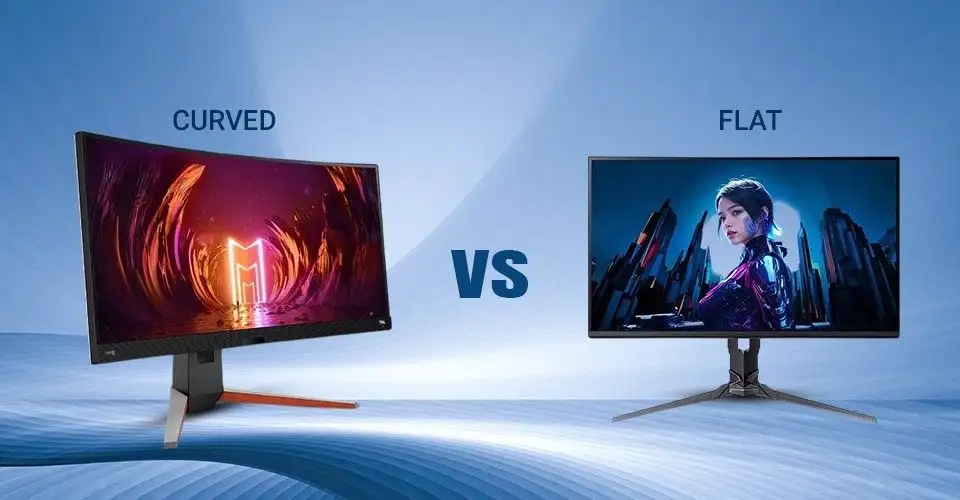
Curved vs Flat Monitor: Which Should You Choose
Both options have their strengths. In some way curved display feels luxury to many people, but practically it can be very important.
A flat monitor is the better all-round choice for office tasks, regular home use, and design work. It is also easier to recommend for buyers who want one monitor for many different tasks.
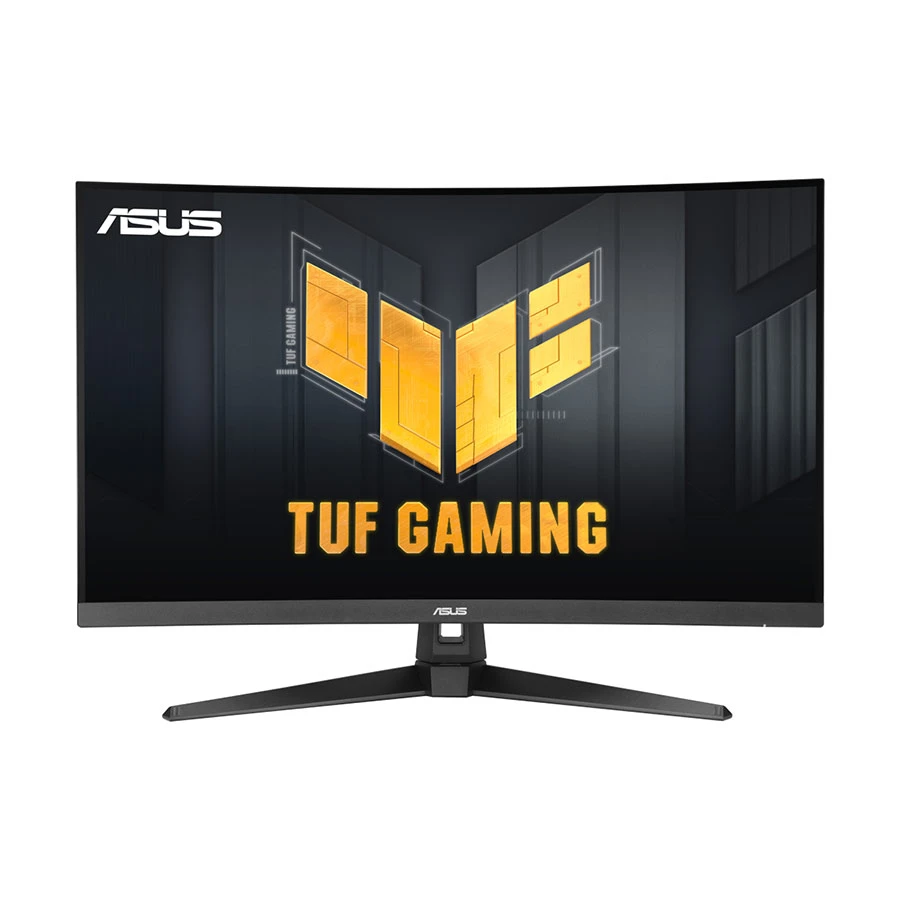
A curved monitor can feel more immersive for gaming, entertainment, and wider-screen productivity. It is especially popular in ultrawide setups where the curve helps keep the edges of the screen within your field of view.
For most users in Bangladesh, flat monitors are still the more practical choice. Curved monitors make more sense when you specifically want immersion or a wider screen experience.
Other Important Things to Consider Before Buying a Monitor
Beyond size, resolution, panel type, and refresh rate, there are a few other monitor categories that may be worth considering depending on your setup and daily needs.
Buying a Second Monitor
If you are buying a second monitor, do not just choose another screen similar to your current one without thinking about what your setup is missing. A second monitor is most useful when it improves a weakness in your existing display setup.
For example, if your current monitor is a basic everyday screen, your second monitor can be more specialized. You might choose a higher refresh rate display for gaming, a better-color IPS monitor for graphic design, or a larger screen for videos, multitasking, and media use. If you work with documents, spreadsheets, coding windows, and meetings, even a simple 22-inch to 24-inch second monitor can improve productivity significantly.
The best second monitor is usually the one that adds something your main display cannot do well.
Touch Monitors
Touch monitors are not necessary for most buyers, but they can be very useful in certain environments. They are a practical option for retail counters, POS systems, kiosks, reception desks, training spaces, and interactive business setups.
If your work depends on tapping, scrolling, signing, zooming, or direct on-screen interaction, a touch monitor can make the setup more efficient. But for regular office use, study, home use, gaming, or standard design work, touch support is often not the feature that gives the best value for money.
For most regular users, better display quality, comfort, and connectivity are more important than touch functionality.
Portable Monitors
Portable monitors are designed for users who need extra screen space while staying mobile. They are especially helpful for laptop users, remote workers, freelancers, students, and professionals who often work from different locations.
A portable monitor can be a smart choice for travel, hybrid work, temporary desks, presentations, and dual-screen productivity on the go. However, it is usually best seen as a convenience product rather than a full replacement for a desktop monitor. If you want stronger ergonomics, a larger screen, better stand adjustment, or a long-term desk setup, a standard monitor is still the better choice.
Portable monitors are best for flexibility, while traditional monitors are better for permanent comfort and performance.
CCTV and Security Monitors
CCTV and security monitors are useful for shops, offices, reception desks, and surveillance setups where the display may stay on for long hours. In this case, buyers usually care more about durability, stable connectivity, and screen size than premium color accuracy or high refresh rates. HDMI and VGA support can still be important, especially for older systems and DVR-based setups.
Monitors for Video Calls and Online Meetings
Some buyers prefer monitors with built-in webcams, microphones, or speakers for a cleaner desk setup and easier online meetings. These can be useful for office users, remote workers, and students who attend frequent video calls. However, for many users, a regular monitor paired with a separate webcam is often a more flexible and cost-effective solution.
Why Buy Your Next Monitor from Ryans Computers
Buying a monitor from a trusted retailer matters, especially in Bangladesh, where buyers are often concerned about clone products, unclear warranty terms, weak after-sales support, or limited stock in the branch they prefer. At Ryans, you can compare monitors across different sizes, brands, refresh rates, and price ranges in one place, which makes the buying process easier and more reliable. Before making your final decision, it is always smart to check the official warranty, dead pixel policy, stock availability, and delivery or branch pickup options, especially if you are investing in a monitor for long-term office work, study, design, or gaming. Flexible EMI, home delivery, and helpful after-sales service can also make a big difference in the overall experience. If you are building a more comfortable workstation, monitor accessories and ergonomic add-ons can help you create a setup that fits your space today and still leaves room for a second screen later.

















Leave a comment