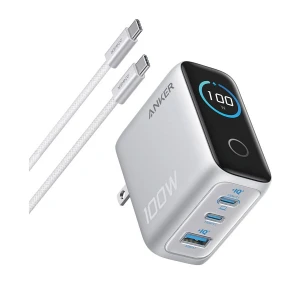
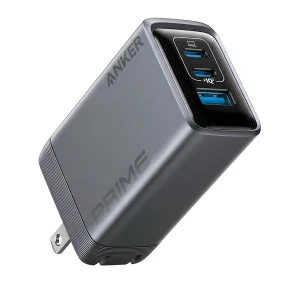
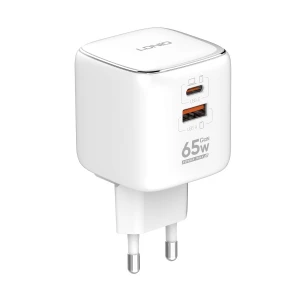
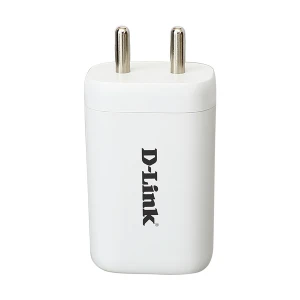

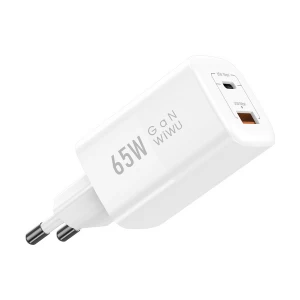
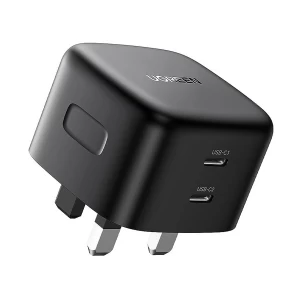

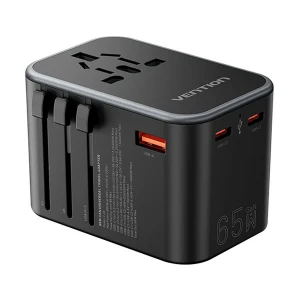
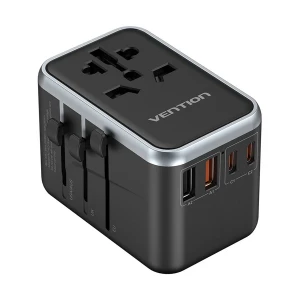
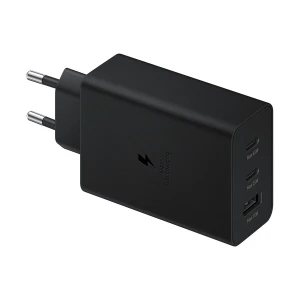
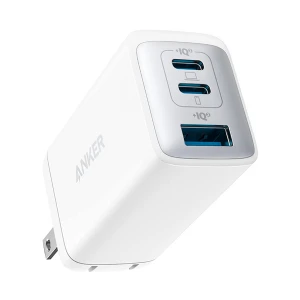

Buy 65 Watt Fast Chargers at Ryans
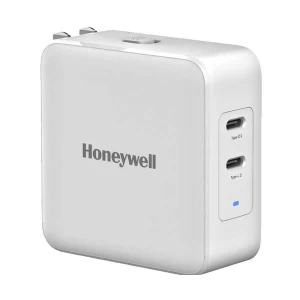
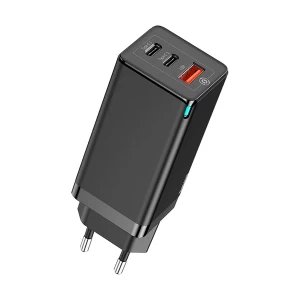
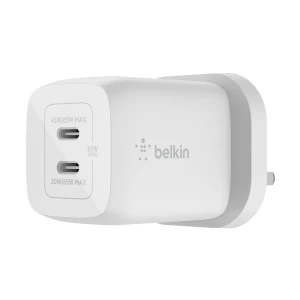
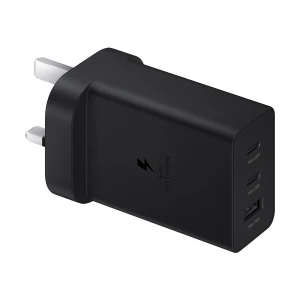
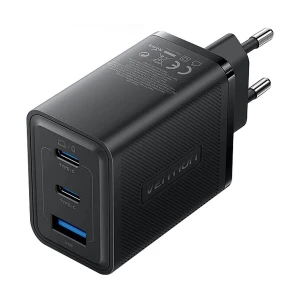
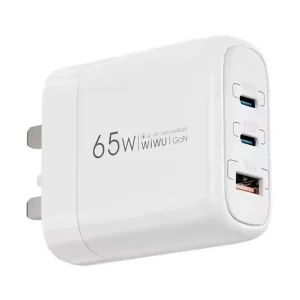
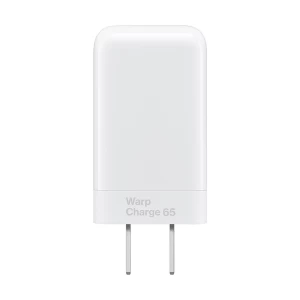
65 watt charger prices in Bangladesh range from BDT 1,550 to BDT 5,150 at Ryans. Price varies with port layout, charging standards, GaN technology, plug fittings and included cables. Choose a compact wall adapter for your bag or a desktop charging station for a fixed workspace.
A suitable model can charge a compatible USB-C laptop, tablet or smartphone. Match the individual output to your device before choosing by total wattage.
Prices and availability may change. Confirm the exact model, plug version and package contents before ordering.
Choose a Charger for Your Setup
For a laptop, confirm USB-C charging support, the required voltage and the manufacturer’s recommended adapter wattage. Some MacBook Air and 13-inch Pro models fit this power class; other Pro configurations need more power for their best charging performance.
Everyday Charging with Separate Cables
Start here if you already own suitable charging leads. Choose the port layout and plug that fit your regular phone, tablet or laptop setup.
Recommended for Affordable Mixed-Port Charging
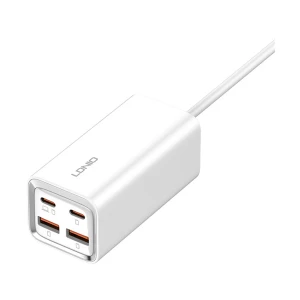
LDNIO Q2617
The LDNIO Q2617 White, US Plug suits a compatible USB-C device alongside a USB-A connection. Its 65W total is split into up to 45W USB-C and 20W USB-A, so choose it for that combination rather than a laptop requiring 65W from one port. A cable is not included.
Recommended for Choosing Your Preferred Plug
UGREEN Nexode CD244
Choose the CD244 10335 Black & Gray, EU or CD244 10334 Gray, US for two USB-C ports and one USB-A port in a GaN adapter. These are useful starting points when you want three connections and will supply your own cables.
Recommended for a USB-C Laptop and Phone Pair
UGREEN Nexode S X553
The Nexode S X553 35042, EU is worth considering when two USB-C devices are your priority. Its dual-USB-C modes support a 45W and 20W split; the USB-A port adds flexibility for accessories. Choose it when that shared output meets your devices’ needs.
Recommended for a Three-Port Package with a Cable
TECNO TCW-U60T
Choose the TECNO TCW-U60T Black, UK if you want two USB-C ports, one USB-A port and a supplied USB-C cable. It is a practical alternative to adapter-only packages when you are assembling a charging kit from scratch.
Recommended for Flexibility Between USB-C Ports
UGREEN CD296
The UGREEN CD296 90409 Black suits users who want either USB-C port to support up to 65W when used individually. A USB-A port accommodates another cable type. This is useful when you frequently change which device occupies each connection.
Recommended for a UK Socket Setup
UGREEN CD306
Consider the UGREEN CD306 90663 Space Gray, UK when your socket suits a UK plug and you need two USB-C ports plus USB-A. Its adapter-only package makes sense if you already have charging leads in the lengths you prefer.
Travel and Fewer Loose Accessories
For commuting or overnight stays, decide whether a built-in cable, a slim body or interchangeable plug fittings will save you the most space.
Recommended for a Retractable USB-C Lead
BWOO BO-CDA232
The BWOO BO-CDA232 Black, UK has an 80cm retractable USB-C cable and a separate USB-C connection. Choose it when cable convenience matters most. Each connection supports up to 65W individually, but using both together reduces the combined output to 20W.
Recommended for Built-in Cable Storage
UGREEN Nexode Pro X615
Choose the X615 65825 Gray or X615 65824 Gray, US if a retractable cable will help keep your bag organised. Additional USB-C and USB-A connections accommodate other devices. Check the selected version’s plug and the separate cable and port limits before expecting full output.
Recommended for a Slim Laptop-Bag Companion
UGREEN Nexode Pro X753
The X753 15817, US suits a slim adapter setup with a US plug. For travel fittings, consider the X753 25356 with UK/EU adapters. Both provide two USB-C ports and USB-A; select by the plug package you need.
Recommended for a Slim Travel Package
Baseus GaN5 Pro CCGP150113
Choose the Baseus GaN5 Pro CCGP150113 Gray if you prefer a slim two-port adapter with a supplied USB-C cable and EU/UK plug fittings. Its USB-C and USB-A layout suits a bag with mixed charging leads rather than several USB-C devices at once.
Choose by Package or Desk Style
When the basic port layout fits, compare what comes in the box and how the charger looks in a visible workspace.
Recommended for Choosing Adapter-Only or Cable-Included
UGREEN Nexode Pro X755
Choose the X755 25871, EU if you already own suitable cables. The X755 25870, US includes a 1.5m USB-C cable. Both offer two USB-C ports and USB-A, making the plug and cable package the useful deciding factors.
Recommended for a Robot-Style Charging Indicator
UGREEN Nexode RG CD361
Choose the CD361 if you want an animated face-style charging indicator with two USB-C ports and USB-A. Select 35314 Purple, US, 35291 Purple, EU or 25685B Black, EU according to your socket and colour preference. The display is a status indicator, not a numeric wattmeter.
Desk Power and Display Connections
Choose these formats when you need more than a pocket adapter: accessible mains outlets or an HDMI connection for a compatible device.
Recommended for Charging and HDMI in One Device
Micropack MWC-265H
The Micropack MWC-265H Titanium Gold, EU combines charging with HDMI output up to 4K at 60Hz for a compatible host. It includes a full-featured 1m USB-C cable. Its USB-C output is rated at 20V/3.1A, or 62W; the USB-A output is for low-power accessories. Confirm USB-C video support on your device before choosing it for a display.
Recommended for a Permanent Desk Charging Point
UGREEN CD268 Charging Station
Choose the UGREEN CD268 90906 Black, UK when you need two USB-C ports, two USB-A ports and three AC outlets within reach. Its 1.8m mains lead suits a fixed desk. The 65W figure concerns USB charging; check the separate AC load rating for connected mains equipment.
If you only charge one phone and do not need laptop output, compare lower-power options in the wider wall-charger selection before spending more.
Explore Charger Brands
UGREEN
Compare UGREEN chargers when choosing between standard wall adapters, slim designs, integrated cables and desktop stations.
Baseus
Explore Baseus chargers if a portable charging kit is your priority. Compare the supplied cables and plug fittings alongside the adapter.
BWOO
Consider BWOO chargers when cable storage matters. Check built-in lead length and simultaneous output for your charging routine.
LDNIO
Explore LDNIO chargers for mixed-port adapters and desk formats. Compare the power available through the connection your main device uses.
TECNO
Browse TECNO chargers if you want to compare phone-focused adapters with a multi-device charging package.
Micropack
Compare Micropack chargers when deciding between charging alone and a model that also provides display connectivity.
How Is 65W Shared Between Devices?
On a charger rated at 65W total output, that power is shared between the ports in use. Check the power-sharing table for your exact combination; some models allocate fixed amounts, while others adjust dynamically.
If your laptop needs the full 65W while you work, adding another device may slow charging or leave too little power under load. For more headroom, compare higher-output options among Anker chargers, checking their simultaneous output rather than the headline rating alone.
What to Check Before Buying
Charging Standards: Look for USB Power Delivery for compatible laptops and phones. For Samsung Super Fast Charging, verify PPS support and the output your phone requires.
Cable and Connector: Check whether a cable is supplied or built in, its length and its individual power rating. A USB-C connector alone does not establish the charging speed.
Plug and Input Voltage: Match the plug to your socket in Bangladesh. For overseas use, check the fittings and input-voltage label. A plug adapter does not convert voltage.
GaN and Size: GaN can enable a smaller adapter. Compare actual dimensions and weight rather than choosing by a GaN generation label.
Heat and Placement: Compact chargers can become warm during sustained use. Leave space around the adapter and avoid covering it while charging.
Warranty and Service: Confirm the warranty period and service provider for the exact model. Keep your invoice, original box and any accessories required for a claim.
Frequently Asked Questions
Can a 65W charger power my MacBook and smartphone at once?
Yes, if its ports and shared output meet both devices’ needs. Check the specified dual-port output against your MacBook’s charging requirements.
Will a 65W charger damage a device that supports only 20W or 25W?
A compatible, standards-compliant charger will not force 65W into the device. The charger and device negotiate a supported power level. Your phone’s charging limit still applies, so a 65W adapter does not automatically charge it faster than a suitable 20W or 25W model.
Do I need a specific cable to get 65W fast charging?
For standard USB-C PD charging at 65W, use a 5A electronically marked USB-C-to-USB-C cable. A suitable 100W or 240W cable can handle this requirement. A standard 3A/60W cable cannot deliver the full 65W at 20V. A braided outer cover does not establish the cable’s electrical rating.



