Features of Epson T6733 Cartridge In Bangladesh
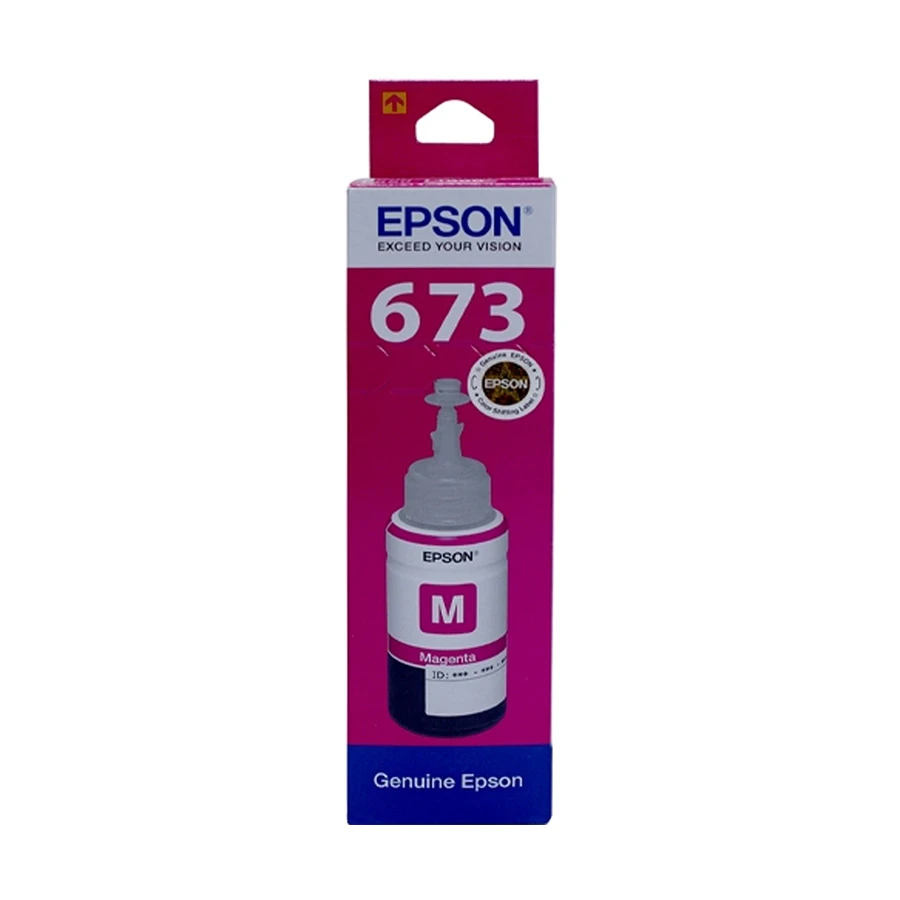
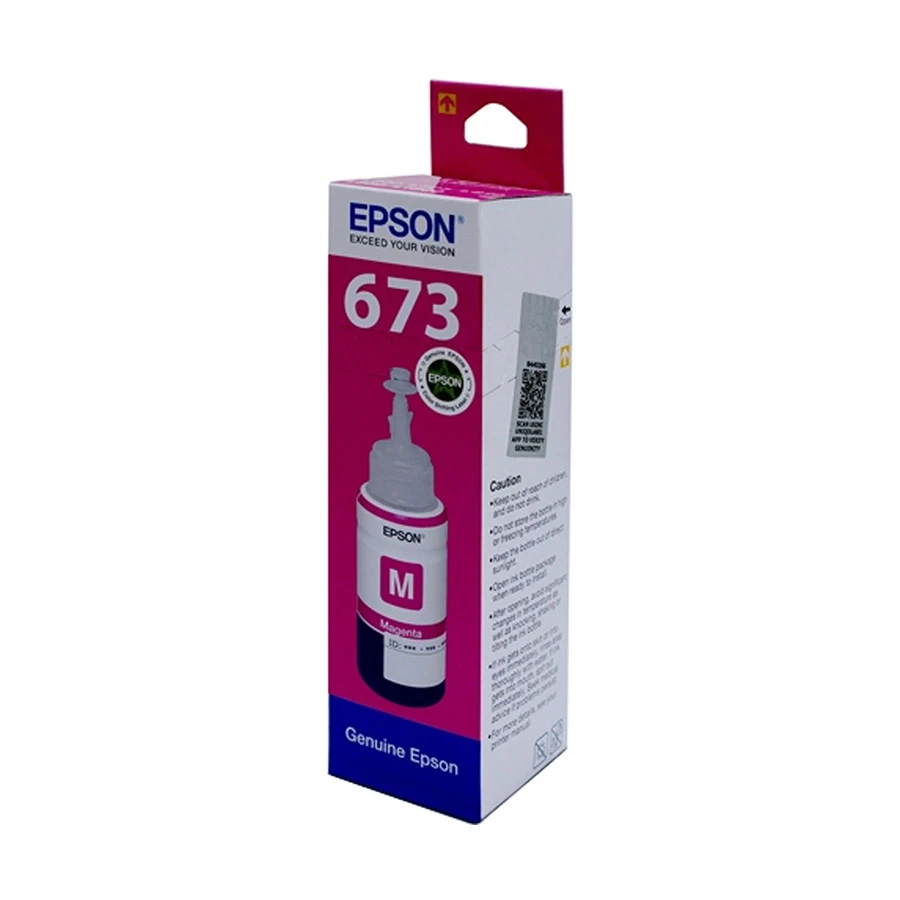
The Epson T6733 Magenta Ink Bottle is a vital component for achieving stunning, high-quality prints. Designed specifically for Epson's EcoTank series, this ink bottle ensures vibrant color output and exceptional performance for both professional and everyday printing needs. With a focus on efficiency and ease of use, the T6733 Magenta Ink Bottle enhances your printing experience.
Key Features
- High Capacity: The T6733 ink bottle comes with a generous volume of magenta ink, allowing for extended printing without frequent replacements. This is perfect for users who regularly print photos, graphics, or marketing materials.
- Vibrant Color Reproduction: This ink provides rich magenta tones, contributing to the color balance and vibrancy of your prints. It’s especially beneficial for producing vivid images and detailed graphics.
- Eco-Friendly Design: The EcoTank system reduces waste with its refillable ink bottles, minimizing plastic usage. This environmentally friendly approach helps reduce your carbon footprint.
- Easy Installation: The T6733 features a user-friendly design that makes refilling your printer easy and mess-free. The ink bottle ensures a smooth flow during refilling, preventing spills and ensuring accuracy.
- Compatible Printers: This ink bottle is compatible with various Epson EcoTank printers, allowing users to enjoy optimal printing results tailored to their specific model.
How to Use the Epson T6733 Magenta Ink Bottle
Step 1: Prepare for Refilling
- Gather Supplies: Ensure you have the Epson T6733 Magenta Ink Bottle and a clean, flat surface to work on.
- Turn On the Printer: Power on your EcoTank printer and ensure it is connected properly to your computer or network.
- Check Ink Levels: Use your printer's control panel to check the current ink levels. This will help you determine if refilling is necessary.
Step 2: Open the Ink Compartment
- Locate the Ink Compartment: Open the front cover of your EcoTank printer to access the ink compartment. The ink tanks are usually located on the right side of the printer.
- Identify the Correct Tank: Find the magenta ink tank. It is usually marked with a color-coded label.
Step 3: Remove the Cap
- Take Off the Cap: Unscrew or lift off the cap of the magenta ink tank. Set it aside in a clean area to avoid contamination.
- Check the Nozzle: Ensure that the nozzle of the ink tank is clean and free from dust or debris.
Step 4: Fill the Ink Tank
- Open the Ink Bottle: Remove the safety seal from the Epson T6733 Magenta Ink Bottle.
- Insert the Nozzle: Place the nozzle of the ink bottle into the opening of the magenta ink tank.
- Pour the Ink: Squeeze the ink bottle gently to start the flow of ink into the tank. Fill the tank until the ink reaches the maximum fill line, which is usually indicated on the tank. Avoid overfilling to prevent spills.
Step 5: Complete the Refilling Process
- Remove the Bottle: Once filled, carefully remove the ink bottle from the tank.
- Replace the Cap: Securely replace the cap on the ink tank to prevent leakage and contamination.
- Close the Ink Compartment: Close the front cover of the printer securely.
Step 6: Perform a Test Print
- Run a Test Print: After refilling, it's a good practice to run a test print to ensure that the ink is flowing properly.
- Clean the Print Head (if necessary): If the print quality is not satisfactory, run a print head cleaning cycle using your printer's maintenance settings.
Tips for Optimal Use
- Use Genuine Epson Ink: Always use genuine Epson ink bottles to ensure compatibility and quality.
- Regular Maintenance: Regularly check ink levels and clean the print heads to maintain print quality.
- Store Properly: If you have leftover ink, store it in a cool, dry place away from sunlight to extend its shelf life.
Elevate your printing experience with the Epson T6733 Magenta Ink Bottle. Visit Ryans Computer today to purchase this essential ink supply and explore our range of Epson inks and printer accessories. Experience top-quality prints and reliable service with Ryans Computer!
What is the price of Epson T6733 Cartridge In Bangladesh?
The price of Epson T6733 Cartridge starts from 1,150 . The price may vary due to your customization and product availability. You can buy Epson T6733 Cartridge from our website or visit our showrooms nearby.
Looking to purchase office, corporate, or institutional equipment? Ryans Computers is here to help. We provide customized solutions tailored to your needs, backed by fast delivery and dependable after-sales service. Our expert Ryans Care team is always ready to support you with troubleshooting, technical assistance, and configuration services—so you can focus on what matters most.