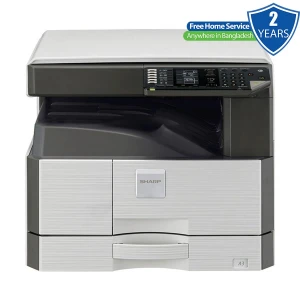
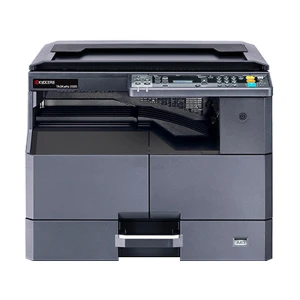
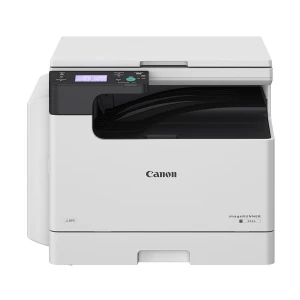
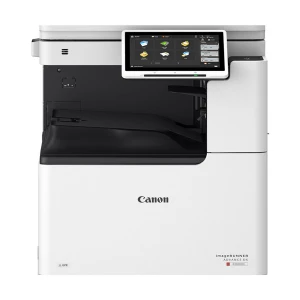
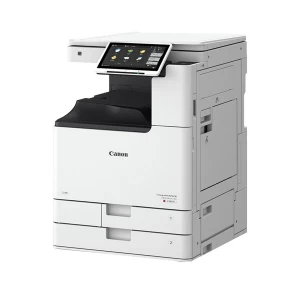
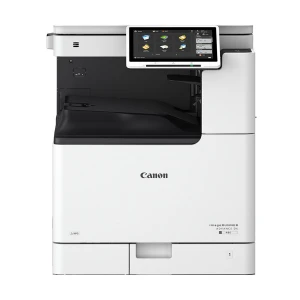
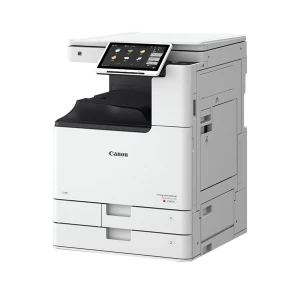
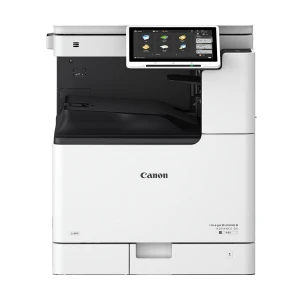
Features of Ricoh IM C3010 Photocopier In Bangladesh
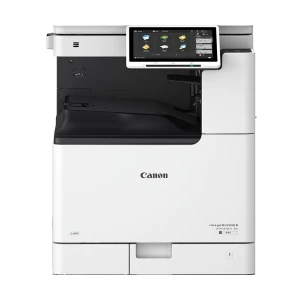
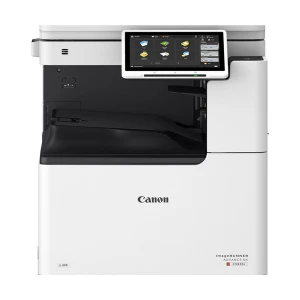
The Ricoh IM C3010 Color Laser Multifunction Printer is a smart and fast color printer. It can print, scan and copy all in one place. The print quality is sharp and clean. It works great for big and small offices. You can use it every day without a problem. It handles many paper sizes with ease. The setup is simple and smooth. Any office, school, clinic, or small business can use this easily.
Features & Benefits of Ricoh IM C3010 Color Photocopier
This device comes with real power and speed. It prints at 30 pages per minute with clear 4800 x 1200 dpi resolution. Copying gives 600 x 600 dpi, which is more than enough for daily use. Scanning is fast too — 300 ipm in duplex mode. It takes many paper size,s like A3, A4, and envelopes. You also get 8GB of memory and 256GB of storage. These help to handle heavy jobs smoothly.
It fits well in busy places. Auto Duplex saves paper. The SPDF allows you to scan many pages at once. USB and LAN support make it easy to plug in and print from your network. Most common papers like coated, recycled or glossy work fine. It’s smart, quick and made for serious work.
Easy Buying Guide of Ricoh IM C3010 Ricoh IM C3010 Color Photocopier
Before buying, think of what you really need. If your work includes many printouts, color prints and fast scans, this model is a good choice. The 30ppm speed is perfect for a team. The auto features save time. The wide paper support adds more value. But the manual duplex might slow down single users. It’s heavy too — nearly 100 kg — so it's best to fix it in one place.
If you need something light and portable, skip this. But if you want real work power and fast output, this is your machine. You will also get one year free home service anywhere in Bangladesh. That’s a big plus.
FAQs
- What is the duty cycle of Ricoh IM C3010? - Ricoh hasn’t given a specific duty cycle. But it is built for high use. It runs smooth in busy offices.
- How to access Ricoh printer settings? - Go to the printer control panel. Tap “Settings” or use the web browser with the IP.
- What is the duty cycle in printing? - It means how much printing a machine can handle in one month.
- How do I power cycle my Ricoh printer? - Turn it off fully. Wait 10 seconds. Then turn it on again.
Sum it up
The Ricoh IM C3010 Color Laser Multifunction Printer is fast and reliable. It prints big and scans quick. This machine fits offices and shops. Buy this product only, Ryans Computers Limited. Visit Ryans Computers Limited today and place your order.
What is the price of Ricoh IM C3010 Photocopier In Bangladesh?
The price of Ricoh IM C3010 Photocopier not mentioned for stock unavailability.The price may vary due to your customization and product availability.
You can buy Ricoh IM C3010 Photocopier from our website or visit our showrooms nearby.
Looking to purchase office, corporate, or institutional equipment? Ryans Computers is here to help. We provide customized solutions tailored to your needs, backed by fast delivery and dependable after-sales service. Our expert Ryans Care team is always ready to support you with troubleshooting, technical assistance, and configuration services—so you can focus on what matters most.