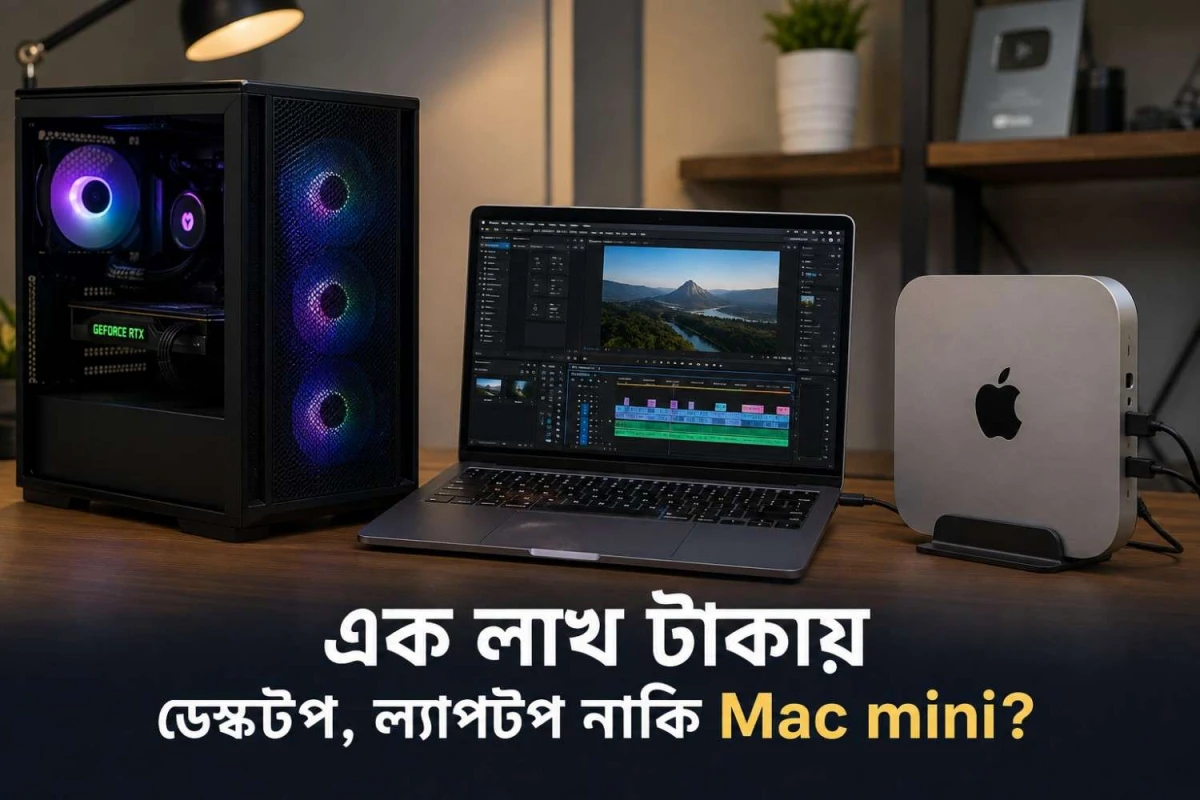
If your budget is Tk 120,000, and you want an Intel-based build for video editing, the goal is not to choose the most expensive processor, but to create a balanced editing platform. This means a strong Intel CPU with Quick Sync, 32GB of RAM, a dedicated GPU, a fast NVMe SSD for active projects, and separate bulk storage for footage.
This build centers around the Intel Core i5-14500, which aligns perfectly with Adobe’s recommendations as of April 2, 2026. Adobe lists an Intel 11th Gen or newer CPU with Quick Sync as part of its recommended Premiere setup on Windows and advises 32GB or more RAM for 4K and higher workflows.
The i5-14500, priced at Tk 30,000 at Ryans, offers 14 cores, 20 threads, and Intel UHD Graphics 770. Intel Quick Sync accelerates H.264 and H.265 encoding and decoding, significantly improving performance in supported editing software. This combination ensures a responsive, efficient, and future-proof platform for professional video editing.
Recommended Intel video editing build under Tk 120,000
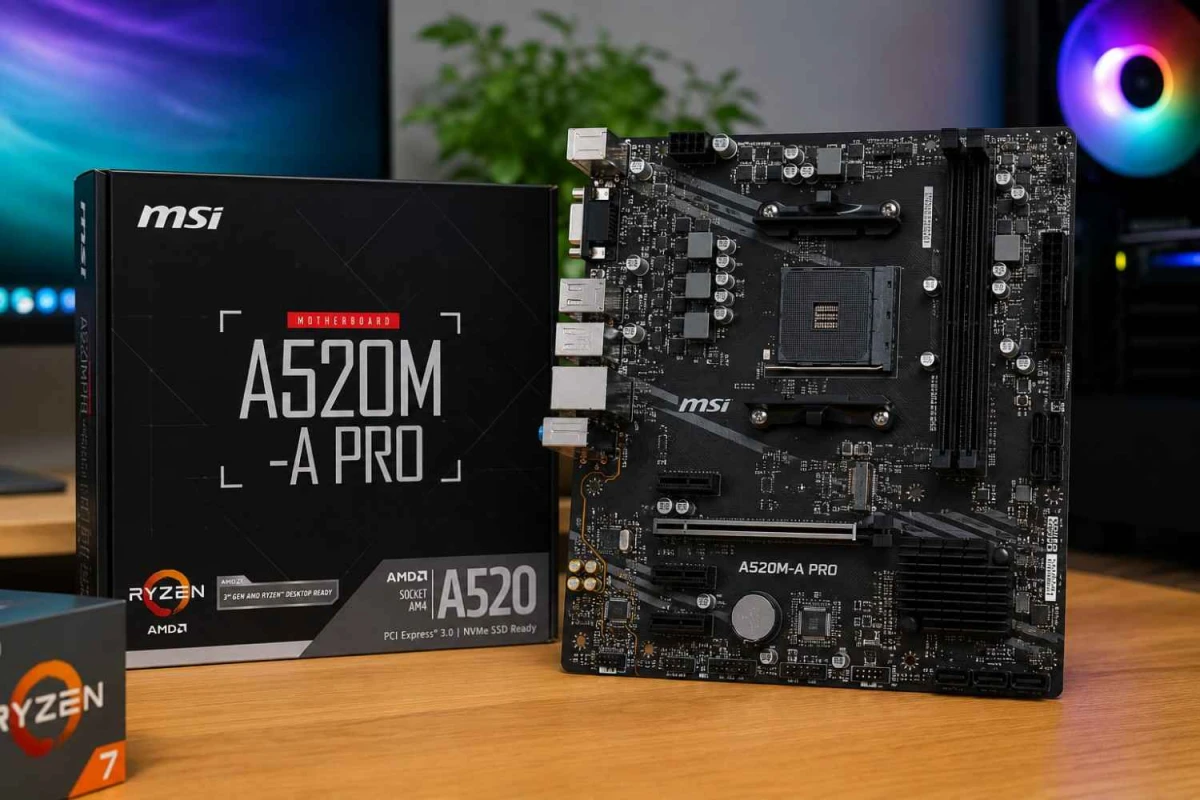
For a budget of Tk 120,000, this Intel-based video editing build offers a well-balanced, high-performance platform while staying under budget. The build uses the Intel Core i5-14500 processor, priced at Tk 30,000, paired with the DeepCool ICE EDGE MINI FS for better sustained thermals and lower noise at Tk 1,600. The MAXSUN MS-H610M 666 motherboard with Wi-Fi 6 and DDR5 support costs Tk 10,900, while memory consists of Netac Basic 16GB DDR4 3200MHz , totaling Tk 11,100.
For graphics, the GUNNIR Intel Arc A580 8GB is priced at Tk 25,900, providing smooth performance for rendering and playback. Primary storage is handled by the OSCOO ON1000X 1TB PCIe Gen4 NVMe SSD at Tk 17,700, ensuring fast loading and editing of active projects. Additional project and archive storage is provided by a Toshiba P300 2TB 7200RPM HDD at Tk 11,700. The build is powered by a MONTECH BETA 650W 80 Plus Bronze PSU costing Tk 6,500, all housed in a Value Top V900 case with three ARGB fans for Tk 3,400.
The approximate total cost is Tk 118,800, keeping it just under budget. This configuration prioritizes components that truly impact editing performance, delivering a smooth, responsive, and future-proof platform for professional video work.
Why This Build Makes Sense for Video Editing
The first reason is the processor choice. The Intel Core i5-14500 offers a strong balance of performance with its hybrid core design, 14 cores, and 20 threads. It also includes Intel UHD Graphics 770 with Quick Sync support, which helps with faster video encoding and decoding. For this budget, it is powerful enough to handle Premiere Pro, YouTube editing, social media content, multicam HD timelines, and even moderate 4K projects smoothly.
The second reason is the memory configuration. Many budget builds still use 16GB RAM, but that is not ideal for video editing. Adobe recommends at least 32GB RAM for 4K editing, which is why this build includes 32GB from the beginning. This makes a big difference in performance and ensures smoother multitasking, better timeline handling, and fewer slowdowns during heavy editing work.
The third reason is the GPU balance. The Intel Arc A580 8GB is chosen for practical performance, not just specifications. It provides 8GB GDDR6 memory and supports modern codecs like H.264, H.265, and AV1 for both encoding and decoding. This helps reduce CPU load and improves performance in supported editing software. For this budget, it is one of the best options to ensure smoother playback and faster export times.
What Kind of Editing Is This Build Good For
This Intel-based build is well-suited for a wide range of video editing tasks, especially for content creators working on YouTube, Facebook, and TikTok projects. It performs reliably for wedding highlight videos, commercial short-form edits, and multi-layer timeline work without noticeable slowdowns. The system can comfortably handle 1080p editing and moderate 4K timelines, including color correction and basic grading tasks. It is also a strong choice for workflows that involve frequent H.264 and H.265 exports, where encoding efficiency becomes important.
If your primary software is Adobe Premiere Pro, this build becomes even more practical because the combination of Intel Quick Sync and a dedicated GPU helps deliver smoother playback, faster rendering, and a more responsive overall editing experience.
Where the compromises are
This build is balanced, but it is not pretending to be a high-end workstation.
The motherboard is entry-level by creator-build standards. It is there to protect the bigger priorities.
The Arc A580 is a value GPU, not a luxury GPU. It is good for this budget, but if your work leans heavily into effects, noise reduction, heavy Resolve Fusion compositions, or more demanding color workflows, the graphics card will be the first part you eventually want to upgrade.
I also include a DeepCool AG300 on purpose. Even when a budget Intel build can technically run with a basic stock-style solution, a better air cooler is the safer move for longer render and export sessions.
Best Upgrade Path for the Future
If you plan to upgrade this build later, the most effective approach is to improve storage first. Adding a second high-speed SSD for active project files will significantly improve workflow speed, especially when working with large video files and multiple timelines.
The next step would be upgrading the graphics card if your editing software and workload demand more GPU power. Moving from the Intel Arc A580 to a stronger, editing-focused GPU can improve playback performance, rendering speed, and overall efficiency in GPU-accelerated tasks.
Upgrading the motherboard should only be considered if you need better connectivity, more expansion options, or a stronger long-term platform for future components.
The advantage of this build is that the core foundation is already well-balanced, with a capable CPU, sufficient RAM, a reliable power supply, and a practical storage setup, allowing you to upgrade gradually without needing a full system rebuild.
Final verdict
If you are looking for an Intel-based build without a monitor, within a Tk 120,000 budget, and focused on video editing, this is the configuration that makes the most sense to start with.
This build gets the fundamentals right by combining the Intel Core i5-14500 with Quick Sync support, 32GB of DDR5 memory, a dedicated 8GB GPU, a fast 1TB NVMe SSD for active projects, and a separate 2TB drive for footage and completed work. Based on Ryans pricing as of April 2, 2026, the total cost remains around Tk 119,800, keeping it within budget while maintaining strong performance.
More importantly, this setup avoids common mistakes such as over-investing in the CPU while neglecting the GPU, or choosing a gaming-focused build that lacks proper storage and memory for editing. For this budget in Bangladesh, it delivers a balanced and practical creator-focused system that will continue to perform reliably even after extended real-world editing use.







Leave a comment