As a remote worker or freelancer, keep flowing with your tasks, and this is crucial when you are working as an SEO professional, coding expert, graphic design, content writing etc. So that travel and electricity outages won’t affect your work.
Choose the best laptops for freelancing, a portable and personal computer. It contains a thin metal body to bring it everywhere and a long-lasting battery backup to avoid electric power shortages.
The freelancer's laptop has a built-in microchip e-SIM to connect to 4G or 5G networks and an anti-glare high-brightness display to view and read all text, images, and videos.
Many brands offer a collection of laptops that are effective for online work at reasonable prices.
At Ryans, we sell a wide variety of premium-brand laptops for freelancers at an affordable price.
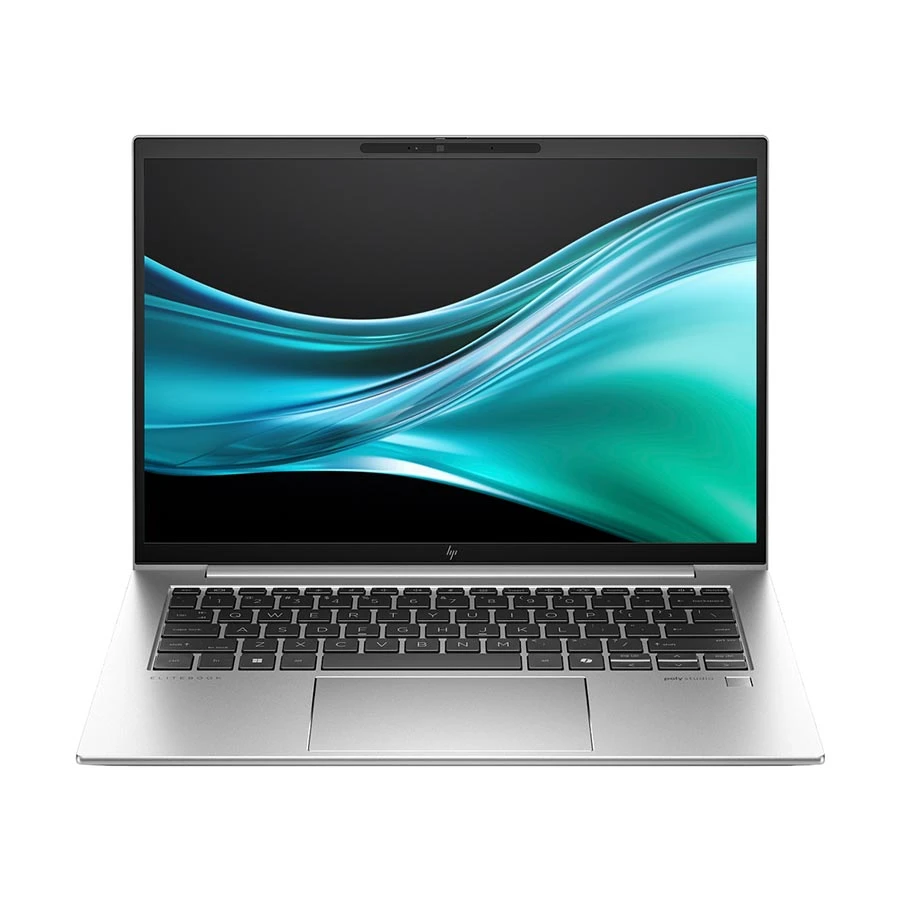
If you need a premium business laptop for office work, meetings, multitasking, and daily portability, this HP EliteBook is a strong option. It gives you a modern Core Ultra processor, 16GB RAM, a sharp 14-inch anti-glare display, and a lightweight body that is easy to carry.
Price may vary over time, so please check the latest price before ordering.
A programmer can choose the HP EliteBook 840 G11 Series 1 with an Intel Core Ultra 5 125U processor and 16GB RAM to build complex code files and use 16GB RAM and a 512GB SSD to open multiple files at the same time.
The EliteBook also uses a 14-inch FHD+ WUXGA display to stop eye pain during night shift work and offers a 3-year (1 year for battery and adapter) warranty to fix any hardware issues in your house.
The EliteBook provides a 56 Wh Li-ion polymer battery and up to 3.5 hours of battery backup.
Pro tip: Press the security key on the keyboard to turn on the privacy filter to blank out the screen for anyone sitting next to you anywhere.
This Lenovo IdeaPad Slim 3 is a strong pick for freelancers, students, content writers, and office users who need a large display, smooth multitasking, and reliable daily performance. Its Core 5 processor, 24GB DDR5 RAM, 512GB SSD, and 15.3-inch WUXGA display make writing, browsing, online meetings, and document work feel easier.
Price may vary over time, so please check the latest price before ordering.
A professional content writer can choose the Lenovo IdeaPad Slim 3 15IRH10R Intel Core i5 210H processor that can control text apps, 24GB RAM, and a 512GB SSD to open multiple links at the same time.
The Lenovo IdeaPad Slim 3 uses a 15.3-inch FHD+ WUXGA display to read any text and a 2-year (1 year for the battery and adapter) warranty to fix any broken internal parts.
The Lenovo Ideapad has 50 Wh of battery capacity.
Pro tip: To do multiple tasks at the same time, open two tabs on the screen; one tab is for research, and another tab is for typing.
Pros
Easy phone charging.
Nice big screen.
Strong metal body.
Cons
Power cable short.
Dell Pro 14 Essential PV14250 Series 1 Intel Core 5
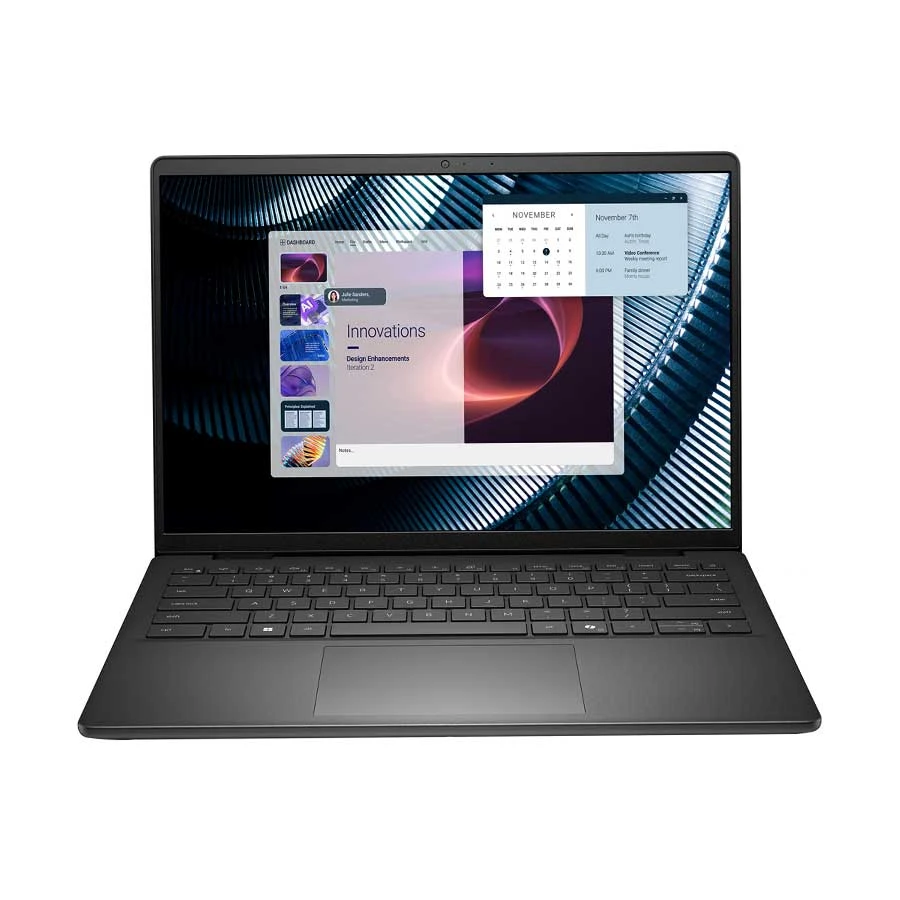
This Dell Pro 14 Essential is a practical choice for programmers, office users, freelancers, and students who need a compact business laptop for multitasking, browsing, meetings, spreadsheets, and daily work. Its Core 5 processor, DDR5 RAM, fast SSD storage, and 14-inch display make it easy to carry while keeping work smooth.
Price may vary over time, so please check the latest price before ordering.
Any CSE programmer can use the Dell Pro 14 Essential PV14250 Series 1 Intel Core 5 120U processor to run business chat tools, 8GB RAM, and a 512GB SSD to save any big files.
The Dell Pro 14 Essential contains a 14-inch display to see everything under bright sunlight, and you get a 3-year (1 year for battery and adapter) warranty to make a phone call to solve any errors on your laptop.
Dell Pro provides 54 WHr and up to 4.5 hrs of battery backup.
Pro tip: Use Dell’s adaptive cooling mode that automatically senses wherever you are and lowers the internal heat so it never burns any organ.
Pros
Smart package memory.
Mini glowing keyboard.
Mobile data tray.
Cons
Boring outer sticker.
ASUS VivoBook 14 F1407QA Qualcomm Snapdragon X X1-26-100 16GB RAM
ASUS VivoBook 14 Qualcomm Snapdragon 16GB RAM Laptop
Processor: Qualcomm Snapdragon X X1-26-100
Memory: 16GB LPDDR5x RAM
Storage: 1TB NVMe PCIe Gen 4 SSD
Graphics: Qualcomm Adreno Graphics, Shared Memory
Display: 14 Inch FHD+ WUXGA Display, 1920x1200
Battery: 50Wh Li-ion, Up to 3 Hours
Weight: 1.49 Kg
Warranty: 2 Year International, 1 Year for Battery
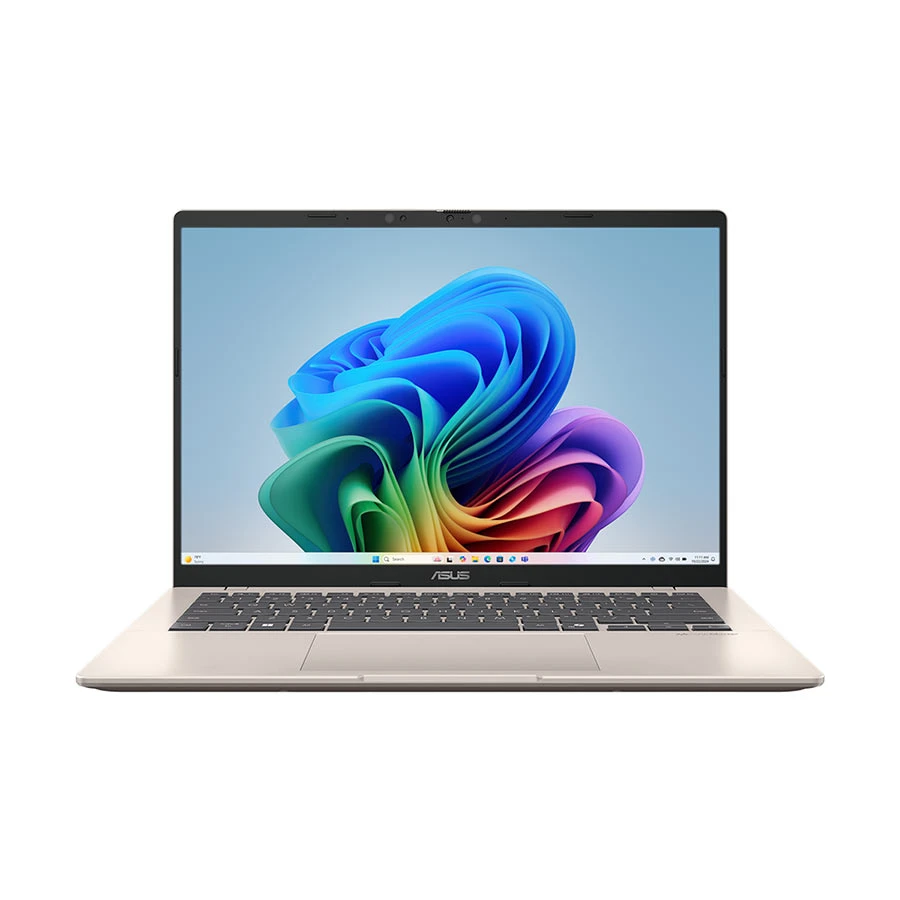
This ASUS VivoBook 14 is a smart pick for freelancers, students, and office users who want a lightweight laptop with AI-ready Snapdragon X performance, 16GB LPDDR5x RAM, fast 1TB SSD storage, and a sharp 14-inch WUXGA display for writing, browsing, meetings, and everyday multitasking.
Price may vary over time, so please check the latest price before ordering.
A graphics designer can use the ASUS VivoBook 14 F1407QA Qualcomm Snapdragon X X1-26-100 processor to control heavy vector math and 16GB RAM and 1TB SSD to load any big file.
The Asus VivoBook 14 contains a 14-inch FHD+ WUXGA display to lock the shade balances across the grid canvas, and you get a 2-year international (1 year for battery) warranty to replace any faulty part to deliver your work on time.
The Vivobook provides a 50 Wh Li-ion battery and up to 3 hrs of backup.
Pro tip: Tap the shortcut key on the top row to switch the screen to standard web mode to show your client how your final artwork colours will look on a customer's phone screen before you send it.
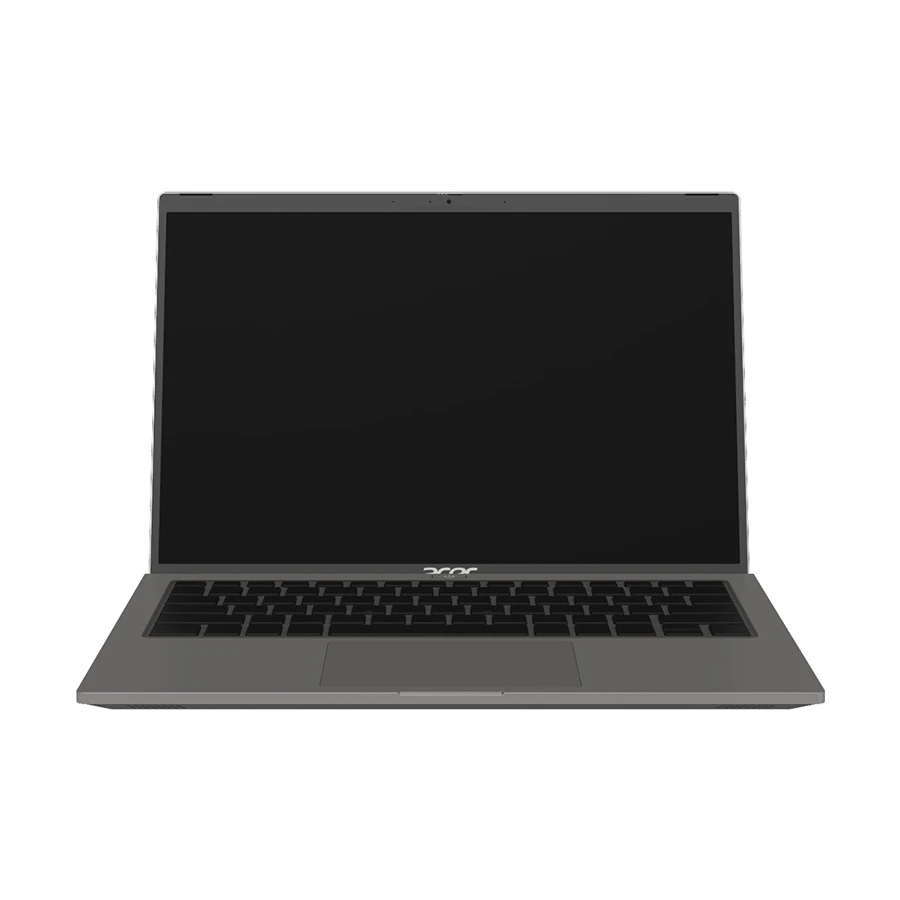
This Acer Aspire Go 14 is a smart pick for freelancers, students, and office users who need a portable laptop with strong multitasking power. Its Core Ultra 5 processor, 16GB DDR5 RAM, 1TB SSD, Intel Arc Graphics, and 14-inch WUXGA display make it useful for writing, browsing, online meetings, light creative work, and daily productivity.
Price may vary over time, so please check the latest price before ordering.
A content writer can choose the Acer Aspire Go 14 AG14-71M Intel Core Ultra 5 125H processor to keep the power low, 16 GB of RAM and 1 TB SSD to open multiple links at the same time.
The Acer Aspire uses a 14-inch FHD+ WUXGA display to show more text messages without scrolling, and you get a 2-year (1 year for travel) (1 year for battery and adapter) warranty to secure free fixes for unexpected hardware faults.
The Acer Aspire gives a 55Wh Li-ion battery and up to 3.5 hrs of backup.
Pro tip: Press the battery shortcut key to turn on saver mode to automatically stop background apps from draining the battery so you can finish typing your longest articles without giving it a charge.
Pros
Flexible charging ports.
Very low price.
Modern wireless antenna.
Cons
Key labels are small.
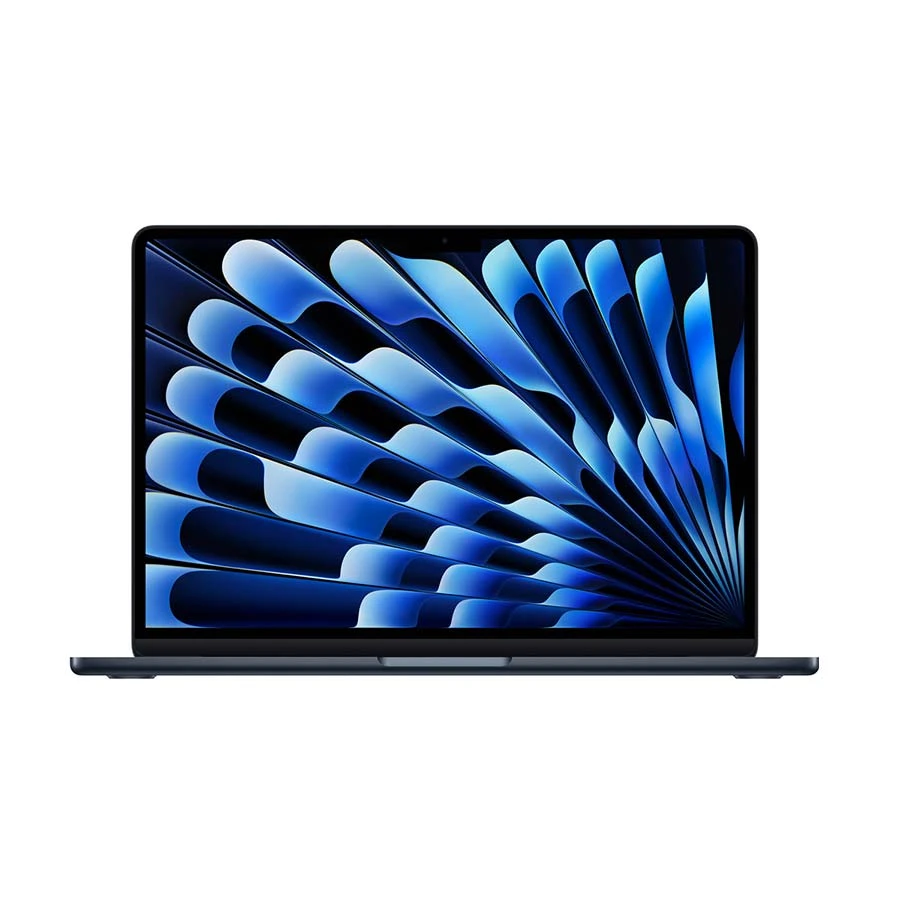
Apple MacBook Air (Early 2026) Apple M5 Chip 16GB RAM
Apple MacBook Air Early 2026 M5 Chip 16GB RAM Laptop
Processor: Apple M5 Chip
Memory: 16GB RAM
Storage: 1TB NVMe PCIe SSD
Graphics: Apple 10-Core GPU, Shared Memory
Display: 13.6 Inch Liquid Retina Display, 2560x1664
Battery: 53.8Wh Lithium-polymer, Up to 18 Hours Video Streaming
This MacBook Air is a smart pick for freelancers, students, writers, and creative users who need strong performance with excellent portability. Its Apple M5 chip, 16GB RAM, 1TB SSD, sharp Liquid Retina display, lightweight body, and long battery backup make it useful for writing, video calls, content work, browsing, and daily productivity.
Price may vary over time, so please check the latest price before ordering.
A professional video editor can choose the Apple MacBook Air (Early 2026) Apple M5 Chip processor to finish video editing properly, 16 GB RAM and 1 TB SSD to save large files.
The Apple MacBook Air contains a 13.6-inch Liquid Retina display to show everything, and you get a 1-year international warranty to help you at official stores worldwide.
The applied MacBook has a 53.8 Wh lithium-polymer battery and up to 18 hrs (video streaming) and up to 15 hrs (wireless web) of backup.
Pro tip: Press the web key on the bottom left of your keyboard to bring up a shortcuts panel so you can slice video clips and scroll your editing timeline using single-key taps.
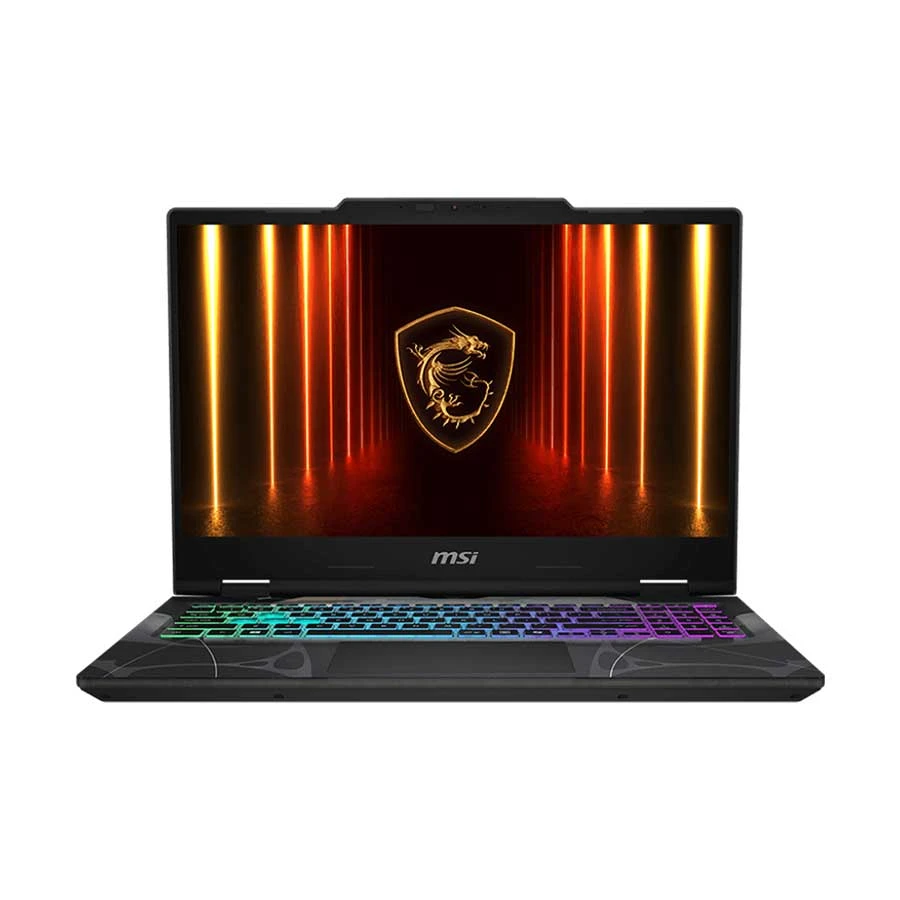
This MSI Cyborg 15 is a smart pick for graphic designers, video editors, gamers, and freelancers who need dedicated graphics power. Its Core 5 processor, RTX 5050 8GB graphics, DDR5 RAM, Gen 4 SSD, and 144Hz FHD display make it useful for design work, editing, rendering, gaming, and heavy multitasking.
Price may vary over time, so please check the latest price before ordering.
Any professional graphic designer can use the MSI Cyborg 15 B2RWEKG Series 2 Intel Core i5 210H processor to draw any Photoshop line, 16 GB of RAM and 512 GB SSD to run any software.
MSI Cyborg also contains a 15.6-inch FHD LED display to show everything, and you get a 2-year international warranty (1 year for the battery and adapter) to protect internal parts when running at maximum speed.
MSI Cyborg has a 55.2Wh battery capacity.
Pro tip: Use the function and arrow keys together to lock the cooling fans at full speed and vent away internal heat while you run heavy three-dimensional images, and the app never slows down.
Pros
Bonus storage station.
Smart heat pad.
See through keys.
Cons
The logo layout is plain.
How to Choose the Best Laptops for Freelancers
Freelance Work Type
Choose a laptop based on the type of freelancer you are, such as a writer who requires a reliable keyboard, a developer who needs a multitasking processor, or a video editor who demands dedicated graphics.
Processor
The laptop processor determines how fast it can open work tools. Content writers need a Core i3 or Ryzen 3 processor, and web developers require at least a Core i5 or Ryzen 5 for smooth operations.
Also, creative editors require a powerful Core i7 or Ryzen 7 processor.
RAM
An 8 GB laptop ram capacity handles basic office workloads. You can improve it to 16 GB or 32 GB, which is essential when your freelance projects involve heavy video editing, running local coding servers, and managing complex design tasks.
SSD Storage
A laptop’s SSD storage changes the computer’s speed. A content writer needs a 256 GB fast NVMe drive, a 512 GB provides space for developers, and 1 TB storage capacity is for storing video files and complex graphics.
Display Quality
Screen impacts on the eye’s comfort. A Full HD display provides sharp clarity for everyday reading. Creative designers require bright panels with perfect colour accuracy, reaching 100% sRGB coverage, ensuring visual projects always look professional for clients.
Battery Backup and Portability
A laptop weighing under 3 pounds is easy to carry and prevents bad shoulder pain when you carry it anywhere. Also, a 10-hour battery life lets you complete tasks during the journey or during a power outage.
Keyboard
A tactile-responsive keyboard keeps your fingers from getting sore during long typing. LED key backlighting ensures accurate typing on dark flights or dim coffee shops.
Wi-Fi
High-quality Wi-Fi 6 or 6E wireless hardware gives good signals and keeps your video calls smooth. It ensures that large project files upload properly.
Service Support
If any part of the laptop is damaged, Global Warranty Coverage gets your computer fixed and returned to you fast. This backup saves you from missing critical deadlines and ruining your professional reputation.
What Affects Freelancing Laptop Price in Bangladesh
National Import Taxes and Government Tariffs
The laptop's final cost increases due to high customs duties, raising the base import price. Value-added taxes that inflate consumer checkouts and advance income taxes force local importers to pass their initial expensive overhead costs.
Currency Exchange Rate Fluctuations
A laptop’s price increases due to high currency fluctuations, so local traders buy more expensive laptops from global markets. Banks also demand higher LC cash margins to reduce laptop supply.
After all of those issues, bank conversion fees add transactional charges that retailers ultimately add to the laptop’s price.
Core Component Specifications
A laptop’s price increase depends on its core accessories' price, such as the processor, graphics card, and ultra-fast NVMe SSD storage. Also, premium OLED displays increase the price of a laptop.
Brand Positioning and Official Warranty Coverage
Brand companies charge a premium brand tax because of their global reputation and better build quality. Authorized local dealers add official service costs to the price.
Price Fluctuations of Laptop Brands with Models in Bangladesh (2025 vs. 2026)
The following table shows % changes in prices for renowned brand laptops.
Now you understand the current marketplace conditions for laptops and can decide whether to purchase a new brand or keep using your existing laptop, if you have one.
The ideal freelancing laptop is based on your daily tasks. If you are a content writer, choose a smooth keyboard for fast typing. For a web designer, choose a perfect colour screen.
How much RAM do I need for freelancing?
RAM controls every application in your PC, so for basic content writing and everyday office workloads, use 8GB of memory, and you need 16GB of memory for heavy video editing or complex coding.
Is Core i5 enough for freelancing?
A Core i5 processor is enough for freelancing, including content writing, virtual assistance, and digital marketing. Try to ensure it is a modern-generation chip so the system works fast.
Should freelancers buy an SSD laptop?
You should prioritize an NVMe solid-state drive because it opens heavy files and boots up the entire system within a few seconds.
Is a gaming laptop good for freelancing?
Yes! Gaming laptop is good for freelancing because it contains a dedicated graphics card to handle heavy 3D rendering, animation, or video editing projects.
But you need to watch out for its short battery life, so you need to stay close to a power outlet.
Conclusion
When purchasing a laptop for online work, there are a few things you should care about. Choose the right hardware setup for your work type, securing a long-lasting battery to travel anywhere and having reliable service support for emergency repairs.








Leave a comment