A gaming mouse under 1000 Taka is one of the most searched budget choices in Bangladesh. These mice are not made for pro esports performance, but they work well for daily computer use, online classes, study, office work, and light gaming on a laptop or desktop PC. In this budget, you can expect basic tracking accuracy, smooth cursor control, adjustable DPI on some models, and simple gaming-style features like RGB lighting, side buttons, or wireless connectivity depending on the model.
This guide will help you choose a budget gaming mouse under Tk 1000 based on comfort, DPI, sensor type, button quality, cable or wireless connection, and warranty.
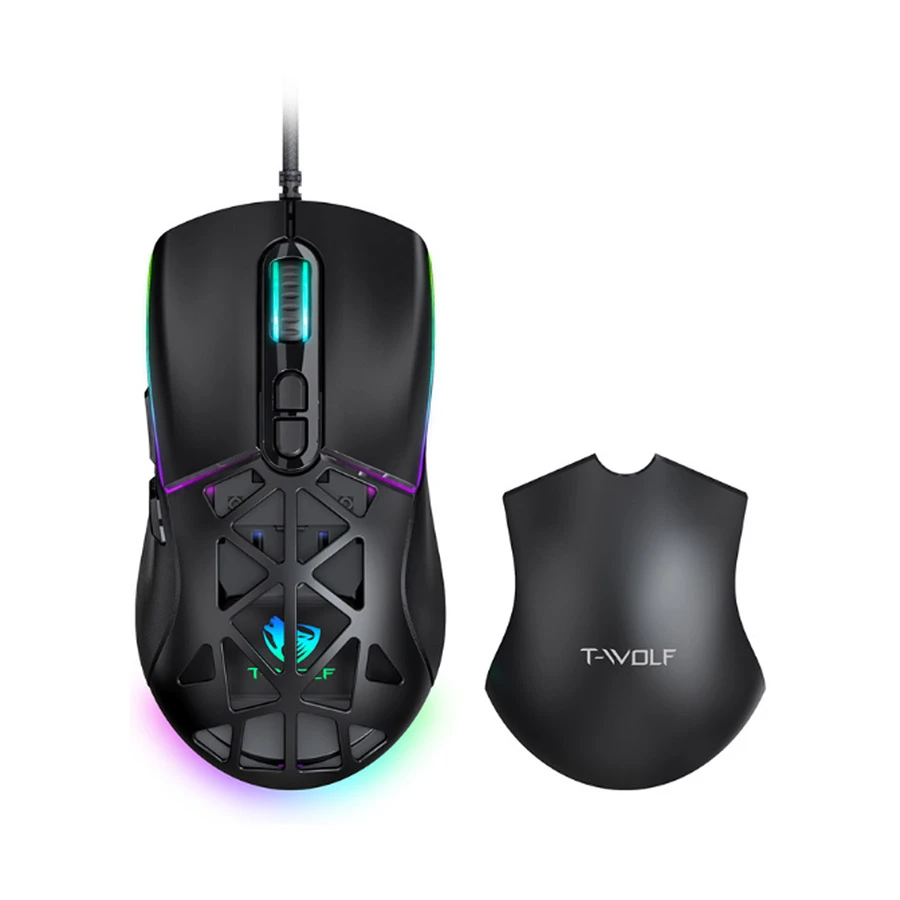
T-WOLF G520 is a strong pick for the best gaming mouse under 1000 Tk, especially for users on a desktop PC who want smooth control in games like PUBG, Valorant, and Free Fire. It gives fast response, high DPI, and stable wired use.
Brand reliability is good, with a 1-year warranty. Before buying, check DPI level, grip comfort, cable quality, and button feel. This mouse is best for students, beginners, and casual gamers who want better control than a normal office mouse without spending too much.
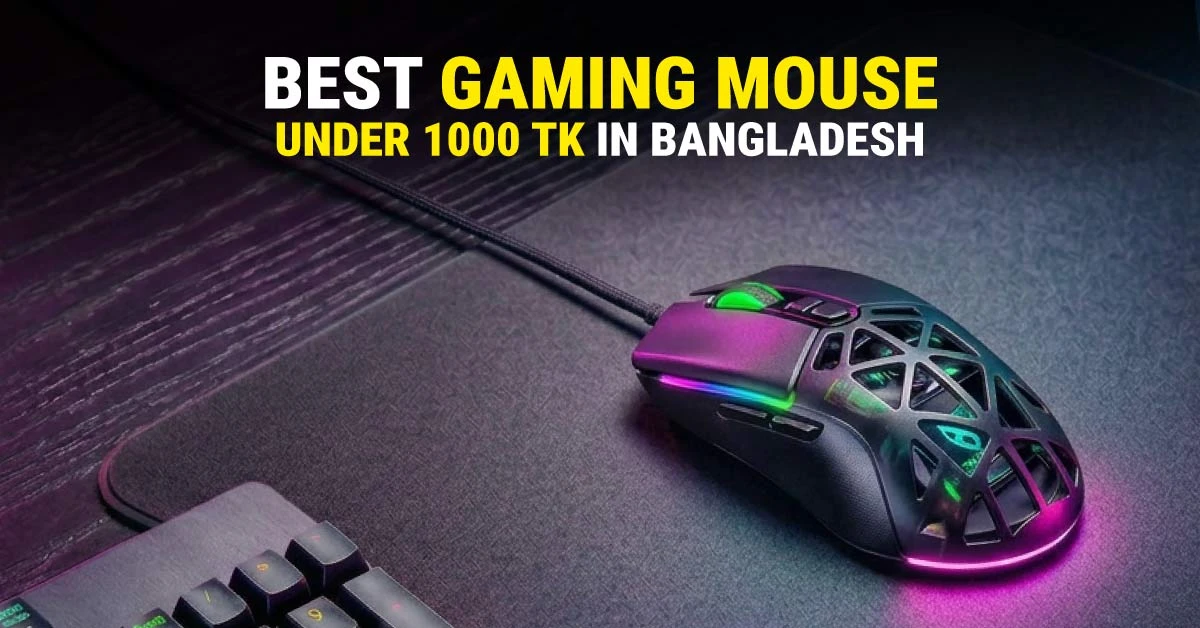
Note:This mouse has been used in our feature image as a visual reference for this budget gaming mouse guide.
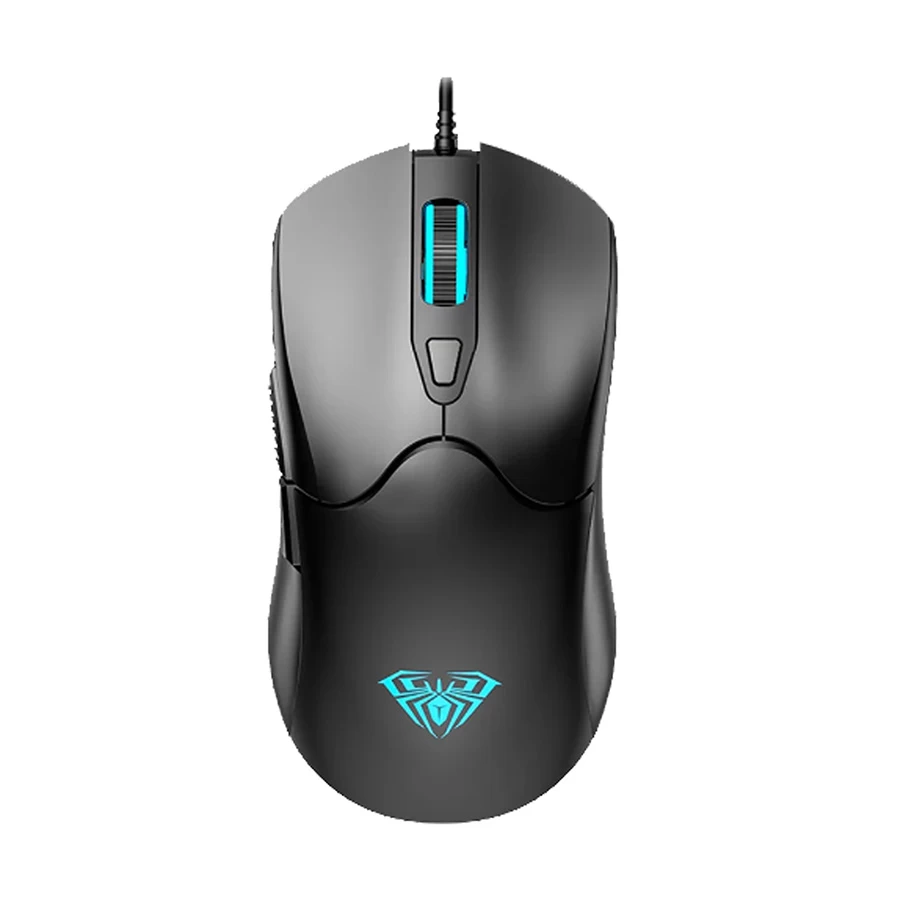
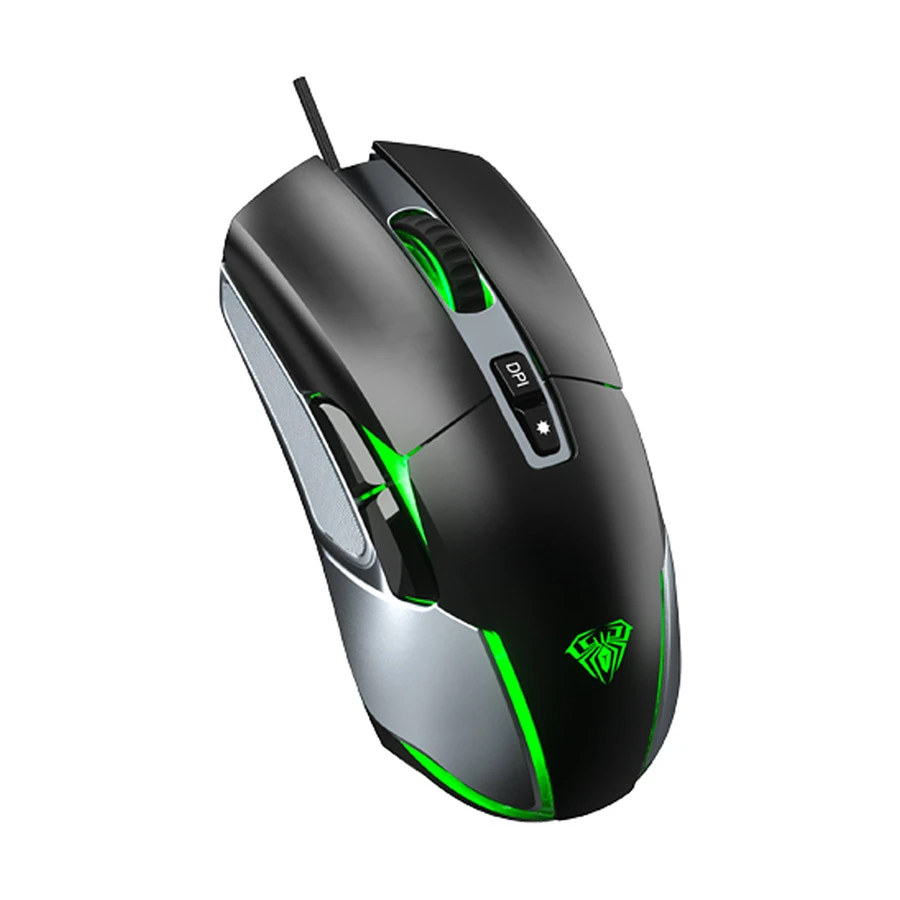
GAMDIAS AURA GS3 is a solid choice for the best gaming mouse under 1000 Tk, especially for students and casual players using a desktop PC or laptop. It gives smooth control with 3600 DPI, light weight feel, and RGB lighting for a gaming setup look.
This mouse is best for Free Fire, PUBG, and Valorant beginners. Before buying, check DPI range, grip comfort, button feel, and cable strength. It suits users who want simple, budget gaming performance with basic features, not high-end esports speed.
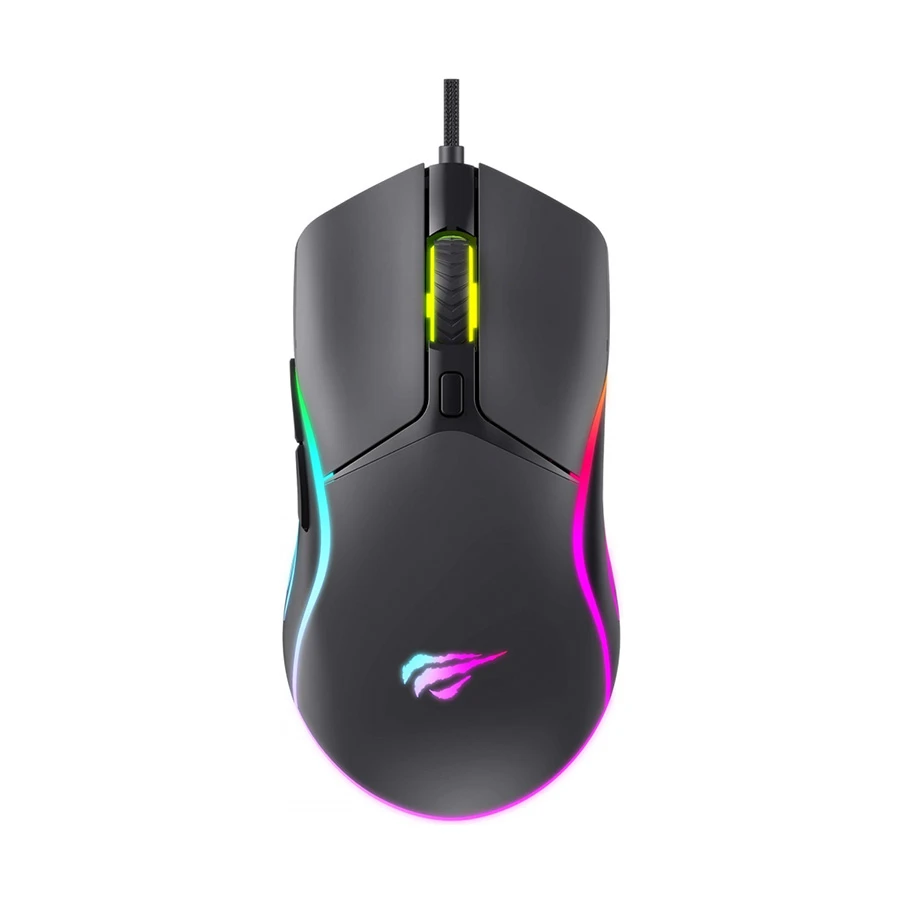
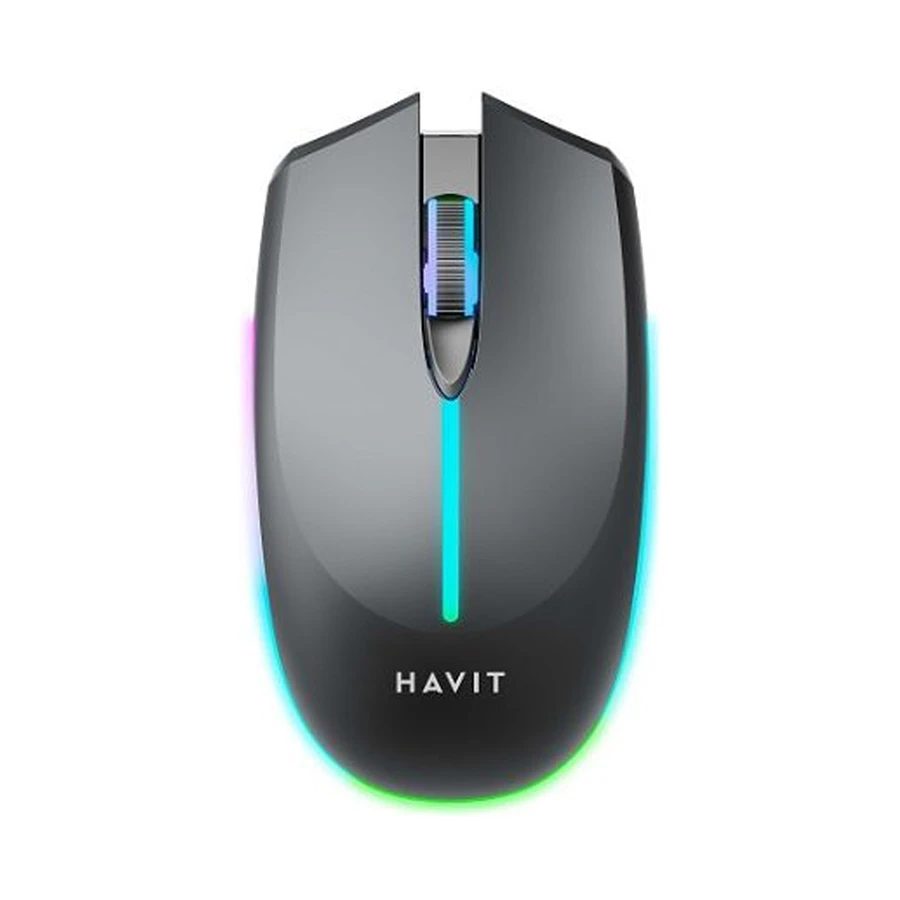
Havit MS1029 RGB is a budget-friendly gaming mouse for students and casual gamers using a desktop PC or laptop. It gives up to 7200 DPI, a smooth optical sensor, RGB light, and 6 buttons for easy control in games like PUBG, Free Fire, and Minecraft. It feels light and simple for daily use and basic gaming.
Before buying, check grip style, DPI needs, button feel, cable quality, and durability. This mouse is best for beginners who want a low-cost gaming setup with decent performance for study, office, and light gaming.
Micropack GM-01 Athene is a very cheap and simple gaming mouse for students and casual users who want basic control on a desktop PC or laptop. It offers 1600 DPI, light weight design, an RGB LED glow, and smooth everyday use for study, office work, and light gaming like Free Fire or Minecraft.
It is best for first-time users who want a low-budget setup. Before buying, check DPI range, build quality, cable strength, and comfort in hand. This mouse is good for basic use, not heavy competitive gaming.
This Havit MS68GT is a smooth desktop PC and laptop wireless mouse with a 2.4 GHz connection, so there's no wire mess. It gives up to 3200 DPI with 3 levels, so movement feels easy for gaming and daily work. The battery is 400mAh and lasts well, plus the RGB light makes it look cool. It is light (100g) and simple to hold.
This is good for students, office users, and casual gamers. Before buying, check wireless range, battery backup, and button needs. Also think if you need more DPI or just simple control for daily use.
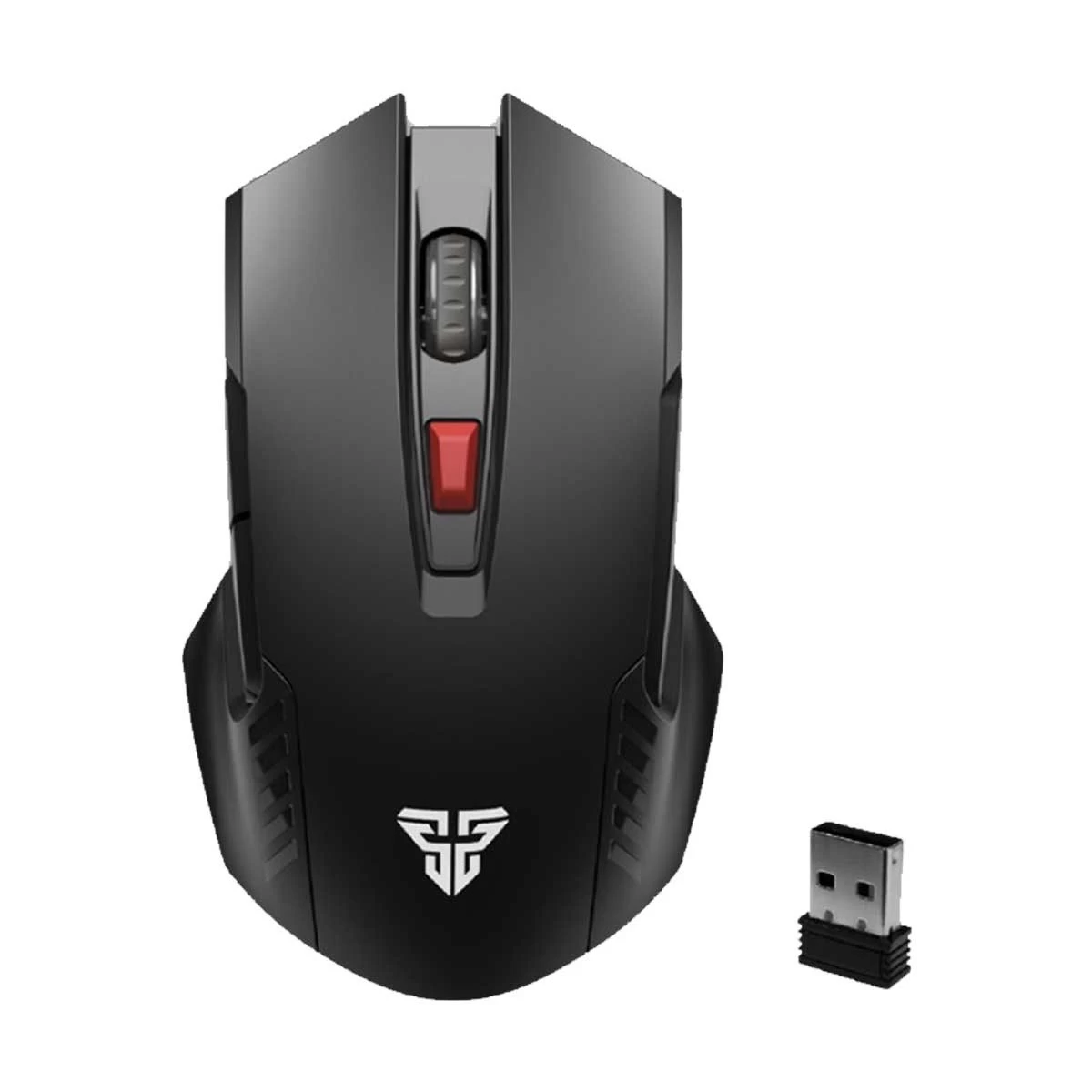
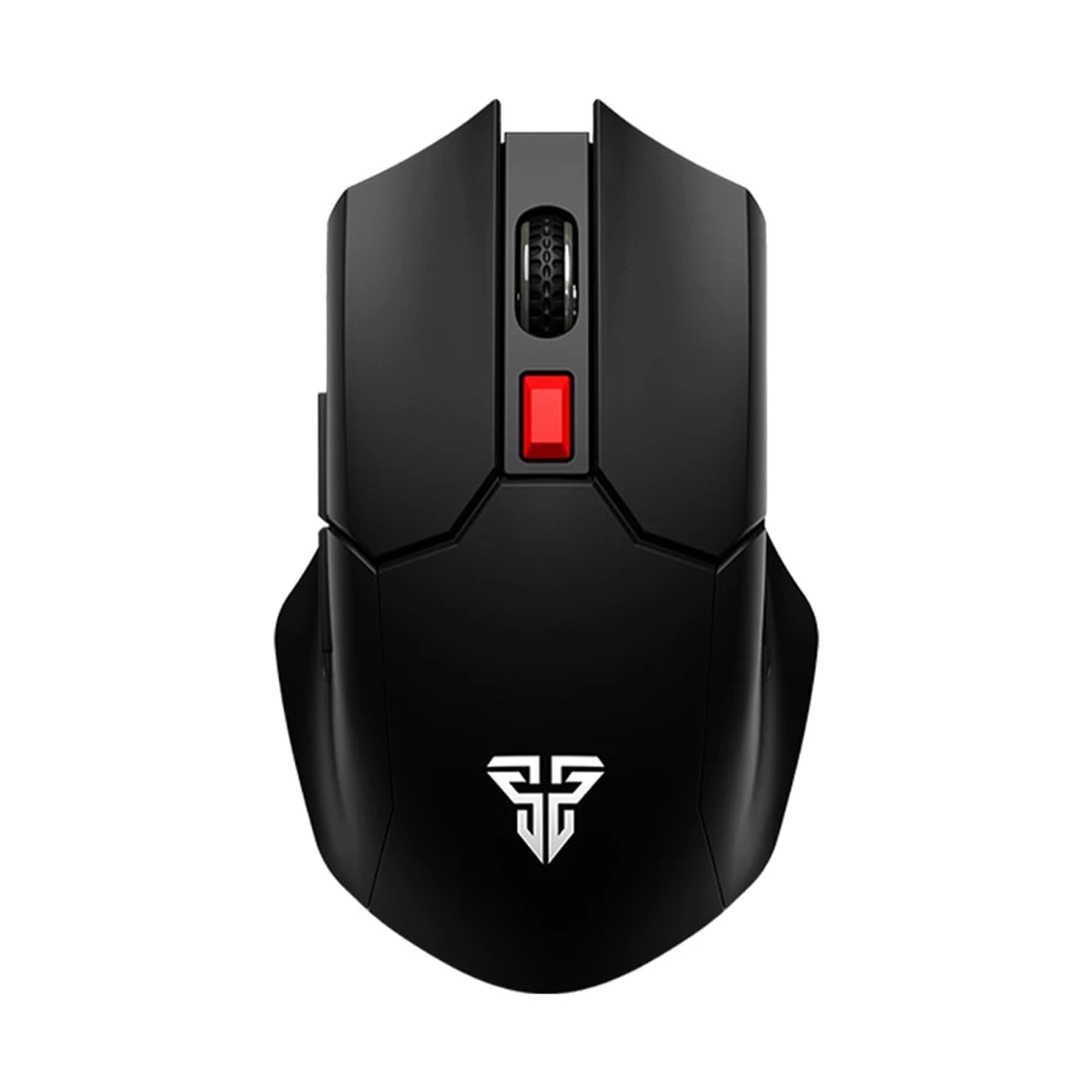
This Fantech WG10 is a very light 2.4GHz wireless mouse made for smooth daily use and simple gaming. It gives up to 2000 DPI with 4 levels, so control feels easy and stable on a desktop PC or laptop. The ultra-light 61 g design helps quick movement, and 6 buttons give extra control.
It has no RGB light and runs on an AA battery. Good for students, office work, and casual gamers. Before buying, check the battery type, DPI limit, whether you need RGB or not, and how many buttons you really need for your use.
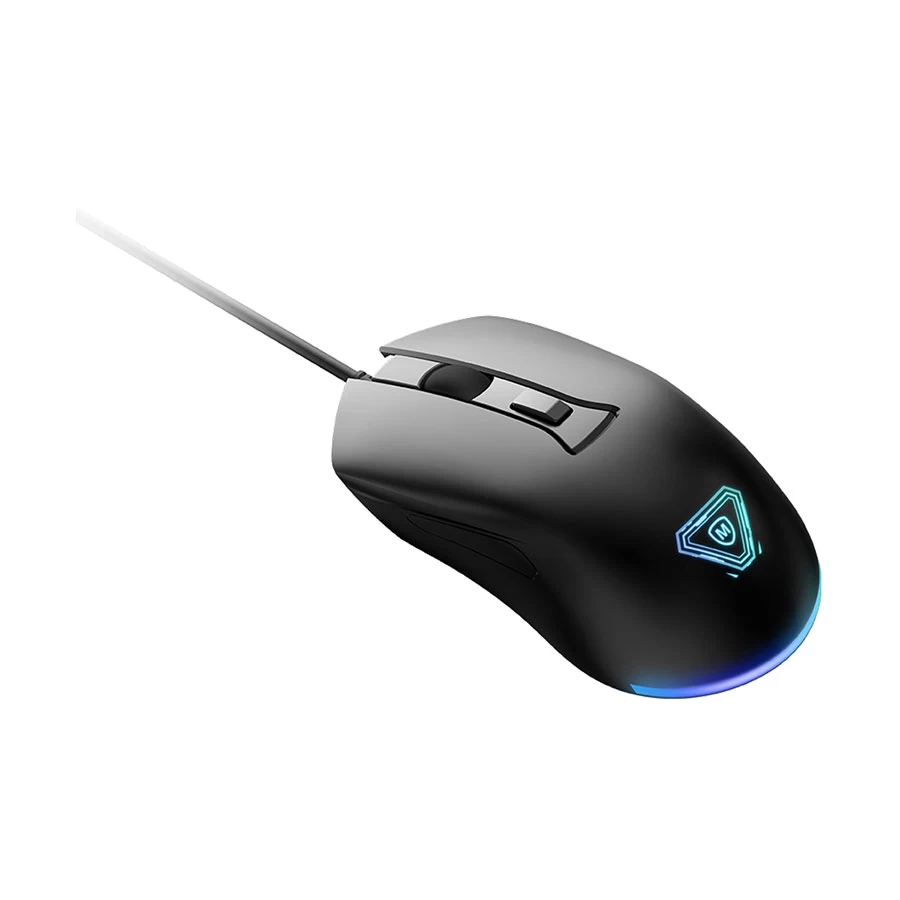
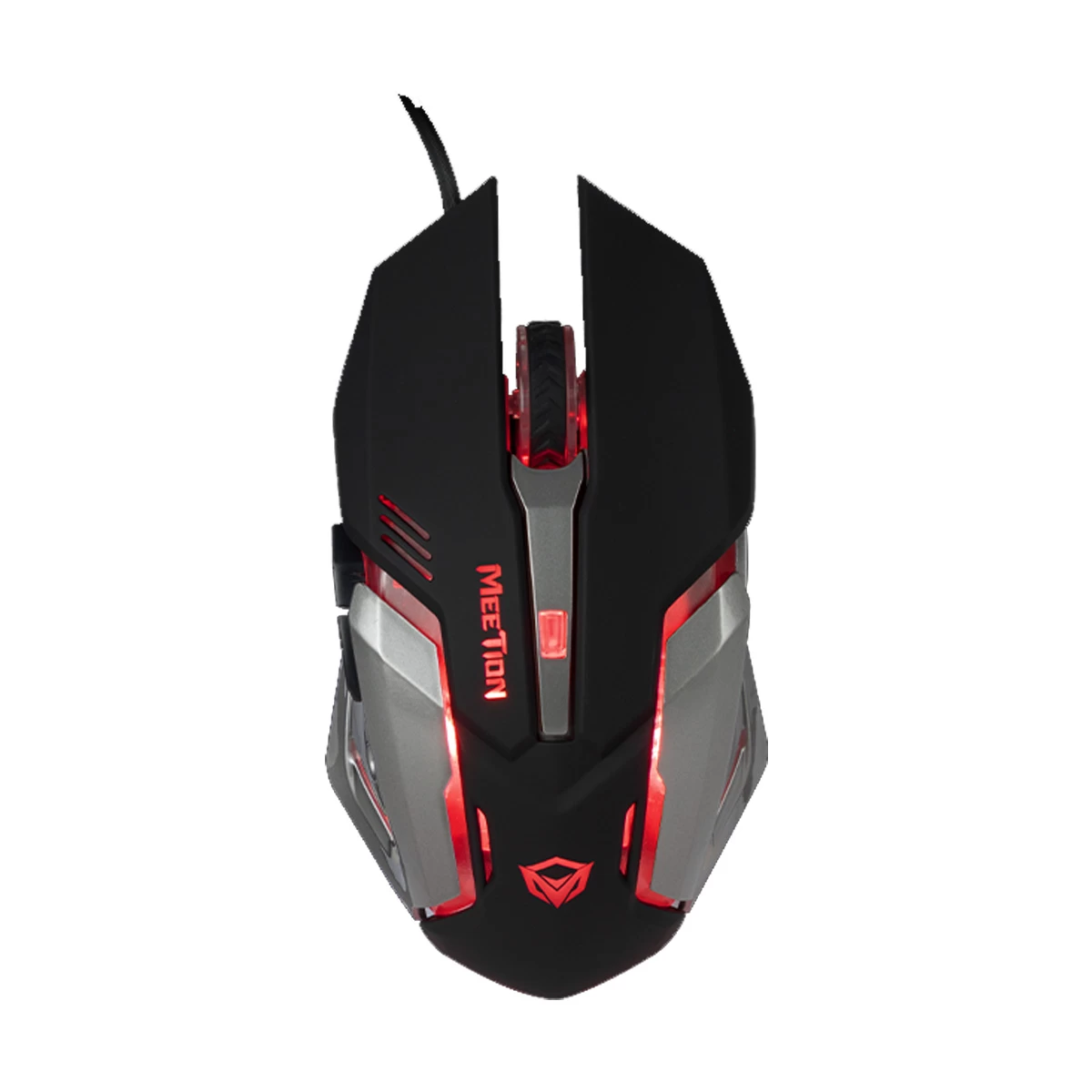
The Meetion MT-M915 is a simple wired USB gaming mouse for Desktop PC and laptop use. It has up to 2400 DPI with 4 levels, so movement feels smooth for basic gaming and daily tasks. The LED backlight changes with DPI mode, which is easy to see. It has 5+1 buttons and a comfortable ambidextrous shape, good for long use.
This mouse is best for students, beginners, and office users. Before buying, check the DPI range, cable length, and if you need more advanced gaming features or just simple everyday control.
AULA S13 is a wired USB gaming mouse with 3600 DPI and 4 levels for easy speed change. It has 6 buttons, an RGB rainbow light with side glow, and a 1.5 m cable. It feels light at 110g and works with Windows and Mac.
This mouse is good for students, small-handed users, and basic gaming or office work. Before buying, check DPI needs, hand comfort, and if RGB lighting matters to you. It gives smooth daily use with a simple plug-and-play setup.
AULA F816 RGB is a wired USB gaming mouse with up to 12800 DPI and 6 levels for fast control. It has 7 programmable buttons, an RGB backlight, and a strong ergonomic shape for long use. This mouse is good for FPS gaming, students, daily computer work, and a gaming mouse for casual gaming setups.
It is smooth and easy to plug and play. Before buying, check DPI needs, grip comfort, and if you want RGB style. It is a good option in the best gaming mouse under 1000 tk for budget users who want performance and comfort together.
Fantech Cruiser WG11 is a light wireless mouse with a 2.4GHz USB dongle and a PixArt PAW3212 sensor. It gives smooth control with 2400 DPI (4 levels, 800–2400), 6 programmable buttons, and a long 10 m range. It is very light (63.5g) and has silent, low-noise clicks with Teflon feet for smooth movement. No RGB light here.
Good for students, offices, and light gaming. Before buying, check wireless battery use, DPI needs, and hand comfort. Best for simple daily use and a travel-friendly setup.
You may find some gaming features in this budget, such as DPI control, extra buttons, RGB lighting, or a gaming-style design. These features are useful for basic use, but you should not expect them to be highly accurate or professional-grade. Some features can be more like marketing gimmicks than real performance upgrades, and the tracking accuracy or clicking feel may not always be up to the mark. For beginners, students, and casual users, these mice can be fine for day-to-day use and simple gaming. But if you are serious about gaming and want better control, comfort, and accuracy, it is better to increase your budget.
Wired USB Connection
For stable USB wired mouse use, Meetion MT-M915 is a strong pick. It gives steady cable quality and easy plug-and-use for everyday gaming setups and casual gaming.
Adjustable DPI
For DPI changes and adjustable DPI control, the AULA F816 is best. It helps in FPS gaming like PUBG and Free Fire with better aim control and smooth movement.
Optical Sensor
For steady optical sensor performance, the AULA S13 is a good choice. It works fine for MOBA gaming and normal cursor control in daily work.
RGB or LED Lighting
For RGB lighting and LED lighting style, the Havit MS1029 gives a colorful gaming setup feel. It is good for users who like light effects in Valorant or Minecraft play.
Ergonomic Shape
For ergonomic shape and palm-grip comfort, the Fantech Cruiser WG11 is best. It feels light and easy for long use with low hand stress.
Side Buttons on Some Models
For side buttons and programmable buttons, the AULA S13 helps in quick actions during GTA or FPS gaming. It is useful for Claw grip users too.
Basic Gaming Design
Gaming mouse for casual gaming, the Micropack GM-01 gaming mouse is a safe pick. It is smooth for casual gaming and daily office work.
Brand Warranty Depending on Mode
For strong warranty support, the Fantech Raigor II WG10 is trusted. It gives better safety for long use and stable click latency performance.
Before buying, always check DPI level, grip comfort, mouse feet smoothness, and warranty. These small things help more than looks for a good gaming mouse experience.
Conclusion
You do not need an expensive mouse to start casual gaming. Under Tk 1000, the best choice is the one that feels comfortable, works smoothly, and matches your daily use. However, you should not expect premium sensors, very high polling rate, advanced software support, ultra-durable switches, or pro esports-level accuracy in this budget. For a safe first upgrade from a regular office mouse, compare the latest gaming mouse models at Ryans with price, warranty, and availability in Bangladesh.
FAQs
Can I Buy a Good Gaming Mouse Under 1000 Tk?
Yes. Many budget models offer good performance for daily gaming, study, and regular computer use. You can get features like adjustable DPI, RGB lighting, and side buttons without spending more.
Is a Gaming Mouse Under 1000 Good for Valorant?
Yes, for beginner and casual players. A budget mouse can handle Valorant well if it has a stable sensor and a comfortable grip. It may not match expensive esports models, but it is enough for normal play.
Is a Wired Gaming Mouse Better Under 1000 Tk?
In most cases, yes. Wired models usually give a stable connection and do not need battery charging. They are a practical choice in this price range.
How much DPI is good for gaming?
Around 1200 to 3600 DPI is enough for most users. A mouse with adjustable DPI is better because you can change the speed based on your game and preference.
Does RGB improve gaming performance?
No. RGB lighting only changes the look of the mouse. It can make your setup more attractive, but it does not improve gameplay or accuracy.
Which gaming mouse is best for students?
Students should choose a mouse that is comfortable, durable, and easy to use. A model with adjustable DPI and a reliable build is usually the best choice for study and gaming.
Is Logitech gaming mouse available under 1000 Tk?
Some basic Logitech mice may be available near this budget, but dedicated Logitech gaming mice are usually priced higher than Tk 1000.
What should I check before buying a gaming mouse under 1000?
Check the sensor type, DPI options, button quality, grip comfort, cable quality, and warranty. These features have a bigger impact on daily use than RGB lighting alone.

_1782104860.webp)





Leave a comment