On this page 11 sections
Before you choose
- Home covers most personal PCs, including gaming, classes, and regular work.
- Pro adds specific tools such as Remote Desktop hosting, Group Policy, and Hyper-V.
- Pro does not increase gaming FPS. Choose it for its features, not a performance promise.
Quick Answer: Windows 11 Home or Pro?
Windows 11 Home
Choose Windows 11 Home for personal use, online classes, browsing, office tasks, streaming, and gaming. It includes standard security without extra enterprise tools.
Windows 11 Pro
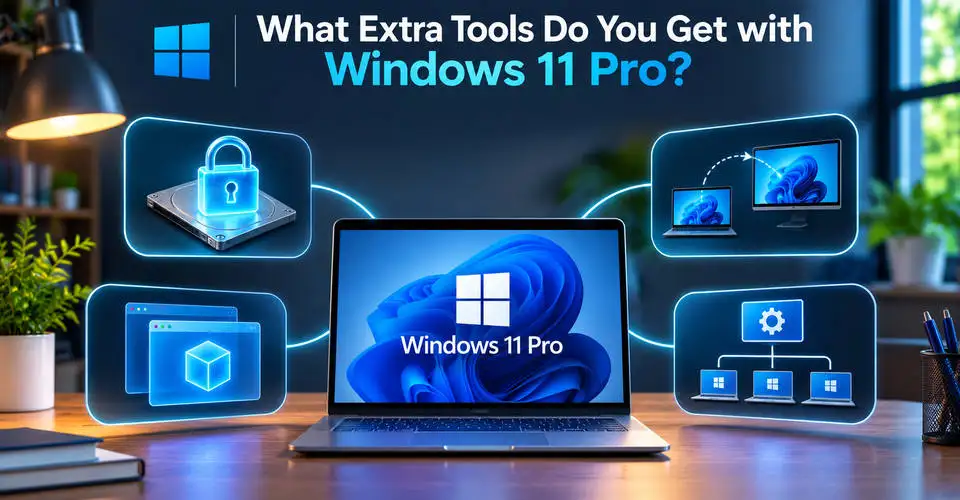
Windows 11 Pro is worth considering if you need BitLocker drive encryption, Remote Desktop hosting, domain joining, Group Policy, Hyper-V, or Windows Sandbox. These features are especially useful in managed workplaces and technical environments.
What Do Windows 11 Home and Pro Have in Common?
Everyday Windows Features and Security
Both Home and Pro handle everyday tasks smoothly including running apps, browsing, using the Microsoft Store, and multitasking. Home is fully protected. Therefore, both editions include core security features as follows:
- Windows security and firewall
- Secure boot
- TPM 2.0 hardware compatibility
However, the main difference is that Pro adds certain security and management options for advanced or business use.
Windows 11 Home vs Pro: Main Differences
Compare the tools before paying for a higher edition. On mobile, swipe sideways to see all columns.
| Feature | Home | Pro | Who Needs It? |
|---|---|---|---|
| Everyday use | Yes | Yes | Home users and students |
| Gaming | Yes | Yes | Gamers |
| Core Windows security | Yes | Yes | All users |
| Device encryption | Supported on eligible devices | Supported | Users protecting stored data |
| Full BitLocker features | Limited compared with Pro | Yes | Business and security-conscious users |
| Remote Desktop hosting | No built-in host | Yes | Remote workers and IT teams |
| Domain or Microsoft Entra ID join | No | Yes | Managed workplaces |
| Group Policy | No full Group Policy management | Yes | IT administrators |
| Hyper-V | No | Yes | Developers and technical users |
| Windows Sandbox | No | Yes | Users testing untrusted software |
| Business device management | Limited | Expanded tools | Organisations |
Who Actually Needs Windows 11 Pro?
Business and Office PCs
Businesses may need Pro for domain joining, Microsoft Entra ID integration, Group Policy, and additional device-management options. These features help IT teams manage workplace computers and apply consistent security settings.
Remote Workers and IT Support
Pro is useful when you need your PC to host incoming Remote Desktop connections or meet an employer's device-management requirements. However, working remotely alone does not mean you need Pro.
Developers and Virtualization Work
Developers and IT professionals may need Hyper-V virtual machines and Windows Sandbox. These tools support testing and isolated environments without requiring a separate physical computer for every task.
BitLocker: Is Pro Worth It for Better Data Protection?
Device Encryption vs BitLocker
Both editions may support device encryption on eligible hardware. Pro also provides the fuller BitLocker Drive Encryption feature set, with additional management options. Encryption helps protect files if a device is lost or stolen, especially when someone tries to access its storage outside normal Windows sign-in.
When Full Drive Encryption Matters
Pro may be worthwhile for business laptops, sensitive work files, or devices subject to workplace security policies. Keep recovery keys safe; losing access to them can make encrypted data difficult or impossible to recover.
Remote Desktop: Home vs Pro
Connecting to Your Office PC Remotely
Windows 11 Home can be used as a Remote Desktop client to connect to another supported computer. However, it cannot act as the built-in Remote Desktop host. Pro supports hosting incoming Remote Desktop sessions.
Hyper-V, Sandbox and Group Policy: Do You Need Them?
Hyper-V for Virtual Machines
Hyper-V lets supported systems run virtual machines. It can help developers and IT professionals test operating systems or software in separate environments.
Windows Sandbox for Testing
Windows Sandbox creates a temporary, isolated desktop for testing applications or files. It is useful for certain technical tasks, but most everyday users will rarely need it.
Group Policy for Managed PCs
Group Policy helps administrators control settings across managed computers. It is primarily useful in workplaces, not for typical home users.
Windows 11 Home vs Pro for Different Uses
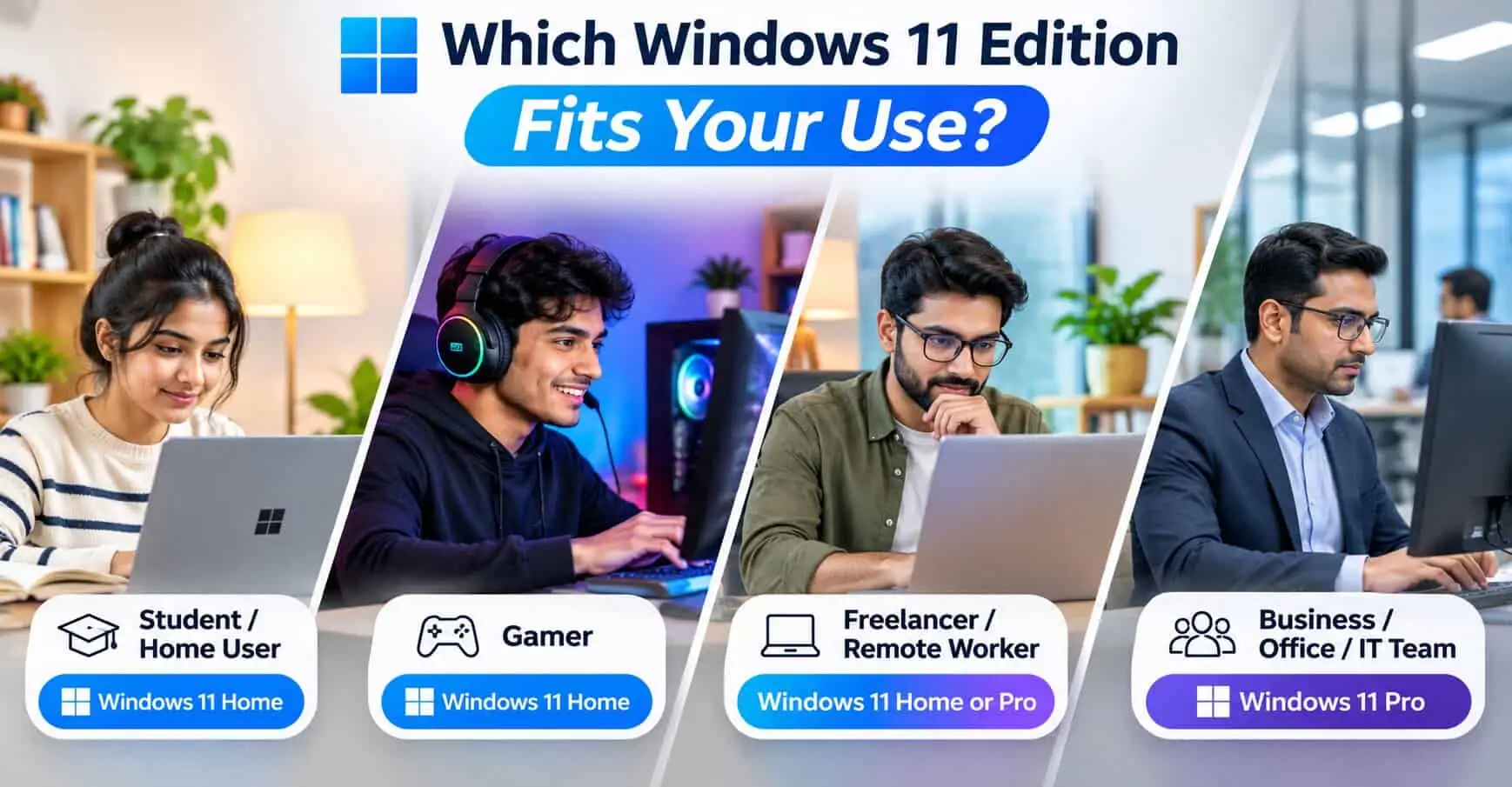
HOME IS ENOUGH
Student and Home Users
Home is generally enough for assignments, video calls, research, streaming, and everyday productivity.
HOME IS ENOUGH
Gamers
In most cases, Home is enough. Pro does not boost FPS or gaming performance. So, you can better invest that extra money into your GPU, CPU, or RAM instead.
DEPENDS ON WORK
Freelancer and Home Office
Home is suitable for many freelancers. Consider Pro if a client or employer requires BitLocker management, Remote Desktop hosting, or workplace device policies.
PRO FOR MANAGEMENT
Small Business and Managed Office
Pro is the stronger choice when employees need managed accounts, business security controls, or centralised settings. The right edition depends on the organisation's IT requirements.
What to Check Before Buying a Windows License
License Type & Media
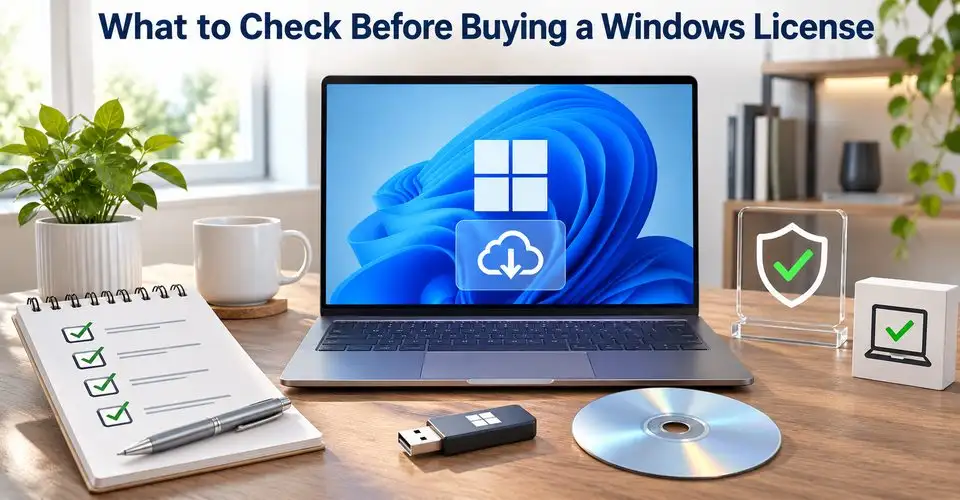
If you're installing Windows 11 Pro on a new PC, check whether you're buying an OEM or Retail license. For example, the Microsoft Windows 11 Pro 64-bit DSP OEI DVD comes with a DVD and license key for one PC. It's an OEM-style license tied to the original computer, so you cannot simply transfer it to another PC when you upgrade your setup. If you plan to replace your computer later, consider the license terms before buying.
FOR INSTALLING ON ONE PC
Microsoft Windows 11 Pro 64-bit DSP OEI DVD
A physical Windows 11 Pro licensing option for a PC. Confirm the OEM license conditions and that your device can use the DVD installation media before buying.
PC Compatibility and Activation
Check that your PC meets Windows 11 requirements and that the licence matches your intended installation. Buy from a reliable source and keep your purchase details and activation information.
Avoid Fake or Invalid Windows Licences
Be careful with unusually cheap Windows activation keys. Some may be invalid, improperly licensed, or already used. If your business has computers running Windows without valid licenses, the Microsoft Windows 11 Pro Legalization (GGWA) Commercial is an option worth checking. It's designed to help eligible businesses license existing PCs, not as a regular Home-to-Pro upgrade. Microsoft has specific purchasing rules for GGWA, so confirm your eligibility before ordering.
FOR ELIGIBLE EXISTING BUSINESS PCS
Microsoft Windows 11 Pro Legalization (GGWA) Commercial
A business legalization route, not the usual license for a new home PC or a standard Home-to-Pro upgrade. Verify your organization's eligibility and purchasing requirements.
Can You Upgrade Windows 11 Home to Pro Later?
Yes. If you start with Home, you can easily upgrade to Pro at any time by purchasing a valid upgrade key. See the official guide to upgrading Windows Home to Windows Pro. Check the upgrade cost before deciding whether to buy Pro from the start.
Final Advice: Buy the Edition for the Features You Will Use
For most personal users, students, and gamers, Windows 11 Home offers the best value. Choose Windows 11 Pro only if you specifically require advanced encryption, Remote Desktop hosting, virtual machines, or business administration tools. Compare the features you need with the licence terms and current price before purchasing.









Leave a comment