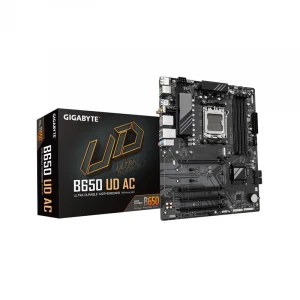
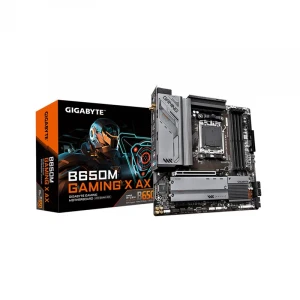
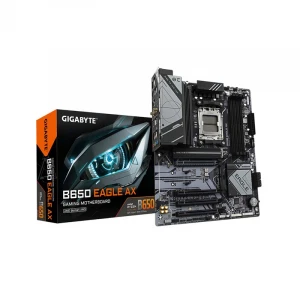
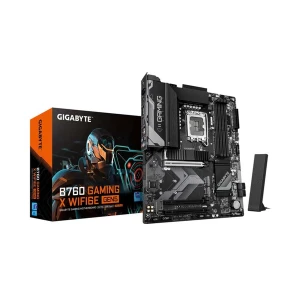
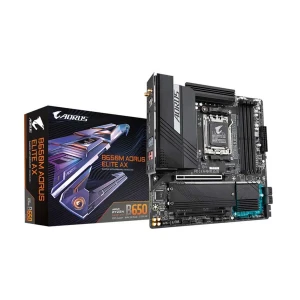
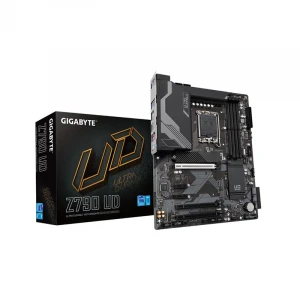
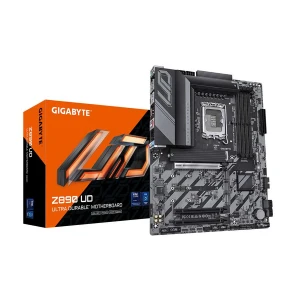
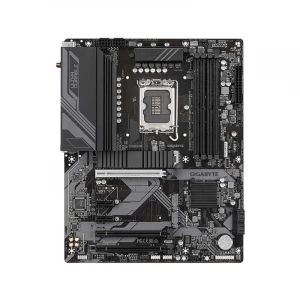
For New Desktop PC Builders
Choose the processor first, then match the motherboard socket, RAM type, and casing size. A B-series DDR5 board is a safe starting point for most new AMD or Intel builds.
Form Factor
Chipset Brand
Sockets Supported
Memory Type
Built-in Processor
Generation
Memory Slot
Memory Max.
Optane Memory Support
M.2/SSD Expansion Slot
M.2/SSD Slot Gen
Cable Management
WiFi
VGA Port
DVI Port
HDMI Port
CrossFire Support
Sli Support
Thunderbolt
RGB Support
Warranty Info
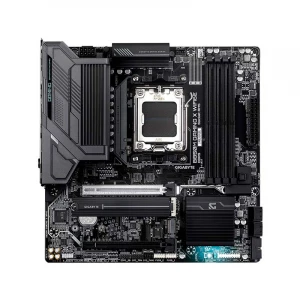
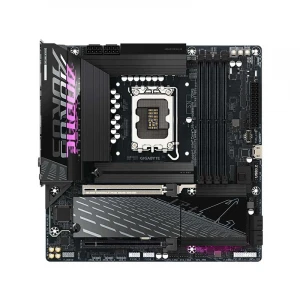
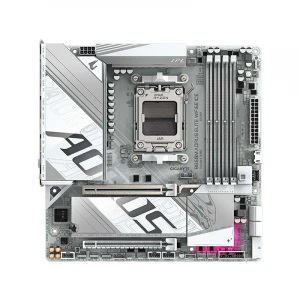
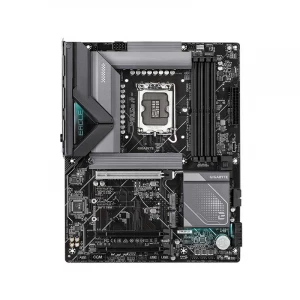
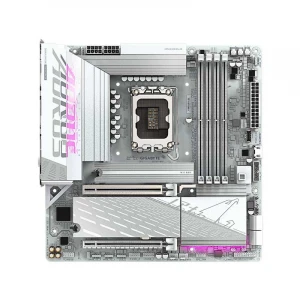
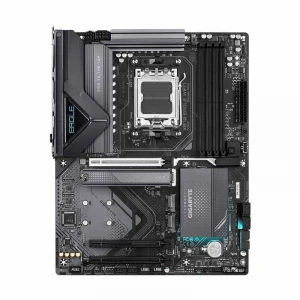
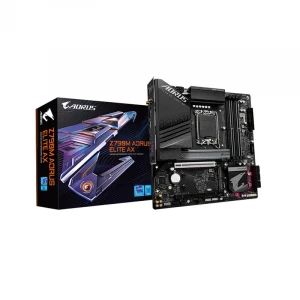
Gigabyte motherboard price in Bangladesh varies based on chipset, CPU socket, RAM type, form factor, Wi-Fi support, M.2 slot count, PCIe generation, RGB/ARGB features, and overall build quality. Whether you are building a basic office PC, desktop, content creation workstation, or upgrading an older system, choosing the right motherboard is mainly about compatibility first and extra features second.
A motherboard connects your processor, RAM, storage, graphics card, power supply, casing ports, cooling fans, and other components. So before choosing a Gigabyte motherboard, confirm three things first: your processor socket, your RAM type, and your casing size. After that, compare storage slots, Wi-Fi, RGB support, LAN, rear I/O, and future upgrade options.
Choose the processor first, then match the motherboard socket, RAM type, and casing size. A B-series DDR5 board is a safe starting point for most new AMD or Intel builds.
Gamers should look for modern chipset support, DDR5 memory, enough M.2 storage room, and gaming-focused features. Pick Wi-Fi or RGB/ARGB support only if your build needs them.
Office PCs need stability, correct processor support, and practical connectivity more than premium gaming features. A Micro-ATX H-series board is usually enough for daily business work.
Creators should prioritize higher RAM capacity, storage upgrade options, and a newer platform for future upgrades. This helps with editing, design, multitasking, and large project files.
If you are keeping older DDR4 RAM or an AM4 processor, choose a compatible DDR4 board instead of changing everything at once. Always confirm your exact CPU model before buying.
Technicians should focus on common sockets, Micro-ATX size, and practical replacement boards that fit many regular desktop cases. Compatibility matters more than premium design here.
First, match the motherboard socket with your processor. Intel and AMD CPUs use different sockets, so check your exact processor model before buying. After that, choose the chipset based on your need — entry chipsets for office PCs, B-series for most gaming and regular builds, and Z/X-series for high-end or enthusiast builds.
A motherboard supports either DDR4 or DDR5 RAM, not both. Choose DDR5 for a new build if you want better future upgrade value. Choose DDR4 only if you already have compatible RAM or want to keep the upgrade cost lower.
Check whether your casing supports Micro-ATX, ATX, or Mini-ITX. Micro-ATX is suitable for most office and gaming builds. ATX gives more expansion space, while Mini-ITX is mainly for compact PCs.
For basic use, one M.2 slot is enough. For gaming, editing, or future storage upgrades, choose a board with two or more M.2 slots. PCIe Gen 4 is practical for most users, while Gen 5 is mainly useful for newer high-speed SSDs.
If your PC will use a LAN cable, built-in Wi-Fi is not necessary. If the router is far away or you want wireless connectivity, choose a Wi-Fi model. Also check Bluetooth support if you use wireless headphones, keyboards, mice, or controllers.
For gaming or showcase builds, check RGB/ARGB support before buying. Make sure the motherboard has the correct headers for your casing fans, LED strips, CPU cooler, or liquid cooler.
For office use, a basic Gigabyte board is usually enough. For gaming, editing, or heavy workloads, choose a board with better VRM cooling, enough USB ports, multiple storage options, and stronger upgrade support.
| Feature | What to Check | Why It Matters |
|---|---|---|
| CPU Socket | AM5, AM4, LGA1851, LGA1700, or older Intel socket | Must match the processor |
| Chipset | H-series, B-series, Z-series, X-series, A-series | Decides feature level and platform support |
| RAM Type | DDR4 or DDR5 | RAM type is not interchangeable |
| Form Factor | Micro-ATX, ATX, Mini-ITX | Must fit the casing |
| M.2 Slot | 1, 2, 3, or 4 slots | More slots allow more NVMe SSDs |
| M.2 Generation | Gen 3, Gen 4, Gen 5 | Affects SSD speed support |
| Wi-Fi | Yes or No | Needed if you do not want LAN cable or adapter |
| RGB / ARGB | RGB, ARGB, or No | Important for lighting builds |
| RAM Slot | 2 or 4 slots | More slots give easier memory expansion |
| Memory Max | Check product specification | Important for editing, VM, rendering, and heavy work |
| Warranty | Check product page warranty | Important for long-term support |
Ryans offers Gigabyte motherboards for different Intel and AMD builds. You can browse models by socket, chipset, memory type, form factor, M.2 slot, Wi-Fi, RGB support, and warranty from the Gigabyte motherboard category page. This makes it easier to choose the right board for your processor, RAM, casing, storage, and budget.
For better buying decisions, compare the product specifications carefully and check the individual product page for current price, availability, warranty, and supported features before placing your order.
✓
Browse Gigabyte motherboards for different processor platforms.
✓
Compare socket, chipset, memory type, form factor, M.2 slot, Wi-Fi, RGB, and warranty.
✓
Check current price, availability, warranty, and supported features before ordering.
✓
Choose the right board for your processor, RAM, casing, storage, and budget.
?
N.B. Image may differ with actual product's layout, color, size & dimension. No claim will be accepted for image mismatch.
Product Id:
Sort Options
Filter