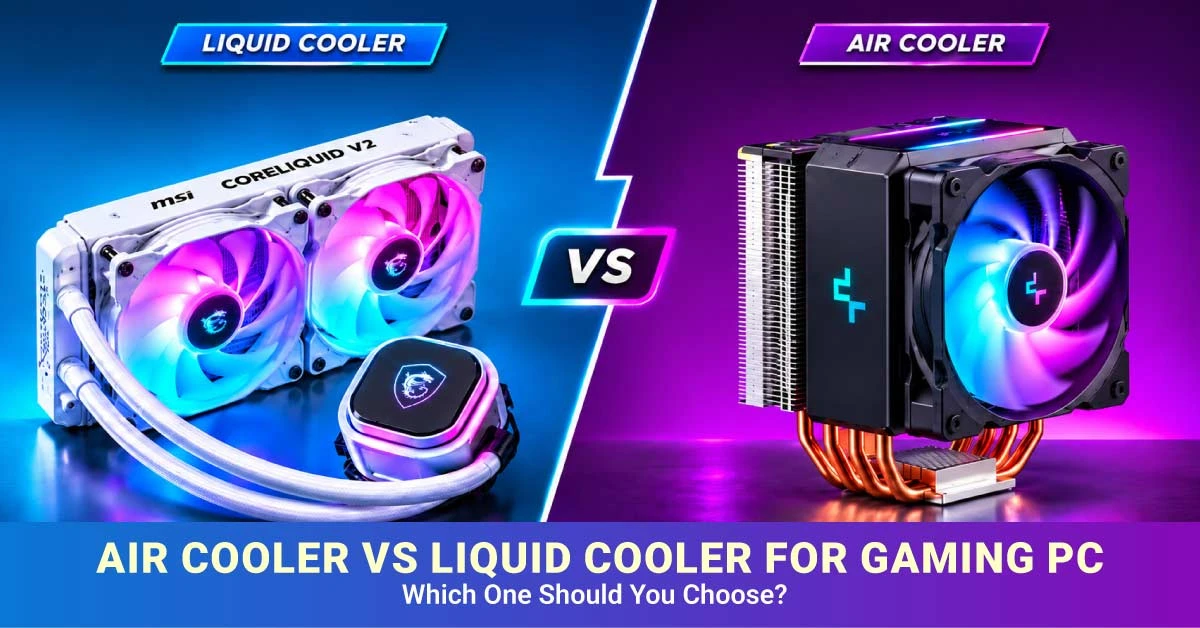
Air Cooler vs Liquid Cooler for Gaming PC: Which One Should You Choose?
A CPU produces heat while running games and applications. The cooler transfers that heat away from the processor so it can operate within its intended temperature limits. While choosing the right cooler, you need to consider your processor, casing, budget, noise, and how you use your PC. A liquid cooler may look impressive, but it is not always necessary.
For many gaming PCs, a good CPU air cooler offers enough cooling at a lower cost. An AIO liquid CPU cooler may be a better choice for some high-performance processors, long streaming sessions, or builds where appearance matters. This guide compares both options to help you choose the right cooler for your gaming PC in Bangladesh.
Air Cooler vs Liquid Cooler: Quick Comparison
Decision Factor
Air Cooler
AIO Liquid Cooler
Typical cost
Usually more affordable
Usually more expensive
Cooling performance
Depends on heatsink and fan design
Depends on radiator, pump, and fans
Noise
Mainly fan noise
Fan and pump noise
Installation
Usually simpler
Requires radiator and tube placement
Maintenance
Clean dust and check the fan
Clean radiator and fans; monitor pump operation
Failure points
Mainly fan and mounting parts
Pump, fans, tubes, and radiator
Space
Needs cooler-height and RAM clearance
Needs radiator and tube clearance
Appearance
Visible heatsink and fan
Often offers a cleaner CPU area and RGB options
How Do Air and AIO Liquid CPU Coolers Work?
A CPU air cooler transfers heat from the processor to a metal heatsink. Its base and heat pipes carry heat through metal fins, while a fan moves air across them. A single-tower cooler has one main fin stack, while a dual-tower cooler has two stacks for additional cooling surface.
In contrast, an AIO liquid CPU cooler is a sealed system containing a pump, cold plate, coolant tubes, and radiator. The cold plate transfers heat from the CPU to the coolant. The pump moves the coolant to the radiator, where fans release the heat.
However, some common options include 120mm, 240mm, and 360mm AIOs. These sizes generally refer to the radiator's fan arrangement, but actual dimensions vary by model. Custom water-cooling loops are different and require more components and planning.
Does Liquid Cooling Improve FPS or Gaming Performance?
Image suggestion: a gaming background image with the text “Does Liquid Cooling Improve FPS or Gaming Performance?”
Liquid cooling does not automatically increase FPS . Both cooling types can support smooth gaming if they keep the CPU within its operating limits.
When a processor gets too hot, it may reduce its clock speed. This is called thermal throttling. If your existing cooler causes throttling, a better cooler may help maintain performance during demanding games or long sessions.
However, if your current cooler already handles the processor's heat, switching to an AIO may make little difference to average FPS. Your graphics card, game settings, resolution, and processor also affect gaming performance.
For competitive 1080p gaming, choose a cooler that suits your CPU rather than assuming liquid cooling is necessary. If you also stream or edit videos, compare performance under sustained CPU load.
Cooling Performance: Tower Air vs 120mm, 240mm and 360mm AIO
A larger radiator offers more surface area for releasing heat, but size alone does not determine cooling performance. Fan design, pump quality, radiator thickness, heatsink design, and processor power consumption also matter.
A good dual-tower air cooler can compete with some 240mm AIO models. A 120mm AIO is not automatically better than a capable tower air cooler, either. Compare independent reviews of specific models under similar workloads.
A 240mm AIO can suit a processor that produces substantial heat, provided the casing supports it. Similarly, a 360mm AIO may be useful for demanding CPUs and long rendering sessions, but it costs more and needs more space.
So, choose according to the processor's heat output and your workload, not just its model name.
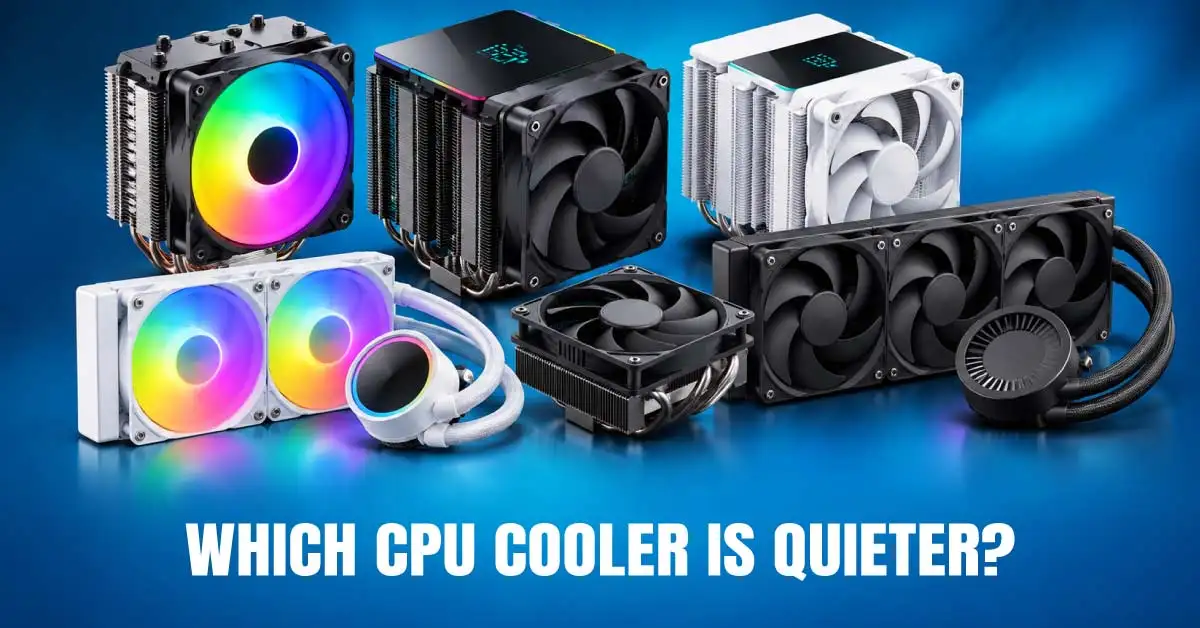
Noise Levels: Which Cooler Is Quieter?
Air coolers mainly produce fan noise, while AIOs add pump noise. A large air cooler is typically quieter when its fan does not need to spin quickly.
On the contrary, an AIO with a larger radiator may also run its fans more slowly under load. Actual noise depends on the specific model and settings.
A suitable fan curve helps control fan speed according to temperature. PWM-compatible fans can adjust their speed automatically, while good case airflow helps prevent unnecessary fan noise.
If quiet operation matters, compare model-specific noise tests instead of choosing by fan count or RGB lighting.
Reliability, Lifespan and Maintenance
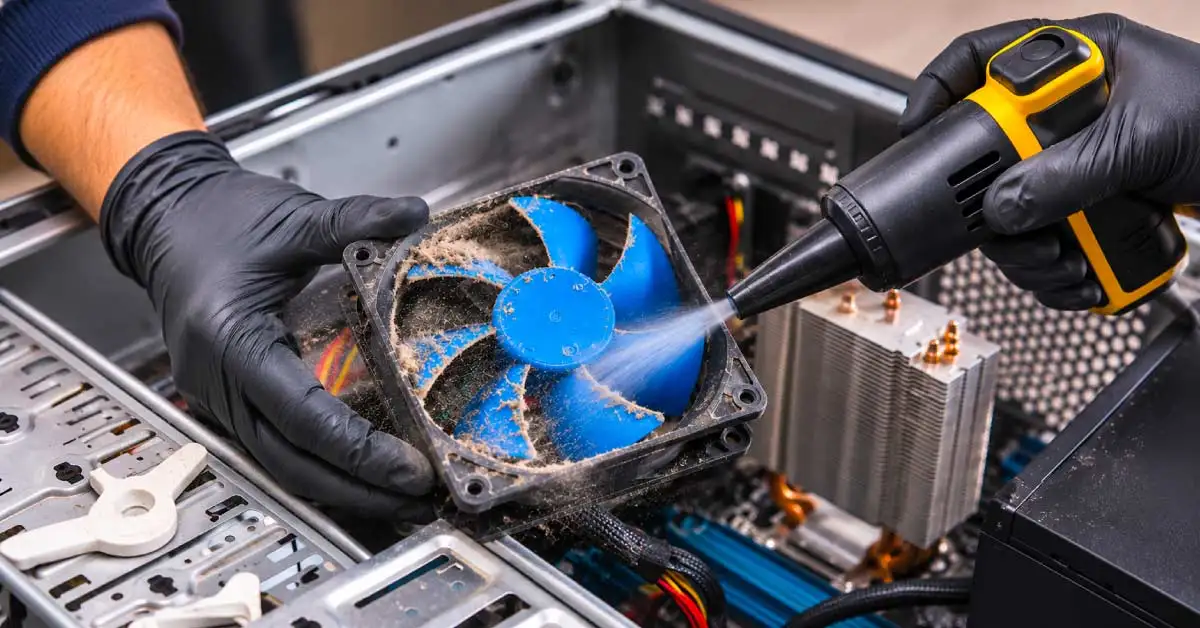
Air coolers have a simple design making it easier to remove dust from the heatsink and fan. You can also regularly check that the fan works properly. Replacing a failed fan is often straightforward if a compatible part is available.
Most sealed AIOs do not require routine coolant refilling. However, their pumps can fail, and leaks are possible. They also have more components to monitor than air coolers.
Neither type has a guaranteed lifespan. Product quality, usage, installation, and warranty terms matter. For simpler maintenance, an air cooler is often the practical choice. An AIO may still be worthwhile if its cooling performance or design better suits your build.
Check CPU Socket, RAM Clearance and Casing Fit
A cooler that cannot fit your processor socket or casing is not a good purchase, regardless of its performance. Check these points before ordering:
CPU socket: Confirm support for AMD AM4 or AM5, or Intel LGA1700 or LGA1851, as applicable. Check the exact cooler's supported sockets and included mounting bracket.
Cooler height: Compare an air cooler's height with the casing manufacturer's maximum supported CPU cooler height.
RAM clearance: Large single-tower and dual-tower heatsinks may interfere with tall memory modules.
Radiator fit: For an AIO, check supported radiator sizes, radiator thickness, fan clearance, tube routing, and possible interference with other components.
Airflow: Ensure the casing has suitable intake and exhaust fans and clean its dust filters regularly.
Compare options for gaming CPU cooler and check dimensions of gaming PC casing . You can also check gaming motherboardsfor socket and header compatibility.
Best Choice for Budget, Mid-Range and High-End Gaming PCs
Budget 1080p gaming: A suitable air cooler is often the best-value option. It saves money for a graphics card, memory, or storage. Check whether your processor already includes a cooler.
Mainstream gaming and streaming: A capable tower cooler may be enough. If you regularly stream or edit videos, compare a dual-tower air cooler with a 240mm AIO based on your CPU's heat output.
High-performance gaming: Compare strong dual-tower air coolers with 240mm and 360mm AIOs. Check verified cooling performance, noise, casing support, and price before deciding.
Showcase builds: An AIO may suit you if you prefer RGB lighting, a pump-head display, or a less crowded-looking CPU area. These are design benefits, not proof of better gaming performance.
If you are still choosing a processor, browse thedesktop processor categoryalongside your cooler options.
CPU Cooler Price and Long-Term Value in Bangladesh
CPU cooler price in Bangladesh varies by brand, design, cooling capacity, lighting, and included features. Air coolers generally cost less to start with, while AIOs usually cost more because they include a pump, radiator, tubes, and additional fans.
Check current prices, stock, and warranty details on theRyans gaming CPU cooler page. Prices and availability can change, so verify the exact model before ordering.
Do not pay extra for a 360mm radiator or RGB lighting if an air cooler already meets your needs. If your casing needs better airflow, compare compatible casing fans. Good airflow benefits both cooling types.
Installation and Cooling Mistakes to Avoid
Avoid these common mistakes:
Buying without checking socket support, mounting brackets, or casing clearance.
Applying thermal paste incorrectly or forgetting to remove protective film from the cold plate.
Connecting fans or the pump to the wrong motherboard header.
Installing an AIO radiator without considering tube routing and pump position.
Ignoring dust filters and intake or exhaust airflow.
Assuming lower temperatures always mean higher FPS.
Final Recommendation
Choose an air cooler for good value, easy installation, and simpler maintenance. But if your CPU needs stronger cooling and your casing supports the radiator, you better choose an AIO liquid cooler.
Before buying, check CPU heat output, socket compatibility, cooler dimensions, RAM clearance, noise, warranty, and budget. Compare compatible options rather than choosing by appearance alone.
Frequently Asked Questions
Is an air cooler enough for a gaming PC?
Yes. A suitable air cooler can handle many gaming PCs. The right choice depends on processor heat output, workload, and cooler design.
Is a 240mm AIO always better than a dual-tower air cooler?
No. Performance depends on the exact models, processor power, fan speeds, and workload. Compare reliable tests before buying.
Does an AIO liquid cooler need coolant refilling?
Most sealed AIOs do not require routine coolant refilling. Follow the manufacturer's maintenance instructions.
Can a liquid CPU cooler leak or have pump failure?
Yes, both are possible. Check the warranty and contact the manufacturer if you notice a leak or unusual pump noise.
Does a Ryzen 5 or Intel Core i5 need liquid cooling?
Not necessarily. Many Ryzen 5 and Intel Core i5 builds can use a suitable air cooler. Check the exact processor, workload, and cooler compatibility first.









Leave a comment