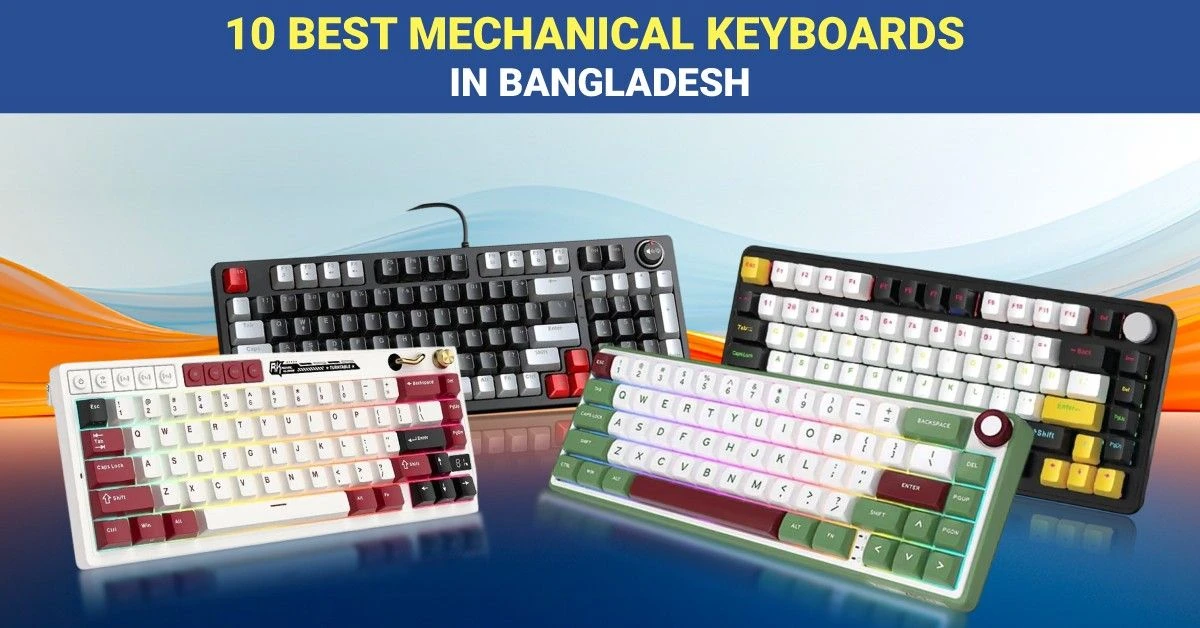
Mechanical keyboards use individual mechanical switches under the keys, providing a more distinct and consistent typing feel than standard membrane keyboards. They are popular among gamers, writers, programmers, students, designers, and office users who value responsive keys, durability, and comfortable long-term use.
At Ryans, buyers can compare mechanical keyboards by switch type, layout, wired or wireless connectivity, anti-ghosting support, RGB lighting, keycap material, and hot-swappable design. Choose a keyboard based on your typing preference, desk space, device compatibility, and daily workload.
10 Best Mechanical Keyboards List and Comparison
Prices and availability were checked on Ryans and may change over time.
Best Blue Switch Mechanical Keyboard for Clicky Typing
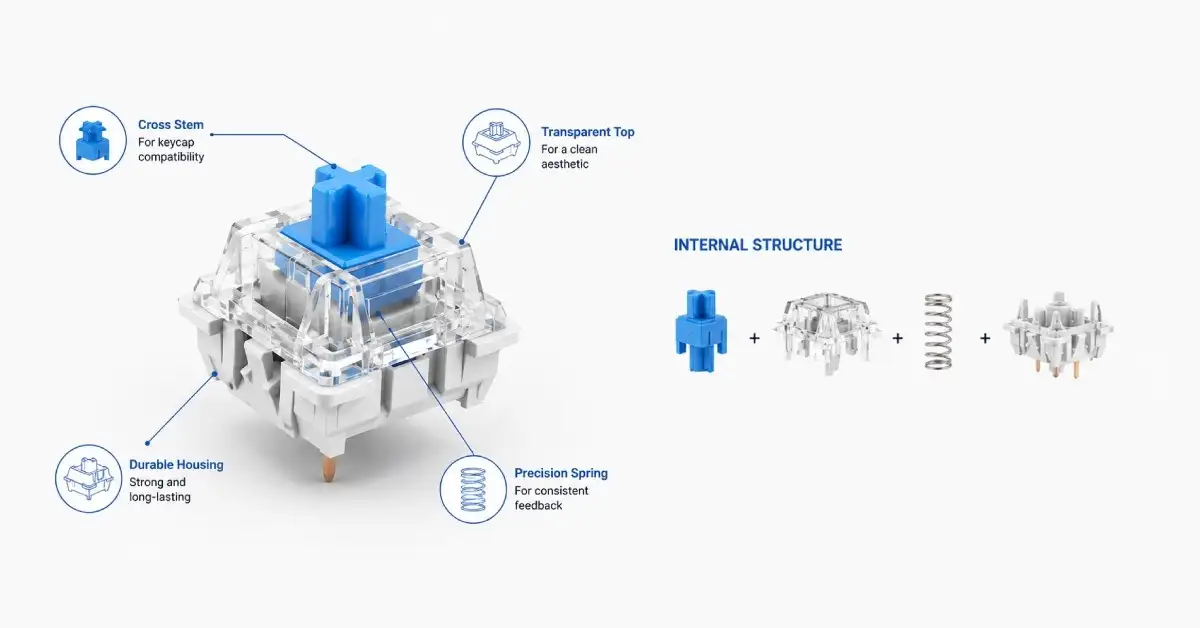
Blue switch mechanical keyboards are named after the blue-colored switch stem beneath each keycap. An internal click mechanism creates a tactile bump and clear clicking sound with every press, offering satisfying and accurate feedback for typing. They are ideal for writers, programmers, and clicky-keyboard lovers, but may be too loud for quiet or shared spaces.
Rapoo GK500 Wired Blue Switch Mechanical Gaming Keyboard
Rapoo GK500 provides responsive control during gaming, writing, and everyday computer work. This blue switch is best for daily use when you need speed typing.
It contains blue mechanical switches to provide audible presses; the 104-key layout supports gaming commands, number entry, and office shortcuts. USB connection maintains stable input, and key lighting improves visibility in a dark environment.
Pro Tip: Choose this model when you need speedy controls and stable wired response for daily work and gaming.
Pros
- Full-size layout.
- Good response.
- Stable connection.
Cons
- Noticeably loud switches.
Key Features
- Blue Switch: Gives clicky press feedback
- Full Layout: Includes number pad controls
- USB Input: Maintains steady wired response
- Key Lighting: Supports darker desk use
- Windows Support: Offers simple computer compatibility
- Price Range: ৳1,900–৳2,000
Best Brown Switch Mechanical Keyboard for Gaming and Office Work
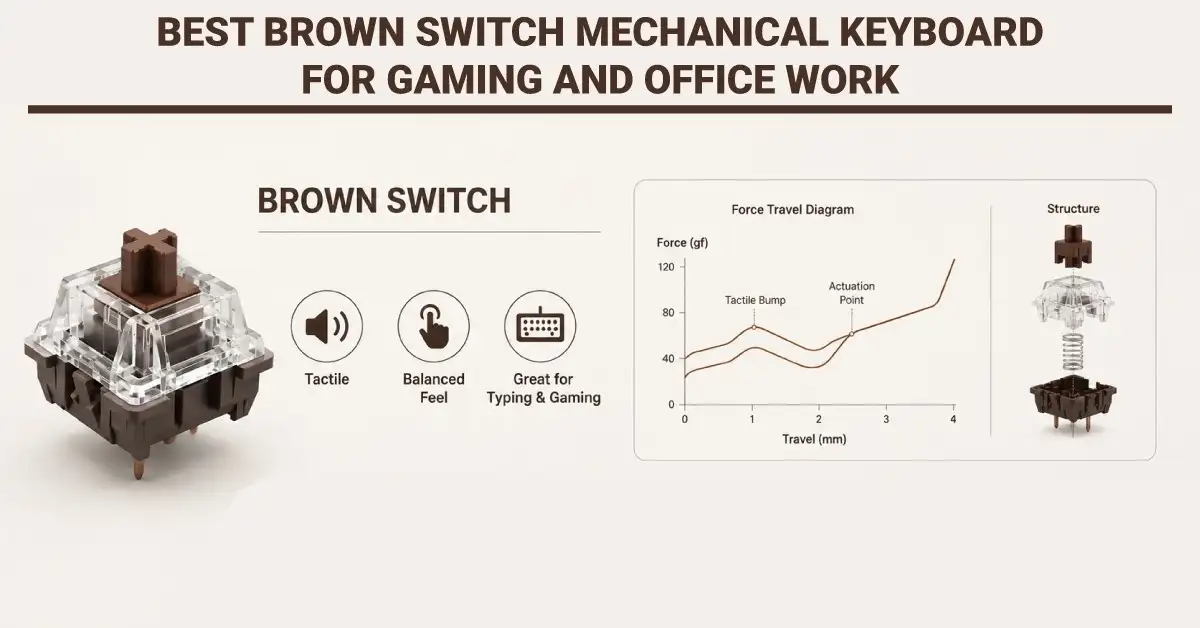
Brown switch mechanical keyboards are named after the brown-colored switch stem beneath each keycap. Their internal mechanism creates a light tactile bump without the loud click of blue switches, giving clear feedback with less noise. This balanced feel makes them suitable for both responsive gaming and comfortable office typing.
Royal Kludge RK96 Tri-Mode Brown Switch Keyboard
The Royal Kludge RK96 provides flexible gaming, creative work, and easy device switching. This mechanical brown switch keyboard is best for flexible wireless builds and personalized typing preferences.
It contains Tri-Mode Connectivity for Bluetooth, a wireless dongle, and wired operation. Brown switches offer balanced typing without loud clicking sounds, and hot-swap sockets allow easier switch replacement.
The Royal Kludge 96-key layout is useful for controlling and reducing overall desk coverage.
Pro Tip: Choose a brown-switch mechanical keyboard when you require wireless, balanced switches, and easy customization.
Pros
- Three connection modes.
- Hot-swappable switches.
- Space-saving layout.
Cons
Key Features
- Tri Mode: Connects through three methods
- Brown Switch: Balances sound and feedback
- Hot Swap: Supports switch replacements easily
- 96 Keys: Keeps compact full controls
- RGB Lighting: Adds adjustable visual effects
- Price Range: ৳7,600–৳7,900
Best Full-Size Mechanical Keyboard with Numpad
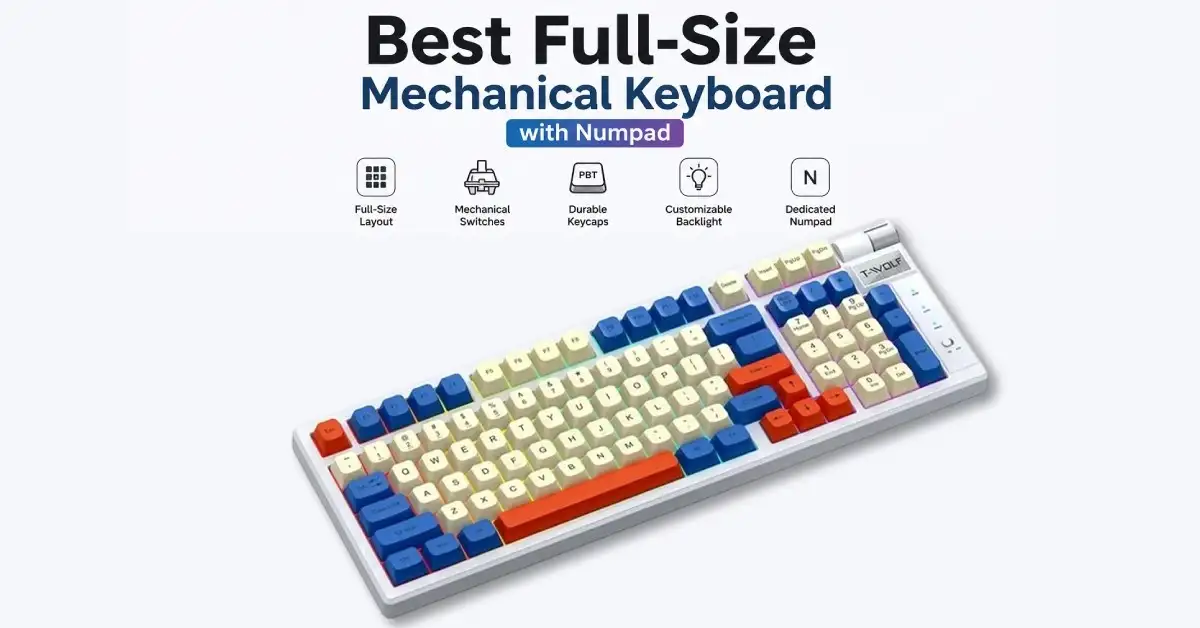
A full-size mechanical keyboard includes a dedicated numpad, function row, arrow keys, and navigation controls. It is ideal for accountants, office professionals, data-entry operators, students, and gamers who regularly enter numbers or need more shortcut keys. Choose one when productivity and complete key access matter more than saving desk space or portability.
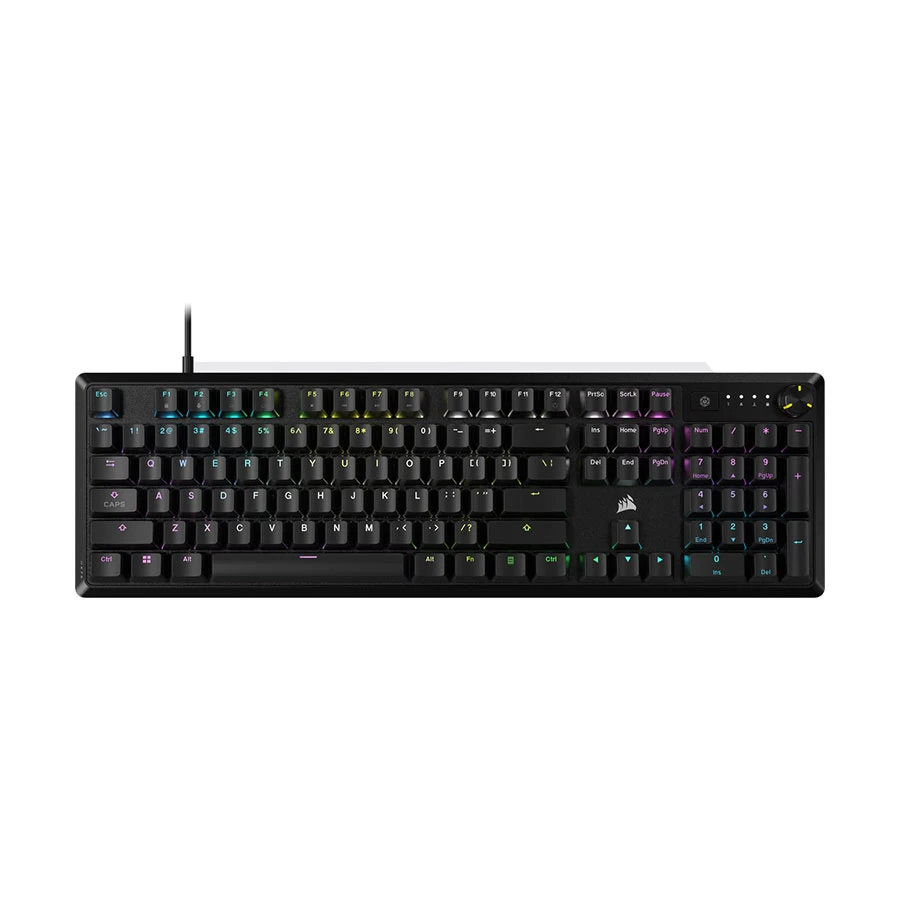
CORSAIR K70 Core RGB Wired Black (MLX Red Switch) Mechanical Gaming Keyboard
Corsair K70 Core RGB delivers smooth and responsive performance for gaming, typing, and data entry. This 104-key mechanical keyboard is ideal for users who need complete controls, including a dedicated number pad.
It features Corsair MLX Red linear switches for fast and smooth keystrokes, full-key rollover with anti-ghosting for accurate gaming commands, and customizable RGB lighting through Corsair iCUE. Dedicated media and volume controls make everyday entertainment easier, while the wired USB connection provides stable input without charging.
Pro Tip: Choose this keyboard if you want smooth linear switches, a complete number pad, customizable RGB lighting, and convenient media controls.
Pros
- Smooth linear key response.
- Complete layout with number pad.
- Dedicated media and volume controls.
Cons
Key Features
- MLX Red Switch: Provides smooth and fast linear input
- 104 Keys: Supports gaming, typing, and data entry
- Full-Key Rollover: Registers simultaneous commands accurately
- RGB Lighting: Supports customization through Corsair iCUE
- Media Controls: Simplifies volume and playback adjustments
- USB Connection: Delivers stable input without charging
- Price Range: ৳6,800–৳7,320
Best TKL Mechanical Keyboard for FPS Gaming
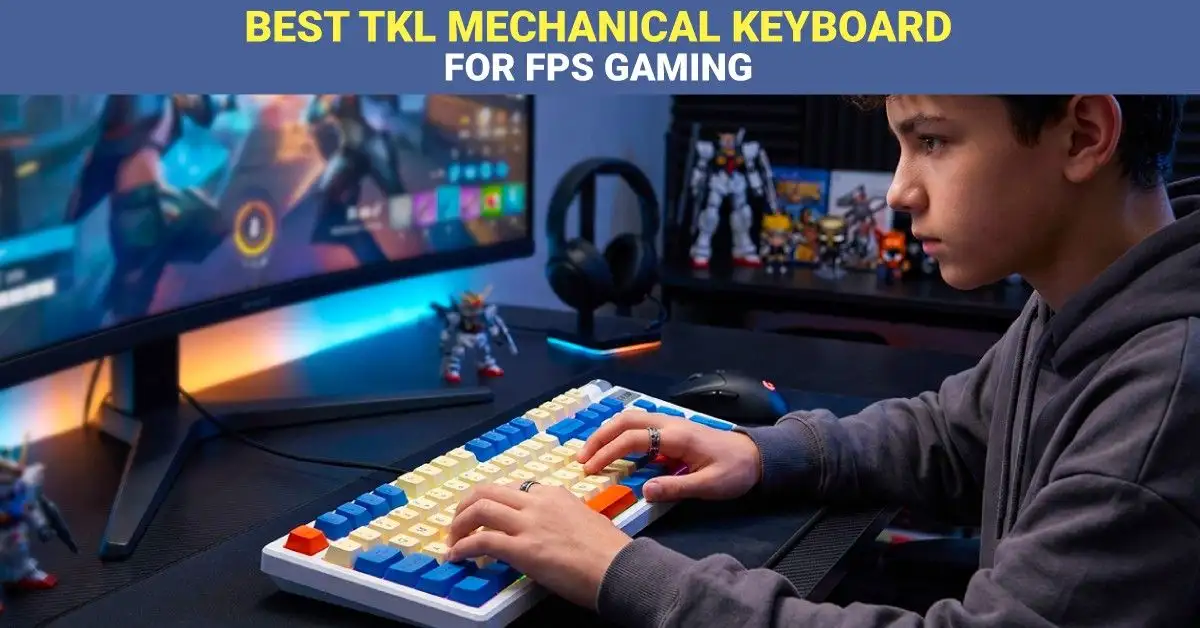
A TKL (tenkeyless) mechanical keyboard removes the numpad while keeping the function row, arrow keys, and navigation controls. Its compact size creates more room for wide mouse movements, making it ideal for FPS gamers who play at low sensitivity. It also keeps the keyboard and mouse closer together for a more comfortable gaming position.
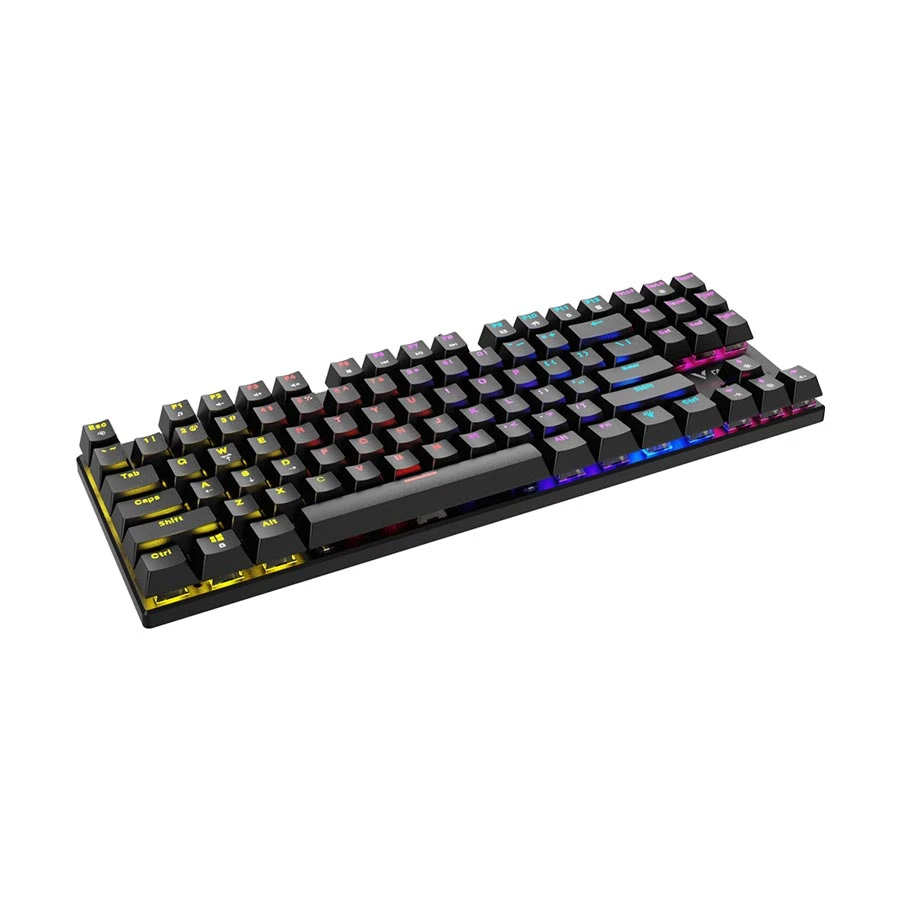
PC Power K87 RGB Hot-Swap Mechanical Keyboard
PC Power K87 combines compact controls, colourful lighting, and switch flexibility. This mechanical keyboard is best for compact FPS gaming and working stations.
It contains an 87-key layout to preserve important controls, hot-swap support allows for damaged ones, and RGB lighting creates visible effects for personalized desk setups.
PC power has a detachable Type-C cable, making storage, transport, and cable replacement much easier.
Pro Tip: Choose this keyboard when compact sizing, colourful lighting, and replaceable switches are required.
Pros
- Replaceable key switches.
- Detachable Type-C cable.
- Compact RGB layout.
Cons
Key Features
- 87 Keys: Saves useful desktop space
- Hot Swap: Simplifies switch replacement work
- RGB Lights: Creates colourful desk effects
- Type-C Cable: Supports easier cable storage
- Blue Switch: Gives sharp tactile response
- Price Range: ৳2,200–৳2,300
Best Budget Mechanical Keyboard in Bangladesh
A budget mechanical keyboard offers tactile key feedback, better durability, and a more enjoyable typing or gaming experience without a high price. It is ideal for students, first-time mechanical keyboard users, office workers, and casual gamers in Bangladesh. Choose one with reliable switches, anti-ghosting, a strong frame, and useful features within your budget.
Rapoo GK500-87 Wired Blue Switch Mechanical Keyboard
The Rapoo GK500-87 provides a familiar mechanical keyboard without occupying excessive desk space. This compact keyboard is best for budget-conscious beginners for good gaming and regular typing speed.
It includes blue mechanical switches for clear tactile and audible typing speed. An 87-key layout has no number pad, a wired USB connection provides stable signals, and its colourful keys facilitate key recognition in a dark environment.
Pro Tip: Choose this keyboard when you want clicky mechanical performance, compact dimensions, and an accessible gaming setup.
Pros
- Affordable mechanical entry.
- Compact TKL design.
- Responsive blue switches.
Cons
Key Features
- Blue Switch: Provides noticeable press feedback
- TKL Layout: Leaves additional mouse space
- USB Cable: Ensures stable connection
- Key Lighting: Helps during darker sessions
- Compact Frame: Fits smaller computer desks
- Price Range: ৳1,800–৳1,950
Best Compact Mechanical Keyboards: 65% and 60% Layouts
Compact 65% and 60% mechanical keyboards remove rarely used keys to save desk space and provide more room for mouse movement. A 65% layout keeps dedicated arrow and essential navigation keys, while a 60% keyboard offers maximum portability but relies more on function shortcuts. They are ideal for gamers, travellers, and users with small desks.
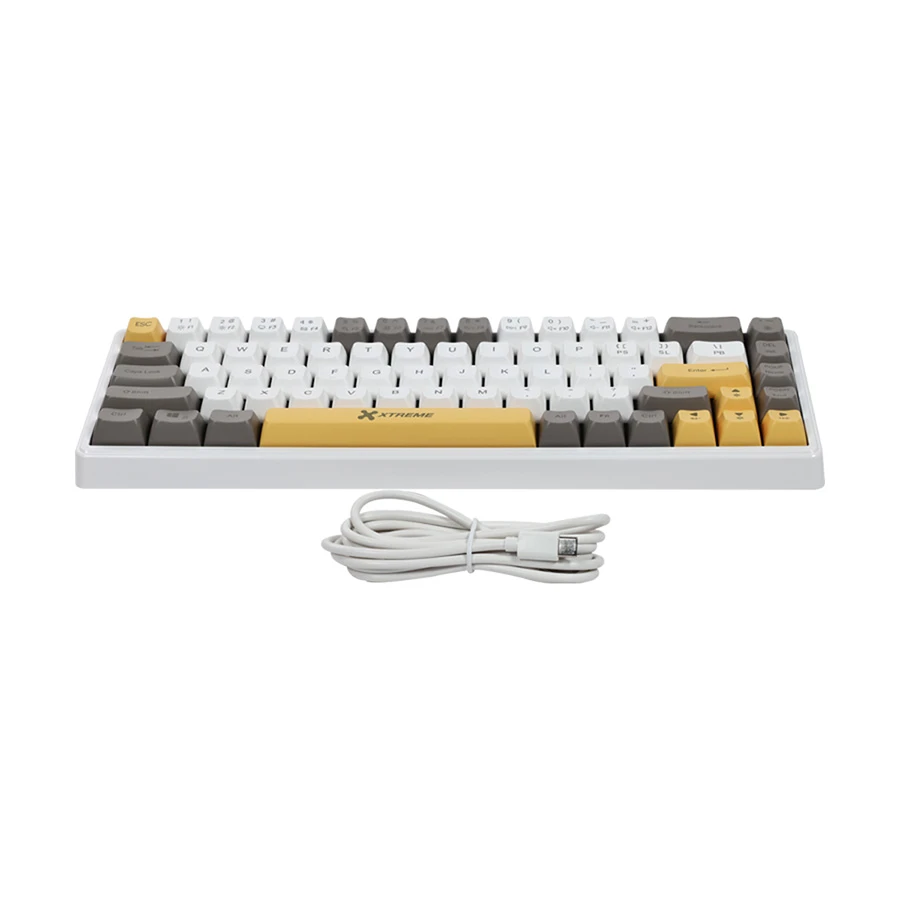
Xtreme KM71G Wired Blue Switch Mechanical Keyboard
The Compact Xtreme KM71G offers a small colourful layout for basic mechanical keyboard users. This 68-key model is best for users wanting a simple clicky feel without unnecessary keys or complex software.
It contains a 68-key layout for letters, numbers, arrows, and essential navigation controls; blue switches provide audible typing speed, and a wired connection avoids battery charging, pairing delays, and signal interruptions.
Xtreme also has Mixed Keycap Colours create a bright appearance.
Pro Tip: Choose this keyboard when desk space is limited, and you need essential keys, direct input, and noticeable typing speed.
Pros
- Small desk footprint.
- Colourful keycaps.
- Clear typing feedback.
Cons
Key Features
- 68 Keys: Keeps essential compact controls
- Blue Switch: Creates audible tactile feedback
- Wired Design: Avoids battery charging needs
- Mixed Keycaps: Adds a colourful appearance
- Small Frame: Supports wider mouse movement
- Price Range: ৳2,300–৳2,400
Best Wireless Mechanical Keyboard for a Clean Desk Setup
A wireless mechanical keyboard reduces cable clutter and creates a cleaner, more flexible desk setup. Bluetooth is convenient for switching between laptops, tablets, and phones, while a 2.4GHz connection usually provides faster input for gaming. It is ideal for home offices, shared workspaces, and users who value portability, but battery life and charging options should be checked before buying.
Stylish PC Power K68 RGB Tri-Mode Mechanical Keyboard
This stylish PC Power K68 suits white desk themes, portable setups, and multiple devices. This mechanical gaming keyboard is best for clean tri-mode stations requiring compact controls and colourful lighting.
It includes tri-mode connectivity for wired, Bluetooth, and wireless dongle operation; the 68-key layout is for controls inside a smaller body. Its ten-meter wireless range offers flexible placement with perfectly connected devices.
PC Power also has Blue Mechanical Switches create good typing speed for gaming, studying, and regular typing.
Pro Tip: Choose this mechanical keyboard when you regularly switch devices and prefer wireless, compact controls, and a bright white desktop.
Pros
- Three connection choices.
- Attractive white design.
- Compact key arrangement.
Cons
Key Features
- Tri Mode: Supports three connection methods
- 68 Keys: Reduces unnecessary desk coverage
- Wireless Range: Reaches about ten metres
- RGB Lighting: Matches colourful desk themes
- Blue Switch: Delivers crisp press feedback
- Price Range: ৳4,800–৳5,000
Best Hot-Swappable Mechanical Keyboard for Customization
A hot-swappable mechanical keyboard lets you remove and replace compatible switches without soldering. This makes it easy to test different typing sounds and feels, replace faulty switches, or customize individual keys. It is ideal for beginners, keyboard enthusiasts, gamers, and typists who want flexibility without building a custom keyboard from scratch.
PC Power Punk K110 RGB Hot-Swap Keyboard
PC Power Punk K110 brings retro styling into gaming and regular typing speed. This hot-swap keyboard is best for round-keycap lovers wanting modern lighting, replaceable switches, and full controls.
It includes Retro Round Keycaps for the classic typewriter, a 104-key layout, navigation controls, and a dedicated number pad. Its hot-swap sockets make compatible switch replacement.
PC Power Punk also has RGB lighting for colour effects with its older visual style.
Pro Tip: Choose this keyboard when you value full-size functions, retro round keycaps, and easier switch replacement.
Pros
- Retro round keycaps.
- Complete number pad.
- Hot-swappable design.
Cons
Key Features
- Retro Keycaps: Creates classic typewriter styling
- 104 Keys: Covers complete desktop functions
- Hot Swap: Enables easier switch changes
- RGB Lighting: Adds modern colourful effects
- Wired Input: Keeps commands consistently responsive
- Price Range: ৳2,200–৳2,400
Best Mechanical Keyboard for Gaming, Typing and Programming
A mechanical keyboard for gaming, typing, and programming should balance fast response, comfortable feedback, and long-term durability. Red switches suit smooth gaming, while brown switches provide light tactile feedback for accurate typing and coding without excessive noise. It is ideal for gamers, programmers, students, and professionals who use one keyboard for both work and entertainment.
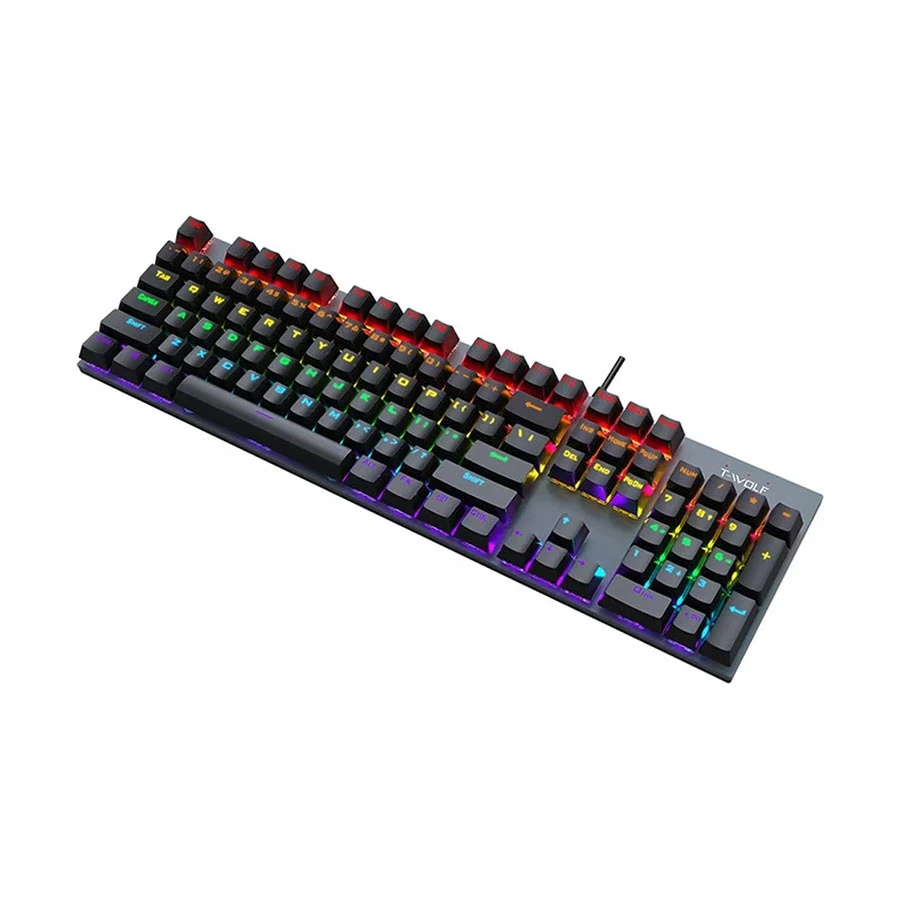
T-WOLF T17 RGB Blue Switch Mechanical Keyboard
This accessible T-WOLF T17 provides full-size controls for first-time gaming keyboard buyers. This blue keyboard is best for low-budget users for speed typing, number-pad access, colourful lighting, and wired performance.
It includes blue mechanical switches for an audible typing experience, a 104-key layout for number entry, shortcuts, gaming, and document work. RGB lighting improves the keyboard’s appearance in a dark environment.
The T-WOLF T17 also has a USB connection that provides stable operation without batteries, wireless pairing, or charging.
Pro Tip: Start with this keyboard when you need a full-size mechanical keyboard and RGB lighting.
Pros
- Affordable full layout.
- Bright RGB lighting.
- Clicky mechanical feel.
Cons
Key Features
- Blue Switch: Gives clear click feedback
- 104 Keys: Includes dedicated number controls
- RGB Lighting: Adds colourful visual effects
- USB Input: Provides stable wired operation
- English Layout: Uses familiar key labels
- Price Range: ৳1,850–৳1,900
Conclusion
The best mechanical keyboard depends on your preferred switch, layout, connectivity, and budget. Whether you need a compact keyboard for gaming, a full-size model for office work, or a hot-swappable option for customization, Ryans offers reliable mechanical keyboards for different needs and budgets across Bangladesh.



















Leave a comment