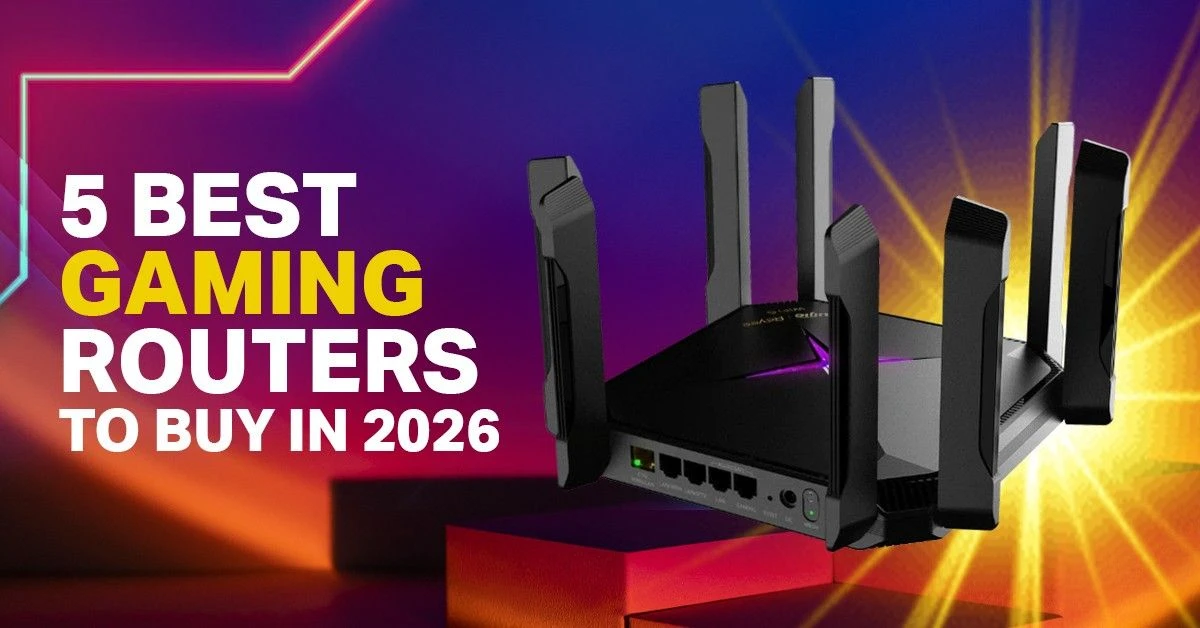
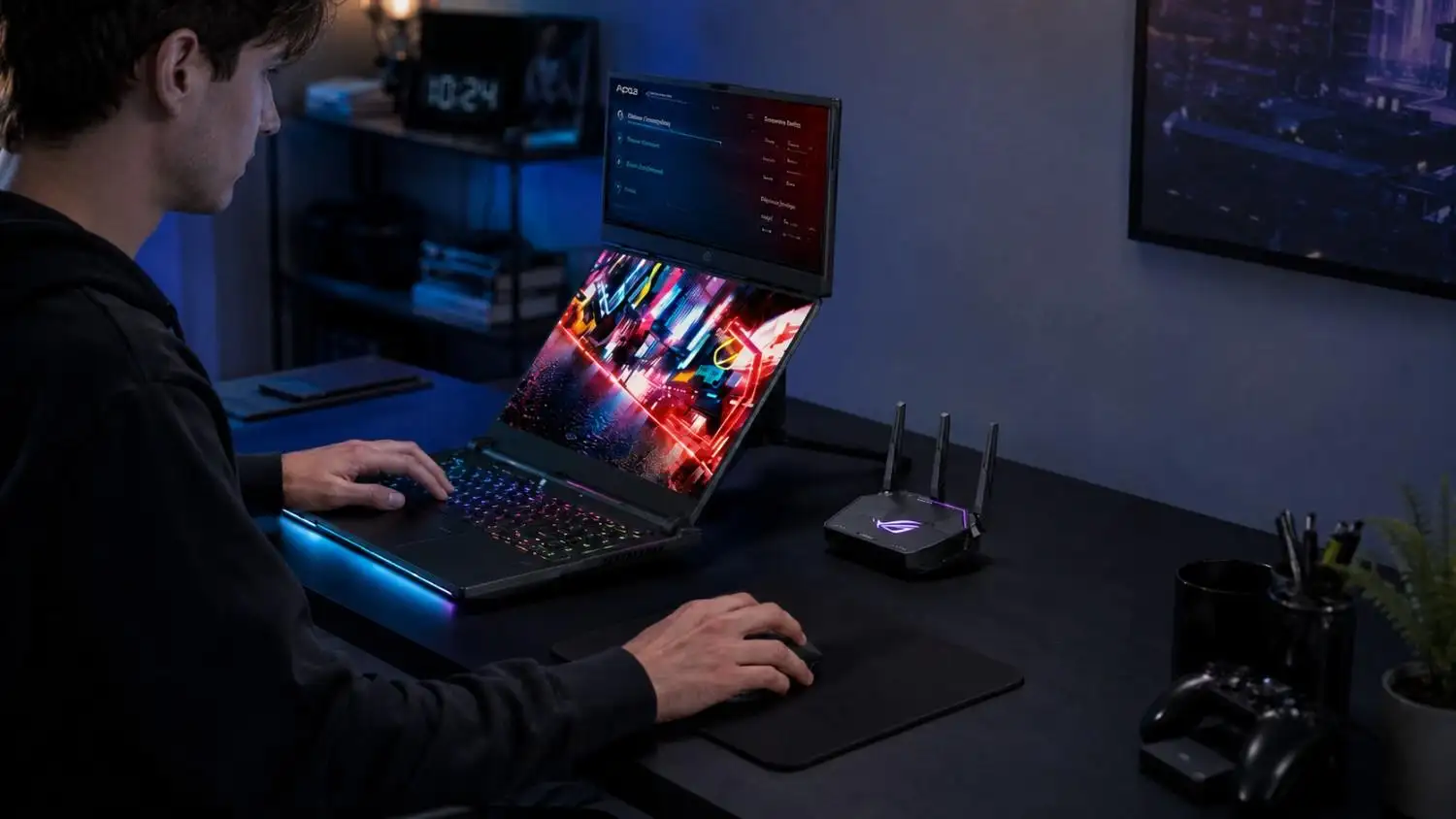
A gaming router is not only about high internet speed. It is mainly about maintaining a stable connection while you play online games. A good gaming router can handle multiple devices simultaneously without slowing down your gameplay. It helps reduce sudden lag, ping spikes, and connection drops, even when other people are streaming, browsing, or downloading in the same home. Gaming routers also manage internet traffic more smartly, so your game gets priority over less urgent tasks.
In this blog, we will discuss about best gaming routers and what really matters before you buy one. You will learn how to choose the right router in a very simple way.
Note:Product prices may change at any time depending on stock, availability, and market conditions.
Mercusys MR60X V2 AX1500 Wi-Fi 6 Router
The Mercusys MR60X V2 is a low-cost Wi-Fi 6 router for simple home use. It gives smooth 4K streaming and basic gaming. Speed is up to 1,500 Mbps. It supports game traffic priority, mobile gaming, and console gaming. With LAN network standard Gigabit ports, you also get stable wired use for low-ping gaming.
Key Feature
Wi-Fi 6 (AX1500) dual-band router
Up to 1,500 Mbps total speed (1,201 Mbps on 5GHz)
OFDMA + MU-MIMO for stable multi-device use
Gigabit LAN Network Standard (1 WAN + 2 LAN ports)
Gaming QoS for traffic priority
EasyMesh support for Mesh Wi-Fi setup
WPA3 security + SPI firewall
Pros
Very cheap Wi-Fi 6 router
Good coverage for small homes
Stable Ethernet for low-ping gaming
EasyMesh for Mesh Wi-Fi setup
Strong parental control feature
Cons
Low speed (1,500 Mbps only)
Only 2 LAN ports
Basic gaming performance
No advanced gaming features
TP-Link Archer AX53 AX3000 Wi-Fi 6 Gaming Router
The TP-Link Archer AX53 is a smart choice for gamers who want strong performance without spending too much money. It delivers Wi-Fi 6 speeds up to 3,000 Mbps and uses a 1.5GHz dual-core processor for stable everyday performance. The router supports 160MHz bandwidth, helping reduce delays during mobile gaming and console gaming sessions. It also includes a gaming router with a QoS system for Game traffic priority, which can help maintain a low ping experience when multiple devices are online.
Four high-performance antennas provide wide coverage, while OneMesh support allows future expansion with a wired backhaul setup. For gamers, streamers, and families, the AX53 offers one of the best values in the Wi-Fi 6 category.
Key Features
AX3000 dual-band Wi-Fi 6 connectivity
160MHz bandwidth support
OneMesh network expansion
HomeShield security protection
4 Gigabit LAN ports
Pros
Fast 3,000 Mbps Wi-Fi 6 speed
Low ping gaming performance
Excellent coverage with 4 antennas
Supports many connected devices
OneMesh support for larger homes
Strong value for money
Cons
No 2.5G multi-gig port
Fixed antennas are not adjustable
Fewer advanced gaming tools than premium models
Large physical size
Very large homes may need mesh expansion
Ruijie RG-EW3000GX AX3000 Wi-Fi 6 Gaming Router
The Ruijie RG-EW3000GX is a smart choice for gamers who want fast Wi-Fi 6 performance without spending too much. It delivers AX3000 speed up to 3000Mbps and supports 160MHz bandwidth for faster downloads and smoother online play.
The gaming engine helps reduce lag by giving game traffic higher priority. Five high-gain antennas provide strong coverage across large apartments. Dual-WAN support and Reyee Mesh add more flexibility for growing networks.
Key Features
AX3000 Wi-Fi 6 with up to 3000Mbps speed
160MHz bandwidth for faster wireless performance
1.3GHz dual-core processor
5 high-gain antennas for wider coverage
Gaming Engine for traffic prioritization
Dual-WAN Gigabit support
Reyee Mesh compatibility
Reyee Router App remote management
Pros
Fast Wi-Fi 6 performance
Good gaming and streaming experience
Strong coverage for larger homes
Dual-WAN support for flexible internet setup
Easy mesh expansion with Reyee Mesh
Cons
No 2.5G multi-gig port
Dual-core CPU is basic compared to premium models
Fewer advanced gaming features than high-end routers
Large homes may need extra mesh nodes for full coverage
ASUS RT-BE58U BE3600 Dual-Band Wi-Fi 7 Gaming Router
The ASUS RT-BE58U is one of the best gaming routers for users who want to move to Wi-Fi 7 without spending a huge amount of money. It uses a 2.0GHz quad-core processor and 1GB RAM to handle gaming, streaming, and daily internet use with ease.
This Wi-Fi 7 gaming router delivers speeds up to 3,600 Mbps and supports Multi-Link Operation (MLO) for a more stable connection. A gaming router with a 2.5G port is useful for high-speed fiber internet, and the RT-BE58U includes one 2.5G WAN/LAN port along with AiMesh support for network expansion.
Key Features
Wi-Fi 7 (BE3600) technology
2.0GHz quad-core processor
1× 2.5G WAN/LAN port
AiMesh support
AiProtection Pro security
Pros
Fast Wi-Fi 7 performance
Strong security features
Good coverage for medium homes
Stable gaming and streaming experience
Cons
No 6GHz band
Expensive for budget users
Advanced settings may feel complex
Dual-band only
ASUS ROG Rapture GT-AX6000
The ASUS ROG Rapture GT-AX6000 is a premium Wi-Fi 6 gaming router designed for serious gamers, streamers, and large households. It delivers combined wireless speeds up to 6,000 Mbps and uses a powerful 2.0GHz quad-core processor with 1GB RAM to handle heavy network traffic smoothly.
Four external antennas, RangeBoost Plus technology, and AiMesh support help improve coverage across larger homes. It also includes dual 2.5G ports and four Gigabit LAN ports, making it a strong choice for users who prefer Ethernet for competitive gaming. While a router cannot guarantee lower ping, its gaming tools help manage network traffic more efficiently.
Key Features
AX6000 Dual-Band Wi-Fi 6
2.0GHz Quad-Core Processor
Dual 2.5G WAN/LAN Ports
Triple-Level Game Acceleration
AI Protection Pro Security
AiMesh and VPN Fusion Support
Pros
Excellent Coverage and performance
Powerful CPU for heavy gaming
Multiple high-speed Ethernet ports
Advanced gaming and security features
Cons
Expensive for most users
Large physical size
No Wi-Fi 6E support
Setup may feel complex for beginners
Gaming Router Buying Checklist
A gaming router does not directly “fix ping.” Ping mainly depends on ISP quality, game server distance, routing path, network congestion, Wi-Fi interference, and how your device is connected.
What a good router does is keep your home network stable, reduce lag spikes, and manage multiple devices better. This matters when you are gaming on a PC, laptop, PlayStation, Xbox, Nintendo Switch, or even a mobile phone while other people in the house are streaming, browsing, or downloading.
So, a gaming router will not magically turn a bad internet connection into a perfect one. But it can help your gaming device get a cleaner, more stable connection when the home network is busy.
1. Internet Speed vs Router Match
For 100–200 Mbps, a Wi-Fi 5 or basic Wi-Fi 6 router is enough.
For 500 Mbps, go for strong Wi-Fi 6 or entry Wi-Fi 6E.
For 1 Gbps, choose Wi-Fi 6E or a tri-band gaming router. Wi-Fi 7 is still not necessary for most homes in Bangladesh.
2. Ethernet, Wi-Fi, and Real Gaming Use
If you play with Ethernet, a gaming router still helps with stability and device control. But it won’t magically lower ping. Ethernet is still best for competitive gaming.
3. Home Type and Router Choice
Apartment users can use a mid-range router for online gaming . Duplex or large homes should consider mesh, not range extenders. A mesh with a wired backhaul works better for smooth smart TV, phones, and gaming together.
4. Extra Features: What Matters or Not
2.5G WAN is useful only for very fast BD fiber plans. Check if it supports Multi-Link Operation (a Wi-Fi 7 feature), but don’t pay extra just for RGB or “gaming design.” Focus on performance and stability from the best gaming routers, not looks.
Wi-Fi 5 vs Wi-Fi 6 vs Wi-Fi 7: Which One Is Better for Gaming?
For Bangladesh right now, Wi-Fi 6 is the safest choice for most gamers. It gives a good mix of price, performance, device support, and long-term value.
Wi-Fi 5 is still usable for basic internet and casual gaming. But if you are buying a new router in 2026, Wi-Fi 6 makes more sense. Wi-Fi 7 is the latest, but latest does not always mean best for everyone. It is useful if you have newer Wi-Fi 7 devices, a fast internet plan, and a router that supports the features you actually need.
Do You Need Wi-Fi 7 in Bangladesh?
Most users do not need Wi-Fi 7 yet.
Wi-Fi 7 is useful if:
You have Wi-Fi 7-supported phones or laptops
You use a very fast fiber internet plan
You transfer large files locally
You want future-ready hardware
You need 2.5G networking
You are building a premium home network
Wi-Fi 7 is not necessary if:
Your internet plan is 100–300 Mbps
Your devices are mostly Wi-Fi 5 or Wi-Fi 6
You mostly browse, stream, and play casual games
You only need better coverage
Your budget is limited
For most Bangladeshi homes, a good Wi-Fi 6 router will feel more practical than a cheap Wi-Fi 7 router.
Conclusion
Choosing a gaming router is simple. Match it with your internet speed and home size. Wi-Fi 6 is enough for most gamers. Ethernet is still the best option for serious competitive play because it stays stable. In Bangladesh, your ISP and connection setup matter more than fancy features. A good router only helps your home network run smoother and more stable.
At Ryans, you can findbest gaming routers with a local warranty and support. You can compare options easily and pick the right one for your budget and use.
FAQs
What is QoS in a gaming router?
QoS means the router gives priority to games. It sends game data first, so lag is reduced when others are streaming or downloading.
Which router is best for PUBG, Valorant, or Free Fire?
Any stable Wi-Fi 6 router with good QoS and low delay handling works well. Real performance still depends on ISP and server distance.
Is a mesh router good for gaming?
Yes, for big homes. It gives better coverage. But use wired backhaul if possible for stable gaming.
What should I check before buying a gaming router?
Check speed support, stability, QoS, number of devices, and home size. Don’t focus only on looks.
Which speed needs which router?
100–200 Mbps: Wi-Fi 5/6 is enough. 500 Mbps: strong Wi-Fi 6. 1 Gbps: Wi-Fi 6E or tri-band gaming router.
Do you need Wi-Fi 7 in Bangladesh?
Not really. Wi-Fi 6 is enough for most users.
Is Ethernet useful?
Yes. Ethernet gives the most stable gaming connection.
Mesh or gaming router?
Mesh is better for big homes. A gaming router is better for simple control and stable use.
Is 2.5G WAN useful?
Only useful if you have very fast fiber internet plans.
Apartment or duplex choice?
The apartment needs a normal gaming router. A duplex works better with a mesh system.
Are RGB or gaming designs worth it?
No. Performance matters more than lights and design.








Leave a comment