POSTED ON September 29, 2026 by Md Sad Akkas (Shuvo)
Adobe Acrobat Standard vs Pro: Which PDF License Is Better for Office and Business?
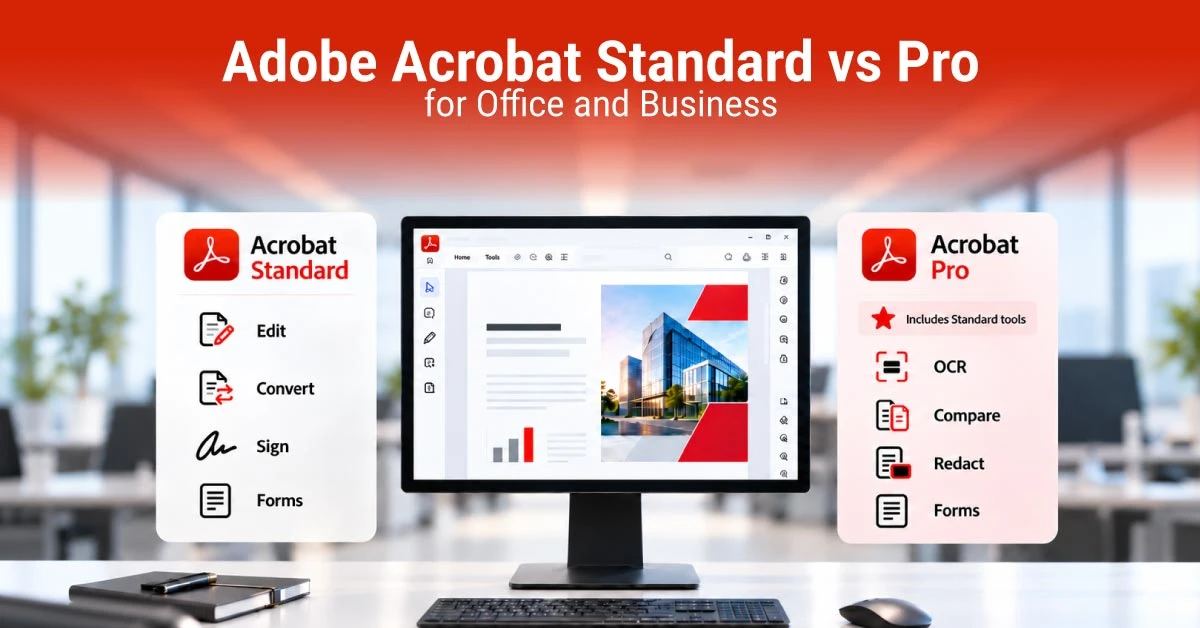
Choosing between Adobe Acrobat Standard vs Pro depends on the type of PDF work you do every day. If your office mainly edits, converts, organizes, and signs PDFs, Acrobat Standard may cover your needs. But if you regularly handle OCR, document comparison, redaction, reusable forms, or bulk e-signatures, Acrobat Pro offers more advanced tools.
For Bangladesh businesses, also consider your operating system, number of users, license duration, and document workflow. This guide helps you to choose the better option for your office or business.
Quick Answer: Acrobat Standard or Pro?
Choose Acrobat Standard if your work mostly involves everyday PDF editing, conversion, forms, signing, and password protection. On the contrary, choose Acrobat Pro when your office needs OCR, PDF comparison, redaction, reusable web forms, or bulk signature requests. Pro includes the Standard features plus these additional tools.
Note: Currently Adobe Acrobat Standard DC for Teams is a 1-user, 1-year Windows license priced at Tk 31,000, while Adobe Acrobat Pro DC for Teams is a 1-user, 1-year multi-platform license priced at Tk 39,900. Prices and availability can change, so check the current listing before buying.
What Adobe Acrobat Standard and Pro Actually Include
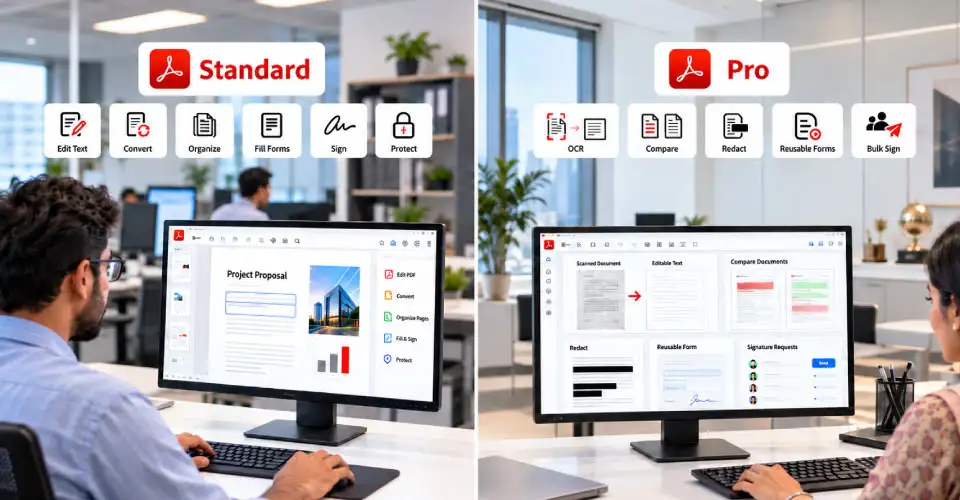
Both versions support professional PDF editing rather than simply viewing files. You can use Acrobat to edit PDF text and images, create or convert files, organize pages, fill forms, sign documents, and protect files with passwords. However, the main difference is the depth of the workflow.
Feature
Acrobat Standard
Acrobat Pro
Edit PDF text and images
Yes
Yes
Create and convert PDFs
Yes
Yes
Organize and combine files
Yes
Yes
Fill and sign forms
Yes
Yes
Password protection
Yes
Yes
OCR for scanned PDFs
No
Yes
Compare PDFs
No
Yes
Redact sensitive information
No
Yes
Reusable web forms
No
Yes
Bulk e-signature requests
No
Yes
Multi-platform team option
Depends on license
Yes
Note: Acrobat Pro is therefore not automatically better for every user. It is better when you actually need its additional tools.
Standard for Everyday PDF Work
Adobe Acrobat Standard suits offices that mainly handle routine PDF tasks. You can edit documents, convert Word or other files to PDF, organize pages, complete forms, request signatures, and protect documents.
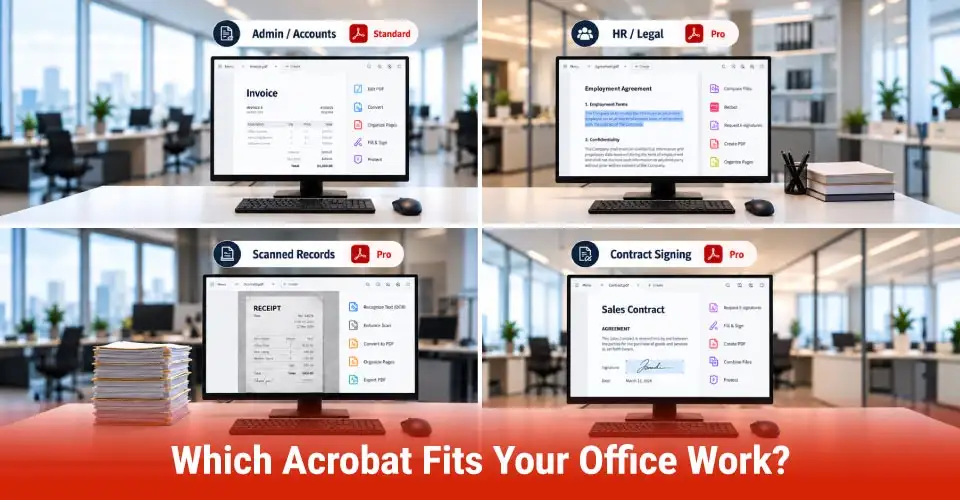
For example, an HR team preparing employee forms or an accounts department sending invoices may not need advanced Pro features. Standard can handle many common PDF conversion, editing, and signing tasks without paying for tools the team rarely uses.
Adobe Acrobat Pro is designed for more demanding document workflows. It adds tools such as OCR, PDF comparison, redaction, reusable web forms, and bulk e-signature requests. OCR is particularly useful when you receive a scanned document and need to search or edit its text.
PDF comparison can help you identify differences between two versions of a contract or report. Redaction is useful when you need to permanently remove sensitive information before sharing a document. So, Pro is more useful when these tasks are a regular part of your workflow.
For everyday administration, Standard may be enough for creating, editing, converting, organizing, and signing PDFs. An admin team that only occasionally edits documents does not necessarily need the advanced features of Pro.
HR, Legal, and Confidential Documents
HR and legal teams may benefit from Pro when they regularly handle contracts, employee records, agreements, or other confidential documents. The redaction feature can help remove sensitive information before a document is shared. Pro can also compare two PDF versions, which is useful when checking changes in contracts or policies.
Scanned Paper Documents and OCR
If your office receives scanned forms, old records, invoices, or signed documents, OCR can be a major reason to choose Pro. OCR or Optical character recognition converts text in a scanned PDF into searchable and editable content. For offices that process many scanned documents, this can save time.
Contracts and E-Signature Workflows
If your business sends many agreements for signing, Pro is the stronger option. Adobe lists advanced e-signature functions such as bulk sending and tracking multiple signatures with Acrobat Pro.
For a small business that sends only a few documents for signatures, Standard may still be enough. The upgrade becomes more useful when signing becomes a regular workflow.
When Is Acrobat Pro Worth the Upgrade?
Acrobat Pro is worth considering when the features you need are not available in Standard. Ask yourself how often your team performs these tasks:
Editing scanned PDFs with OCR
Comparing two versions of a document
Removing sensitive information through redaction
Creating reusable web forms
Sending many signature requests
Managing more advanced document workflows
If your team performs them every week, the additional cost of Pro may save time and reduce manual work.
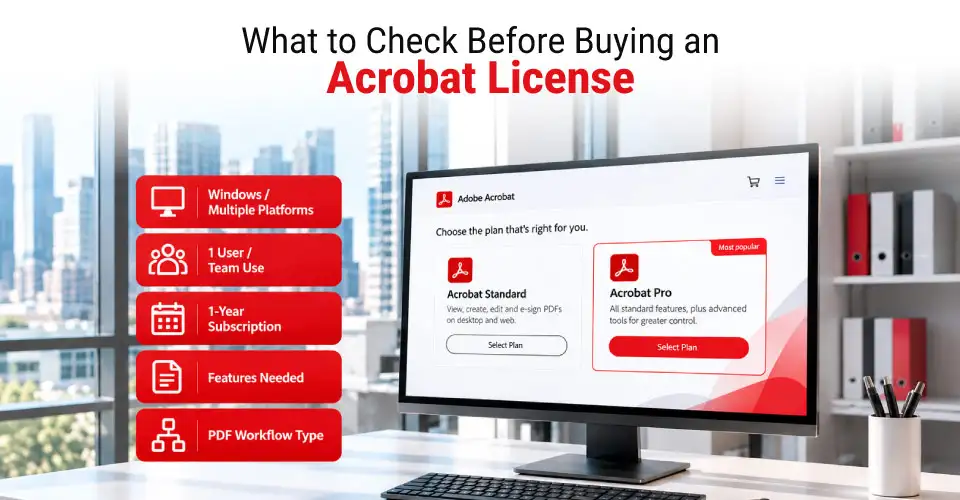
What to Check Before Choosing an Acrobat License
Windows or Multiple Platforms
Check your operating system before buying. Adobe Acrobat Standard DC team listing is for Windows and supports one user for one year. The listed Pro team version supports multiple platforms and one user for one year. If your team works across Windows and macOS, the platform requirement can be more important than the feature difference.
Number of Users and License Duration
Do not compare software prices without checking the license details. A lower price may refer to a different user count, license type, or duration. The current Ryan's Standard and Pro listings are both 1-user, 1-year subscription licenses.
For larger teams, check how many licenses you actually need before placing an order.
Subscription and Renewal
Acrobat is offered as a subscription service, so check the license duration and renewal terms before purchase. Adobe's current plans include desktop, web, and mobile access, while business plans also include administration features.
Final Verdict
The better choice in the Adobe Acrobat Standard vs Pro comparison is the one that matches your actual work. For a Windows-based office with normal PDF needs, Standard can be the practical choice.
For legal, HR, accounts, compliance, or document-heavy teams, Pro can be worth the higher cost because its advanced tools can reduce manual work. For more options, you can check Adobe office application page and Adobe products.
Frequently Asked Questions
Can Acrobat Standard permanently redact confidential information?
No. Acrobat Standard does not include Adobe's redaction tool. Acrobat Pro is the better choice when you need to permanently remove sensitive information from a PDF.
Can both Acrobat Standard and Pro edit text and images inside a PDF?
Yes. Both versions support basic PDF editing, including editing text and images. Pro adds more advanced PDF tools on top of these features.
When do bulk e-signature tools make Acrobat Pro more useful?
Bulk e-signature tools are useful when your office sends similar documents to many recipients. Pro supports bulk signature requests and tracking, making it more suitable for high-volume workflows.
















Leave a comment