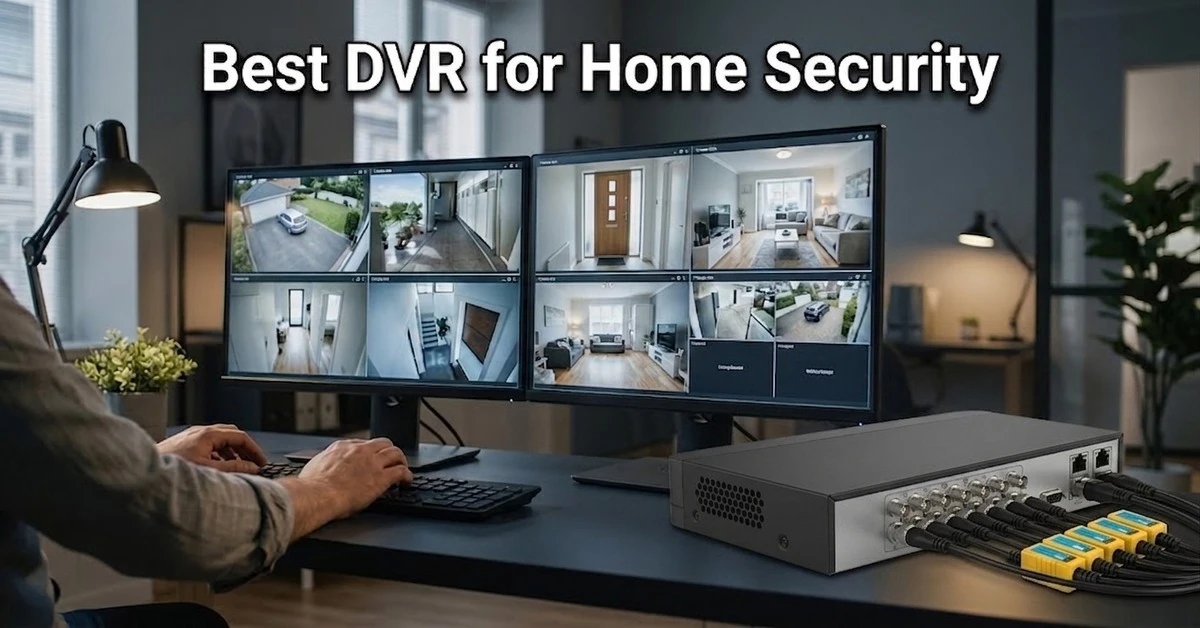
Choosing a home DVR sounds simple. Then you start looking at channel count, camera resolution, HDD capacity, smart detection, recording frame rate and future expansion, and suddenly the decision gets crowded.
A recorder that works perfectly for a small flat today may feel restrictive once you add cameras to the garage, rooftop, staircase or back entrance. That is why choosing by price alone rarely works well.
This guide focuses only on standalone DVR, not complete CCTV camera packages. You will still need compatible cameras, a surveillance HDD, cabling, power equipment and other installation accessories.
There is an easy starting point. A 4-channel DVR usually works well for a small home with three or four fixed camera locations, while an 8-channel DVR is the safer choice for larger houses or anyone planning to add more cameras later.
You can also check the complete DVR range at Ryans if you need a different channel count or recorder configuration.
Which DVR Is Best for Your Home?
The answer depends on your setup. For most households, an eight-channel DVR is the safest all-round choice because it provides room for additional cameras, supports useful smart detection features and can handle a larger storage drive.
A four-channel DVR is usually enough for a flat or small home with three or four fixed camera locations. Larger houses may benefit from an eight-channel model with higher storage capacity, especially when longer recording retention and faster footage searching are important.
Storage deserves close attention here. The iDS-7208HQHI-M2/XT provides two SATA interfaces, while most of the other options rely on a single HDD interface.
Smart features also vary considerably. Two DVR may both carry AcuSense-related functions, yet their face search, perimeter protection or advanced event-search capabilities can be quite different.
6 Best DVR for Home Security in Bangladesh
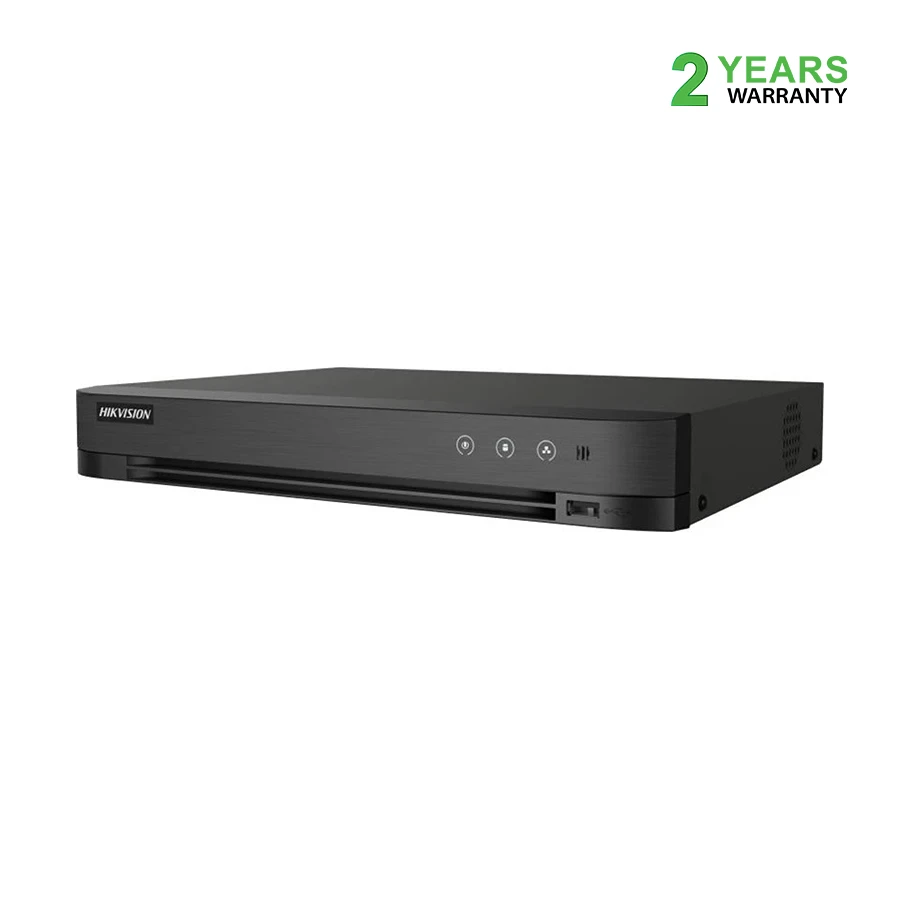
1. Hikvision iDS-7108HQHI-M1/S: Best Overall Value for Most Homes
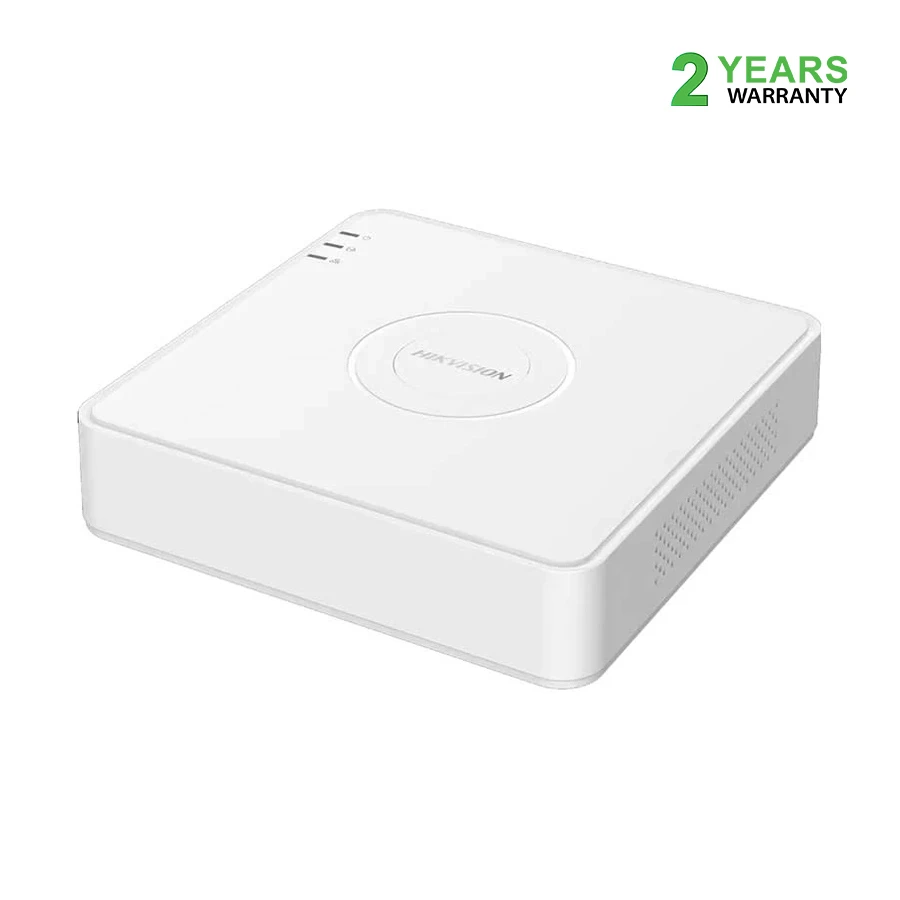
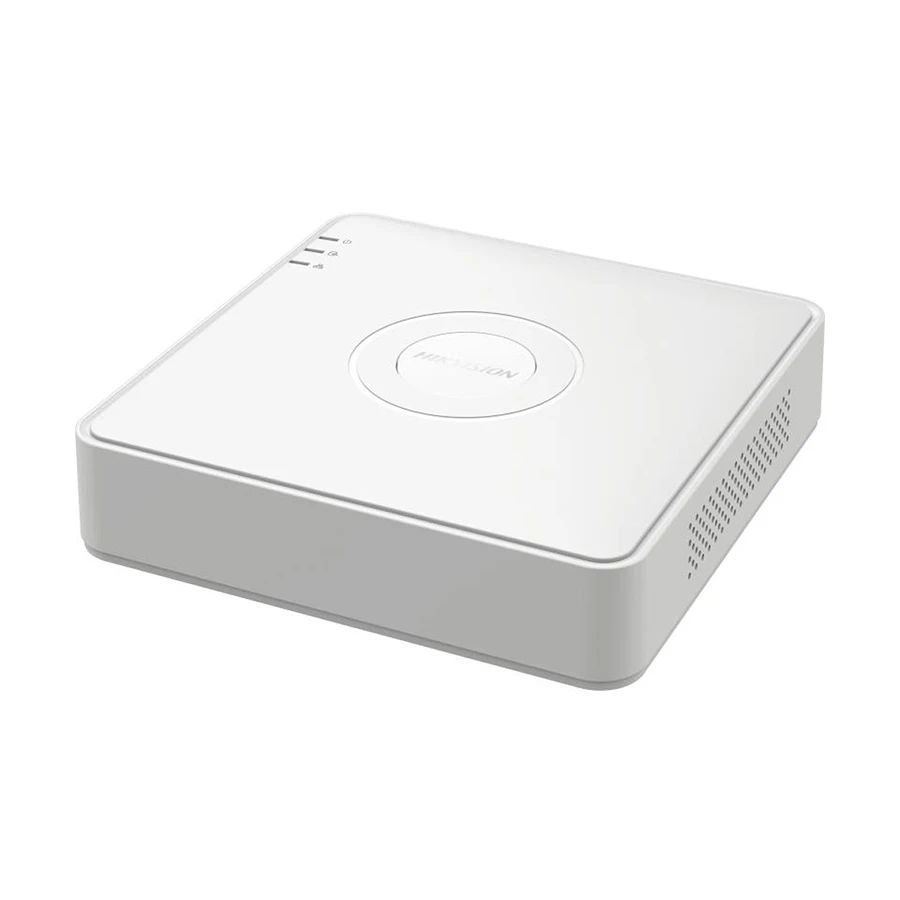
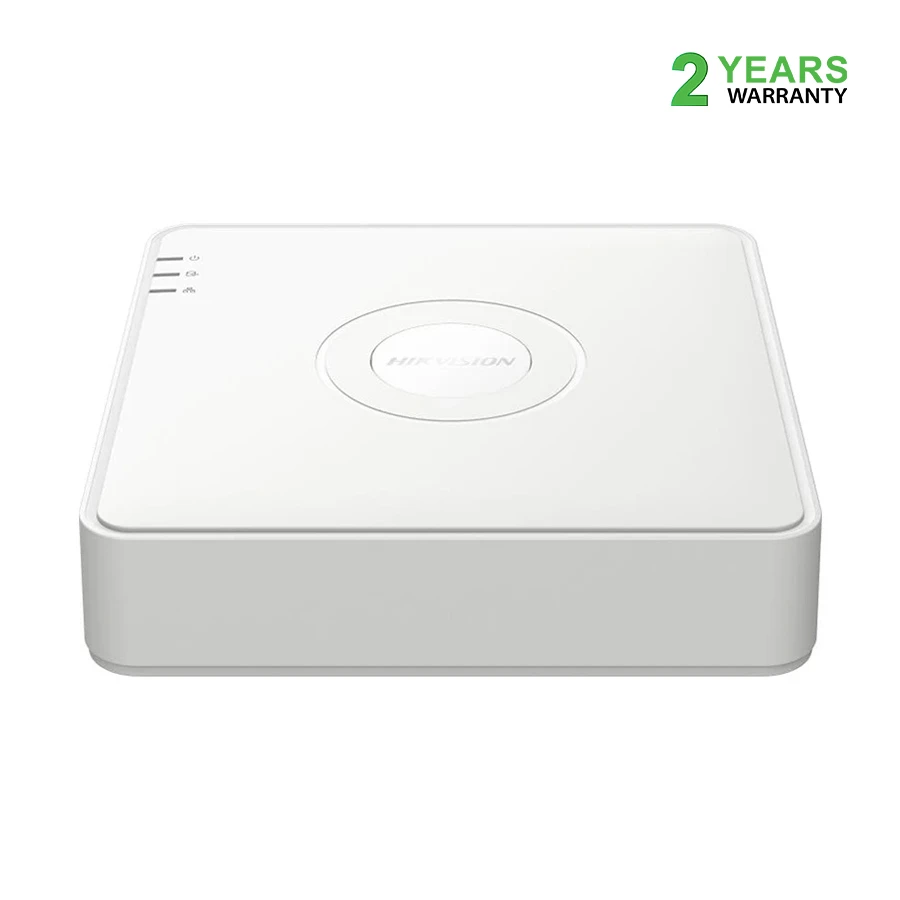
This is the balanced choice. The Hikvision iDS-7108HQHI-M1/S gives you enough camera capacity for a serious home surveillance setup without forcing you to pay for every premium feature in Hikvision's lineup.
You get eight BNC analog camera inputs. That leaves enough positions for the main gate, front entrance, garage, stairway, rooftop, back side and common area, while still leaving some flexibility for another location.
Expansion is possible too. The DVR can work with additional IP camera inputs in supported modes, making it more adaptable than a simple analog-only eight-channel recorder.
Storage is another strong point. One SATA interface supports up to 10TB, which gives you considerably more recording headroom than entry-level 4TB models.
H.265 Pro+ compression also helps. It can reduce storage demand compared with older compression formats, though actual retention will still depend on camera resolution, bitrate, frame rate and recording schedule.
Smart detection adds practical value. Motion Detection 2.0 can classify human and vehicle activity, while perimeter protection helps focus monitoring on selected lines or areas instead of treating every tiny movement as equally important.
Growth is where this DVR shines. If you are starting with four cameras but can imagine adding two, three or four more later, buying an eight-channel recorder from the beginning can prevent an unnecessary replacement.
Limitation: There is only one SATA interface. If you need significantly more storage flexibility or advanced searching tools, the iDS-7208HQHI-M2/XT has the stronger hardware setup.
2. Hikvision DS-7104HGHI-M1/T: Best Budget DVR for Small Homes
Small homes do not need overkill. The Hikvision DS-7104HGHI-M1/T is a straightforward option for a flat or compact house where three or four cameras can cover the important areas.
Its four analog channels can comfortably handle locations such as the front entrance, parking space, living area and stairway. For many apartments, that is genuinely enough.
The recorder also supports H.265 Pro+ compression. More importantly, Motion Detection 2.0 can classify human and vehicle movement, making recorded events easier to review than footage generated by basic motion detection alone.
Storage is modest but usable. One SATA interface supports up to 4TB, which can work well for a four-camera system when recording settings are planned sensibly.
Continuous recording is not always necessary. Using motion-based recording in quieter areas can stretch retention time considerably, although busy entrances may still generate recording for much of the day.
Some IP camera expansion is supported. Even so, this DVR makes the most sense as a compact four-camera recorder rather than the foundation of a large future security system.
Limitation: Four analog channels and 4TB maximum storage can feel tight if you later expand the system or want a long recording history.
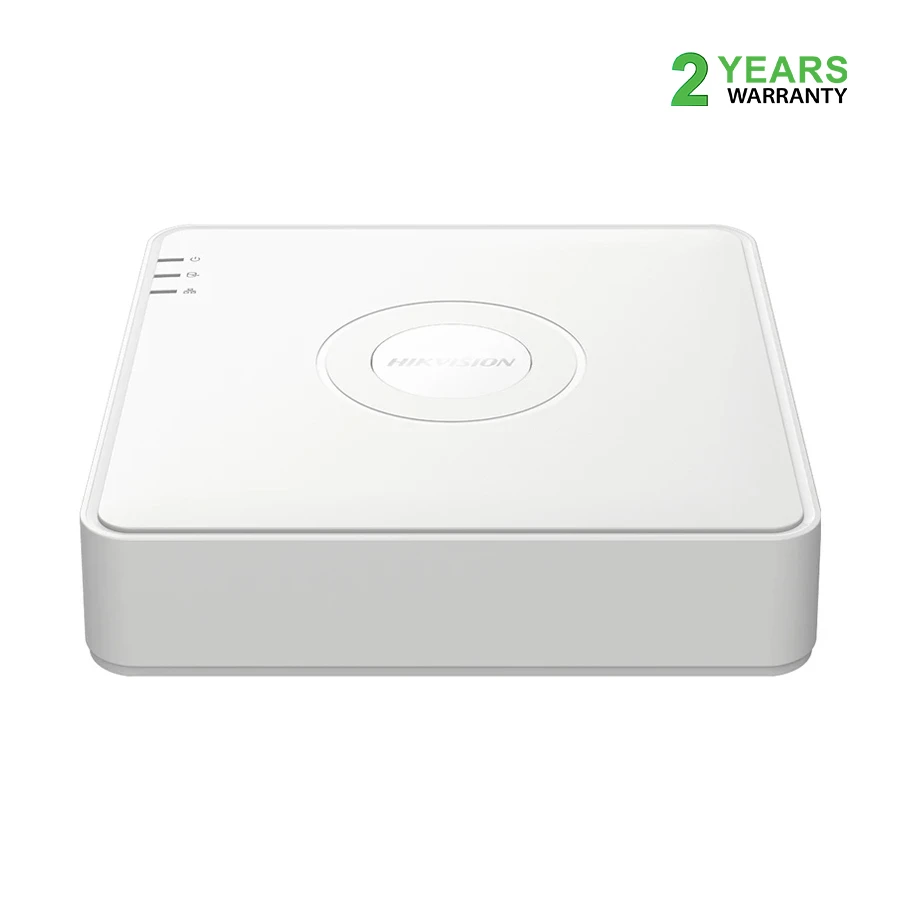
3. Hikvision DS-7108HGHI-M1/T: Best Affordable 8-Channel DVR
Camera count comes first here. The Hikvision DS-7108HGHI-M1/T is attractive when you need up to eight analog camera positions but want to keep recorder cost under control.
You get eight analog inputs, giving a larger home far more freedom when planning coverage. Additional IP camera support is also available in compatible configurations.
The smart features are useful without becoming complicated. Motion Detection 2.0 can distinguish human and vehicle targets, reducing some of the clutter created by ordinary movement.
Dual-stream support is useful as well. One stream can be used for higher-quality local recording while another, lighter stream can help with remote viewing where network bandwidth is more limited.
Here is the catch. Storage support reaches up to 4TB through one SATA interface.
That capacity may be perfectly comfortable for a moderate setup, but eight cameras recording around the clock will consume space much faster than four. Resolution and bitrate settings therefore matter quite a lot with this model.
Its position is clear. Choose it when you want eight camera connections at an affordable level and do not require weeks of high-bitrate continuous footage.
Limitation: The 4TB storage ceiling can become restrictive when all eight cameras record continuously at demanding settings.
4. Hikvision iDS-7104HQHI-M1/T: Best Smart 4-Channel DVR
Four cameras can still be smart. The Hikvision iDS-7104HQHI-M1/T is designed for homes that do not need many analog channels but want stronger event detection and footage-searching features.
It provides four BNC analog camera inputs along with supported IP camera expansion. The recorder can also work with higher-resolution analog camera signals, although supported input resolution and actual encoding settings should always be checked separately.
The intelligence is the attraction here. Human and vehicle classification, perimeter protection, face picture detection and face picture search can make reviewing an incident far less tedious.
Think about the difference. Instead of scrolling through hours of ordinary video, you may be able to narrow attention toward more relevant events and captured subjects.
Storage is generous for a four-channel recorder. One SATA interface supports up to 10TB, giving this model much more potential retention than the entry-level DS-7104HGHI-M1/T.
It suits a specific buyer. If four camera positions cover your property but event review and intelligent filtering matter to you, this DVR is a strong middle-ground option.
Limitation: Four analog inputs remain four analog inputs. If your home could eventually need six or eight wired cameras, choosing an eight-channel recorder from the beginning is usually wiser.
5. Hikvision iDS-7204HQHI-M1/XT: Best Advanced 4-Channel DVR
This one prioritizes smarter investigation. The Hikvision iDS-7204HQHI-M1/XT stays at four analog channels but adds more advanced event analysis and search functions.
It offers four BNC analog inputs, support for IP camera expansion and one SATA interface with up to 10TB storage.
Its smart toolkit is the real reason to consider it. Depending on the supported configuration, features include facial comparison, face picture search, human and vehicle classification, perimeter protection and AcuSearch.
AcuSearch can be especially handy. If you already know which person or vehicle you want to locate, the DVR can help narrow related footage instead of forcing you through a long manual search.
Higher-resolution analog camera signals are supported too. The recorder can work with HDTVI, AHD and HDCVI formats, though accepted camera resolution and recorded encoding resolution are not always identical.
That distinction matters. A DVR being able to receive a high-resolution signal does not automatically mean every channel stores that signal at its full native resolution and maximum frame rate.
Choose this model when investigation speed matters. For example, a home with a gate, driveway and a few important access points may benefit more from strong event-search tools than from having eight unused analog channels.
Limitation: For basic 24-hour recording from two, three or four cameras, the advanced functions may be more than you realistically need.
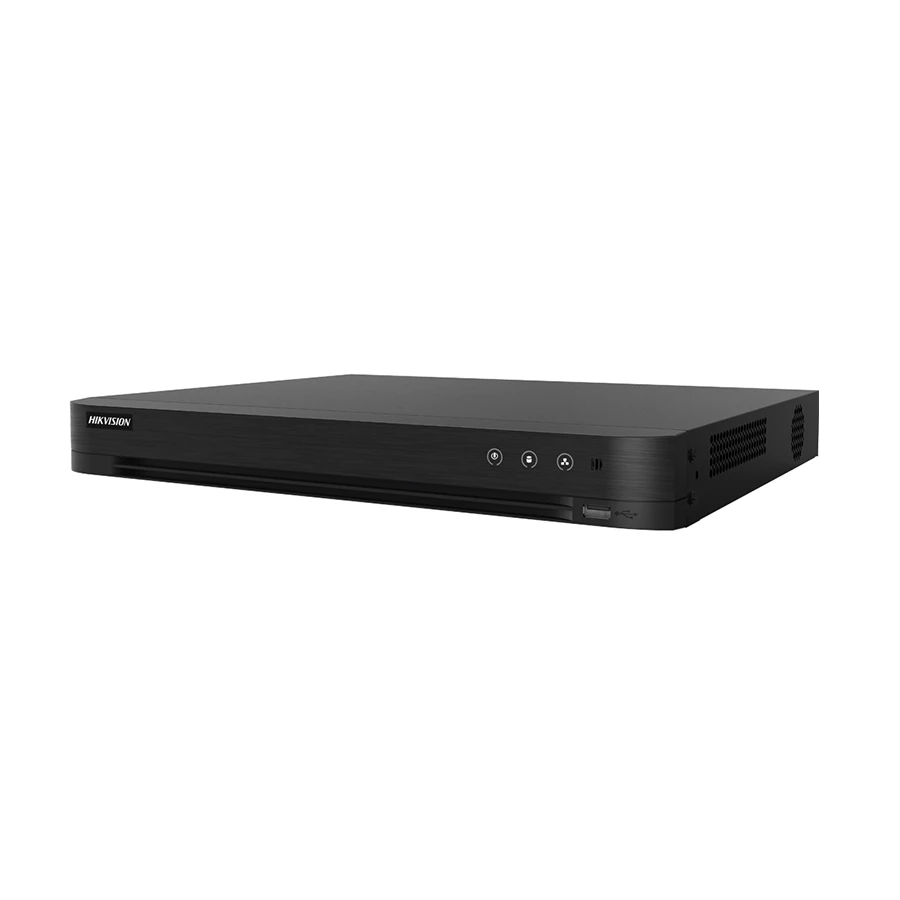
6. Hikvision iDS-7208HQHI-M2/XT: Best Premium 8-Channel DVR
Need more room to grow? The Hikvision iDS-7208HQHI-M2/XT combines eight analog channels, larger storage potential and Hikvision's more advanced search features.
It provides eight analog camera inputs, plus support for additional IP cameras in compatible configurations. That makes it well suited to larger or multi-floor homes with several entrances, stairs, balconies, rooftop access points, parking areas and property boundaries.
Storage is the standout feature. Unlike the single-SATA DVR above, this model includes two SATA interfaces.
Each supported HDD can reach 10TB, allowing a potential combined capacity of up to 20TB. That can make a noticeable difference when several cameras record continuously or when footage needs to remain available for longer before being overwritten.
The smart functions are also extensive. Human and vehicle classification, perimeter protection, facial recognition and AcuSearch can all help turn a large archive of video into something easier to investigate.
There is more expansion potential too. Supported configurations can accommodate a larger number of network camera inputs, giving the recorder more flexibility when analog and IP cameras are mixed.
This is the premium choice for a reason. It works best when you genuinely need the extra storage, broader camera coverage and smarter search functions, not simply because the specification list is longer.
Limitation: A two-camera or four-camera home setup will rarely take full advantage of its storage and smart features, making the extra cost difficult to justify.
What to Check Before Choosing a Home DVR
Choose Channels Based on Camera Locations
Start with the property, not the DVR. Walk through your home and identify the places that genuinely need coverage before deciding whether four or eight channels are enough.
A two-storey house might need cameras at:
Main entrance
Garage or parking area
Staircase
Rear door
Rooftop
Side passage
Front boundary
Rear boundary
The numbers add up quickly. What looks like a four-camera project can easily turn into six once you notice a dark side entrance or decide the rooftop also needs coverage.
Future expansion matters too. If you currently need four or five cameras, an eight-channel DVR may prevent you from replacing the recorder when another security concern appears later.
A useful rule is simple: leave one or two channels unused whenever possible.
Match the DVR With Your Existing Cameras
The connector is only the beginning. Most analog CCTV cameras connect to a DVR using BNC connectors and coaxial cable, but two devices having compatible connectors does not automatically mean every function will work properly.
Depending on the model, DVR may support:
HDTVI
AHD
HDCVI
CVBS
IP camera input
Compatibility needs two checks. Look at the camera's output format first, then confirm that the DVR accepts its resolution and frame rate.
This becomes particularly important when upgrading an older system. A newer high-resolution camera may physically connect to an existing DVR yet still operate at reduced quality, reduced frame rate or not work correctly at all.
Hybrid DVR add another layer. Many can accept selected IP cameras, but the number of available IP channels can change according to model and operating mode.
If you still need cameras, check the CCTV Camera range at Ryans and compare the camera output with your chosen DVR before ordering.
Check Recording Resolution, Not Only Camera Input Resolution
This specification catches people out. A DVR may advertise support for a 4MP or 5MP camera input, but that does not automatically mean the recorder saves every channel at full 4MP or 5MP quality.
There are several separate specifications to understand.
Camera Input Resolution
This tells you the type and resolution of video signal the DVR can receive from a connected camera.
It is only one part of the story.
Encoding or Recording Resolution
This tells you how the DVR actually saves the footage to its HDD.
A recorder may accept one resolution while encoding that footage at another resolution or frame rate, depending on its hardware and configuration.
Standard 1080p
Standard 1080p normally means 1920 × 1080 pixels.
This is the familiar Full HD resolution used across cameras, monitors and televisions.
1080p Lite
1080p Lite is different. It uses a reduced recording format to lower storage use and bandwidth demand.
That can be perfectly acceptable for routine home monitoring, but it should not be treated as identical to full 1920 × 1080 recording when fine image detail is important.
Recording Frame Rate
Frame rate affects motion smoothness. It tells you how many individual frames the recorder saves each second.
A DVR may accept a high-resolution camera signal yet record that resolution at a lower frame rate. For fast-moving scenes, such as a gate facing traffic, that difference can matter.
The safer approach is straightforward. Check recording resolution and frame rate together, not as separate marketing numbers.
Calculate the Required HDD Capacity
Storage disappears faster than expected. The HDD determines how long your CCTV footage remains available before the recorder starts overwriting older files.
Several settings influence daily storage consumption:
Number of cameras
Recording resolution
Bitrate
Frame rate
H.265 or H.265 Pro+ compression
Continuous or motion-based recording
Number of recording hours per day
Here is a simple example. One camera averaging 2 Mbps during continuous recording can use roughly 21.6GB per day before allowing for system overhead and variation.
Using the same rough average:
Four cameras may use around 86GB per day
Eight cameras may use around 173GB per day
Camera count has a direct effect. Double the cameras while keeping similar recording settings, and storage demand can roughly double as well.
Real systems are less tidy, of course. A camera watching an empty rooftop may record little under motion-based settings, while a camera facing a busy road could remain active for most of the day.
Compression helps too. H.265 and H.265 Pro+ can reduce storage requirements compared with older formats, but they do not make HDD planning irrelevant.
For continuous surveillance, a surveillance-rated drive is normally preferable because it is designed for sustained recording workloads. You can check available options in the Internal HDD category at Ryans.
One detail is easy to miss: maximum HDD support does not mean the HDD is included with the DVR. Always check the product package before assuming storage comes preinstalled.
Decide Whether AcuSense Features Are Worth Paying For
Smart features can sound almost identical. In practice, each one solves a slightly different problem.
Motion Detection
Basic motion detection notices visual changes in the scene.
Simple, but sometimes noisy. A moving branch, shifting shadow, headlight or person may all create motion events.
Human and Vehicle Classification
This is more selective. The recorder tries to identify whether the detected target is a person or vehicle.
That can reduce irrelevant events, especially around gates, parking areas and outdoor spaces.
Perimeter Protection
Perimeter protection focuses on a selected line or area.
For example, you might want special attention when someone crosses a gate line, enters a driveway or moves into a restricted side passage rather than receiving an event for every movement across the whole image.
Face Search
Face picture search helps locate recorded face images more quickly.
That can be useful when you remember the person involved but not the exact time of the event.
Facial Comparison
Facial comparison goes further. Where supported and correctly configured, the DVR can compare a captured face with stored face information.
This is clearly more advanced than ordinary motion detection and will not be necessary for every household.
AcuSearch
AcuSearch is built for faster investigation. Select a person or vehicle from recorded footage and the system can help locate related appearances more quickly.
That can save considerable time after an incident.
Do you actually need all this? Maybe not. For a simple home that mainly needs reliable recording, human and vehicle classification may already provide enough intelligence.
Advanced face functions and AcuSearch become more worthwhile when you expect to review incidents regularly or manage a larger archive of footage.
Plan Remote Viewing and Power Backup
Internet is not required for basic recording. As long as the DVR, cameras and HDD remain powered and working, the system can continue saving footage locally.
Remote access is different.
You normally need an active internet connection when you want to:
Watch cameras while away from home
Use remote playback
Receive supported alerts
Access the DVR through services such as Hik-Connect
For that setup, the recorder connects by Ethernet to a Network Router with an active internet connection.
Power backup needs broader thinking. Putting only the DVR on a UPS does little good if the cameras switch off during load shedding.
Your backup plan should normally cover:
DVR
CCTV camera power supply
Router
Network equipment used by IP cameras
Runtime matters more than the number printed on the box. Calculate total equipment wattage and decide how long the system needs to remain active during an outage before choosing backup capacity.
A DVR is only one piece. To build a working home CCTV system, you will normally need the following equipment as well:
Compatible CCTV cameras: Match camera format, supported resolution and smart features with the recorder.
Surveillance-rated SATA HDD: Select storage based on camera count, bitrate and required retention period.
Coaxial cable and BNC connectors: Used for standard analog CCTV video connections.
Camera power supply: Most analog cameras require a suitable separate DC power source.
HDMI or VGA display: Helpful for setup, live monitoring and playback. You can choose a suitable Monitor at Ryans.
Router and Ethernet cable: Needed for remote viewing and network-based functions.
UPS or backup power: Keeps essential security equipment running during power interruptions.
Secure, ventilated DVR location: Avoid placing the recorder inside a tightly sealed cabinet where heat can build up.
Small components deserve attention too. Faulty connectors, weak adapters or poor cable joints can create surprisingly frustrating CCTV problems even when the recorder and cameras themselves are perfectly good.
Want the affordable option? Choose the Hikvision DS-7104HGHI-M1/T when three or four camera locations are enough and major expansion is unlikely.
Want the safest all-round choice? The Hikvision iDS-7108HQHI-M1/S is better suited to most households because eight channels, up to 10TB storage and useful AcuSense features leave more room for future needs.
Need the strongest setup here? Go with the Hikvision iDS-7208HQHI-M2/XT when you genuinely need eight-camera coverage, two HDD interfaces, longer recording retention and tools such as facial recognition and AcuSearch.
The deciding question is not complicated. How many cameras do you need, how long must footage stay available, and which smart features will you actually use?
Answer those three questions first, and choosing the right DVR becomes much easier.
Frequently Asked Questions
Is a 4-channel or 8-channel DVR better for a two-storey home?
An 8-channel DVR is usually the more practical choice for a two-storey house.
Camera locations multiply quickly. You may need separate coverage for the entrance, staircase, garage, rooftop, rear side and property boundary, which can easily push the total beyond four cameras.
A 4-channel DVR still works when you have only three or four fixed monitoring areas and are confident the system will not expand.
Does a DVR come with a hard drive installed?
Not necessarily. A specification such as 4TB, 10TB or 20TB refers to supported storage capacity, not automatically to an included HDD.
Some packages may include storage, while standalone DVR units may not.
Check the exact package contents before buying. If an HDD is not mentioned, plan to purchase it separately.
Can a DVR record when the internet is unavailable?
Yes. Local recording can continue without internet access as long as the cameras, DVR and HDD remain powered.
The cameras send footage directly to the recorder, and the HDD stores it locally.
Internet becomes necessary for features such as remote viewing, off-site playback and supported mobile notifications.
Can analog and IP cameras be connected to the same DVR?
Yes, many current hybrid DVR support both.
The exact number of IP cameras varies between models, though, and using additional IP channels can sometimes change the available channel configuration.
Check the DVR's supported IP channel count and maximum IP camera resolution before expanding the system.
Is 1080p Lite the same as standard 1080p recording?
No. 1080p Lite and full 1080p should not be treated as identical recording formats.
Full 1080p normally uses 1920 × 1080 pixels, while 1080p Lite reduces the encoded image to lower bandwidth and storage requirements.
For ordinary monitoring, 1080p Lite may be adequate. For situations where finer recorded detail matters, full 1080p recording is generally preferable.
How much HDD storage is needed for four or eight cameras?
There is no universal HDD size. Camera bitrate, resolution, frame rate, compression and recording schedule all affect storage use.
As a rough example, a camera averaging 2 Mbps during continuous recording may consume around 21.6GB per day.
At that same average:
Four cameras may use about 86GB per day
Eight cameras may use about 173GB per day
Use those numbers only as a starting point. Real storage consumption can rise or fall considerably depending on your recording settings.
The better approach is to decide how many days of footage you want to keep, then calculate HDD capacity around that retention target.
Is an AcuSense DVR worth buying for home security?
For many homes, yes. Human and vehicle classification can make motion events much more useful, particularly around gates, garages and outdoor areas.
Instead of treating every moving shadow or branch as equally important, the system can focus more closely on people and vehicles.
More advanced features such as facial comparison or AcuSearch are a different story. They are useful when you regularly investigate recorded footage, but may add little value to a simple two-camera system that mainly records continuously.
Do CCTV cameras receive power directly from the DVR?
Usually, no. Standard analog CCTV cameras send their video signal to the DVR through a BNC connection but normally receive power from a separate adapter or central CCTV power supply.
Some specialized systems support power over coaxial cable.
Both the camera and recorder must specifically support that feature, however. A normal BNC connection by itself should never be assumed to provide camera power.















Leave a comment