Gaming accessories can improve comfort, control, sound, and visual experience. Lower-grade gaming accessories affect a PC’s performance, which leads to a poor gaming experience, such as a mouse with poor tracking, a keyboard with delayed input, and headsets with poor sound.
A good gaming PC or laptop feels incomplete if the mouse, keyboard, headset, monitor, or chair creates delay, discomfort, or poor control.
Set up gaming accessories, which are consumer electronics and technology peripherals, with a proper PC setup, including OLED monitors for instant visuals, hall-effect keyboards for aesthetic inputs, and a lightweight mouse for aiming.
List of 8 Best Gaming Accessories
#1 PC Power PGM105 Wired Gaming Mouse: Tk 220 - Tk 240 ↗ #2 Razer BlackWidow V3 Wired Keyboard: Tk 10,700 - Tk 11,610 ↗ #3 Fantech Vigil MP256 Gaming Mouse Pad: Tk 150 - Tk 160 ↗ #4 Havit GC933 Gaming Chair: Tk 18,000 - Tk 19,530 ↗ #5 Fantech HQ54 Mars II Gaming Headphone: Tk 1,000 - Tk 1,090 ↗ #6 Onikuma C1 Dual Mode Gaming Controller: Tk 2,000 - Tk 2,170 ↗ #7 Aula N-69 2.0 Wired Gaming Speaker: Tk 1,000 - Tk 1,090 ↗ #8 PC Power PCGM-King22 21.45" Gaming Monitor: Tk 10,100 - Tk 10,850 ↗ Gaming Mouse for Competitive Players

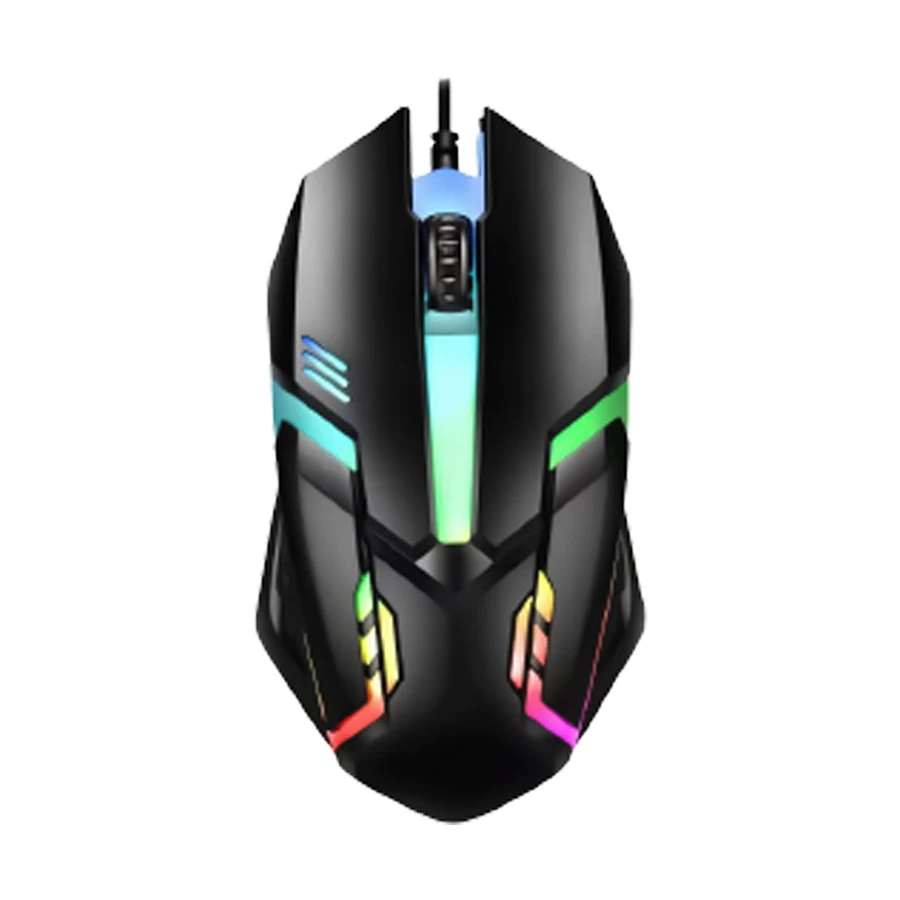
PC Power RGB Wired Gaming Mouse Black
A slow cursor movement or freezing motion causes low tracking accuracy. For frequent movement, choose the PC Power RGB Wired Gaming Mouse Black.
Improve the tracking experience by using an RGB mouse that uses an optical sensor for good tracking, programmable buttons for complex games, and a wired connection that guarantees a stable connection.
RGB mouse also uses lighting to give a gaming atmosphere.
Pro tip : You can use an RGB mouse, because it has a wired connection and its ergonomic design improves your aiming accuracy.
Pros
- Fast response time.
- Comfortable grip.
- No connection delay.
Cons
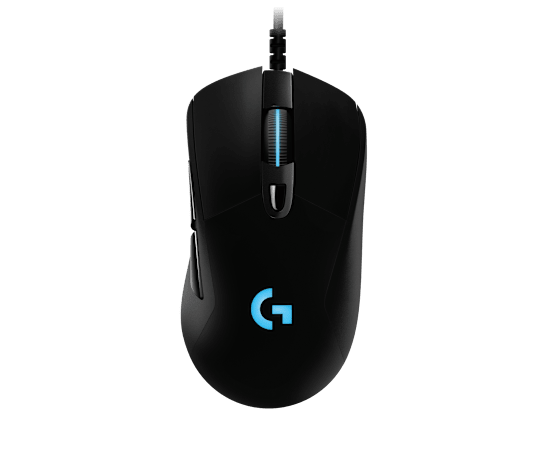
Logitech HERO Wired RGB Gaming Mouse Black
A quality-sensor mouse gives a good gaming experience, so choose the Logitech HERO Wired RGB Gaming Mouse Black that uses a 25K sensor for high-speed tracking, and a lightweight ergonomic design prevents hand exhaustion.
The wired RGB also contains a mechanical button for clicking frequency, its adjusting DPI gives aiming sensitivity, and uses six programmable buttons to centralize your commands for rapid execution.
Pro tip: An RGB mouse has tournament-level tracking accuracy and comfort for long gaming hours.
Pros
- 25K tracking.
- Comfortable grip.
- Mechanical clicks.
Cons
Mechanical Gaming Keyboard for Casual Gamers

Razer BlackWidow V3 Wired Keyboard Black
Random double clicks or slow movement cause a poor gaming experience, so choose the Razer BlackWidow V3 Wired Keyboard Black that uses green mechanical switches for clicking accuracy.
V3 wired keyboard also uses double-shot ABS keycaps for aggressive inputs, an aluminum top design that provides stability, and an ergonomic design to align with your hands.
Pro tip: You can choose this keyboard for legendary mechanical speed, extreme durability, and a comfortable grip.
Pros
- Frequent clicking.
- Durable keycaps.
- Relieves wrist pressure.
Cons
Gaming Mouse Pad for Performance

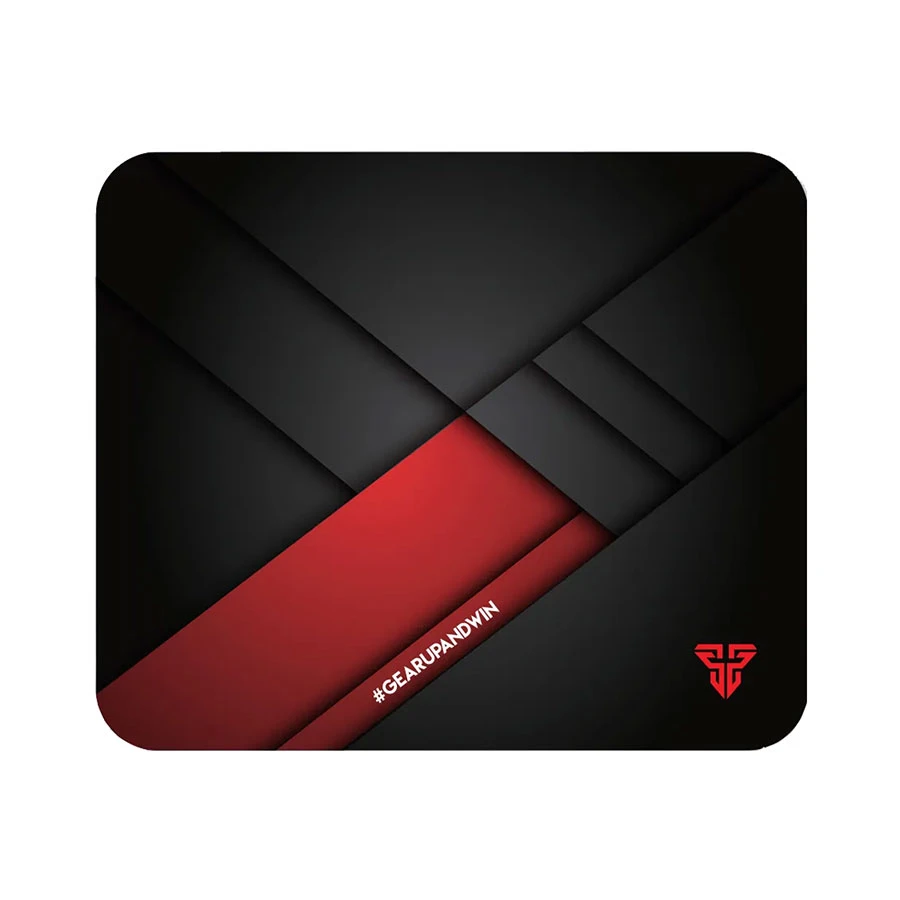
Fantech Vigil MP256 Gaming Mouse Pad Black
A glass desk contains microscopic surface ditches that scramble optical sensor reflections, causing a cursor for aiming. For perfect aiming, choose Fantech Vigil MP256 Gaming Mouse Pad Black.
To make the mouse move simultaneously, use the Vigil MP256 Mouse that uses a speed surface for target acquisition, an anti-slip rubber base for keeping the pad firmly on the desk, and anti-fray stitched edges to guarantee long-lasting durability.
The Vigil MP256 mouse also uses an optimized friction texture for quality sensor tracking and a portable design to carry anywhere you travel.
Pro tip: Use the Vigil MP256 mousepad to stick to your desk and guarantee lightning-fast mouse glides.
Pros
- Fast mouse gliding.
- Firm desk grip.
- Durable edges.
Cons
Havit Stellarisforce 1 Gaming Mouse Pad Black
It’s not possible to move the mouse smoothly on small clothes, so choose the Havit Stellarisforce 1 Gaming Mouse Pad Black that uses a 6 mm extra-thick base to provide wrist comfort and a non-slip rubber base to anchor your mouse.
The Stellarisforce mouse pad also contains massive 900x400 mm dimensions that facilitate arm movement.
Pro tip: A thick mouse pad provides enough aiming space and quality desktop comfort.
Pros
- Massive gaming space.
- Extra thick.
- Mouse gliding.
Cons
Gaming Chair for Streamers

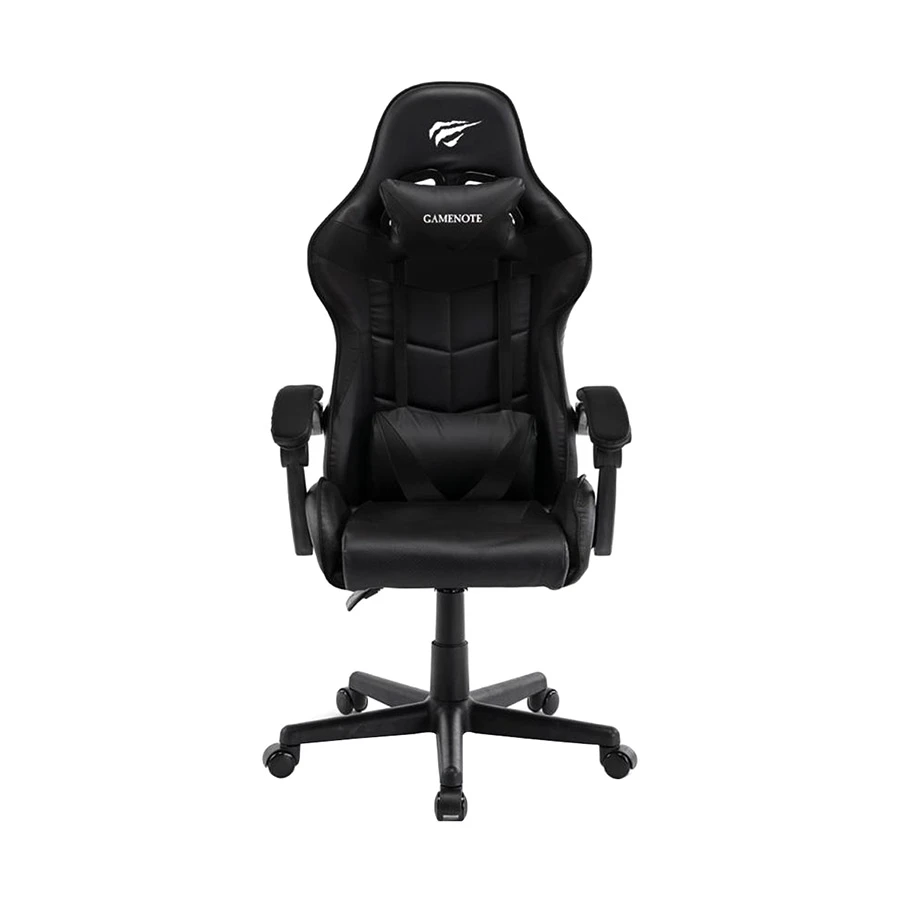
Havit GC933 Gaming Chair Black and Red
Fix your sitting arrangement and posture for a good gaming experience by choosing the Havit GC933 Gaming Chair Black and Red. It uses a PVC leather cover for a good seating surface.
The Havit gaming chair also uses two supportive cushions for neck and lower back strain, a 90-130 degree recline for optimal resting angles, and caster wheels for frequent movement.
Pro tip: Try to purchase a Havit gaming chair to prevent back pain and maintain posture during gaming sessions.
Pros
- Relieves back pressure.
- Strong iron frame.
- Smooth movement.
Cons
Cougar Terminator Elite 4D Gaming Chair Black
In a gaming session, when you sit on a chair and bend forward for a long time, it may cause back strain. Choose Cougar Terminator Elite 4D Gaming Chair Black to prevent back pain.
Fix back strain by using the Elite 4D Gaming Chair that uses an adaptive PAFRP backrest for the body’s natural movement, breathable mesh to keep the body cool, and 4D adjustable armrests for seating posture.
Pro tip: Give good support to your spine and have a cool mind during an intense gaming session by using the Terminator gaming chair.
Pros
- Breathable mesh.
- Perfect spine support.
- Fully adjustable armrests.
Cons
Gaming Headphone for Clear Sound

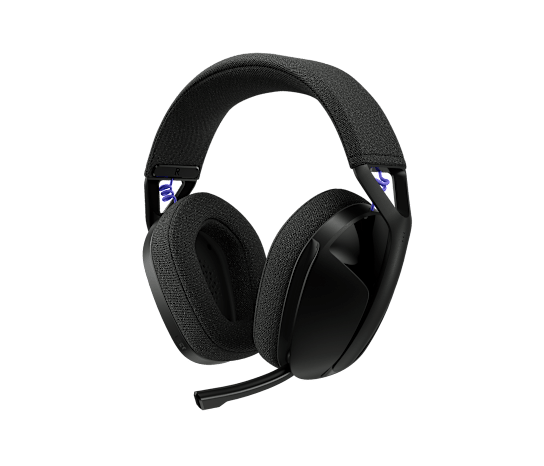
Logitech G321 Lightspeed Headphone Black
Improve your gaming audio experience with the Logitech G321 Lightspeed Headphone Black because it uses 40 mm audio drivers to deliver clear sound for gaming, music, and voice communication. It also has 2.4 GHz LIGHTSPEED wireless technology to provide low-latency audio during competitive gameplay.
The G321 Lightspeed Headphone also contains a lightweight 210g design that keeps your head comfortable during long gaming sessions, Bluetooth 5.2 for flexible wireless connectivity, and a flip-to-mute boom microphone to control voice chat quickly.
Pro tip: You can choose the Logitech G321 Lightspeed if you want a lightweight wireless gaming headphone with stable audio, simple controls, and comfortable long-session performance.
Pros
- Low-latency wireless audio.
- Lightweight and comfortable.
- Flip-to-mute microphone.
Cons
Gaming Controller For Aesthetic Lovers

Onikuma C1 Bluetooth Gaming Controller Black
Take good control of the game, whether you play a race or an adventure, by choosing the Onikuma C1 Bluetooth Gaming Controller Black that uses dual adjustable motors to improve the experience of the game.
The Onikuma C1 Bluetooth Controller gives better control of the game by containing a Bluetooth 5.0 connection to give a wireless connection, linear pressure triggers for throttle control, and a 6-axis gyroscope for accurate aiming.
Pro tip: You can choose the Onikuma C1 Bluetooth controller to gain a massive advantage in the game.
Pros
- Dual vibration.
- Linear triggers.
- Custom macro keys.
Cons
SteelSeries Stratus Plus Wireless Controller Black
In a racing game or an adventure game, controlling the game is crucial, so choose the SteelSeries Stratus Plus Wireless Controller Black to take better control.
Take full advantage of the game by using Stratus Plus Wireless, which uses ALPS thumbsticks for high performance, hall effect triggers to provide accuracy, and a 90-hour battery life for an uninterrupted signal.
Stratus Plus Wireless also contains a Bluetooth LE connection for a stable connection with PCs and mobile devices.
Pro tip: You should choose the SteelSeries Stratus Wireless Controller to take a competitive advantage compared to other competitors.
Pros
- 90-hour battery life.
- ALPS thumbsticks.
- Bluetooth LE connection.
Cons
STEELSERIES
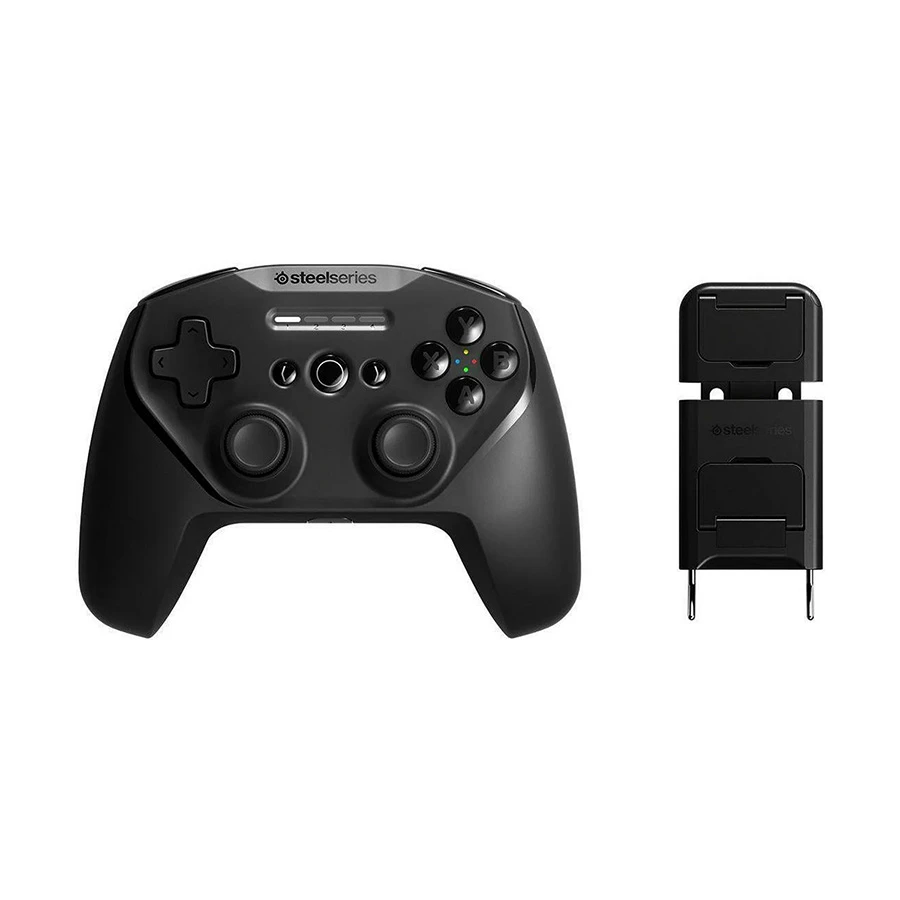
SteelSeries Stratus+ Wireless Black Gaming Controller with Mobile Phone Holder
- Game Pad
- Wired & Wireless
- Bluetooth & USB
- 90+ Hr Battery
Black wireless gaming controller with mobile phone holder, 17 buttons, Bluetooth 4.1 and USB interface, 12 meter working distance, 244g lightweight body, lithium-ion rechargeable battery, and Mobile, PC, and Chromebook support.
Tk 11,900
Tk 12,910
Price may change
View Product
Gaming Speaker for System Upgraders

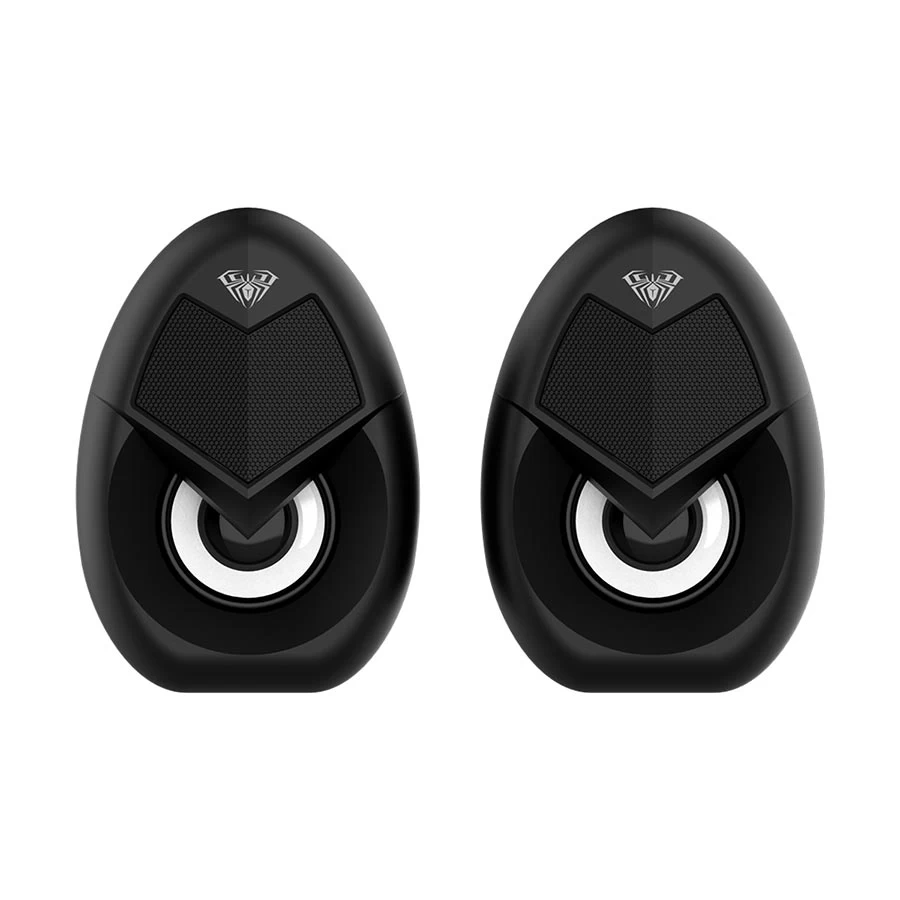
Aula N-69 2.0 Wired Speaker Black
It is hard to have good communication with your team members when you play any game, so attach the Aula N-69 2.0 Wired Speaker Black to a gaming laptop with a USB power connection .
The Aula speaker also contains a 3.5 mm audio jack for instant connectivity, and a colourful LED light gives a good gaming environment.
Pro tip : You can use the Aula N-69 2.0 Wired Speaker to easily improve the gaming monitor with clear sound.
Pros
- Space-saving.
- Colour LED lights.
- USB powering.
Cons
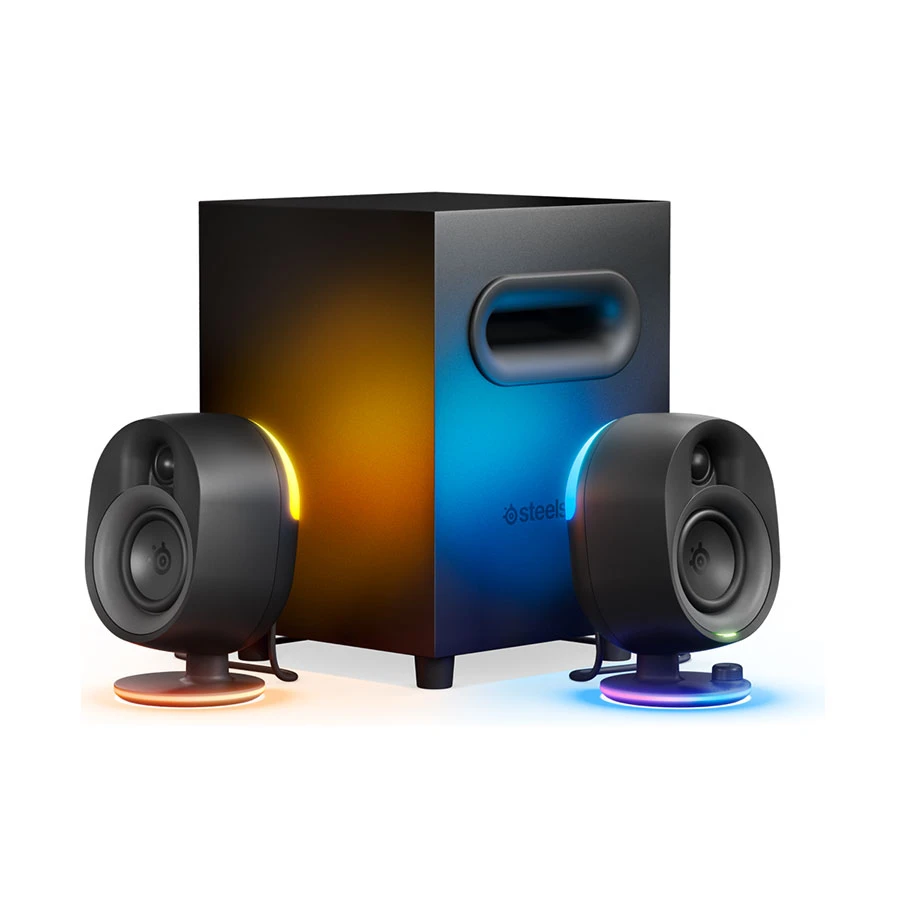
SteelSeries Arena 7 Bluetooth Speaker Black
A laptop's or desktop PC's built-in speaker may not give proper sound when you play any competitive game. To get a competitive advantage, choose the SteelSeries Arena 7 Bluetooth Speaker Black.
For proper communication with the team members, use the Arena 7 Bluetooth Speaker that uses a 6.5-inch down-firing subwoofer for good sound, and a two-way speaker design gives good communication capabilities.
Arena 7 also uses a Bluetooth connection for versatile usage and 16.8 million reactive RGB colours to get an amazing playing atmosphere.
Pro tip: You should buy this premium Bluetooth speaker for room-shaking bass and experience high-quality, good gaming lighting.
Pros
- Powerful bass.
- RGB lighting.
- Clear sound.
Cons
Gaming Monitor for Creators

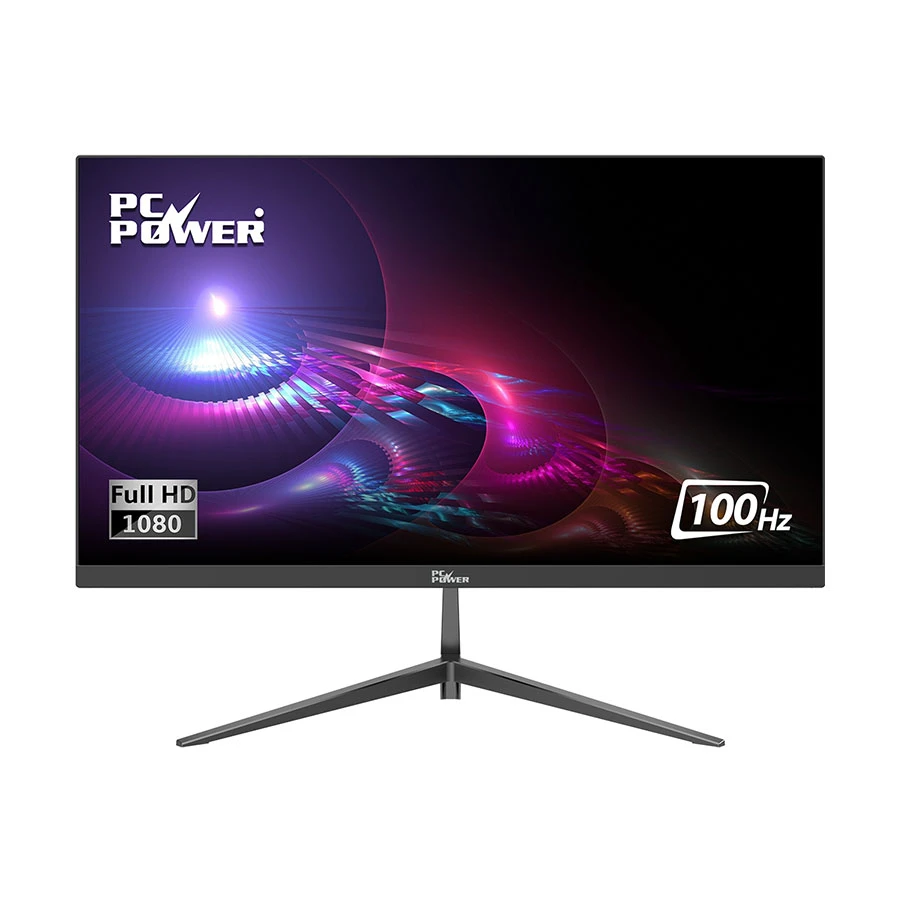
PC Power King 22 Gaming Monitor Black 21.45-Inch
In any fighting game, a clear visual is crucial to win the battle, so choose the PC Power King22 Gaming Monitor Black 21.45-Inch because it has a 100 Hz refresh rate to fight against enemies.
The King22 Gaming Monitor also contains a Full HD IPS panel to create good colours to view from any angle, and its eye care technologies stop eye pain during long gaming sessions.
Pro tip: You should buy the King22 Gaming Monitor for good, tear-free visuals and vibrant colours that give a good atmosphere.
Pros
- Good visuals.
- Great viewing angles.
- Prevents eye strain.
Cons
PC Power X27Q120B 2K Gaming Monitor Black 27-Inch
In any competitive game, looking out for the opponents' positions is necessary, so choose the PC Power X27Q120B 2K Gaming Monitor Black 27-Inch that uses 2K QHD resolution to watch everything.
The 2K Gaming Monitor also contains a 120Hz refresh rate to eliminate visual blur, 100% sRGB colour lighting to provide a gaming environment, and a flat IPS panel that provides visual consistency from every angle.
Pro tip: Improve your visual experience by using the X27Q120B 2K Gaming Monitor to watch the competitors' positions clearly.
Pros
- Sharp resolution.
- Motion clarity.
- Accurate colours.
Cons
PC POWER
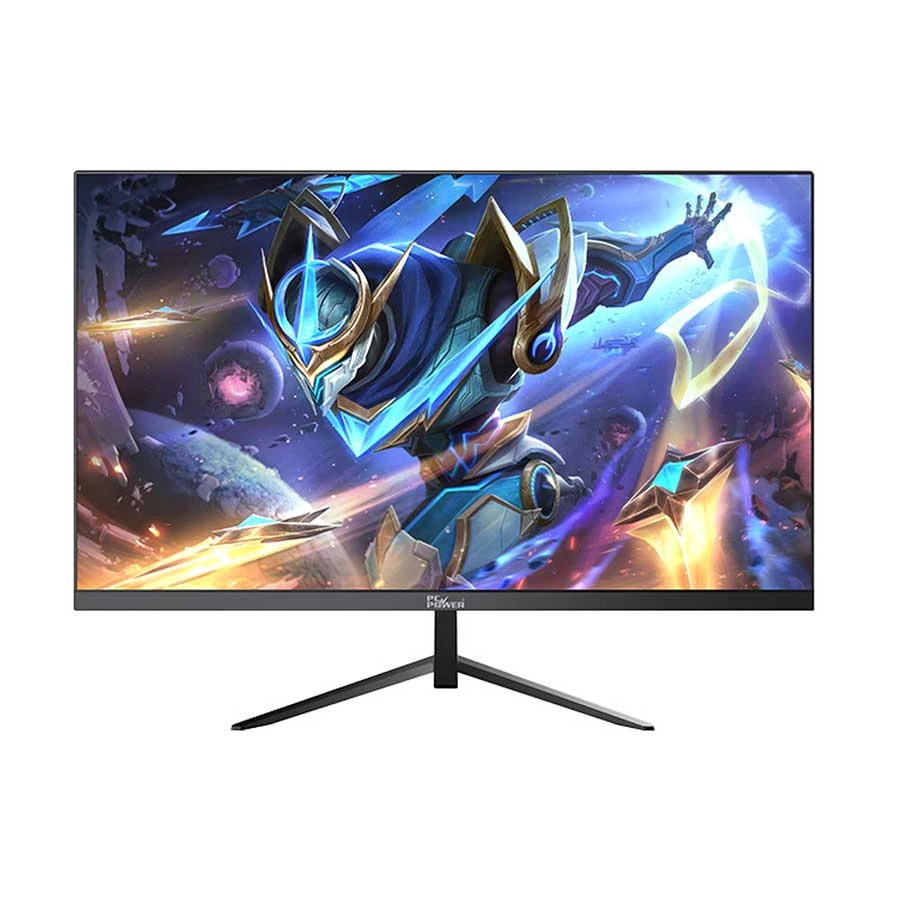
PC Power PCGMX27Q120B 27 Inch 2K QHD Display HDMI, DP Gaming Monitor
- Gaming Monitor
- 27 Inch 2K QHD
- IPS Panel
- 120Hz Refresh
Matt black 27 inch 2K QHD gaming monitor with 2560 x 1440 resolution, IPS flat panel, 120Hz refresh rate, 4ms response time, 100% sRGB color space, HDMI 2.0, DP 1.4, Eye Care support, and 100 x 100mm VESA wall mount.
Tk 18,500
Tk 19,530
Price may change
View Product
How to Choose the Right Gaming Accessories
For Competitive Gamers
Keep yourself ahead in any competitive game, choose a quality gaming mouse because its tracking precision guarantees every shot hits the target. Also, you have no connection delay, ensuring constant input with the action.
For Casual Gamers
You can prioritize longer-term physical comfort to prevent body aches and use a gaming controller for deep sensory immersion with its RGB lighting to make a good environment.
For Streamers and Creators
Build your channel and broadcast the speech using a gaming speaker so the audience hears you clearly. Also, you need efficient background noise cancellation for loud PC fans.
For Work-and-Game Users
Balance your daily working hours and gaming hours; you need an all-day ergonomic gaming chair to prevent severe spinal fatigue.
For Budget Setup Buyers
You can save your money by purchasing a gaming monitor to secure maximum performance value and gain a competitive advantage in any game.
Conclusion
The right gaming accessories can turn a basic PC or laptop setup into a smoother, more comfortable, and more enjoyable gaming station. A precise gaming mouse improves aiming, a mechanical keyboard gives faster input control, a quality mouse pad supports better movement, and a gaming chair helps reduce posture discomfort during long sessions. For a complete setup, sound and visuals also matter: a gaming headphone improves communication and in-game awareness, a controller gives better comfort for racing or adventure games, a speaker upgrades room audio, and a gaming monitor improves motion clarity and viewing comfort. So, before buying, choose accessories based on your gaming style, desk space, comfort needs, connectivity preference, and budget to build a reliable setup for both casual and competitive play.









Leave a comment