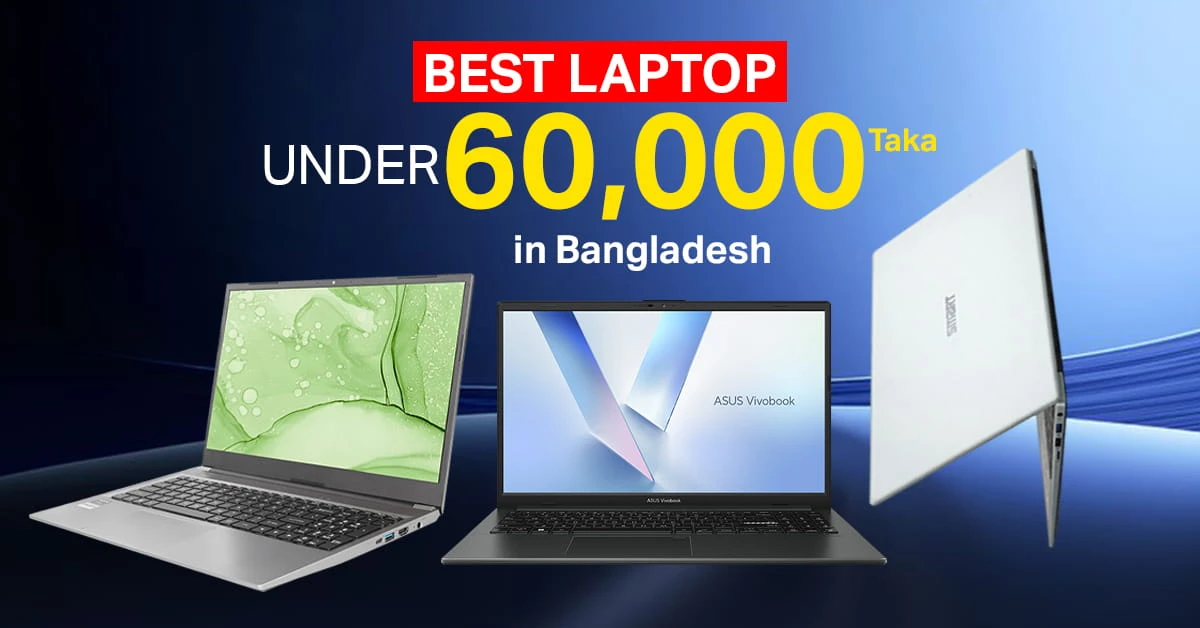
A quality laptop is a consumer electronics product that can change the working process in both personal life and working life. The best laptop under 60000 can make office workloads easier and daily work faster.
This laptop is best for students, freelancers, office users, teachers, and small business owners. You can use a laptop at home, school, the office, a shop, a library, or while traveling.
Before buying a budget laptop, you should check four core points: The processor helps with task speed, RAM supports smooth multitasking, SSD storage opens files faster, and display quality gives better viewing comfort during long study or work hours.
Many renowned brands offer a collection of laptops that are effective for multipurpose tasks at reasonable prices.
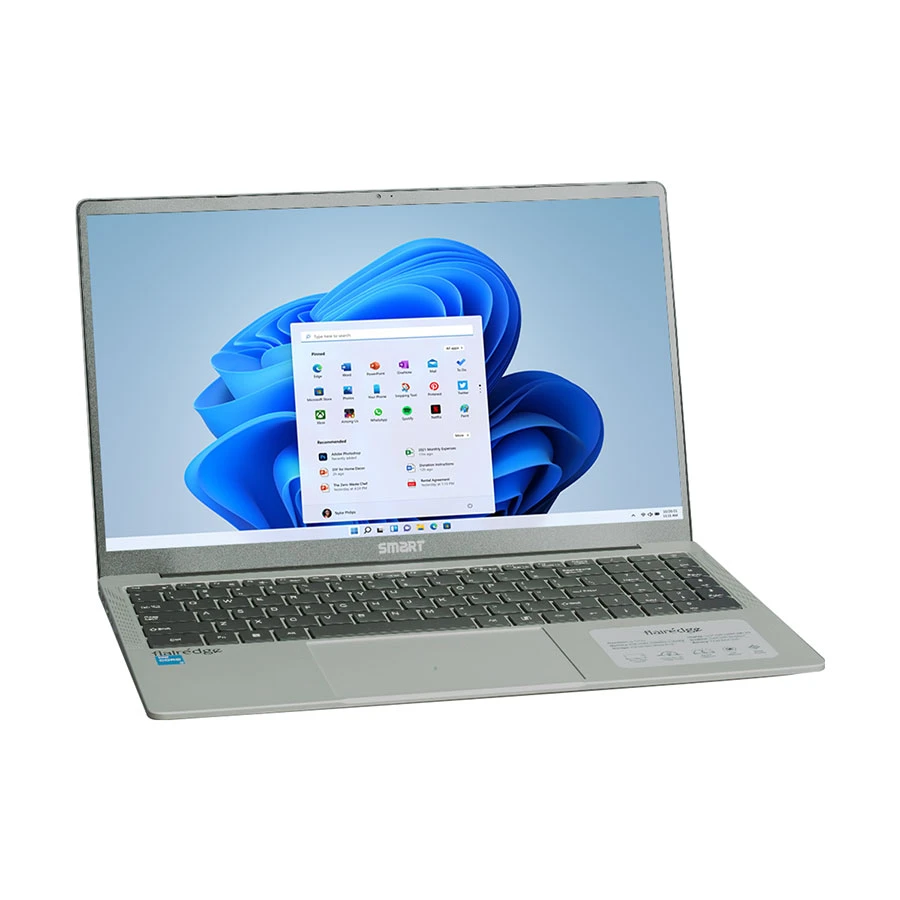
Smart Flairedge 12th Gen Intel Core i5 8GB RAM Laptop
Processor: 12th Gen Intel Core i5 1235U
Memory & Storage: 8GB RAM, 512GB SSD
Display: Full HD Display
Best For: Office work, study, browsing, and daily multitasking
+ WHY IT'S ONE OF THE BEST
This Smart Flairedge laptop is a practical choice for students, office users, and everyday multitasking. Its Core i5 processor, 8GB RAM, and 512GB SSD make daily work smoother, while the clean design keeps it suitable for professional use.
Handle your business and personal pressure efficiently with this Smart Core i5 laptop. This smart laptop is best for office productivity and smooth personal use.
It includes a Core i5 processor for office software, the 512GB SSD for files that open fast, the 8GB RAM for daily multitasking, and the FHD display makes documents and online meetings easier to view.
Pro tip: Choose this laptop when you need stable speed, quick startup, and comfort.
Pros
Fast startup.
Office-friendly.
Clean design.
Cons
Basic graphics.
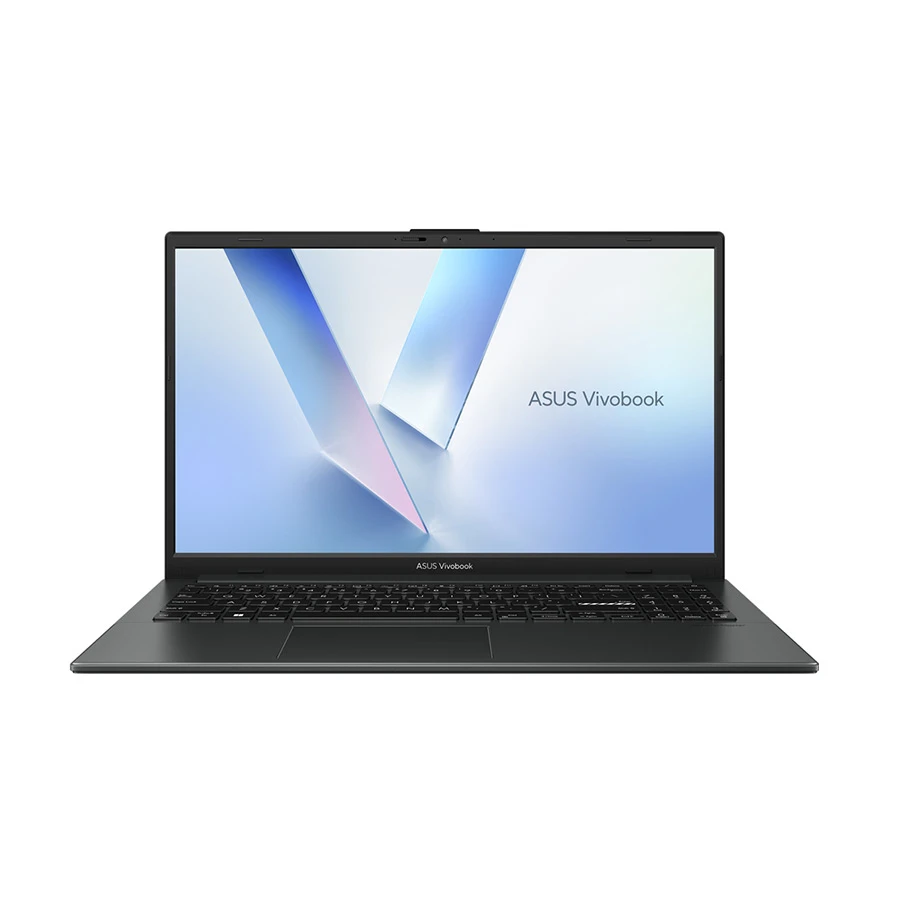
Asus Vivobook Go 15 E1504TA Intel Core N150 Laptop
Asus Vivobook Go 15 E1504TA Intel Core N150 Laptop
Processor: Intel Core N150
Memory & Storage: 8GB LPDDR5 RAM, 512GB SSD
Display: 15.6 Inch FHD IPS Anti-Glare Display
Warranty: 2 Year International, 1 Year for Battery
+ WHY IT'S ONE OF THE BEST
This Asus Vivobook Go 15 is a good fit for students, office users, and daily laptop buyers who need a clean Full HD display, fast SSD storage, modern LPDDR5 memory, and Windows 11 Home in a lightweight 15.6-inch body.
Simplify your academic pressure and regular entertainment with the Asus Core N150 laptop. An ASUS laptop is best for basic daily tasks, home use, and light study.
It includes a Core N150 processor to handle light work, the 512GB SSD keeps apps responsive, the 8GB RAM supports browser-based tasks, and the black body design gives a simple look for home, school, and casual work.
Pro tip: Pick this laptop for browsing, online classes, typing, and video calls when you have a low workload.
Warranty: 2 Year (1 Year Travels), 1 Year for Battery and Adapter
+ WHY IT'S ONE OF THE BEST
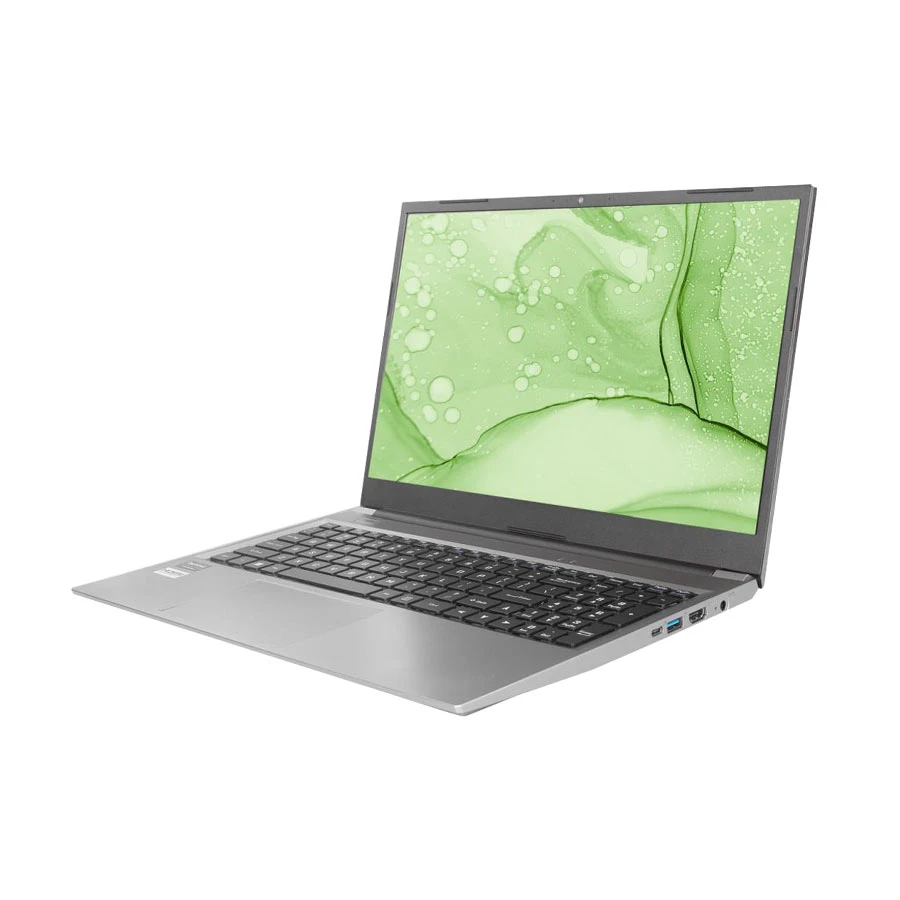
A practical option for students, home users, and office work, this Acer Aspire Lite offers a Ryzen 3 processor, 8GB RAM, and a fast 512GB SSD for smooth everyday computing. The 15.6-inch Full HD display gives comfortable viewing for classes, browsing, documents, and light productivity tasks, while the lightweight steel gray body keeps it easy to carry.
This one goes slightly beyond 60K, but it's a solid pick if you can stretch your budget a little. Ease your complicated projects and enjoy regular entertainment with an Acer laptop. This Acer Ryzen is effective for study and light multitasking.
Its Ryzen 3 processor supports classwork, the 8GB RAM helps with multiple apps, the 512GB SSD improves file access, and the 15.6-inch FHD display gives better room for reading, writing, and research.
Pro tip: Use this laptop when study, browsing, PDF reading, and light multitasking are your major tasks.
Pros
Student-ready.
Well storage.
Clear screen.
Cons
Not gaming.
HP 15-fd0807TU Intel Core i3 1315U 8GB RAM Laptop
HP 15-fd0807TU Intel Core i3 1315U Laptop
Processor: 13th Gen Intel Core i3 1315U
Memory & Storage: 8GB DDR4 RAM, 512GB SSD
Display: 15.6 Inch FHD LED Display, 1920x1080
Warranty: 2 Year, 1 Year for Battery and Adapter
+ WHY IT'S ONE OF THE BEST
A strong pick for students, office users, and daily productivity, this HP 15 laptop combines a 13th Gen Intel Core i3 processor, 8GB RAM, and 512GB SSD for smooth everyday performance. The Full HD display, Windows 11 Home, backlit keyboard, Wi-Fi 6, and Moonlight Blue finish make it practical for work, study, browsing, and entertainment.
If you can stretch your budget just a little, this HP model is well worth considering. Make your difficult tasks and complex virtual classes easier with an HP laptop. This HP Core i3 laptop is suitable for business and learning.
Its Core i3 processor handles business tasks, the 512GB SSD speeds up files, the 8GB RAM supports learning apps, and the blue body finish gives a fresh look for office, class, and personal use.
Pro tip: Select this laptop if you want brand trust, stable learning support, and everyday business performance.
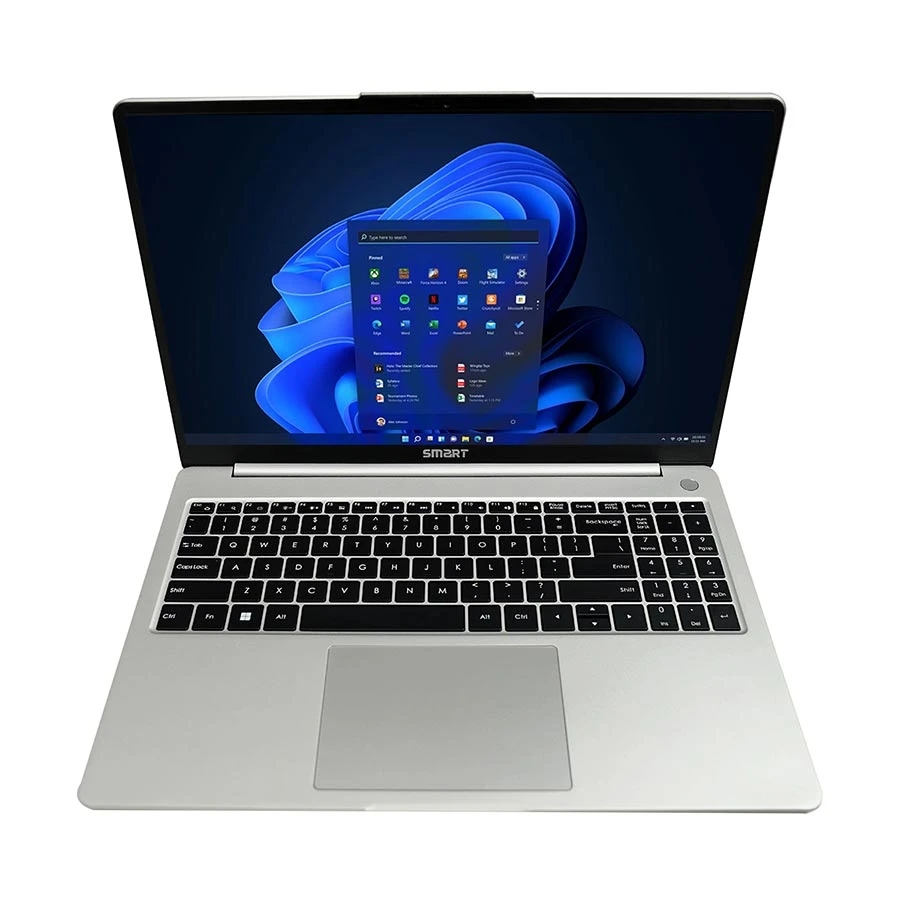
Display: 16 Inch FHD+ WUXGA IPS Anti-Glare Display, 1920x1200
Warranty: 2 Year, 1 Year for Battery and Adapter
+ WHY IT'S ONE OF THE BEST
A strong choice for users who need better multitasking performance, this Smart Flairedge laptop combines a 12th Gen Intel Core i7 processor, 8GB RAM, and 512GB SSD for smooth office work, study, browsing, presentations, and productivity tasks. The 16-inch FHD+ WUXGA IPS display, Wi-Fi 6, backlit keyboard, and fingerprint sensor make it more practical for daily professional use.
This one slightly crosses the 60,000 BDT mark, but if your work demands more power, it's a smart upgrade to consider. Easily edit videos and code with a smart professional laptop. This Smart Core i7 laptop is made for graphics work and advanced coding.
Its Core i7 processor helps with heavier tasks, the 512GB SSD reduces waiting time, the 8GB RAM supports regular multitasking, and the silver body gives a clean professional look for office and client-facing work.
Pro tip: Buy this laptop when you have heavy workloads and faster processing for long office sessions.
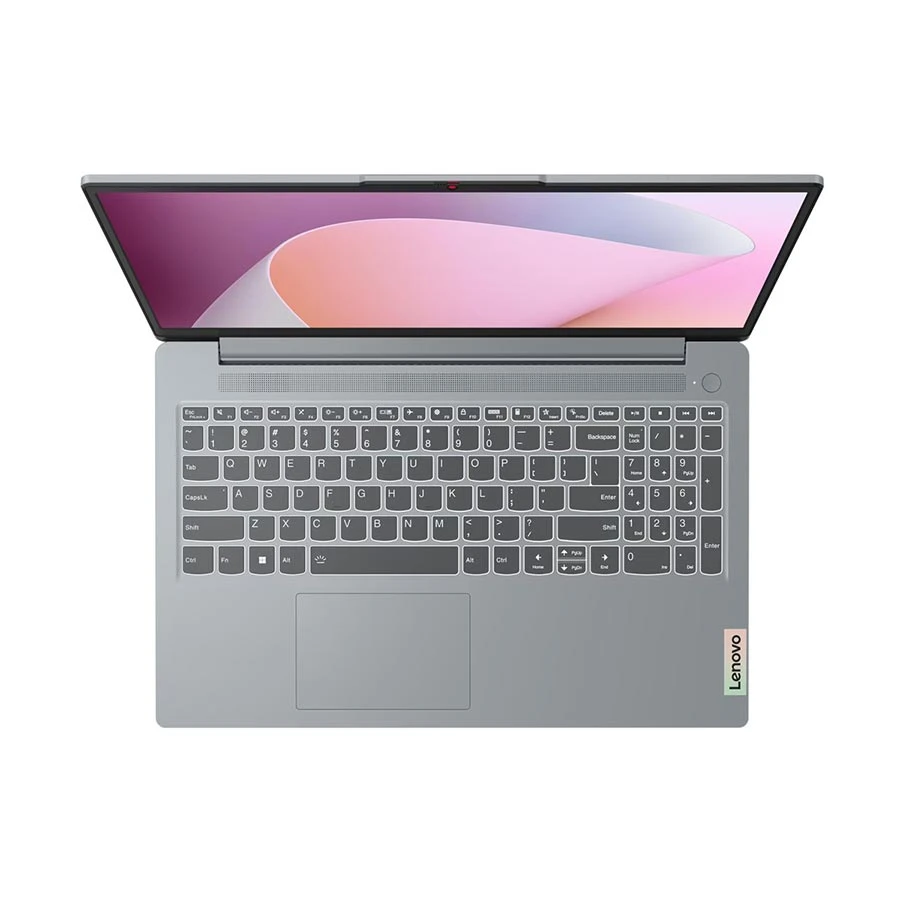
A reliable choice for students, office users, and everyday productivity, this Lenovo IdeaPad Slim 3 offers a Ryzen 5 processor, 8GB RAM, and 512GB SSD for smooth multitasking. The 15.6-inch Full HD display, Windows 11 Home, Wi-Fi 6, lightweight Arctic Grey body, and Dolby Audio support make it practical for study, work, browsing, online meetings, and entertainment.
A bit above budget, but if you're able to increase it slightly, this Lenovo delivers real value in return. Create difficult software code and enjoy competitive games easily with this Lenovo laptop. This Lenovo Ryzen 5 laptop is for heavy multitasking.
Its Ryzen 5 processor supports faster multitasking, the 512GB SSD improves load time, the 8GB RAM helps daily workflow, and the gray body offers a simple design with better resale appeal.
Pro tip: Choose this laptop when you need multitasking, office work, online learning, and future resale value matter.
Pros
Good gaming speed.
Cool running temperature.
Nice keyboard.
Cons
Heavy carrying weight.
What to Check Before Buying a Laptop in BD
Processor
Check your workload before choosing a processor. For typing, browsing, and online classes, basic chips are fine. For office work, data sheets, light design, or heavy multitasking, choose Core i5, Ryzen 5, or better.
Workload Match: Choose processor power based on your daily workloads.
Core Count: More cores help during multitasking and office pressure.
Generation: Newer chips usually give better speed and battery balance.
You may also use AI laptops for heavy tasks if your budget allows. These laptops are better for heavy software, but you may use software with normal laptops.
RAM
RAM controls all the active apps. If you open many tabs, use office files, attend online meetings, or switch apps often, higher RAM speeds up and improves user experience.
App Switching: Higher GB RAM reduces lag between app switches.
Long Use: Higher GB RAM keeps speed stable during long hours.
Storage: NVMe vs SATA
Storage affects a computer’s overall speed. NVMe SSDs are faster than SATA SSDs, and HDDs are for slow laptops. You can choose a SATA SSD if you have a laptop budget under 60000 in Bangladesh
NVMe SSD: Best for fast boots and heavy workloads.
SATA SSD: Good for normal work but slower than NVMe.
HDD Storage: Spacious, but slow performance.
Battery Life
Battery life matters when you are a traveler. A weak battery backup creates charging stress and breaks your workflow. Strong battery backup helps you work longer without searching for a power socket.
Travel Work: Strong battery backup helps during transport and meetings.
Class Time: Students can attend longer lessons without charging.
Power Cuts: Good backup protects your work during outages.
Display Quality
Display quality affects laptop performance. A lower display screen can make your eyes strain during long work. Choose an FHD display for better text, colour, and viewing angle.
Eye Comfort: An HD display helps during long screen time.
Text Reading: FHD screens make documents easier to read.
Video Calls: Better panels improve meetings and class viewing.
If you prefer screen-based control, usea touch laptop. Touch laptops are useful for note-taking, light creative work, and users who like tablet-style interaction.
Warranty
Warranty is very important when buying a laptop from any store. Ask about official warranty, battery warranty, service center support, replacement policy, and invoice details. Also ask how warranty claims work after purchase.
Ask if the warranty is official or store-based.
Ask how long the battery warranty lasts.
Ask where service claims will be handled.
Business users can use abusiness laptop for stronger support. Office managers may also use anexecutive laptop for a premium build, brand value, and formal work setups.
Build and Body
Build quality matters because laptops are carried often. A weak body causes scratches, hinge problems, and keyboard issues faster. A strong body helps resale value when you update later.
Hinge Strength: Strong hinges help long-term use.
Body Finish: A clean finish keeps resale value better.
Weight Balance: Low-weight laptops are easier to carry.
FAQs
Is 8GB RAM enough, or should I stretch for 16GB?
8GB is fine for basic use. Choose 16GB for better multitasking and longer use if your budget allows.
Which specifications are crucial for a gaming laptop experience?
Focus on dedicated graphics and cooling systems. You can use agaming laptop for better gaming support.
Is SSD really necessary, or is HDD fine to save money?
SSD is better because it gives faster startup and smoother app loading. HDD is slow for modern daily laptop use.
Should students prioritize weight/portability over specs?
Students should balance both. Choose lightweight for easy carrying and enough specs for smooth study work.
Are Ryzen processors better than Intel at this price point?
Both can be good. Choose Ryzen for multitasking value and Intel for stable office performance, based on your workload.
Conclusion
The best budget laptop under 60000 BDT in Bangladesh helps you find a suitable device for work, study, and other requirements.
Buying a new-brand laptop gives you better performance, reliable warranty support, and long-term value. A smart choice improves productivity, saves time, and supports digital tasks.
















Leave a comment