POSTED ON September 27, 2026 by Md Sad Akkas (Shuvo)
Canon PIXMA G1010 vs G2010 vs G3010: Which One Should You Choose?
The Canon PIXMA G1010 became one of the most familiar ink tank printers in Bangladesh because it kept everyday printing simple and affordable. Its refillable GI-790 ink system, dependable USB printing, and relatively low running cost made it a practical choice for students, homes, small offices, and businesses that mainly needed regular document and colour printing without paying for extra features.
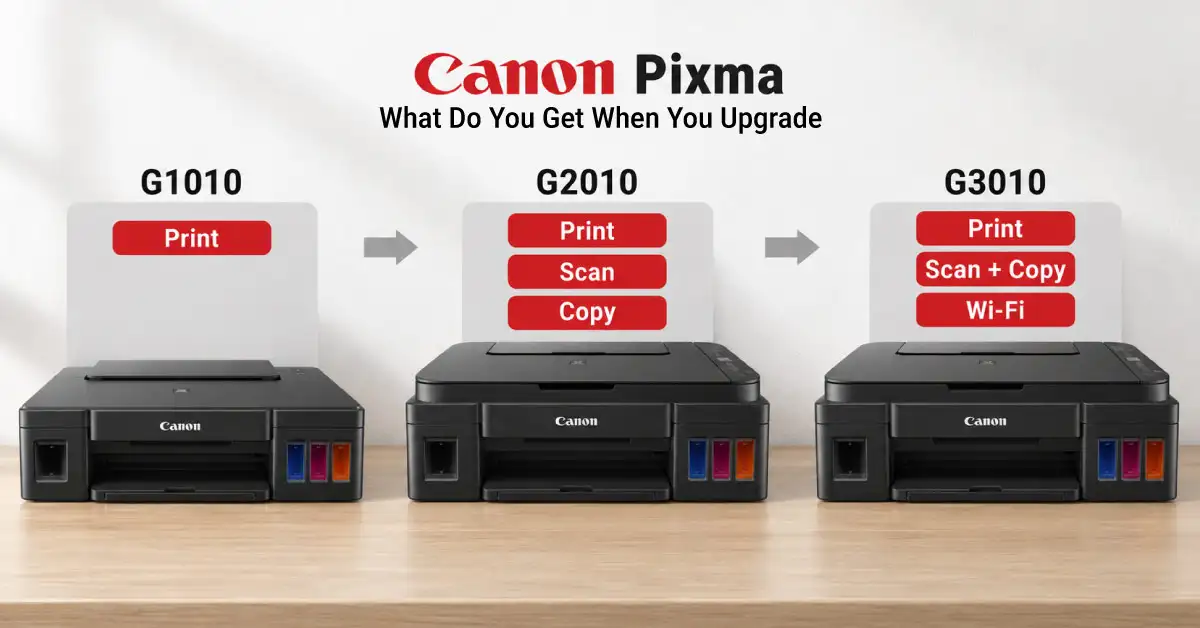
The PIXMA G2010 added scanning and copying for people who needed more than printing, while the PIXMA G3010 brought Wi-Fi and mobile printing for homes and workspaces where several devices may need access to the same printer. Their core printing capability and GI-790 ink system remain closely related
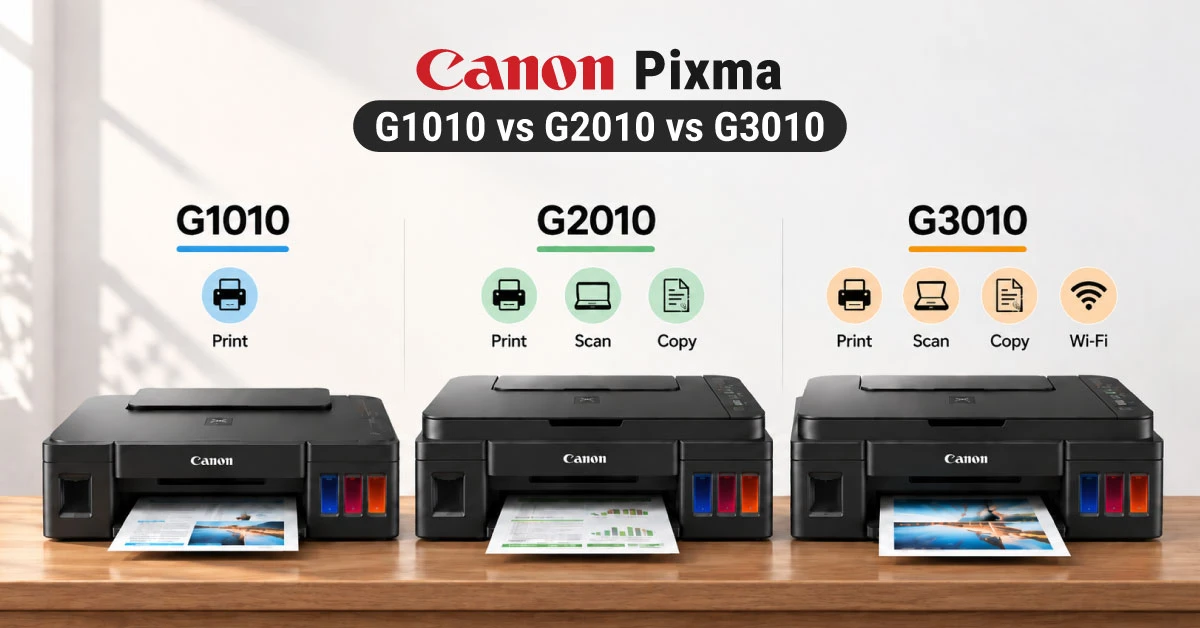
Quick Answer: G1010, G2010, or G3010?
Get the G1010 if you only print. Get the G2010 if you scan or copy. And if you print from phones or laptops, the G3020 is what you need. .
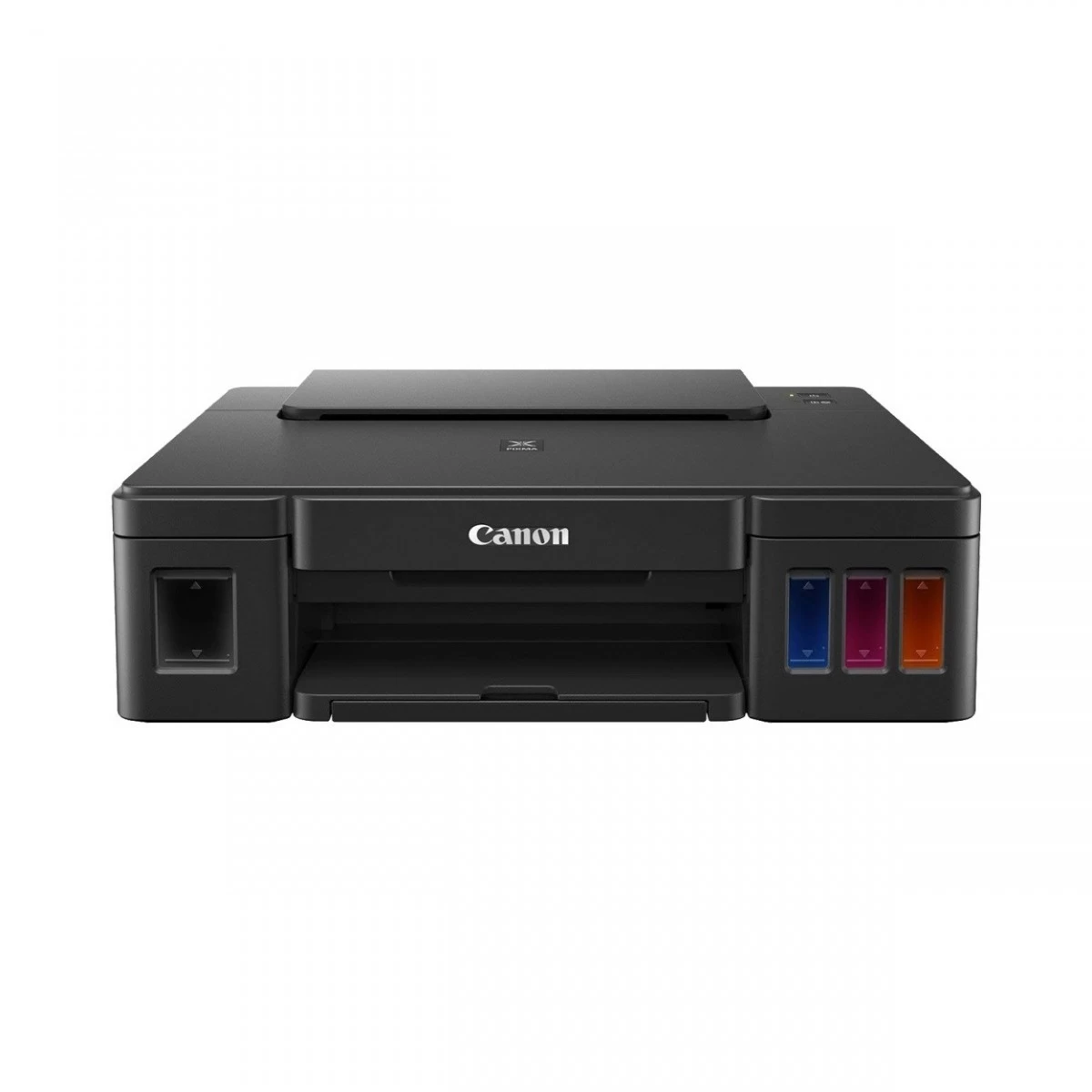
Canon PIXMA G1010: Print only, USB only. It’s the best choice if you never scan or copy. Cheapest to buy and run.
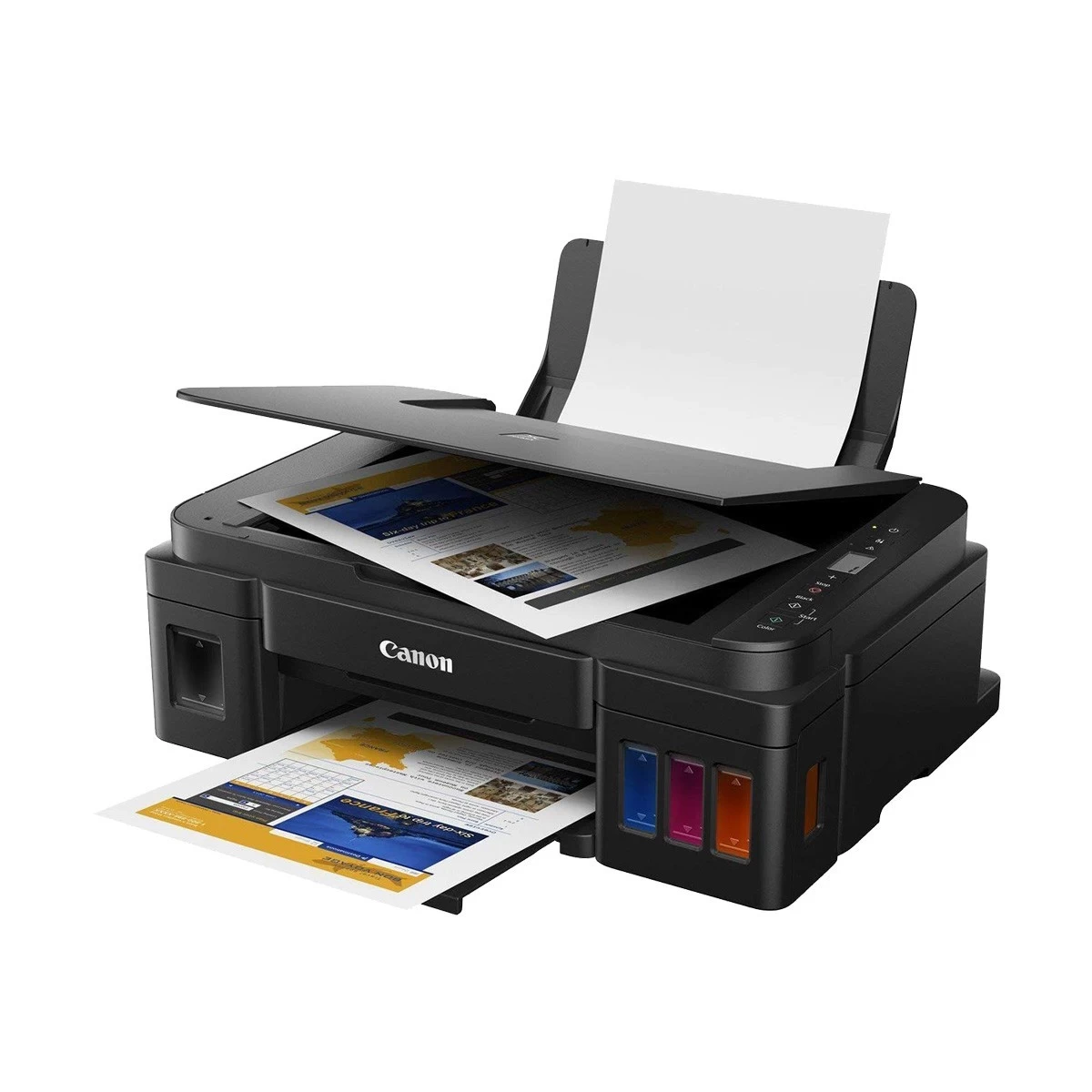
Canon PIXMA G2010: Print, scan, copy, USB only. Same print quality as G1010 but with a flatbed scanner and copy without a PC. Best for a single desk setup.
Canon PIXMA G3010: Print, scan, copy, Wi-Fi and USB. Same as G2010 but with Wi-Fi, Wireless Direct, and printing from phones or laptops. Best for families and shared spaces with many devices.
What's Actually Different? G1010 vs G2010 vs G3010 Compared
Print quality and running cost stay exactly the same. The only differences are scanning and copying, connectivity, and mobile printing.
Feature
PIXMA G1010
PIXMA G2010
PIXMA G3010
Functions
Print only
Print, Scan, Copy
Print, Scan, Copy
Connectivity
USB 2.0 only
USB 2.0 only
USB 2.0 + Wi-Fi + Wireless Direct
Scanner
None
Flatbed CIS, 600x1200 dpi
Flatbed CIS, 600x1200 dpi
Mobile Printing
No
No
Yes - Canon PRINT app, Mopria, Wireless Direct
Control Panel
No display
1.2" mono LCD
1.2" mono LCD
Print Speed
8.8 ipm mono / 5.0 ipm color
Same - 8.8 / 5.0 ipm
Same - 8.8 / 5.0 ipm
Print Resolution
4800 x 1200 dpi, 1472 nozzles
Same
Same
Ink
GI-790 (4 bottles)
GI-790 (4 bottles)
GI-790 (4 bottles)
Paper Tray
Rear, 100 sheets
Rear, 100 sheets
Rear, 100 sheets
Size / Weight
445 x 330 x 135 mm / 4.8 kg
445 x 330 x 163 mm / 6.3 kg
445 x 330 x 163 mm / 6.3 kg
Price (Approx)
13,300 BDT
16,500 BDT
18,500 BDT
A scanner becomes useful when you need to copy or digitize items such as NIDs, passports, signed forms, or other documents. With the G1010 and G2010, printing is handled through a USB-connected computer, while the G3010 adds Wi-Fi so compatible phones and laptops can print over the same network.
The G2010 and G3010 support flatbed scanning for common document sizes such as A4 and Letter.
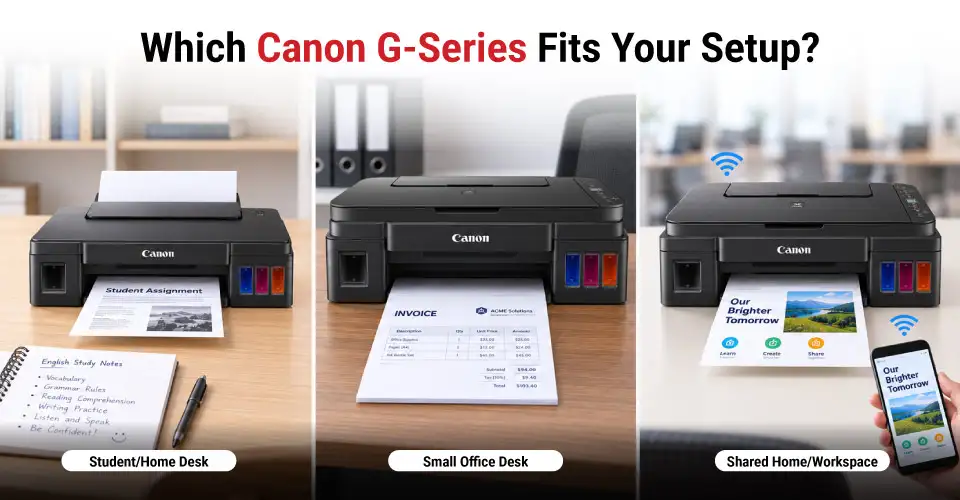
Will you ever need to scan or copy something? Think of assignments, coaching sheets, NID photocopies, or signed forms. If you truly never will, the Canon PIXMA G1010 is perfect. If you scan even occasionally, you will regret not having it.
Home Office and Small Business
You may need to scan and return invoices, quotations, delivery challans, or tender documents the same day. The Canon PIXMA G2010 fits this need well, with a monthly volume of 150 to 1,500 pages. It copies without a PC and keeps everything on one desk.
Shared or Mobile-First Printing
In a shared work desk or study room, several laptops, phones, or tablets may need the same printer at once. Nobody wants to wait their turn at the desk. In that case, Wi-Fi changes everything. The Canon PIXMA G3010 printer comes with this feature. You can connect multiple devices to this printer and print, scan, or copy with ease.
What Stays the Same Across G1010, G2010 and G3010?
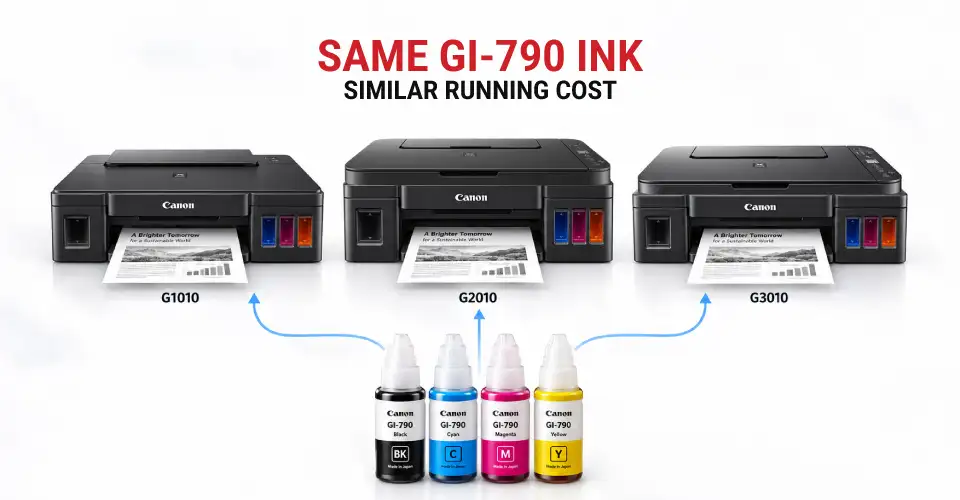
Canon built all three printers on one print engine. The PIXMA G1010, G2010 and G3010 share the same print head. They also use the same GI 790 ink bottles and paper feed. That's why speed and print quality won’t be an issue in your decision.
Print Speed and Resolution
All these printers print at 8.8 ipm in mono and 5.0 ipm in color. They share the same ISO rating as well. Each uses a 1,472-nozzle print head at 4800 × 1200 dpi. Paying more won’t get you a faster or sharper page. The G1010, G2010, and G3010 are the same here.
GI-790 Ink Bottles and Page Yield
Running costs remain the same across all these models, as they all use the same four GI-790 bottles. The black bottle costs 1,200 BDT for 6,000 pages. That's about 0.20 BDT per black page. Cyan, magenta, and yellowcost 1,100 BDT each for 7,000 pages. That's nearly 0.47 BDT per full-color page. The 135 ml pigment black is set for text, and the dye colors are for photos.
Borderless and Regular Document Printing
All three models have borderless printing. They support A4 and Legal paper. Each has a rear tray for 100 sheets. You can print photos edge-to-edge. Full-size documents print the same way. The tray can hold 10 sheets of Legal paper.
Is it worth paying more? Only if you will use it. If you just want reassurance, the answer is no. We've seen both mistakes. People pay for things they never use. Others save money and regret it later. So ask these questions to yourself.
When Scan and Copy Are Worth It
Do you photocopy or scan something once a month? It could be an NID, an admit card, a signed form, or a class handout. If yes, the Tk 3,200 gap to the PIXMA G2010 disappears. If your answer is no, then don’t look elsewhere. The G1010 is still the better printer for your regular printing.
When Wi-Fi Is Worth the Upgrade
Now ask yourself if you print from a phone or laptop that's never wired to the printer? If yes, Wi-Fi connectivity is what you need. The Canon G3010 WiFi printer covers Wireless Direct, Mopria, and mobile printing through the Canon PRINT app. But if every print job happens at one desk with one computer, USB works just fine.
What to Check Before Choosing
Three practical things still trip people up. It happens after the box is open. Check them before you order.
Computer or Mobile Printing
Count every device that needs to print. Consider laptops, phones, tablets. If only one computer sits wired to the desk, the G2010 works fine over USB. But once a second device, or any phone, needs to print, that's the point where the G3010 makes more sense.
Available Desk Space and Daily Workflow
The G1010 measures 445 by 135 by 330 mm. It weighs 4.8 kg. The G2010 and G3010 measure 445 by 163 by 330 mm. They weigh 6.3 kg. All three load paper from a rear tray. Leave room behind the printer for that. None has an ADF, so the top stays flat. Allow extra depth when the trays extend. The G3010 grows from 330 mm to about 533 mm with trays out.
Current Price, Stock and Ink Availability
Before ordering, check the live price and stock status on the Canon ink printer page at Ryans. It's also worth checking the ink printer category for similar models. Then check the consumable ink bottle too. Make sure GI790 refills are stocked locally—that way you never have to wait.
Final Advice: Choose the Functions You Will Actually Use
The G1010 became popular for its cheap and reliable printing. The G2010 and G3010 added what people wanted next. Scanning, copying, and wireless connection. No model here is better or worse. The cheaper one prints just as fast and looks just as good. You are only deciding whether you need a scanner and whether it should work with your phone.















Leave a comment