POSTED ON February 03, 2026
আনঅফিসিয়াল ফোন কিনলে কী সমস্যা হয়? ৮টি বড় সমস্যা!
স্মার্টফোন এখন আর বিলাসিতা নয়—ব্যক্তিগত যোগাযোগ, অফিসের কাজ, অনলাইন পেমেন্ট, বিনোদন থেকে শুরু করে দৈনন্দিন জীবনের প্রায় সবকিছুর সাথেই এটি ওতপ্রোতভাবে জড়িত। ঠিক এই কারণেই নতুন ফোন কেনার সময় আমরা সবাই চাই কম দামে ভালো ফিচারের একটি ডিভাইস। কিন্তু এই “কম দামের ভালো ফোন” খোঁজার মাঝেই অনেকেই unknowingly পা বাড়ান আনঅফিসিয়াল ফোনের ফাঁদে। শুরুতে ফোনটি দেখতে ঝকঝকে, ফিচারও আকর্ষণীয় মনে হলেও কিছুদিন ব্যবহার করার পর আসল সমস্যাগুলো ধীরে ধীরে সামনে আসে। ওয়ারেন্টি না থাকা, সফটওয়্যার আপডেটের অভাব, নেটওয়ার্ক সমস্যার পাশাপাশি ডাটা সিকিউরিটি ও আইনগত ঝুঁকির মতো বিষয়গুলো ব্যবহারকারীর জন্য বড় মাথাব্যথার কারণ হয়ে দাঁড়ায়। অনেক ক্ষেত্রে ফোন ঠিক থাকলেও হঠাৎ নেটওয়ার্ক বন্ধ হয়ে যাওয়া বা গুরুত্বপূর্ণ অ্যাপ কাজ না করার মতো পরিস্থিতির মুখোমুখি হতে হয়। এসব ঝুঁকি শুধু অর্থনৈতিক ক্ষতিই করে না, বরং ব্যক্তিগত তথ্য ও ডিজিটাল নিরাপত্তাকেও হুমকির মুখে ফেলে। তাই ফোন কেনার আগে আনঅফিসিয়াল ডিভাইস ব্যবহারের সম্ভাব্য ক্ষতি ও ঝুঁকিগুলো জানা অত্যন্ত জরুরি। এই ব্লগে আমরা সহজভাবে তুলে ধরব আনঅফিসিয়াল ফোন ব্যবহারের প্রধান সমস্যাগুলো, যাতে আপনি সচেতন সিদ্ধান্ত নিতে পারেন এবং ভবিষ্যতে অপ্রয়োজনীয় ঝামেলা এড়াতে পারেন।
Read More >>

POSTED ON January 27, 2026
What Is a Sedentary Reminder in a Smartwatch?
In recent years, life in Bangladesh has increasingly shifted towards a more digital lifestyle, with many individuals spending long hours seated due to work, freelancing, online business, and study commitments. This sedentary lifestyle, though often unnoticed, can have significant adverse effects on health. A useful feature found in modern smartwatches is the sedentary reminder, which encourages individuals to stay active throughout their day. This feature detects long periods of inactivity, such as sitting, and sends gentle reminders to users to stand up and move. It helps reduce the negative health impacts associated with prolonged sitting, such as poor circulation, muscle stiffness, back pain, and even weight gain. Additionally, regular movement can improve blood circulation, posture, and overall energy levels, ultimately contributing to a healthier lifestyle. In a busy country like Bangladesh, where office workers, students, freelancers, and commuters often remain seated for extended periods, the sedentary reminder is a valuable tool for maintaining better physical and mental well-being. Incorporating these short movement breaks into daily routines, combined with regular exercise, can significantly enhance one’s long-term health without requiring substantial time or effort.
Read More >>
POSTED ON January 26, 2026
How Good Are Samsung Refrigerators? A Detailed Evaluation
Samsung refrigerators are renowned for their cutting-edge technology, sleek designs, and reliable performance, making them a top choice in the home appliance market. Over the years, Samsung has evolved its fridges from simple cooling devices to advanced smart appliances with features like Wi-Fi connectivity, voice control, and the Family Hub system. With innovative technologies such as the SmartThings app and Twin Cooling Plus, Samsung fridges offer energy efficiency, customizable storage, and dependable cooling. However, their premium prices and complex features may not be for everyone. This blog provides a detailed evaluation of the pros and cons of Samsung refrigerators, comparing them with other brands and discussing customer feedback, helping you determine if their blend of style, performance, and technology is worth the investment for your home.
Read More >>
POSTED ON October 08, 2026
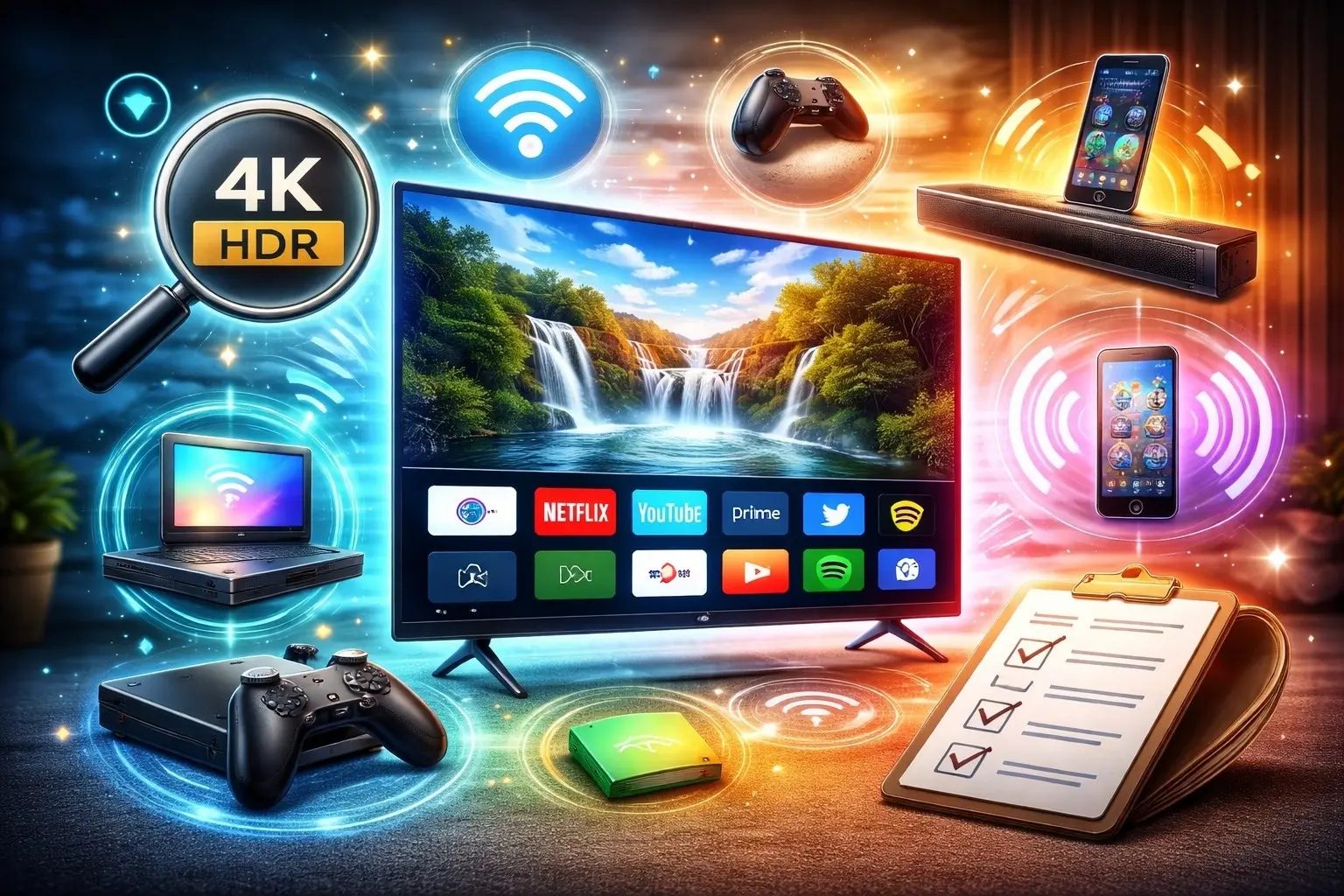
10 Things to Check Before Buying a Smart TV
Buying a Smart TV is exciting because it becomes the center of entertainment in your home, offering everything from movies and web series to gaming, live TV, and streaming apps. However, with so many brands, screen types, sizes, and smart features available, choosing the right TV can be confusing if you don’t know what to look for. Many people focus only on price or screen size and later face issues like poor picture quality, slow performance, limited app support, or missing connectivity options. That’s why it’s important to check a few essential things before making a decision. This blog, “10 Things to Check Before Buying a Smart TV,” highlights the most important factors you should consider, including display quality, resolution, operating system, sound performance, connectivity, and overall usability. Whether you’re buying your first Smart TV or upgrading to a newer model, this guide will help you avoid common mistakes and choose a TV that matches your needs, space, and budget, ensuring a smooth and enjoyable viewing experience for years to come.
Read More >>

POSTED ON January 17, 2026
How to Reset TP-Link Router: A Complete Step-by-Step Guide
Internet problems always seem to hit at the worst moments, and I still remember the first time my connection suddenly dropped—I panicked, refreshed everything, and blamed my ISP before realizing the issue was my TP-Link router. A simple reset fixed it, and over time, after dealing with slow speeds, random disconnections, forgotten admin passwords, and misconfigured settings, I’ve learned which reset methods actually work and when to use them. Resetting a TP-Link router can quickly solve many common network issues, but choosing the right approach is important, as a soft reset and a hard reset serve different purposes and can affect your settings differently. In this complete step-by-step guide, I’ll walk you through both reset methods, explain why and when each one is necessary, and share practical tips I’ve picked up through real-world experience. Whether you’re troubleshooting unstable Wi-Fi or locked out of your router’s control panel, this guide will help you restore your connection with confidence and keep your network running smoothly without unnecessary frustration.
Read More >>

POSTED ON January 15, 2026
Is Sony More Expensive Than Samsung? A Personal Insight
When people compare consumer electronics, one question comes up again and again: Is Sony more expensive than Samsung? I’ve heard this question from friends, customers, and even salespeople over the years, and the answer is not as simple as a straight “yes” or “no.” Both Sony and Samsung are global technology giants with a strong presence in our everyday lives. From televisions and smartphones to gaming systems, sound equipment, and home appliances, these two brands compete closely across multiple product categories. Yet, when it comes to pricing, many buyers feel confused about which brand truly offers better value. This article is based on my personal observations and real-world comparisons of Sony and Samsung products across different segments. Rather than focusing on specifications alone, I’ll look at how pricing reflects overall value, performance, brand positioning, and user experience. We’ll break down the comparison into key categories such as televisions, smartphones, gaming consoles, and home appliances to understand where Sony tends to charge more—and where Samsung manages to balance cost and features better. If you’re trying to decide which brand suits your budget and expectations, this comparison should help you make a more confident and informed choice.
Read More >>

POSTED ON January 11, 2026
Can I Use a Laptop as a Monitor for PC? My Hands-On Guide
I still remember the moment I wanted a second screen but didn’t want to spend extra money—my PC monitor felt too small, and my laptop was just sitting there unused. That simple thought led me to a common question many users have today: can a laptop be used as a monitor for a PC? After testing this idea in real life with different laptops, desktops, and setups, the answer is yes—but not in the usual plug-and-play way. Laptops are designed to send video out, not receive it, so you need a few smart tricks to make it work. When done right, though, it can completely change how you work. A second screen makes multitasking easier, whether you are writing, coding, attending online meetings, editing videos, or just keeping reference tabs open. In this blog, I share my hands-on experience from a real home office setup. I explain what works, what doesn’t, and which methods are worth trying first. You’ll find simple step-by-step setup guides, honest pros and cons, performance limits for gaming and editing, and budget-friendly alternatives when laptop hacks fall short. By the end, you’ll clearly know if using a laptop as a monitor is right for you or if a proper monitor makes more sense.
Read More >>

POSTED ON December 18, 2025
Which Gaming Monitor Is Best in 2025? Top 10 Models Compared by Performance & Value
The gaming monitor market in 2025 reflects a major shift toward speed, clarity, and immersive performance. No longer limited to 60Hz or 75Hz panels, today’s gaming monitors routinely offer 144Hz, 240Hz, and even 360Hz refresh rates, making motion smoother and gameplay more responsive. Competitive gamers now demand ultra-low response times, while casual and AAA gamers prioritize sharper resolution, better color accuracy, and deeper contrast.
At the same time, panel technology has evolved rapidly. OLED and Mini-LED monitors are becoming more accessible, delivering superior contrast and near-instant pixel response, while IPS panels continue to dominate the mid-range market due to their balance of speed, color accuracy, and affordability. According to industry estimates, the global gaming monitor market is expected to grow at over 8% annually through 2027, driven by esports, streaming, and next-generation GPUs.
This blog explores the Top 10 Gaming Monitors of 2025, providing detailed insights into their specifications, performance, pricing value, and real-world use cases. Whether you play competitive shooters, open-world RPGs, or cinematic single-player games, this guide will help you choose the right monitor with confidence.
Read More >>

POSTED ON December 15, 2025
Laptop vs Tablet in 2025: Which One Should You Buy? Detailed Pros & Cons
In 2025, choosing between a laptop and a tablet isn’t as simple as it used to be. Tablets now offer powerful chips, desktop-style accessories, and smoother multitasking, while laptops have become thinner, quieter, and smarter—especially with the rise of “AI PCs” designed for on-device AI features. At the same time, a major upgrade wave is reshaping buying decisions: Microsoft ended Windows 10 support on October 14, 2025, pushing many users toward new Windows 11-ready hardware. Market signals back this up. PC shipments have been growing again in 2025, reflecting refresh demand, while tablet shipments have also seen strong quarters driven by product refreshes and education demand. So which should you buy—laptop or tablet? The best choice depends on how you work (or study), what apps you rely on, and how much you value a keyboard, trackpad, stylus support, portability, and battery life. In this guide, we’ll compare laptops and tablets in 2025 with clear pros and cons, the latest technology updates (including AI features), and practical recommendations for students, office work, creative tasks, gaming, and travel—so you can spend confidently on the device that fits your daily life.
Read More >>