POSTED ON September 28, 2026 by Md Sad Akkas (Shuvo)
Epson EcoTank vs Canon PIXMA G Series: Which Ink Tank Printer Fits Home, Study and Office?
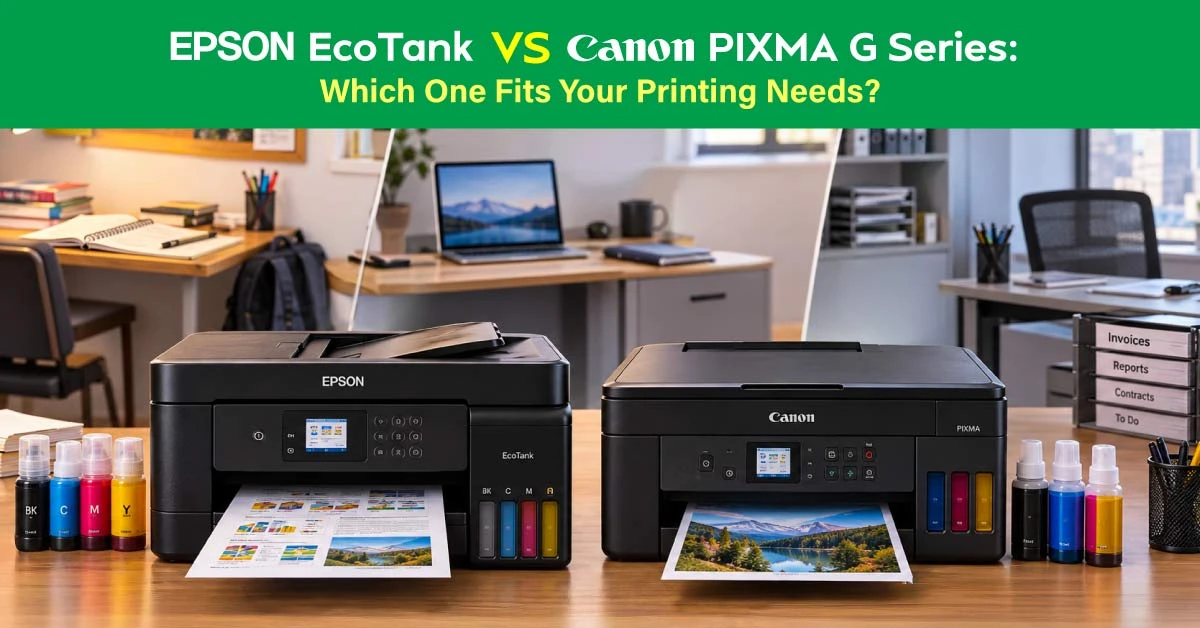
Epson EcoTank vs Canon PIXMA G Series printers are well-suited for regular document and color printing. Choose your printer based on monthly pages, daily workflow, and the ink code required by the model. Canon PIXMA G serves low- to medium-volume A4 and Legal document work. Epson EcoTank ranges from home multifunction printers to office models with automatic duplex printing, ADF, LAN, and A3 options.
Quick Answer: Epson EcoTank or Canon PIXMA G Series?
Epson EcoTank handles various levels of heavy workloads. The Canon PIXMA G covers everyday home and small-office printing. Here's more about what sets them apart:
Epson EcoTank for More Printing Jobs
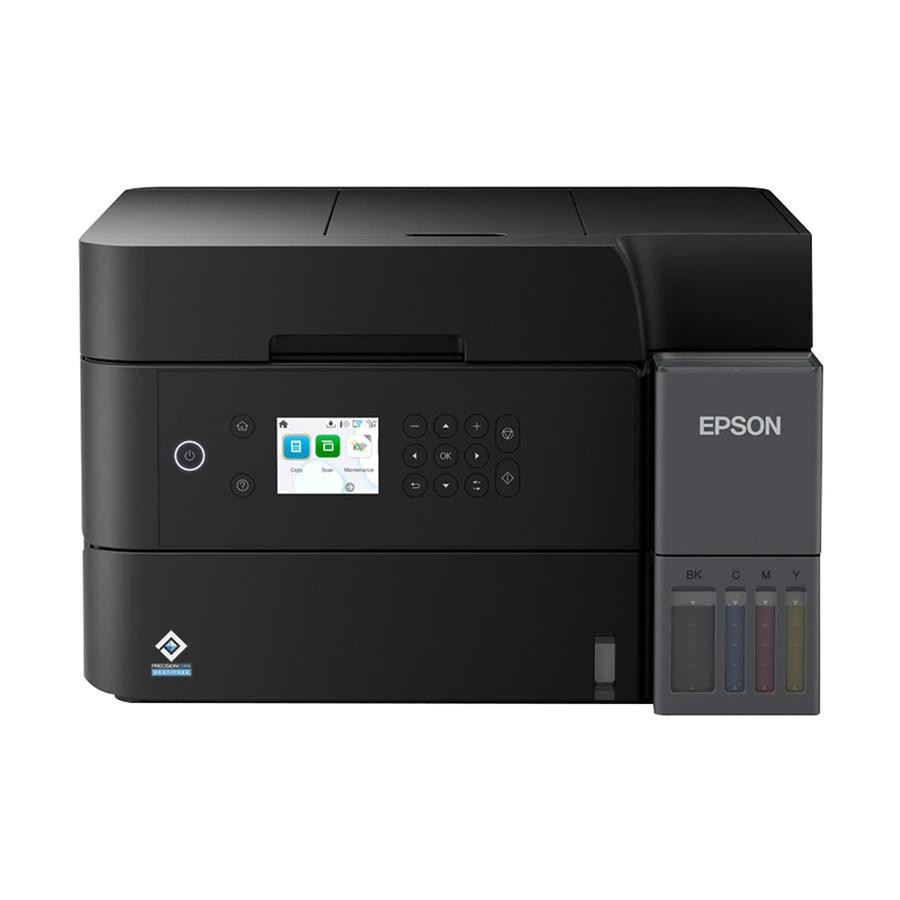
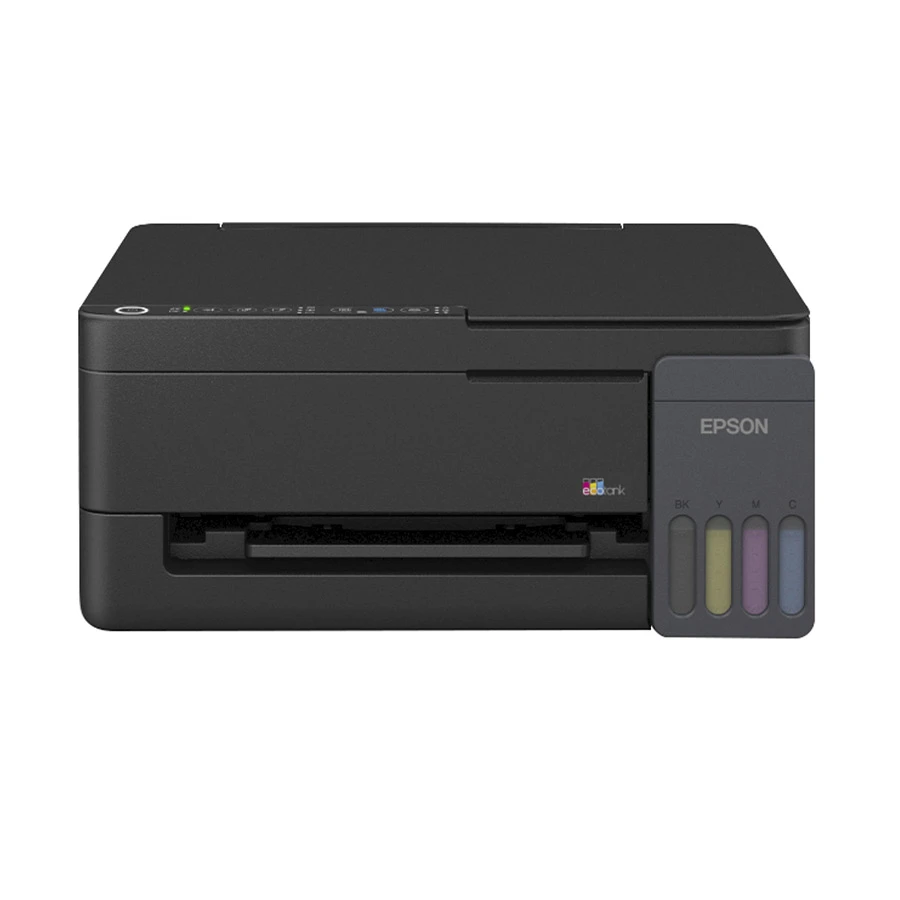
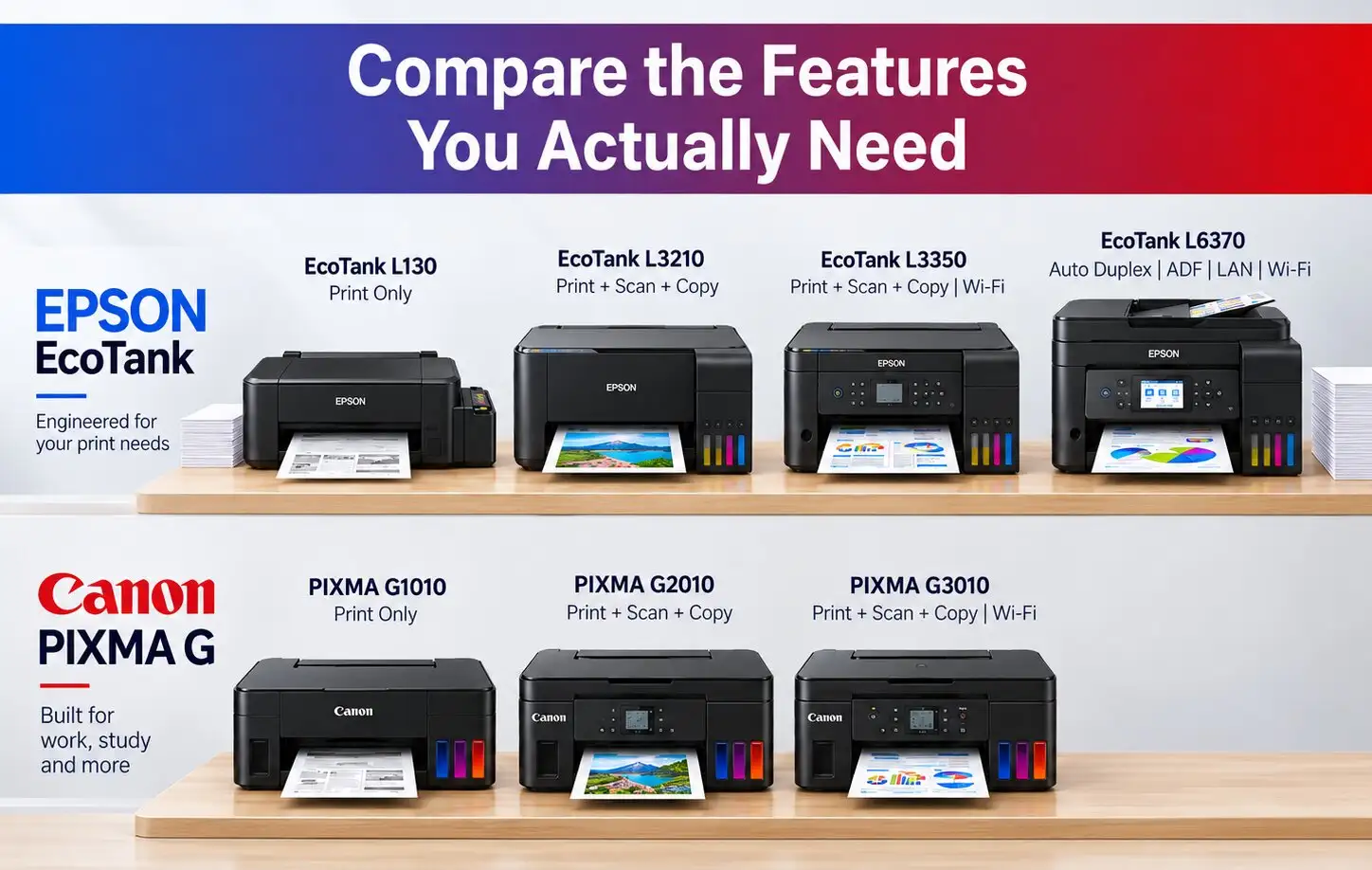
Entry EcoTank models support regular printing, scanning, copying, and Wi-Fi connectivity. Office models such as the Epson EcoTank L6370 include automatic duplexing, a 30-sheet ADF, duplex scanning, a 250-sheet paper tray, LAN, and Wi-Fi. This direction suits a startup, a school office, an admissions counter, or a shared service desk. Check theEpson ink tank printer Price in Bangladesh for current models.
The PIXMA G1010 is print-only, the G2010 adds scan and copy, and the PIXMA G3010 adds Wi-Fi and mobile printing. They suit household documents, forms, study material, and light shared work. See the Canon ink printer Price in Bangladesh.
How Epson EcoTank and Canon PIXMA G Printers Differ
Epson and Canon make devices at many price points and with various features. The real differences show up in how each lineup grows and how you refill them.
Printer Range and Functions
Canon’s common G models print, scan, and copy A4 and Legal documents. The G3010 has a 100-sheet tray. Its recommended monthly volume is up to 1,500 pages. Epson has similar home models. It also offers office, mono, and A3 printers. Their features vary by model.
Refill System and Ink Bottles
Common Epson L3210, L3250, and L3350 models use Epson 003 bottles. The L6370 uses Epson 001. Common Canon G1010, G2010, and G3010 models use GI 790. Match the bottle code exactly. Brand and color are not enough.
Epson EcoTank vs Canon PIXMA G Series Comparison
Epson EcoTank and Canon PIXMA G Series fit different needs, from student notes to office and photo printing. Browse the ink printer page, then match your printing need to the right column below.
L6370 adds a 30-sheet ADF, automatic duplex printing, duplex scanning, LAN, Wi-Fi and a 250-sheet input tray.
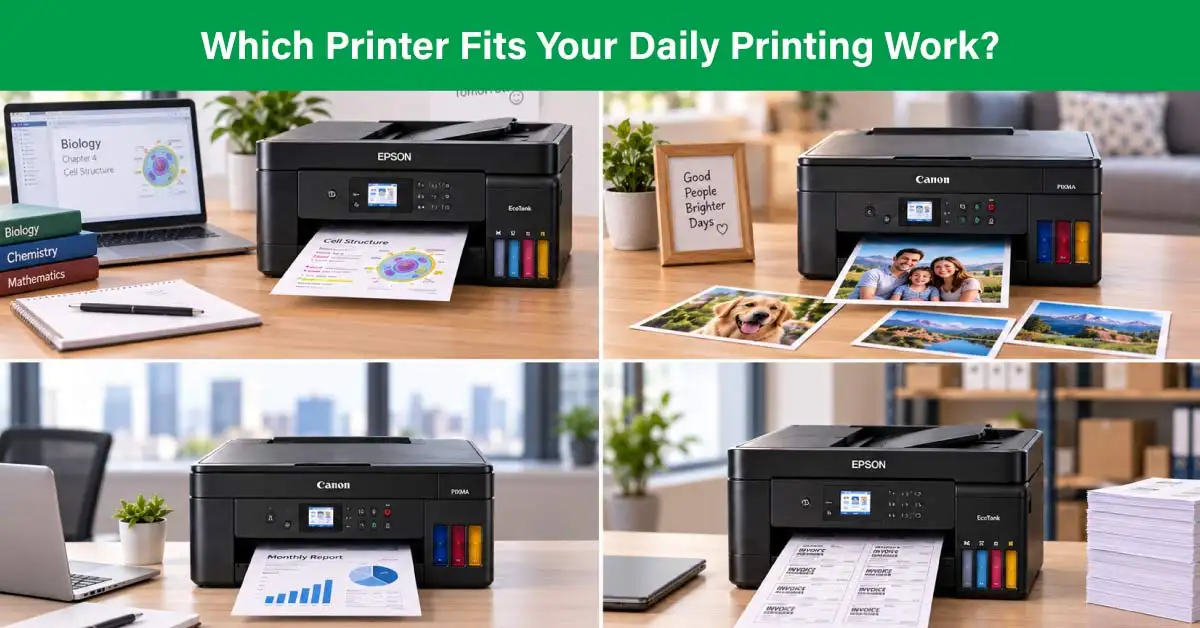
Which Brand Fits Your Printing Work?
Students and Study Printing
For individual notes, assignments, and forms, the G1010 or G2010 is sufficient. A shared campus desk or library counter should move to Wi-Fi multifunction printing when users need scan/copy access. Frequent application-form or document-batch work needs an ADF-equipped office model.
Home and Family Printing
Use G2010 for USB printing, scanning, and copying. Choose G3010 or L3350 for Wi Fi access. Pay for an ADF or duplex unit only if the household regularly uses those features.
Small Office and Regular Documents
A light startup can use G3010 or L3350. A school office, a university desk, a library, or a small print service can consider L6370. It supports automatic two-sided printing, batch scanning, and LAN access. For regular black-and-white work, compare monochrome laser printers, too.
The features that matter most depend on the specific model. Function type, connectivity, and paper size vary within each series. Check these details before comparing Epson against Canon.
Print-Only vs Multifunction
A print-only printer costs less but cannot scan or copy forms, IDs, or applications. Select a multifunction model when these tasks are routine.
Wi-Fi, Duplex and ADF
Wi Fi enables shared access. Check the office features too. Check if duplex is automatic or manual. Also check for an ADF. G1010, G2010, G3010, and L3350 use manual duplex. L6370 adds automatic duplex and a 30-sheet ADF.
A4, Legal and A3 Paper Support
A4 covers daily documents, while Legal matters for some forms and contracts. The commonly cited G models here support Legal. A3 requires a specific wide-format model, so check the exact specification before buying.
Compare Ink Cost and Refill Convenience
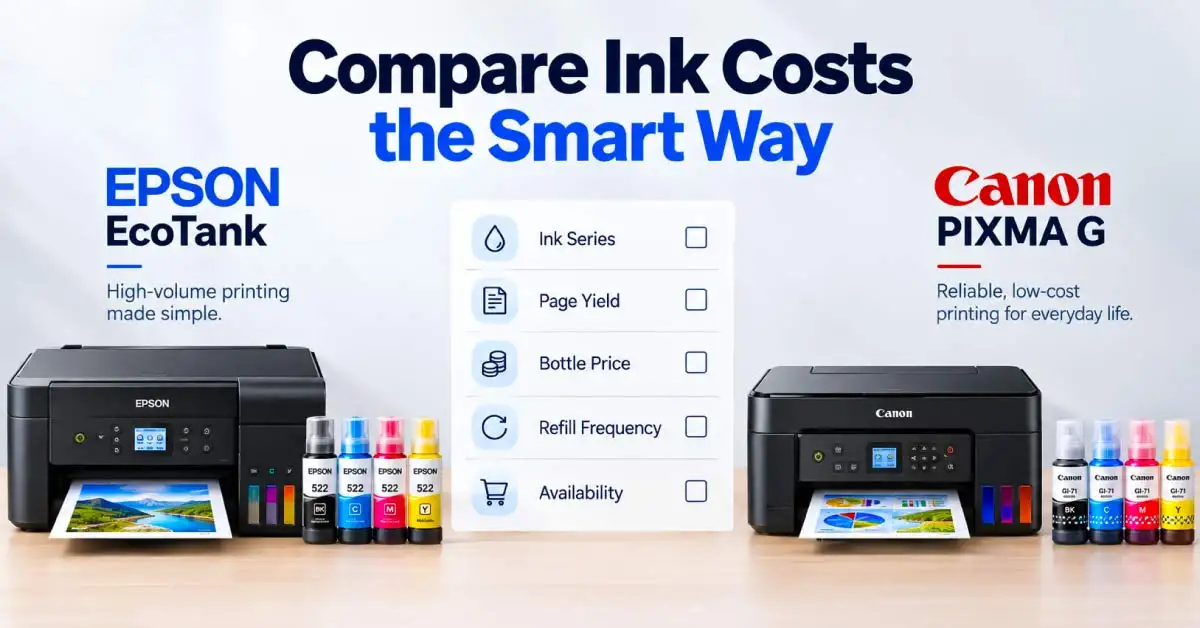
Ink cost depends on your model, its ink series, and the cost of the bottles. Check these three points before comparing running costs:
Ink Bottle Series and Page Yield
Epson 003 Black is rated for up to 4,500 pages, and each 003 color bottle is rated for up to 7,500 pages. Canon GI-790 Black is rated for up to 6,000 pages, and each GI-790 color bottle is rated for up to 7,000 pages. Actual yield varies with coverage and cleaning cycles.
Actual Cost Per Page
Using current Ryans bottle prices and rated yields for common entry-level models:
Ink series
Estimated black-text cost
Estimated standard-color cost
Ink-only cost for 500 pages
Epson 003 for L3210, L3250, L3350
Tk 600 ÷ 4,500 = about 13 paisa/page
Three Tk 750 bottles ÷ 7,500 = about 30 paisa/page
Tk 67 black or Tk 150 color
Canon GI-790 for G1010, G2010, G3010
Tk 1,200 ÷ 6,000 = about 20 paisa/page
Three Tk 1,100 bottles ÷ 7,000 = about 47 paisa/page
Tk 100 black or about Tk 236 color
This is an ink-only illustration. It excludes paper, photos, cleaning, shipping, and price changes.
Original and Compatible Ink Availability
In Ryans, we have individual original Epson 003 black, cyan, magenta, and yellow bottles for common L3210, L3250, and L3350 models. We also list individual Canon GI-790 black, cyan, magenta, and yellow bottles for G1010, G2010, G3010, and related models. L6370 buyers need Epson 001 bottles. If considering compatible ink, confirm the exact model match and warranty terms. Use the ink bottle page to confirm the code and current stock.
What to Check Before Choosing Epson or Canon
Before choosing between Epson and Canon, check the model itself. Look past the brand name. Stock, print volume, needed features, and ink supply decide the best fit.
Current Model and Stock
Currently, the G1010 is around Tk 13,500, G2010 at Tk 16,500, G3010 at Tk 18,500, L3350 at Tk 23,500, and L6370 at Tk 45,000. Prices and stock can change. So, always check our official site before ordering.
Monthly Print Volume
Count black and color pages over a normal month. Canon officially specifies 150–1,500-page recommended monthly range for G3010. If output regularly exceeds 1,500 pages, compare office-grade and monochrome laser options rather than choosing an entry printer based on bottle yield alone.
Required Functions and Connectivity
List what you need most. Print, scan, copy, duplex, ADF, LAN, Wi Fi, or A3. It’ll help you avoid unused features and manual work each day.
Consumable Availability
Before purchase, confirm that Ryans lists the correct black, cyan, magenta, and yellow bottle codes for the selected printer and your preferred buying channel.
Final Thought
Choose between Epson EcoTank vs Canon PIXMA G Series based on how you print. Canon PIXMA G offers standard A4/Legal printing at a lower entry cost, with basic functions. Epson EcoTank fits workflows that need automatic duplexing, batch scanning, larger paper capacity, LAN connectivity, or A3 printing. For a busy print shop or institutional counter, compare business-class alternatives in the Ryans printer page.
Frequently Asked Questions
Is Epson EcoTank cheaper to run than Canon PIXMA G Series?
It depends on the model and ink code. At Ryans, the Epson 003 has a lower estimated cost per rated page than the Canon GI-790. Office models may use different ink series.
Can I use third-party ink bottles in Epson EcoTank or Canon PIXMA G printers?
Use a bottle only if it matches the printer and ink code. Compatible ink may affect quality and warranty coverage.
What happens if I put the wrong ink series into an ink-tank printer?
Stop using the printer and seek authorized service advice. Mixing the wrong ink can affect print quality and damage the ink system.
How should I maintain an ink-tank printer if I do not print regularly?
Print a black-and-colour test page every one to two weeks. Keep the printer clean and stable, close the tank caps, and run a cleaning cycle only when output shows a problem.















Leave a comment