Gamepad vs Gaming Keyboard and Mouse for Gaming in BD
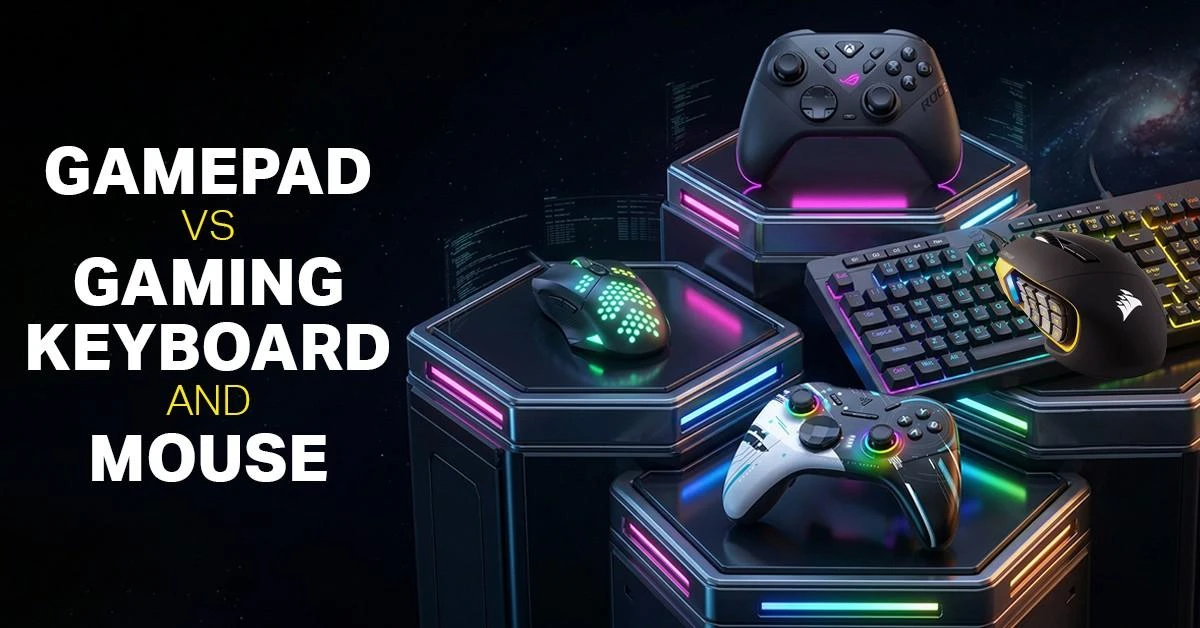
Choosing between a gamepad and a gaming keyboard and mouse depends on the type of game you play and the control style you prefer. A gamepad is comfortable for racing, sports, fighting, action-adventure, and casual gaming because it offers relaxed hand control and smooth movement. On the other hand, a gaming keyboard and mouse setup is often preferred for FPS, MOBA, strategy, and competitive PC games where accurate aiming, quick commands, and fast response matter more.
At Ryans, you can explore a wide range of gamepads, gaming keyboards, and gaming mice from popular brands to build a better PC gaming setup.
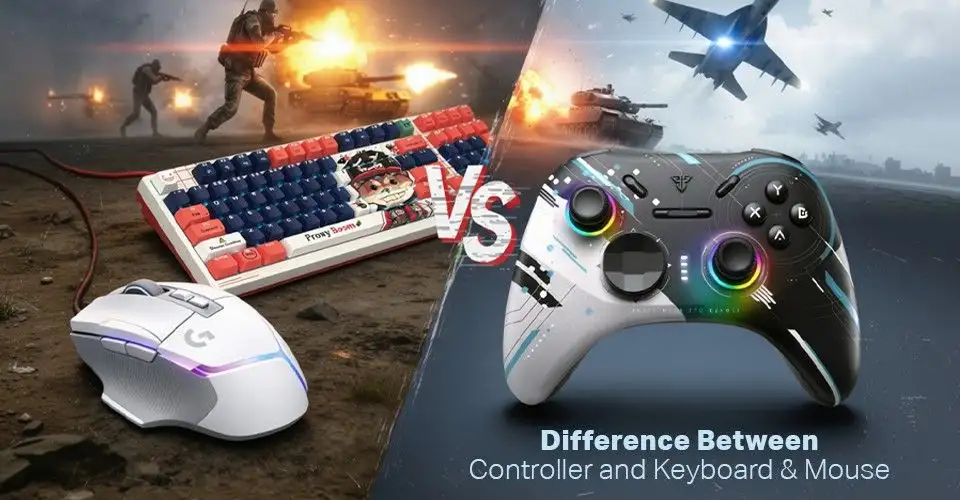
Difference Between Controller and Keyboard & Mouse
The way you control a game can change the whole gaming experience. Some players prefer the comfort and natural movement of a controller, while others feel more confident with the speed and accuracy of a keyboard and mouse. There is no single best option for every game because each input device has its own strength.
The table below breaks down the key differences so you can understand which setup fits your gaming style better.
Input Device
Factor
Gaming Control
Gaming Controller
Analog Sticks
Helps with smooth 360-degree movement, character control, and vehicle steering.
Gaming Controller
Pressure-Sensitive Triggers
Useful for throttle, braking, shooting, and gradual input in supported games.
Gaming Controller
Ergonomic Grip
Offers a relaxed hand position and can reduce fatigue during long gaming sessions.
Gaming Controller
Aim Assist Support
Some games offer aim assist for controllers, which can help balance aiming against keyboard and mouse players.
Keyboard & Mouse
Mouse Sensor Aiming
Provides more precise crosshair movement, which is useful in FPS and competitive shooting games.
Keyboard & Mouse
Customizable Keys
Allows players to assign many commands, shortcuts, and macros based on the game.
Keyboard & Mouse
Adjustable DPI
Lets players control mouse sensitivity for faster movement or more accurate aiming.
Keyboard & Mouse
Scroll Wheel & Extra Buttons
Helps with quick weapon switching, item selection, and in-game actions.
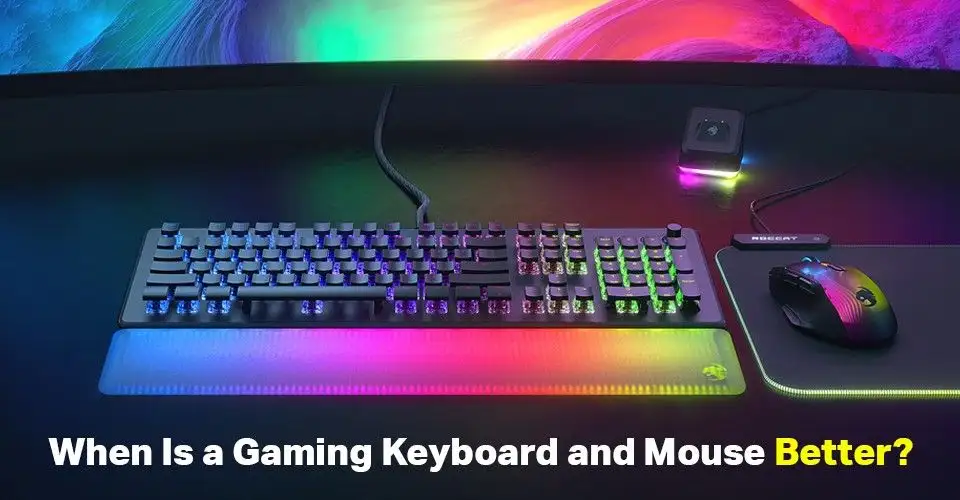
When Is a Gaming Keyboard and Mouse Better?
Gaming keyboard and gaming mouse feel better when the game needs quick aiming, fast camera movement, and many controls at the same time. With a mouse, you can move the crosshair more freely and stop exactly where you want, which feels more natural in FPS, battle royale, and tactical shooter games.
The keyboard gives faster access to separate actions like weapon switching, crouch, reload, abilities, inventory, map, and push-to-talk. You do not need to depend on button combinations as much as you do with a controller.
So, if your game depends on aim accuracy, fast reaction, and quick command control, a keyboard and mouse setup usually feels sharper and more responsive than a gamepad.
The following keyboard and mouse are best example for aiming and speed control.
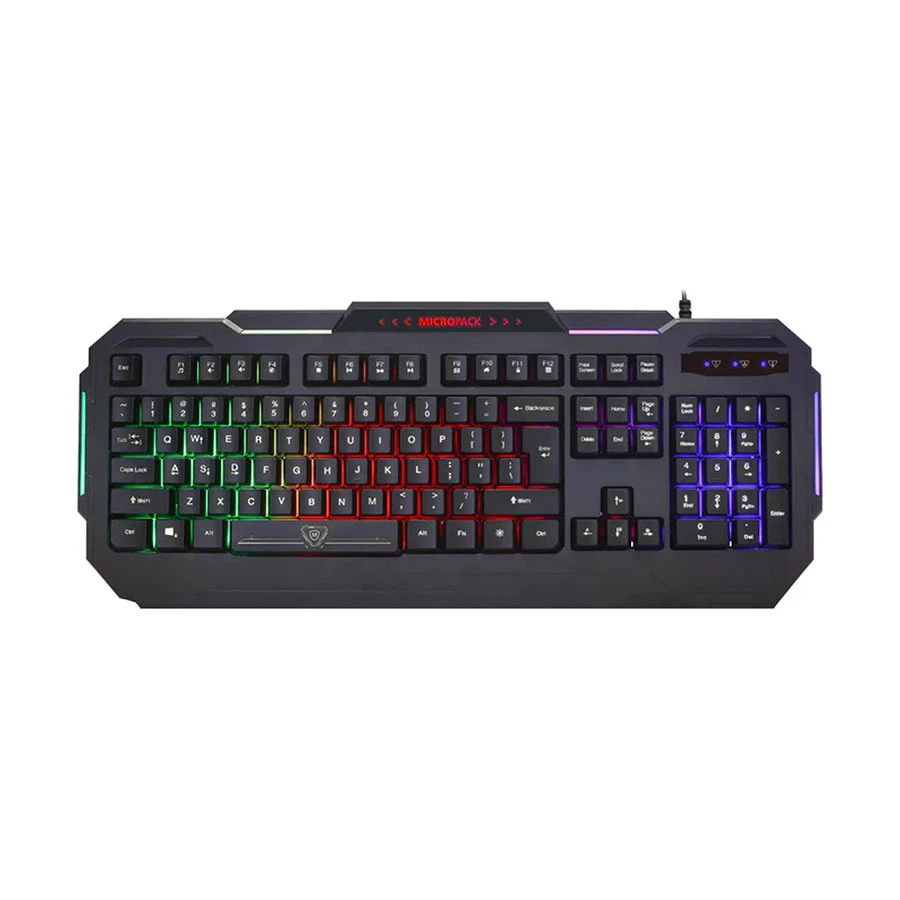
Control online games in every situation with the Micropack LED Gaming Keyboard Black Regular, because bright glowing lights help you to see in dark places, and it has an unbreakable design. Press multiple keys at the same time, and its shape prevents wrist fatigue for longer gaming.
Pro tip: Lock the main screen button before you start so your game does not close by accident.
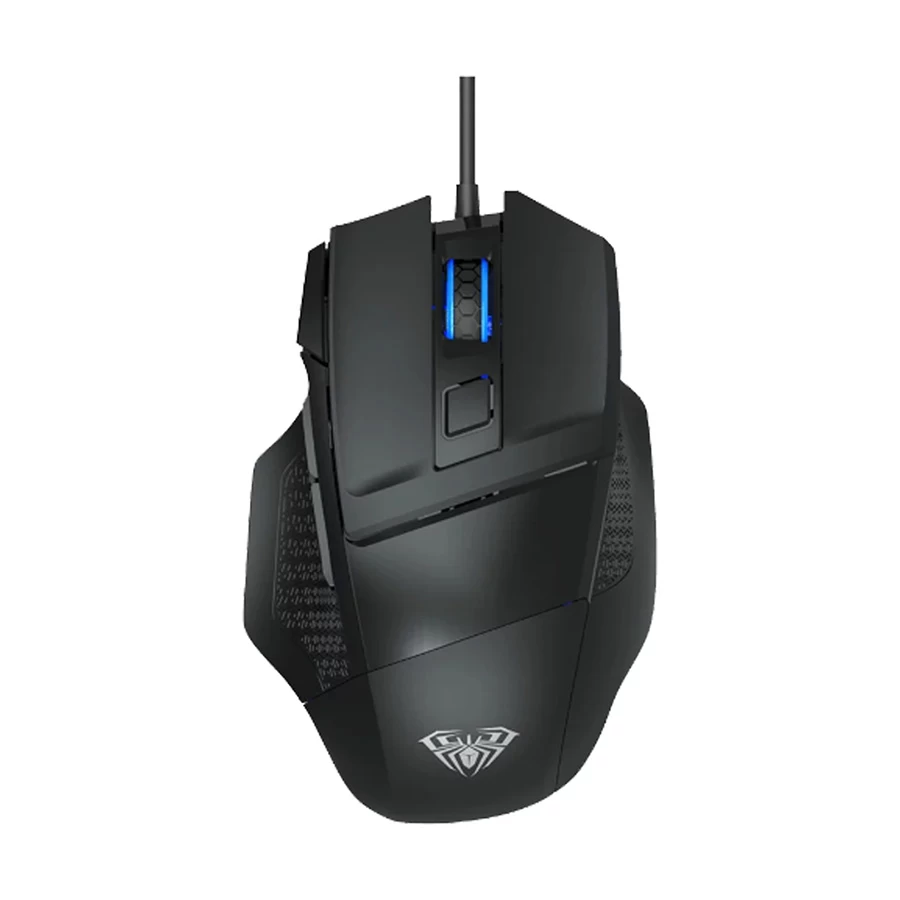
Move frequently and target the hitting points with the Aula Ergonomic Gaming Mouse Black 119 gm because its hand-shaped curve fits your palm and stops wrist pain, and move your hand frequently with medium weight.
The ergonomic gaming mouse also has fast clicking to take fast action, and side walls stop the thumb from slipping off.
Pro tip: Always use a nice flat pad under your mouse to make it slide well. Put your whole hand on it so your arm does not fatigue.
Pros
It fits the hand well.
Very smooth moving.
Fast to click.
Cons
Slightly heavy.
Key Features
Shape: It fits your hand.
Weight: It feels very steady.
Speed: You change tracking speeds.
Sides: They stop finger slips.
Sensor: It follows every move.
Price Range: ৳700 - ৳900.
What Types of Game Can Be Played With Keyboard Mouse
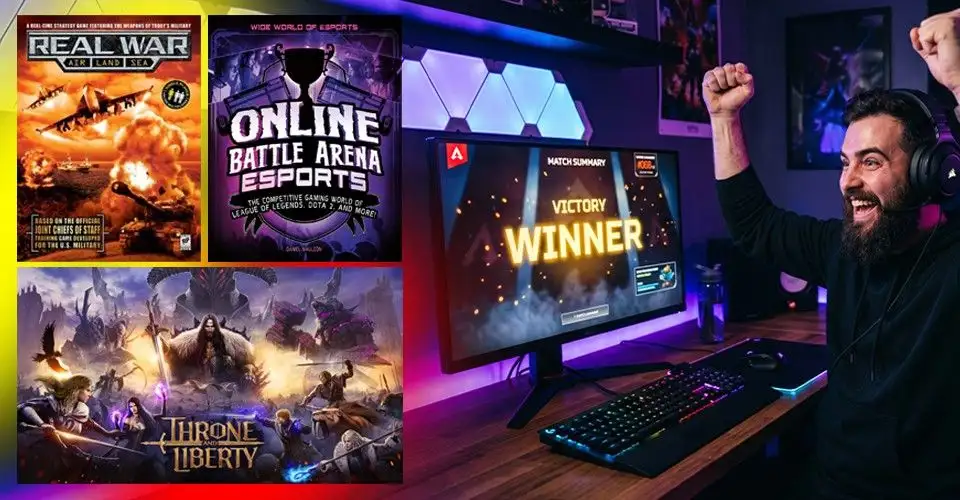
First-Person Shooters (FPS) and Third-Person Shooters (TPS)
For any shooter game, using a mouse pointer to target any gun at the enemy’s hitting point, and using the keyboard to jump and reload the gun.
Real-Time Strategy (RTS) and Grand Strategy
On a giant map, click on a tiny army man in a split second, and by using the keyboard, build big castles and spawn new troops.
Multiplayer Online Battle Arenas (MOBA)
Move your mouse on the ground and click to run away from the enemies. Also, press keyboard buttons to throw power spells at your enemy.
Use your keyboard to put many different magic attacks all over the enemies. Click on the item bags and text boxes to talk to online friends.
Management and Simulation Games
With mouse control to set the bars, pull bars, and draw city streets, and also with the keyboard, you can see the big town by pushing your mouse to the edge of the screen.
Sandbox and Survival Games
By clicking your mouse, you can make tall houses and walls fast. Use the keyboard to fix your toolbox to craft things before you are hit.
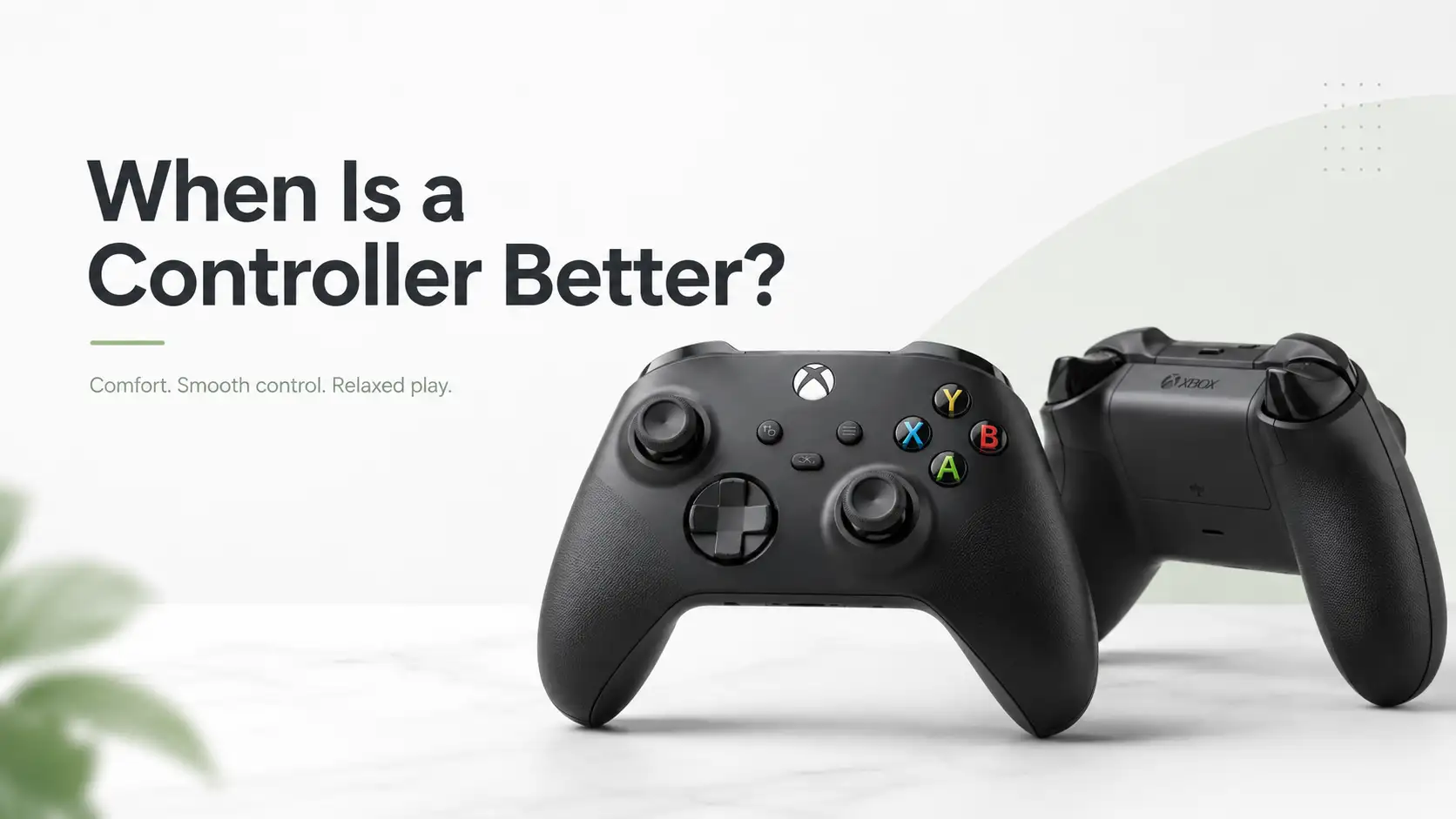
When Is a Gamepad Better?
A gamepad is better when comfort and smooth movement matter more than pinpoint aiming. It feels natural for racing, sports, fighting, platformer, and action-adventure games because the analog sticks and triggers give better control for movement, driving, and camera handling.
It is also easier for relaxed gaming. You can sit back, keep your hands in one position, and play for longer without staying close to the desk.
The following gaming controllers are best for taking control of the game and playing frequently without any interruption.
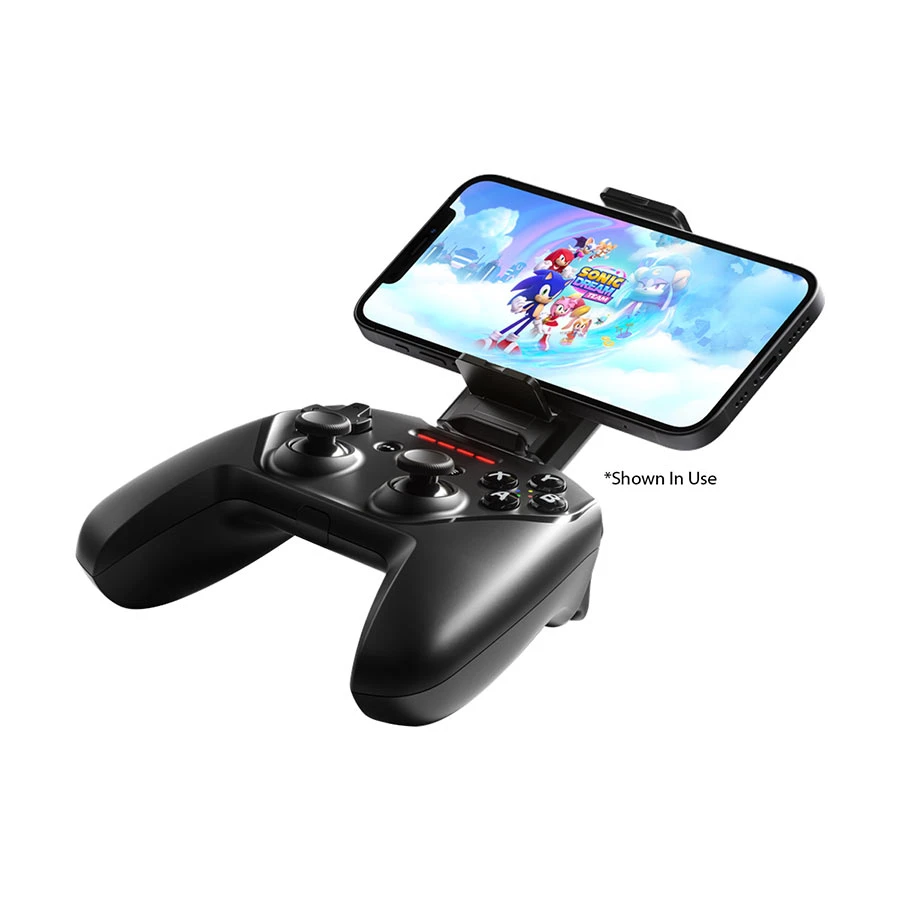
Place yourself in a relaxed position and take control of the game with the SteelSeries Wireless Gaming Controller Black Standard because it’s a wireless connection and uses round thumbsticks for easy movement.
The wireless gaming controller also uses soft triggers for gaming speed and an easy-hold shape to stop finger pain.
Pro tip: Always charge your controller fully before a big game so it does not turn off. Sit back on your soft bed or couch to keep yourself happy.
Play the game without any interruption with the A4Tech Wired Sports Gaming Controller Black Regular because it has a thick wire, so it never loses power, and fast-press buttons for faster movement.
This sports gaming controller also has soft rubber pads to play games without interruption and easy-rolling sticks to take aim.
Pro tip: Attach the cable to your computer to start playing fast without installing extra programs.
Pros
Never loses power.
Fast button press.
Very lightweight.
Cons
Wire blocks movement.
Key Features
Connection: It uses USB cables.
Rumble: It shakes your hands.
Coating: It prevents sweat damage.
Joysticks: They move full circles.
Buttons: They tap very quickly.
Price Range: ৳2,000 - ৳2,500.
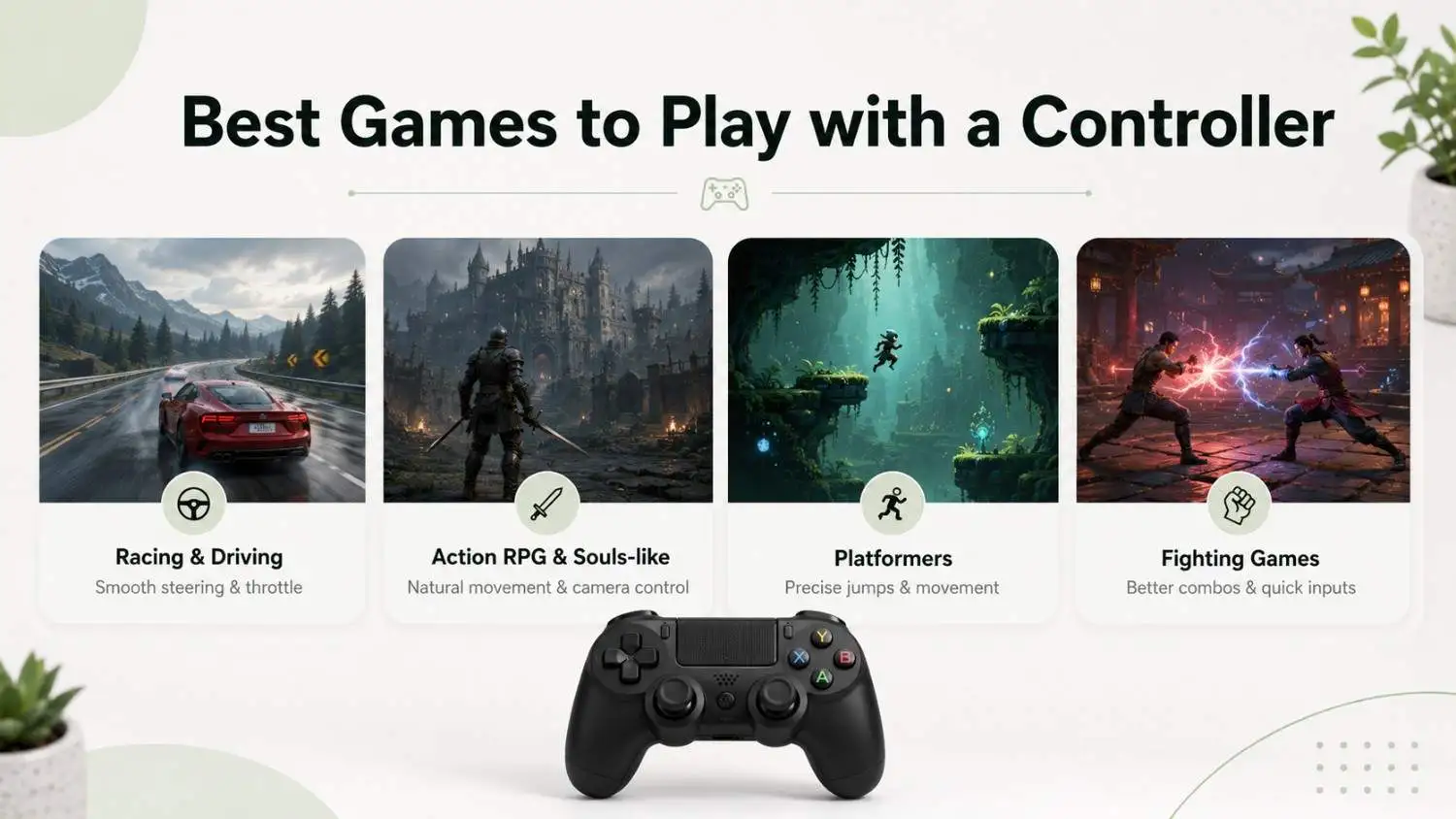
Which Games Are Better with a Gamepad?
Racing and Driving Simulators
For any type of racing game, racing and driving simulators work best. Because you can use its analogue steering to tilt the stick slightly for turns and control the gas by pushing the button slowly to keep a perfect tire grip.
Third-Person Action-RPGs and Souls-likes
In any fighting game, through the gamepad, you can see the full battlefield. You can roll at any range of movement you want and track the camera from every view to spot side attacks.
Platformers and Metroidvanias
To do a tricky movement in any competitive PC game, you can use the directional cross-pad to make sharp control for side-to-side moves and press the action button to jump.
Fighting and Beat 'Em-Ups
In a fighting game, you need to press a combo button to do a perfect hit. So, by using the gamepad, press the combo button for faster smashing, and use the rolling stick to do any harsh attacks.
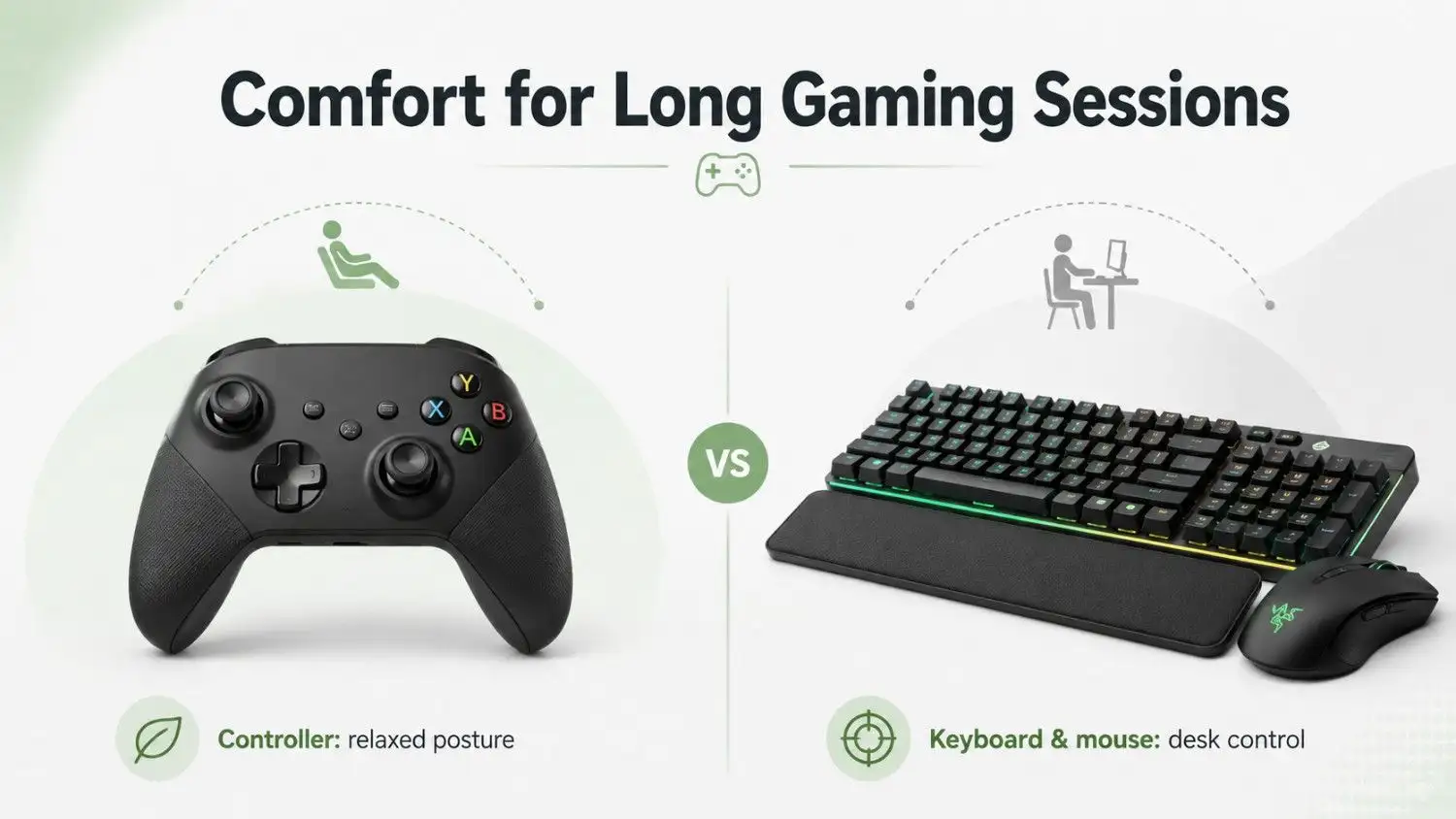
Comfort and Long Gaming Sessions
Ergonomic Posture
A gaming controller is better for a relaxed posture because you can sit back and play more comfortably. On the other hand, keyboard and mouse users may need a padded wrist rest and proper desk height to reduce wrist strain during long sessions.
Improve Your Seating
Sitting at a desk for hours causes severe back pain, so a plush couch works best when you can lean back comfortably while using a controller, and it has adjustable lumbar support to protect the lower back's natural curve.
Combat Screen and Audio Fatigue
For eye strain, blue light filters work best for late-night gaming, and matte monitor coatings work best to eliminate harsh screen glare. Use closed-back headsets that work best to block distracting room noise.
Build Active Reset Habits
Intense concentration leads to muscle cramps and mental burnout, so choose a Pomodoro timer that works best to remind you to stand up regularly.
You can use hydration apps that work best to ensure you drink enough water, and stretching routines work best to loosen tight forearms.
Accuracy, Speed, and Competitive Gaming
Displays and Frame Pacing
You can track everything by using a fast screen speed, which works best by showing you maximum pictures every second, and screen syncing works best to stop all glitching.
Low-Latency Input Devices
For any competitive game, a high polling rate mouse works best for thousands of times per second, so your moves look perfect, and Hall effect magnetic switches work best for rapid keyboard keystrokes.
System Latency Optimization
Optimization is crucial to speed up your computer. Using latency reduction software that works best between the game engine and graphics card, full-screen mode works best by giving 100% of its power to your game.
Network Performance and Stability
Network performance works best when using an Ethernet cable by plugging your PC into the router, so the signal never drops, and routing software works best by finding the shortest and fastest path over the internet.
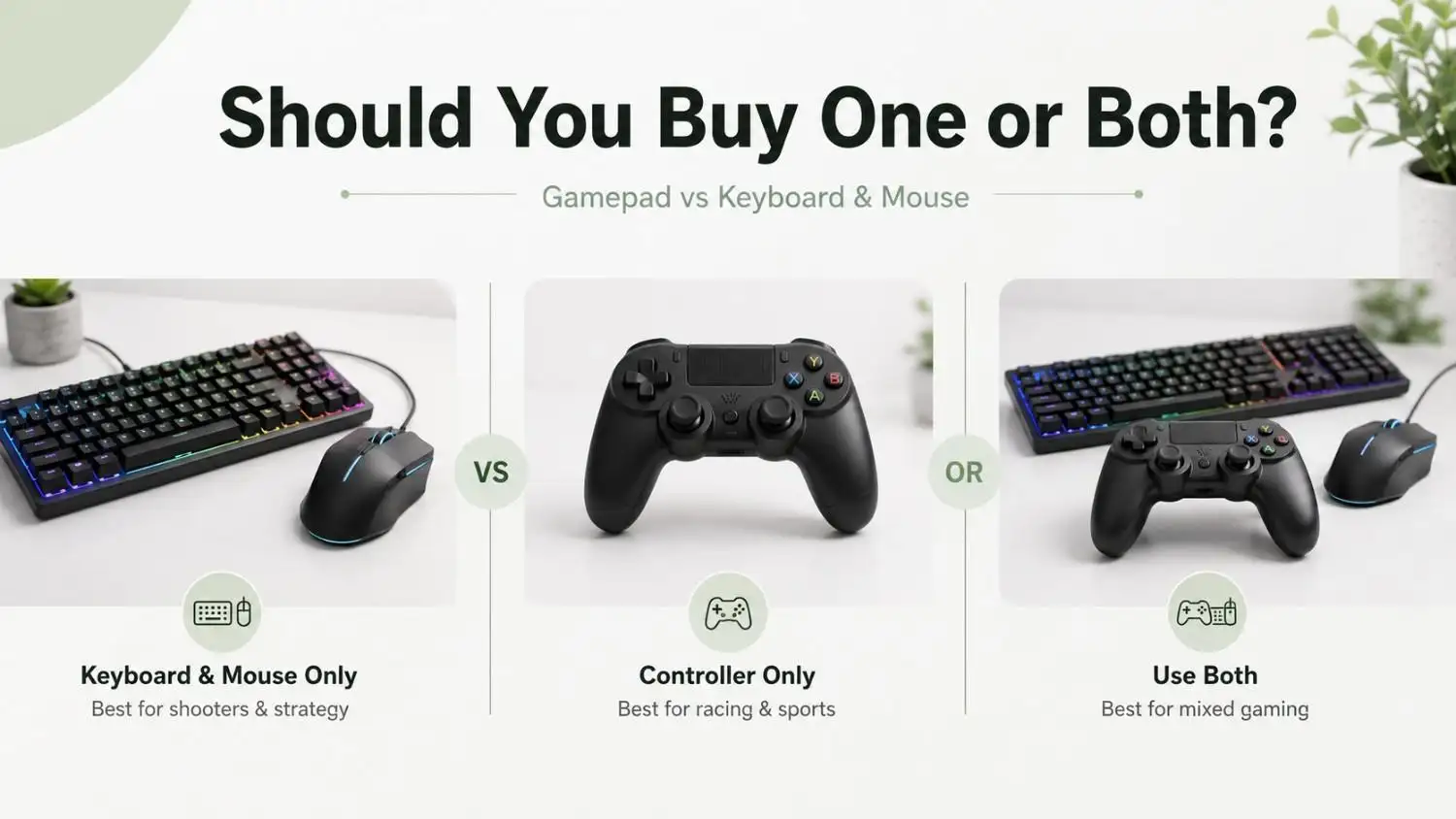
Should You Buy One or Both?
Buy Only the Gaming Keyboard and Mouse
This setup is best for shooters and strategy games. For competitive games, a high polling rate mouse works best for flawless aiming, and Hall effect magnetic keyboards work best for rapid keystrokes.
Also, the mouse’s adjustable DPI works best to control sensitivity, and macro keys work best to execute complex commands.
Buy Only the Gaming Controller
A game controller is best for competitive racing and sports games. For competitive gaming, Hall effect joysticks work best for accurate and drift-free aiming.
Buy Both and Merge Them
This hybrid approach is best for utilizing the finest tool for any competitive game. Analogue sticks work best to provide steering when driving, and pressure-sensitive triggers work best for exact throttle adjustments.
Also, whole-arm aiming works best to execute marksman with your mouse, and N-key rollover works best for every rapid keystroke.
Conclusion
There is no single winner between a gamepad and a keyboard-mouse setup. The better choice depends on how the game feels to play. Keyboard and mouse give better control when aiming, camera speed, and quick commands matter. A gamepad feels better when the game depends on smooth movement, driving, combos, comfort, and long relaxed sessions.
So, choose keyboard and mouse for precision-heavy games, choose a gamepad for movement-heavy games, and use both if you play different types of games.




Leave a comment