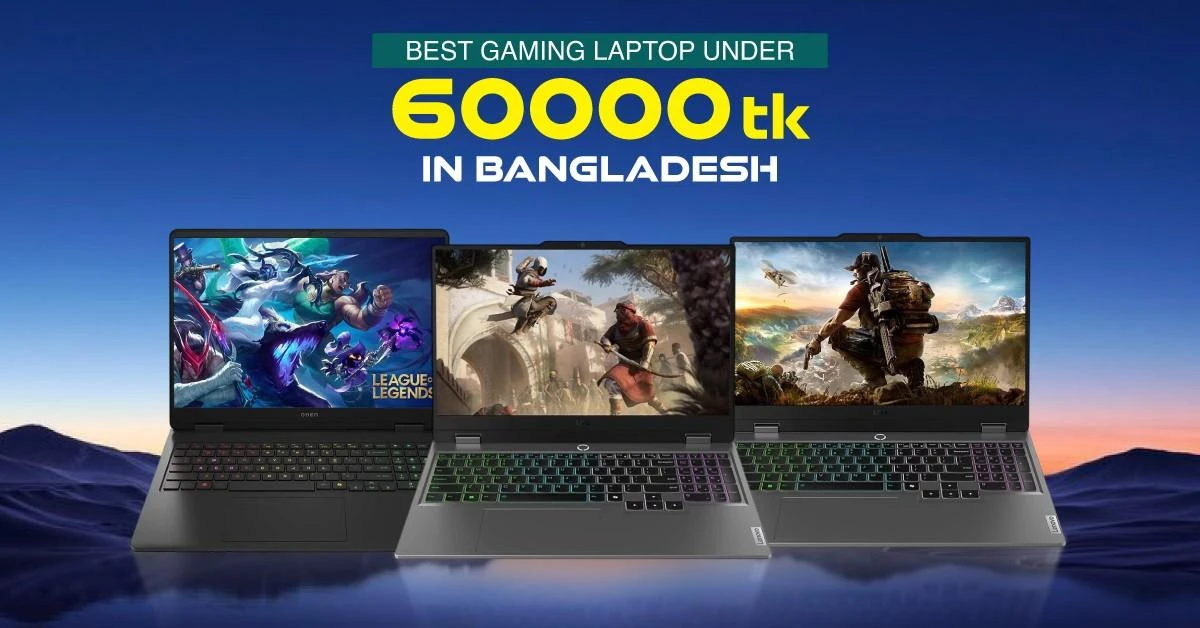
If you are searching for a gaming laptop under 60000 Taka in Bangladesh, the honest answer is that this budget does not currently cover a brand-new laptop with a dedicated gaming graphics card. Entry-level dedicated gaming laptops generally start around Tk 83,000 to Tk 85,000, although prices vary by model, stock and offer.
Within Tk 60,000, the practical choice is a productivity laptop with integrated graphics. It can support study, office work, browsing, entertainment and selected light games. Titles such as Valorant, League of Legends, Dota 2, Minecraft and older PC games may run at reduced settings, depending on the exact processor, graphics, RAM and cooling.
This guide explains what you can realistically buy, which games you may be able to play and when increasing your budget is the better decision.
Quick Answer
For study, office work and occasional light gaming: A laptop under Tk 60,000 can be suitable.
For modern AAA games or consistent high frame rates: This budget is not enough for a new laptop.
For a dedicated gaming GPU: Expect to spend approximately Tk 83,000 to Tk 85,000 or more.
Can You Buy a New Gaming Laptop Under 60000 Taka?
Not if “gaming laptop” means a new model with a dedicated graphics card, gaming-focused cooling and a high-refresh-rate display.
A proper gaming laptop normally includes:
A dedicated NVIDIA or AMD GPU
Cooling designed for sustained gaming loads
A performance-focused processor
A 120Hz or 144Hz display on many models
Upgradeable RAM and storage on many configurations
Most laptops under Tk 60,000 use integrated Intel or AMD graphics, a 60Hz display and standard cooling intended for everyday workloads. They should be presented as productivity laptops that can handle some light gaming, not as dedicated gaming laptops.
Laptop Options You May Find Under Tk 60,000
Depending on current stock and offers, configurations from the Lenovo IdeaPad, ASUS VivoBook and Acer Aspire series may fall within or close to this budget. Check the exact model, configuration and current price before buying.
Lenovo IdeaPad Slim 3 with AMD Ryzen 5 7520U
A Lenovo IdeaPad Slim 3 configuration with an AMD Ryzen 5 7520U is suitable for students and office users who want occasional light gaming. Its AMD Radeon 610M integrated graphics prioritize everyday efficiency rather than demanding gameplay.
Why consider it:
Suitable for classes, documents, browsing and streaming
Slim design for regular carrying
SSD storage for faster startup and application loading
Capable of running selected lightweight games at reduced settings
Gaming limitation: Radeon 610M is an entry-level integrated GPU. It is not suitable for modern AAA games, high graphics settings or consistently high frame rates.
ASUS VivoBook 15 X1504VA with Intel Core i3-1315U
The ASUS VivoBook 15 X1504VA combines a 13th Gen Intel Core i3-1315U processor with a 15.6-inch Full HD display. It is a practical option for typing, spreadsheets, online classes, web-based work and media consumption.
Why consider it:
Responsive performance for common study and office applications
Full HD display with useful workspace
512GB SSD configurations provide practical everyday storage
Can run simple and older PC games at conservative settings
Gaming limitation: Intel UHD integrated graphics are not designed for demanding 3D games. Choose this type of laptop for productivity first and gaming second.
Acer Aspire Series with AMD Ryzen 5 7430U
An Acer Aspire configuration with an AMD Ryzen 5 7430U can be a capable multitasking option when available near the budget. Its six-core processor is useful for browser-heavy work, office applications and other CPU-focused tasks.
Why consider it:
Capable processor for everyday multitasking
Suitable for study, office and home use
SSD storage keeps the system responsive
Integrated Radeon graphics can support light gaming
Gaming limitation: Graphics capability, RAM layout and price vary by configuration. Some Ryzen 5 7430U models may exceed Tk 60,000, so confirm the current listing before shortlisting one.
Quick Laptop Comparison
Laptop option
Main strength
Graphics type
Best for
Gaming expectation
Lenovo IdeaPad Slim 3, Ryzen 5 7520U
Portability and everyday efficiency
AMD Radeon 610M integrated
Students and mobile users
Light games at low settings
ASUS VivoBook 15 X1504VA, Core i3-1315U
Full HD display and daily productivity
Intel UHD integrated
Study and office work
Simple or older games
Acer Aspire series, Ryzen 5 7430U
Stronger CPU multitasking
Integrated AMD Radeon graphics
Users running several everyday applications
Light gaming, depending on RAM and configuration
Important: These are productivity laptops, not dedicated gaming laptops. Specifications, prices and stock may change.
Affects everyday speed, multitasking and game logic
Graphics
Intel UHD, Intel Iris Xe or integrated AMD Radeon graphics
Determines which games and settings are practical
RAM
8GB, with 16GB preferred where available
Helps Windows, applications and games run together
Storage
512GB NVMe SSD
Provides faster startup and loading than an HDD
Display
14-inch or 15.6-inch Full HD, usually 60Hz
Suitable for study, work and entertainment
Cooling
Standard productivity-laptop cooling
Best for regular workloads and shorter light-gaming sessions
Weight
Approximately 1.4 to 1.8kg on many models
Easier to carry to class or work
Which Games Can a Tk 60,000 Laptop Run?
A laptop in this budget can handle selected esports, indie, browser-based and older games. Actual performance depends on the processor generation, integrated GPU, RAM configuration, resolution, game version, driver, power mode and cooling.
Game
Realistic Expectation
Valorant
Usually playable at low settings and reduced resolution on suitable integrated graphics
League of Legends
Generally suitable for low to medium settings
Dota 2
May run at low settings, depending on the processor and RAM
Minecraft
Playable without heavy shaders or demanding mod packs
Roblox
Suitable for many experiences at adjusted settings
Stardew Valley
Comfortable on most modern productivity laptops
Among Us
Comfortable on most modern laptops
Older PC games
Many titles can run after lowering resolution and graphics quality
Avoid promising a fixed FPS without verified testing of the exact laptop configuration. Similar processor names do not guarantee identical performance because RAM layout, cooling, power limits and manufacturer settings can differ.
Games and Use Cases This Budget Is Not Suitable For
Do not choose a productivity laptop under Tk 60,000 mainly for:
Recent graphics-heavy AAA games
High or ultra graphics settings
Ray tracing
Competitive gaming at consistently high frame rates
1080p gaming intended for a 120Hz or 144Hz display
Long sessions with a sustained heavy GPU load
A demanding game opening successfully does not necessarily mean it will provide a stable or enjoyable experience.
Why Integrated Graphics Performance Varies
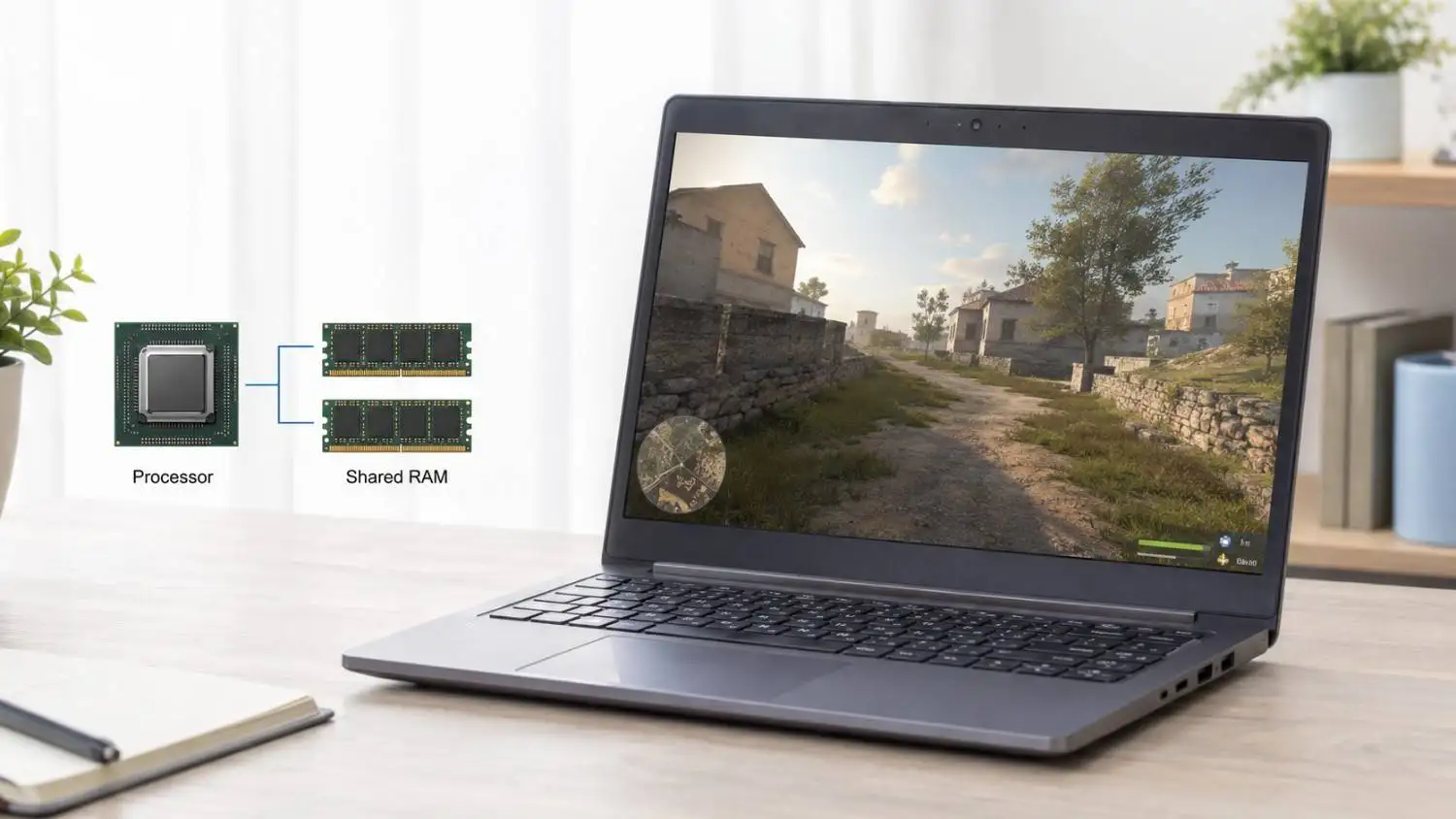
Integrated graphics are built into the processor and share system memory instead of using dedicated video memory. They consume less power and help keep laptops affordable, but they are substantially weaker than dedicated gaming GPUs.
Intel UHD
Intel UHD graphics are suitable for video playback, everyday visual tasks and less demanding games. Performance depends on the exact processor because the Intel UHD name covers several configurations.
Intel Iris Xe
Intel Iris Xe can be faster than basic Intel UHD graphics, but performance depends heavily on the processor and memory configuration. Some systems need a suitable dual-channel memory setup to deliver their intended graphics capability.
AMD Radeon Integrated Graphics
Different AMD processors include different Radeon integrated GPUs. Do not judge gaming performance from the Ryzen 5 label alone. For example, the Radeon 610M in the Ryzen 5 7520U is more limited than stronger Radeon integrated graphics used in some other Ryzen processors.
What to Check Before Buying
Exact Processor and Graphics
Do not buy based only on broad labels such as Core i5 or Ryzen 5. Check the complete processor model and the exact integrated GPU.
RAM Capacity and Upgradability
An 8GB laptop can handle everyday work and some light games, but memory may become limited when Windows, browser tabs, communication apps and a game run together. Prefer 16GB where possible, or confirm whether an 8GB model can be upgraded later.
More RAM can improve multitasking and reduce memory-related slowdowns, but it cannot turn an entry-level integrated GPU into a dedicated gaming GPU. Some thin laptops also use soldered memory with no free upgrade slot.
Storage
A 512GB SSD is a practical starting point. A 256GB drive can fill quickly after installing Windows, applications and several games.
Display
Choose a Full HD display where possible. Most laptops in this budget use a 60Hz panel, which is reasonable for productivity, entertainment and light gaming.
Ports
Check for the connections required by your setup, such as USB-A, USB-C, HDMI and a 3.5mm audio jack. Ethernet can help provide a stable online connection, but many thin productivity laptops do not include it.
Cooling
These laptops are not designed to run heavy games for hours. Use the laptop on a hard, flat surface and keep its vents clear. A cooling pad may support airflow, but it cannot replace gaming-grade cooling.
New Productivity Laptop or Used Gaming Laptop?
A used gaming laptop may provide a dedicated GPU near Tk 60,000, but it also carries greater risk. Battery wear, overheating, repaired components, display faults and expired warranty can turn an apparently good deal into an expensive problem.
Option
Main Advantage
Main Limitation or Risk
New productivity laptop
New condition, official warranty and better battery health
Limited to light gaming
Used gaming laptop
Dedicated GPU and higher potential gaming performance
Unknown condition, battery wear and possible repair costs
If you consider a used gaming laptop, test its battery, display, keyboard, ports, SSD health, temperatures and GPU under load. Also verify the charger and service history. A used ROG, Nitro, TUF, MSI or Dell G-series model should not be presented as a current brand-new option under Tk 60,000.
When Should You Increase the Budget?
Increase your budget if gaming is the main purpose of the laptop. Entry-level brand-new dedicated gaming laptops in Bangladesh generally begin around Tk 83,000 to Tk 85,000, although the actual starting price changes with stock and promotions.
The additional budget may provide:
A dedicated NVIDIA or AMD GPU
Better cooling for sustained gaming
A 120Hz or 144Hz display
Greater RAM and storage upgradability
More consistent performance in demanding games
Do not assume every laptop above Tk 80,000 is a gaming laptop. Confirm that the model has a dedicated GPU and check its full specifications.
Who Is a Laptop Under Tk 60,000 For?
This budget is suitable for:
Students who primarily need a laptop for classes, assignments and browsing
Office users working with documents, spreadsheets and web applications
Home users handling entertainment and everyday tasks
Casual players of lightweight, esports, indie or older games
First-time buyers who prioritize warranty and reliability
It is not suitable for:
Buyers whose main purpose is modern AAA gaming
Competitive players who need consistently high frame rates
Users expecting a dedicated GPU and gaming-grade cooling
Buyers targeting high graphics settings or ray tracing
Final Recommendation
There is currently no true brand-new gaming laptop under 60000 Taka in Bangladesh. The sensible purchase in this range is a productivity laptop with a recent Intel or AMD processor, at least 8GB RAM, a 512GB SSD and integrated graphics.
Consider suitable configurations from the Lenovo IdeaPad Slim 3, ASUS VivoBook 15 and Acer Aspire series when they fit the budget. Buy one for study, work and occasional light gaming, not as a substitute for a dedicated gaming laptop.
If modern gaming is your main priority, save for an entry-level dedicated gaming Laptop model starting around Tk 83,000 to Tk 85,000. It will provide a more appropriate combination of graphics performance, cooling and display quality.















Leave a comment