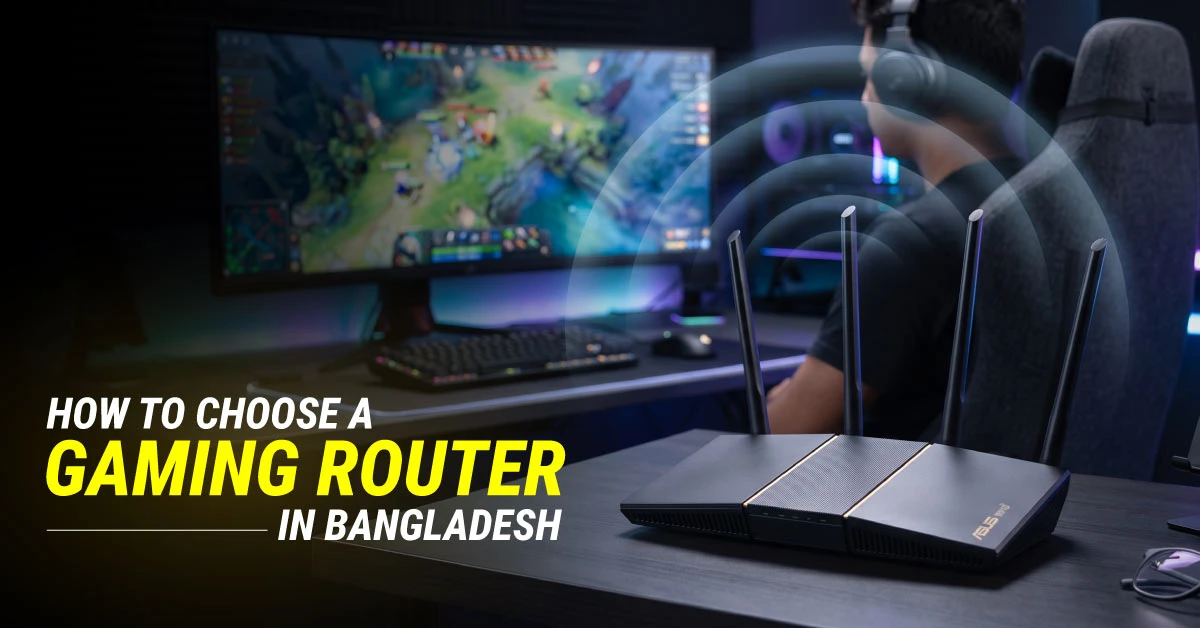
A gaming router is specialized networking hardware engineered to lower online latency, eliminate packet loss, and prevent lag spikes during competitive multiplayer sessions. Choosing the right gaming router in Bangladesh depends on your internet connection, number of connected devices, gaming needs, and budget. Compared with many basic ISP-provided routers, gaming routers often offer faster processors, dedicated gaming ports, and Quality of Service (QoS) features that can prioritise game traffic and help maintain a more consistent connection.
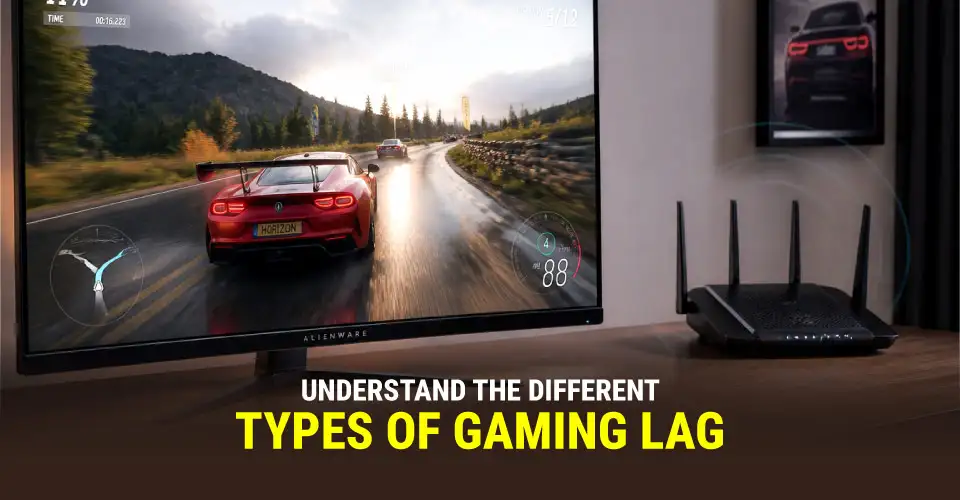
Understand the Real Cause of Gaming Lag
Gaming lag falls into these categories: Network Lag (High Latency), Hardware Lag (Low FPS), and Input/Display Lag.
Network Lag (High Latency & Ping Spikes)
Network lag occurs when data packets take too long to travel between your gaming device and the game server. High latency (ping) causes rubberbanding and delayed hit registration during fast-paced matches.
Primary Causes: ISP routing inefficiencies, network congestion, and Wi-Fi interference.
The Solution: A dedicated gaming router with Smart Queue Management (SQM) and Dual-Band/Tri-Band frequency isolation keeps ping stable when other household members stream 4K video.
Hardware / Client-Side Lag (Low FPS)
Hardware lag happens when graphics processors (GPUs) or system CPUs cannot render frames quickly enough, leading to stuttering and screen tearing.
Primary Causes: Overloaded hardware, thermal throttling, or background bandwidth hogs swamping system resources.
The Solution: While a router cannot upgrade your GPU, proper QoS bandwidth limits prevent background software updates from consuming CPU cycles and network capacity while gaming.
Input & Display Lag
Input lag is the delay between pressing a button on your controller/keyboard and seeing the corresponding action on screen.
Primary Causes: Slow display response times, TV post-processing modes, or wireless controller signal congestion.
The Solution: Connecting consoles or PCs to dedicated Gigabit LAN ports removes network transmission delays, allowing controller commands to register instantly.
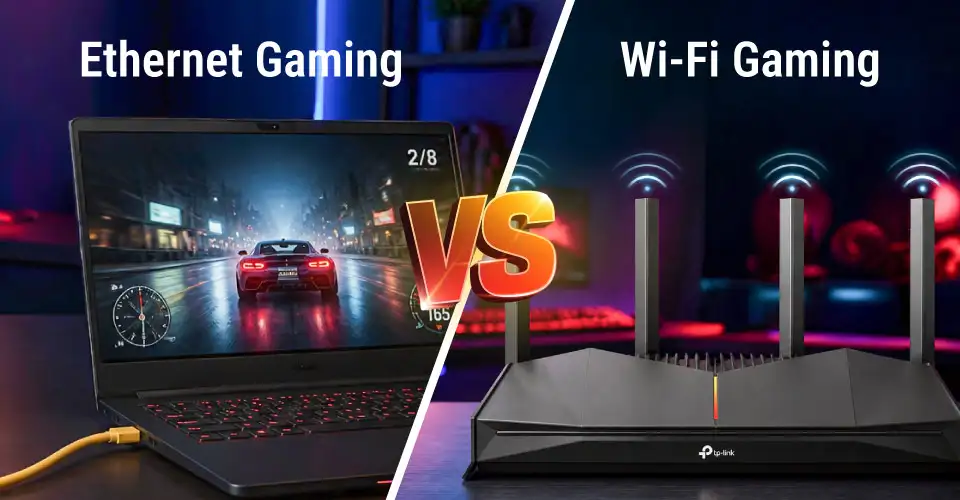
Decide Between Ethernet and Wi-Fi Gaming
Modern Wi-Fi standards have improved, and Ethernet connections still provide the gold standard for competitive gaming.
Feature
Ethernet (Wired Connection)
Wi-Fi Gaming (Wireless)
Latency (Ping)
Ultra-low & consistent (1–2 ms local hop)
Slightly higher latency with occasional variance
Connection Stability
100% physical reliability; zero signal drops
Variable signal strength influenced by walls and distance
Interference
Zero radio frequency interference
Susceptible to neighbor Wi-Fi networks and household electronics
Packet Loss
Virtually zero dropped packets
Minor packet loss possible during heavy network congestion
Best Used For
Competitive esports PCs and stationary consoles
Mobile gaming, laptops, and flexible living room setups
Tri-Band, Beamforming, OFDMA, MU-MIMO, Target Wake Time
Choose the Right Wi-Fi Generation
Choosing the correct Wi-Fi standard ensures your router matches the wireless capabilities of your desktop PC,gaming laptop, or smartphone.
Wi-Fi 6 (802.11ax)
The modern standard for gaming. Uses OFDMA and MU-MIMO to serve multiple devices simultaneously without delays, boosting overall throughput while reducing battery draw via Target Wake Time (TWT).
Wi-Fi 6E (802.11ax extended)
Opens the pristine 6 GHz frequency band, eliminating channel congestion and wireless noise from older household appliances. Requires compatible Wi-Fi 6E client devices.
Wi-Fi 7 (802.11be)
Next-generation performance featuring Multi-Link Operation (MLO), 320 MHz channel widths, and 4096-QAM. Delivers wire-like speed and ultra-low latency for cloud gaming and 8K streaming.
Dual-Band, Tri-Band, or Quad-Band: What Does a Gamer Need?
Wireless bands distribute network traffic across distinct frequencies. Choosing the right band architecture prevents household congestion during active gaming hours.
Dual-Band Routers
Splits traffic between 2.4 GHz (long range, lower speed) and 5 GHz (high speed, shorter range).
Tri-Band Routers
Features one 2.4 GHz band and two separate 5 GHz bands (or one 5 GHz + one 6 GHz band). Allows you to isolate all gaming devices on a dedicated high-speed frequency.
Quad-Band Routers
Combines 2.4 GHz, dual 5 GHz, and 6 GHz bands for massive bandwidth capacity in high-density smart homes.
Band Architecture
Best Suited For
Key Benefit for Gamers
Dual-Band Router
Solo players
Budget-friendly option with clear 5 GHz band for gaming
Tri-Band Router
Shared apartments & families
Isolates gaming traffic on a dedicated 5 GHz / 6 GHz channel
Quad-Band Router
Multi-story homes + 20+ smart devices
Maximum capacity; prevents smart home gadgets from crippling ping
What Does a Gamer Need?
Gamers need multi-band routers to isolate gaming traffic on dedicated high-speed frequencies. This prevents sudden ping spikes, bufferbloat, and latency caused by other household devices streaming simultaneously.
Prioritize QoS and Congestion Control
Quality of Service (QoS) depends on router settings for online gamers. It prioritizes gaming packets over heavy background downloads and video streams.
How to Enable Device Prioritization:
Step 1: Access Panel: Open your router's web admin panel (e.g., 192.168.0.1) in a web browser.
Step 2: Locate QoS: Navigate to Advanced Settings > Quality of Service (QoS).
Step 3: Set Priority: Choose your gaming PC or console from the client list and assign it High Priority.
Step 4: Save & Reboot: Save the settings and restart the router to apply bandwidth rules.
Key Traffic Management Features:
Smart Queue Management (SQM)
Eliminates bufferbloat by managing buffer queues and preventing bandwidth bottlenecks.
Anti-Bufferbloat Controls
Caps non-essential background downloads at 80–90% of total ISP capacity to ensure ping never spikes when downloading files.
Device-Based MAC Filtering & IP Reservation
Locks your gaming PC’s IP address so prioritization rules remain active permanently.
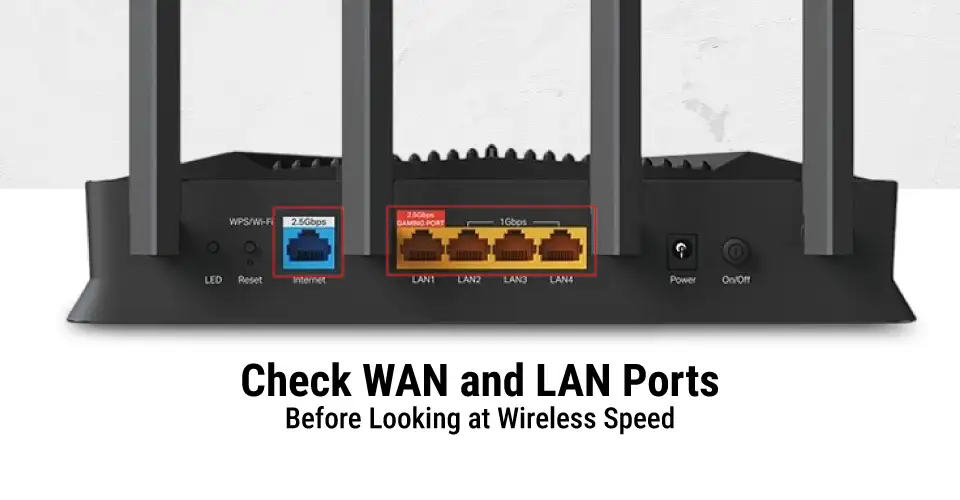
Check WAN and LAN Ports Before Looking at Wireless Speed
Physical network ports dictate how fast your router connects with your fiber ISP modem and local wired hardware.
Attribute
WAN (Wide Area Network) Port
LAN (Local Area Network) Ports
Primary Function
Receives incoming internet from your ISP modem / ONU
Distributes internet to desktop PCs, consoles, and switches
Color Code
Usually distinctly colored (Blue/Yellow/Red)
Standard matching colors (4 ports on typical routers)
Data Direction
External Internet $\rightarrow$ Router
Router $\rightarrow$ Internal Household Devices
Speed Support
Supports Gigabit (1 Gbps) or Multi-Gigabit (2.5G/10G) WAN
Supports 1 Gbps Gigabit LAN (2.5 GbE on high-end models)
Security Layer
Directly exposed to ISP external firewall boundary
Only antenna count does not guarantee whole-home coverage. Choosing the right setup depends on residential size and wall thickness.
Small Homes & Apartments
A single high-gain standalone router with beamforming technology easily penetrates standard brick/concrete walls.
Medium to Large Multi-Story Homes
A tri-band router with Range Extender support or a dedicated Mesh Node setup maintains high speeds across floor levels.
Massive Properties or Complex Concrete Layouts
A dedicated mesh Wi-Fi system creates a unified network with seamless roaming and a dedicated wireless/Ethernet backhaul link.
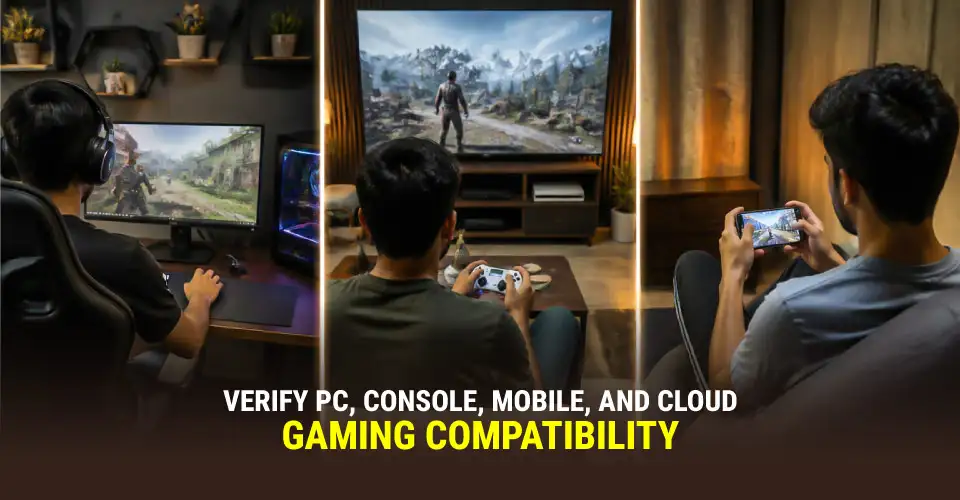
Verify PC, Console, Mobile, and Cloud-Gaming Compatibility
PC Gaming
Demands a high-speed Gigabit Ethernet connection (Cat6 cable) for minimum ping and jitter-free competitive gaming.
Console Gaming (PlayStation & Xbox)
Requires UPnP (Universal Plug and Play) or manual port forwarding to achieve an open NAT type for fast lobby matchmaking.
Mobile Gaming
Uses high-speed 5 GHz Wi-Fi or Wi-Fi 6 (OFDMA) to prevent latency spikes on iOS and Android smartphones.
Cloud Gaming (GeForce NOW, Xbox Cloud)
Requires stable, jitter-free throughput (at least 25–50 Mbps stable) with minimal packet loss.
Check ISP and Setup Compatibility in Bangladesh
When choosing a gaming router in Bangladesh, consider these local infrastructure factors:
Optical Fiber Connections: Most local ISPs supply fiber connections via an ONU (Optical Network Unit).
Configuring ONU Bridge Mode: Set your ISP-provided ONU to Bridge Mode and let your gaming router handle PPPoE dialing. This avoids double NAT issues that cause lobby disconnects.
Bandwidth Package Selection: Ensure your ISP package provides sufficient upload and download speeds (e.g., 20+ Mbps with BDIX/local peering).
Central Router Placement: Position the router in a central, elevated location to prevent thick concrete wall signal attenuation.
Quality Ethernet Wiring: Always connect desktop rigs using genuine Cat6 network cables to shield against electrical noise and signal loss.
Firmware Updates: Regularly update router software through the companion app or vendor portal to maintain security and patch performance bugs.
Security, Firmware, and Ownership Costs
WPA3 Security: Shields your home Wi-Fi against unauthorized access and password cracking.
Guest Networks: Creates an isolated Wi-Fi channel for visitors, keeping your main network free from bandwidth theft and malware.
SPI Firewall & Protection: Inspects incoming packets to block DDoS attacks and malicious intrusions.
Heat Dissipation & Build Quality: Premium gaming routers incorporate aluminum heatsinks and ventilation to prevent thermal throttling during daily usage.
Official Local Warranty: Check whether the router comes with an official local warranty, as this can make after-sales support easier and give you more confidence in your purchase. When comparing options, consider the gaming router price in Bangladesh together with the warranty coverage and overall features.
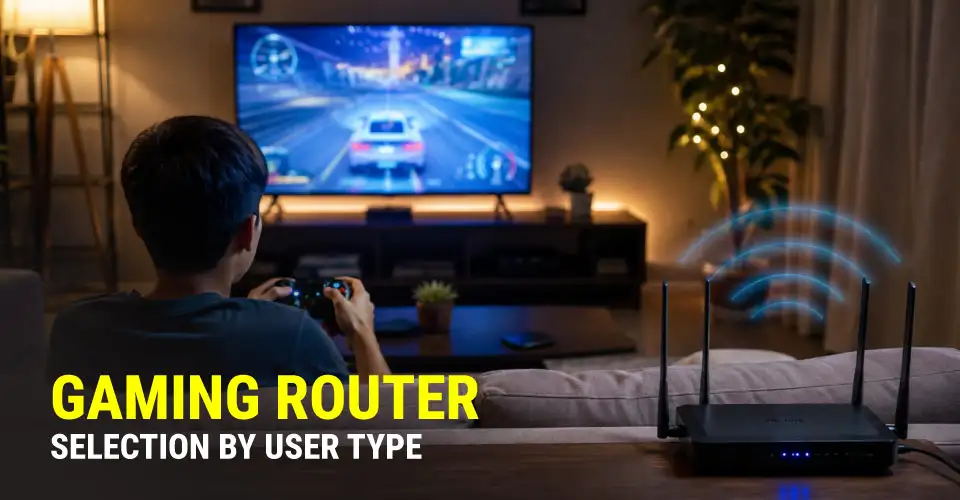
Gaming Router Selection by User Type
Casual Gamer
A reliable budget Dual-Band Wi-Fi 6 router delivers casual multiplayer matches and HD streaming.
Competitive Esports Player
Requires a high-performance Tri-Band router with robust QoS/SQM controls, low-jitter routing, and direct Gigabit Ethernet connectivity.
Streamer / Content Creator
Needs strong symmetrical upload bandwidth, Multi-Gigabit ports, and advanced traffic shaping to broadcast live streams while playing without dropping frames.
Multi-Device Family
Requires a Tri-Band Mesh network with OFDMA and parental controls to handle simultaneous 4K streams, work calls, and online gaming across 15+ household devices.
Features Worth Paying For vs. Features You Can Skip
Features Worth Prioritizing
Hardware QoS & SQM Controls: Eliminates bufferbloat and prioritizes game packets.
Gigabit LAN/WAN Ports: Guarantees full bandwidth delivery over wired connections.
Wi-Fi 6 / 6E Standard: Essential for modern phones, laptops, and wireless consoles.
Mesh Scalability: Allows seamless extension in large homes.
Official Local Warranty: Protects your investment with fast local servicing.
Features You Can Safely Skip
Flashy RGB Lighting: Increases retail cost without improving ping or wireless performance.
Overkill 10GbE Ports: Unnecessary unless you have multi-gigabit fiber connections (rare for home setups).
Subscription Game Boosters: Paid VPN-like game boosters rarely outperform a properly configured local router and good ISP routing.
Quad-Band Setup in Small Apartments: Enough capacity that offers zero real-world speed boost for light household networks.
Buy Your Gaming Router from Ryans Computers
When buying a gaming router in Bangladesh, Ryans Computers provides genuine networking hardware with official brand warranties and nationwide service:
Competitive Market Pricing
100% Authentic Products
Expert Tech Guidance
Fast Nationwide Delivery
Official Warranty Support
Conclusion
How to Choose a Gaming Router in Bangladesh simplifies your purchase by clarifying latency, QoS engines, frequency bands, and fiber compatibility, helping you to choose a reliable, high-quality router from Ryans.















Leave a comment