Projector for Home, Office, Classroom & Gaming: Match the Right Type to Your Setup
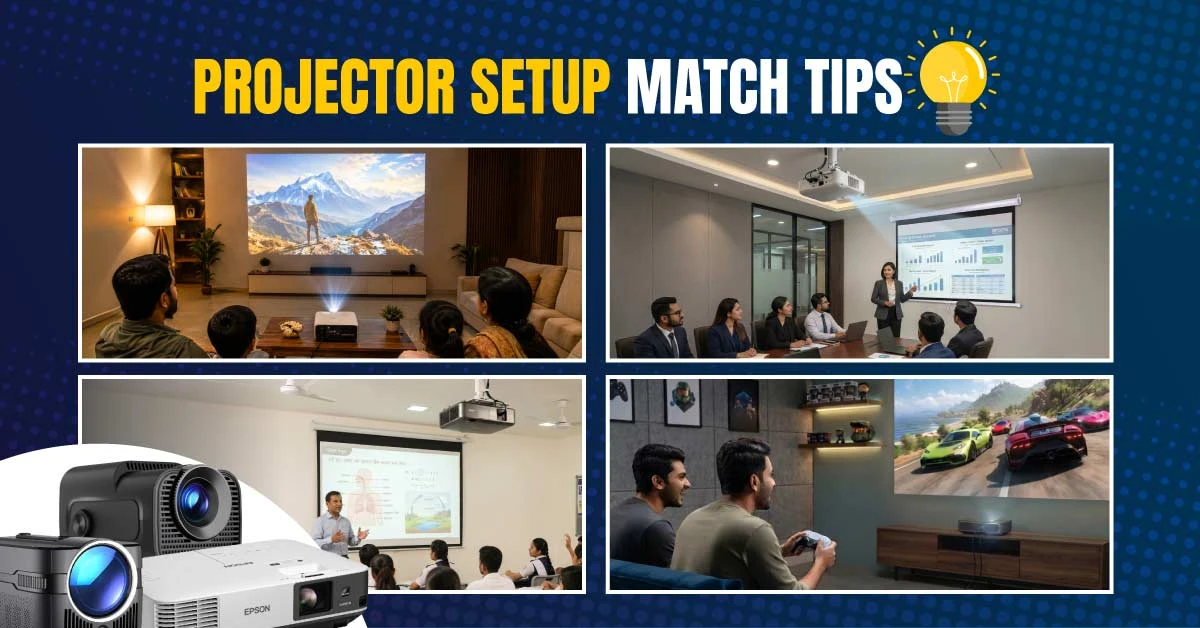
You may already know why you need a projector. Maybe you want a bigger screen for movies and football, clearer slides in a meeting room, a better teaching display for a classroom, or a more immersive gaming setup. The easiest way to narrow the choice is to start with your room and your daily use. Check how much light enters the space, how far the projector can sit from the wall, how large you want the image, and what device you will connect. Once those points are clear, comparing the latest projector price in Bangladesh becomes much easier because you are only comparing the types that actually fit your setup.
Quick Answer: Match the Projector with Your Setup First
Choose a home, Android, Full HD, or 4K projector for movies, sports, and family entertainment.
Choose a business or standard throw projector for meetings, reports, charts, and presentation work.
Choose an education, short throw, or ultra short throw projector for classrooms, coaching centers, and training rooms.
Choose a gaming projector when smooth motion, HDMI connection, and a larger game screen matter.
Choose a portable or LED projector when you need easy carrying, temporary placement, or casual viewing.
Choose a ceiling projector when the unit will stay permanently installed in one room.
Why the Same Projector Does Not Fit Every Room
Room Light Changes What You Can See
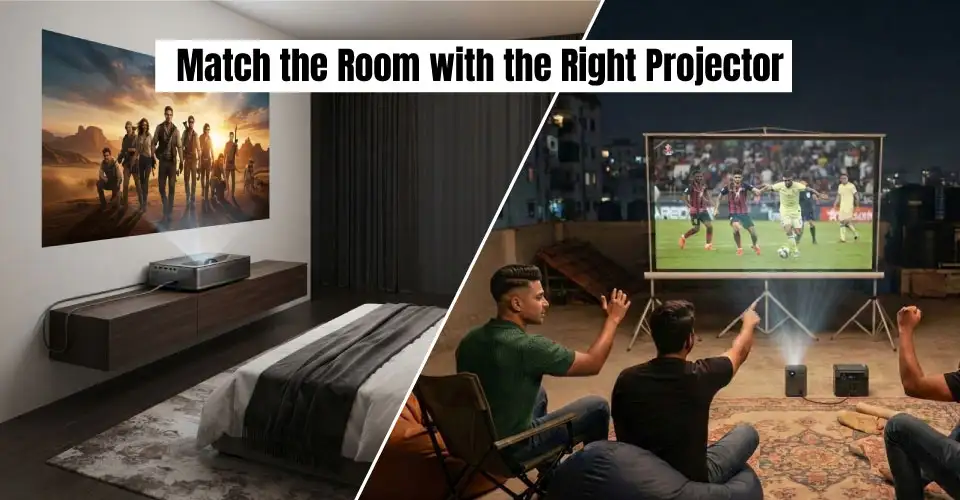
Sunlight and ceiling lights can wash out a low-brightness image. A dark bedroom is easier to manage, while an office, classroom, cafe, or training room usually needs stronger brightness.
Projection Distance Decides the Throw Type
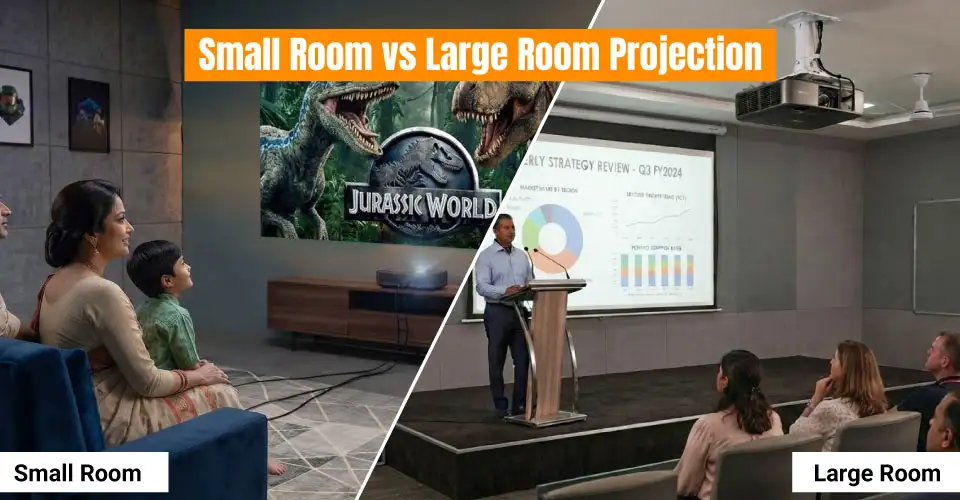
Measure the distance from the projector position to the wall or screen. Standard throw fits a room with enough depth, short throw suits a narrow room, and ultra short throw works close to the wall.
Screen Size Affects Detail and Brightness
A picture that looks sharp at 70 inches may look soft at 150 inches. Choose the real screen size first, then match it with enough brightness and native resolution.
Daily Use Affects Reliability and Setup
Occasional movie nights and daily classroom use need different hardware. Frequent use needs stable placement, convenient controls, dependable connectivity, and easier maintenance.
Projector Setup Match Table
Your Situation
Main Problem
Best Projector Type
Why It Fits
Bedroom movie night
Want easy streaming without connecting a laptop every time
It suits small rooms, occasional movies, and basic presentations.
Home Entertainment Setups
Home Projector for Movies, Sports, and Family Viewing
For movies, football, cartoons, or YouTube, match brightness with your room. A dark bedroom needs less output than a living room with lights on. Built-in speakers are convenient, but an external speaker gives you clearer dialogue and stronger match-day sound.
Android Projector for an Easier Streaming Setup
An Android projector is useful when you want fewer cables. You can use supported apps, cast from your phone, or play files from USB. Check app support for the exact model before ordering. Recommended Model: Xiaomi Wanbo T2 Ultra FHD Android Smart Projector
Full HD Projector for the Most Practical Balance
Full HD is the practical middle point for most homes. It keeps movies, subtitles, slides, and online classes clear without moving into a premium 4K budget.
4K Projector for a Larger Premium Screen
Choose 4K for a larger premium screen and finer movie, sports, or game detail. Check native resolution carefully because accepting a 4K signal does not always mean the projector displays native 4K.
Gaming and Sports Setups
Gaming Projector for Console and PC Play
For a PlayStation, Xbox, Nintendo console, or gaming PC, check HDMI, native resolution, refresh support, and confirmed input response. A large picture is not useful if delay makes the game harder to control. Recommended Model: ViewSonic PX749-4K 4K UHD Home Projector. It is worth comparing when you want one projector for both high-detail entertainment and responsive console gaming.
For football or cricket with friends, prioritize brightness, clear motion, sound, and a wide viewing angle. These points matter more in a cafe, club, or common room where the lights may stay on.
Office and Business Setups
Business Projector for Readable Slides
For spreadsheets, reports, charts, and small text, brightness and connection stability matter more than entertainment apps. Choose a model that connects easily and does not need complicated adjustment before every meeting. Recommended Model: Epson EB-E01 3300 Lumens Lamp Projector
Ceiling Projector for a Fixed Room
A ceiling installation keeps the table clear and protects the projector from daily movement. Confirm throw distance, power, cable routing, ventilation, and maintenance access before mounting it.
Standard Throw Projector for a Regular Layout
Standard throw is the simple choice when the room has enough depth. Measure the distance carefully before fixing the projector position.
Classroom, Coaching, and Training Setups
Education Projector for Daily Lessons
For a classroom or coaching center, check whether writing, diagrams, and videos remain visible from the back row with the lights on. A wireless presenter also helps you control slides while moving around.
Short Throw Projector When the Board Is Close
Short throw helps when the projector cannot sit far from the board. It also reduces shadows when you stand near the lesson or presentation area.
Ultra Short Throw Projector for Wall-Side Placement
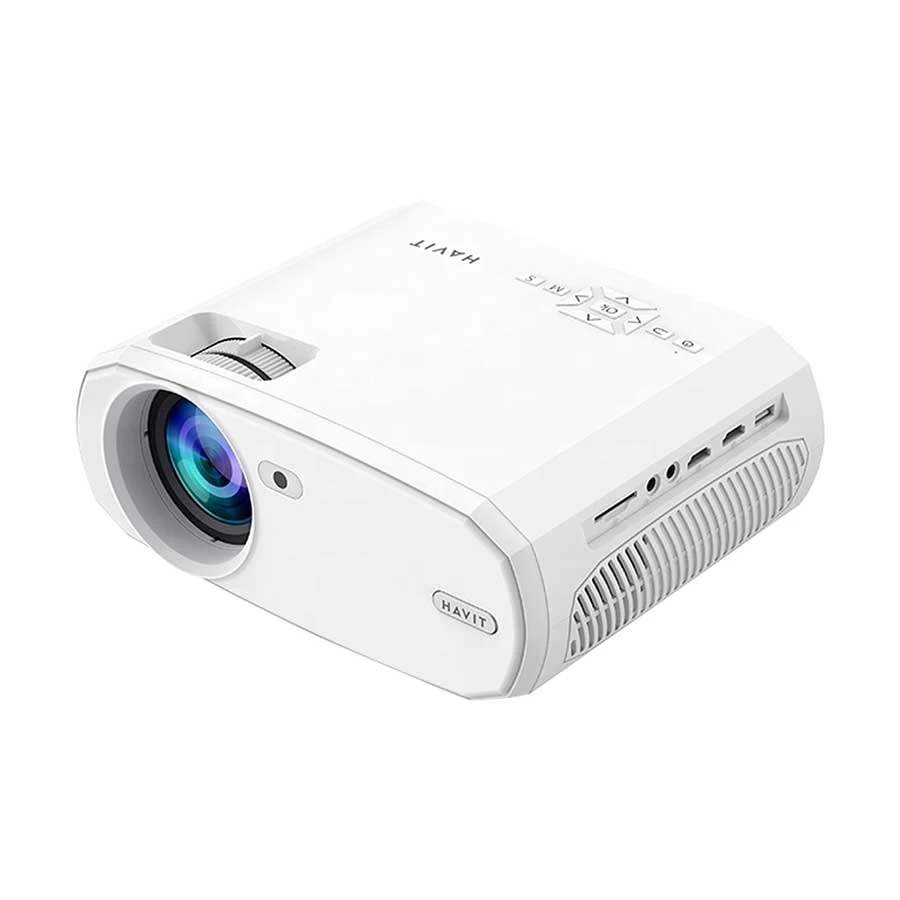
A portable projector suits client meetings, room-to-room use, and weekend setups. Check weight, size, power requirement, and carrying protection. Portable does not always mean battery-powered. Portable Pick: Havit PJ202 1080p Full HD Portable Projector
LED Projector for Casual and Lower-Maintenance Use
LED projectors suit cartoons, casual movies, temporary presentations, and small dark rooms. Brightness varies widely, so do not assume every LED model can handle daylight or a large hall.
What to Check After Matching the Projector Type
Brightness and Room Light
A dark bedroom is forgiving, while a classroom, office, or cafe with lights on needs more brightness. Curtains help, but they should not be your only daytime plan.
Resolution and Content
HD suits basic use, Full HD covers most mixed setups, and 4K fits premium large-screen entertainment. For presentations, brightness and readable text may matter more than 4K.
Connectivity and Cable Planning
Check HDMI, USB, Wi-Fi, Bluetooth, audio output, and your source-device ports. You may need an HDMI cable or a suitable converter. Measure cable length before installation.
Screen and Accessories
A smooth white wall can work for casual use, but a projector screen gives you a cleaner surface. Add mounts and other projector accessories after confirming the final position.
Final Advice: Match the Setup First, Then Compare Price
You do not need to compare every projector together. Start with where you will use it, then check light, distance, screen size, connected devices, sound, and daily usage. Once the category is clear, compare similar models by brightness, native resolution, throw type, ports, warranty, and current price. This keeps you from paying for features your room cannot use.
Frequently Asked Questions
My room is small. How can I get a 100-inch image?
Measure the distance first. A standard throw model may not reach 100 inches in a short room. Check short throw or ultra short throw options and the exact model’s distance chart.
Can I mount any projector on the ceiling?
Not automatically. Confirm ceiling mode, mounting points, airflow, weight support, and lens alignment before choosing a mount.
Why is there a delay when I play games through a projector?
Delay usually comes from image processing and input latency. Use Game Mode, disable unnecessary enhancements, connect directly through HDMI, and check confirmed gaming specifications.
The projector shows video from my laptop, but there is no sound. What should I check?
Select HDMI or projector output in your laptop’s sound settings. If the built-in speaker is weak, connect an external speaker through audio out, Bluetooth, or the source device.
















Leave a comment