POSTED ON September 29, 2026 by Md Sad Akkas (Shuvo)
Projector Screen vs White Wall vs PVC Banner: Do You Really Need a Projector Screen?
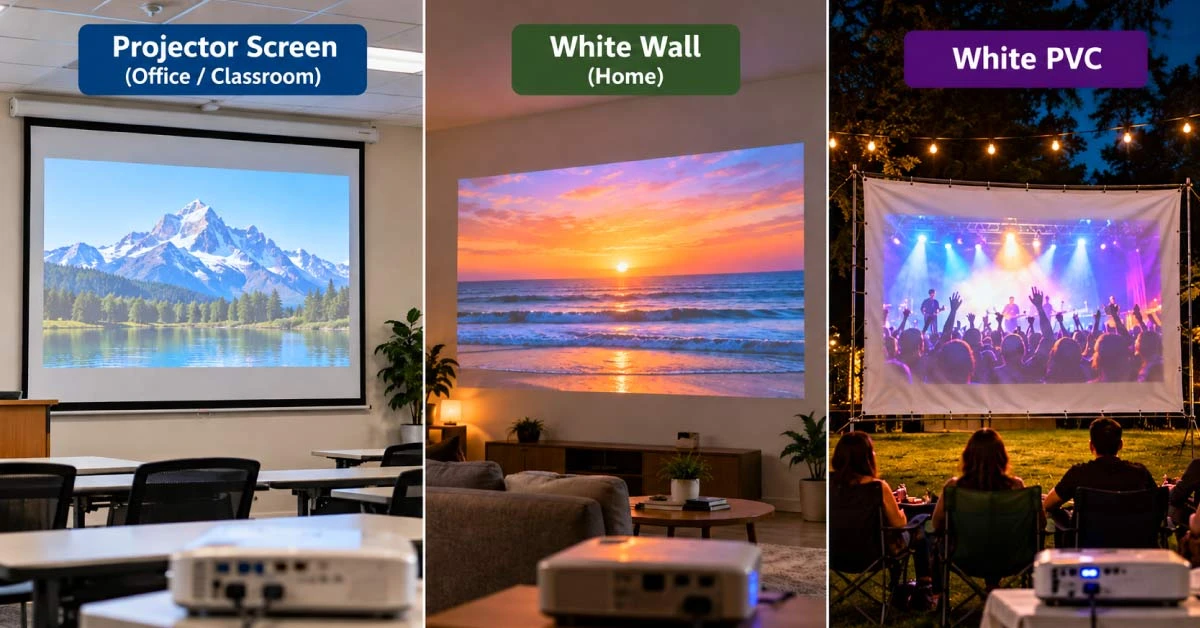
When deciding between a projector screen vs white wall, think about where you will use it. If it’s a one-time outdoor event, a PVC banner’s backside with a white cloth will work. For indoor watching, a white wall is enough. But if you project for official work every now and then, a projector screen is a must-have.
Quick Answer: Projector Screen, White Wall or PVC Banner?
A smooth, white-painted wall works well for casual indoor viewing, such as movie nights, class videos, and quick presentations. It costs nothing and needs no setup, although its texture, color, gloss, or stains may show through the image.
Stretched white cloth or the white back of a PVC banner can handle one-time events and outdoor evening shows. But they can move in the wind and be affected by outside light.
So, they are never as good as a projector screen. If you project regularly, a dedicated screen is worth your money. You get a controlled surface, clean image borders every time, and a tidier setup. At Ryans we have manual, tripod, and electric screens in projector screen page.
What Changes with Different Projection Surfaces?
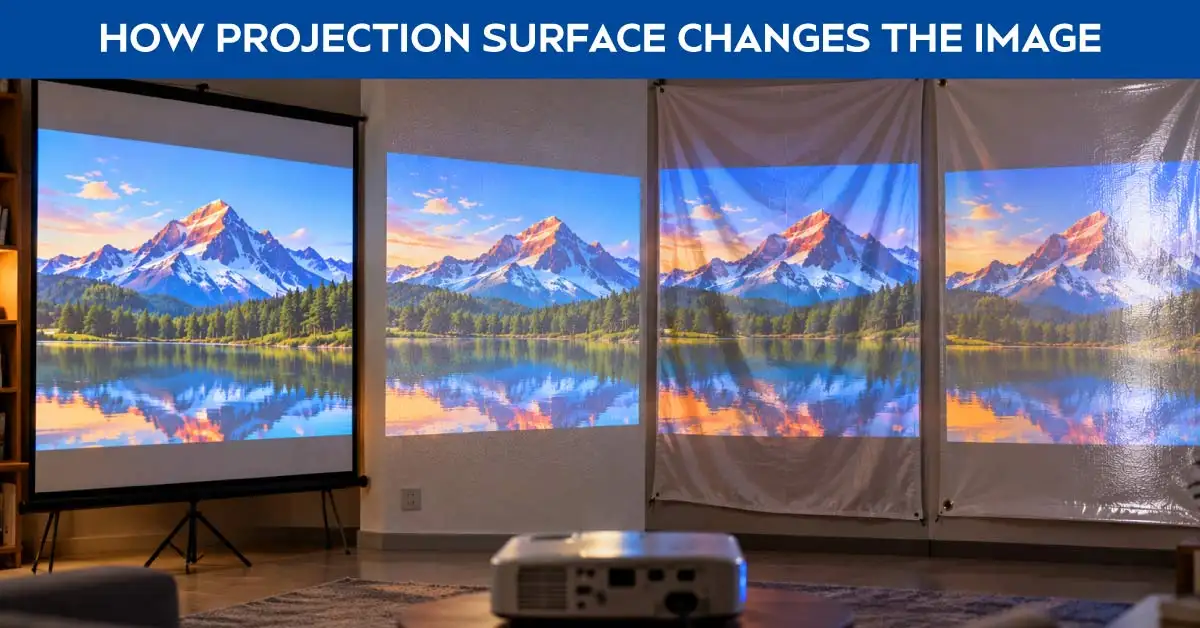
The image changes with the different projection surfaces. Glossy walls create glare; cloths can sag and wrinkle, yet a screen stays flat. So, you’ll see the same image look different on different surfaces.
Wall Color, Texture, and Paint Finish
A wall shows its own surface. Its texture, cracks, patchy paint, and stains can get visible through the projected image. Matte and neutral white hide them best. Gloss does the opposite. It reflects bright patches back at whoever sits at the center of the room.
White Cloth, PVC Banner and Surface Tension
Thin white cloth wrinkles, moves in the wind, and lets light through. PVC banners can have folds, gloss, uneven reflectivity, and color bleeding through. The fix is the same for both. Stretch the material tightly and pick opaque, smooth, neutral white material.
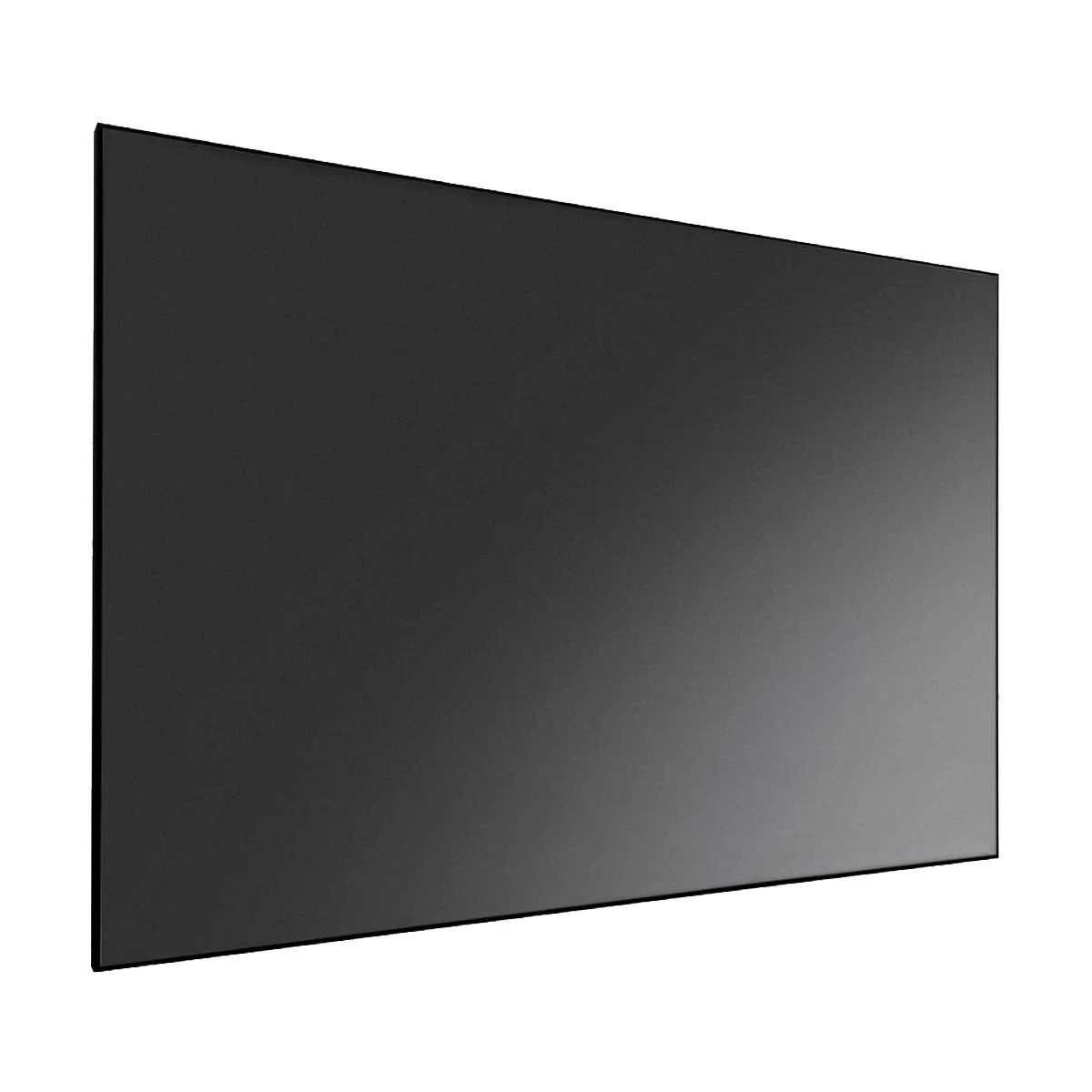
A matte white screen spreads projector light evenly. It keeps colors consistent across the screen but cannot brighten the image. ALR (ambient light-rejecting) screens work differently. They prevent light coming from the sides and above. Though ALR screens are costly, they keep contrast in brighter rooms.
Projector Screen vs White Wall vs White Cloth/PVC Banner
Projector screens, white walls, and cloth or PVC banners each suit different needs. A projector screen gives the sharpest image but costs the most. White walls are free but depend on paint quality. And cloth or PVC banners are cheap and easy to carry but wrinkle easily.
Factor
Projector Screen
White Wall
White Cloth / PVC Banner
Cost
Highest (varies by size and type)
Free
Very low
Image consistency
Uniform and repeatable
Depends on paint and wall condition
Changes with wrinkles, sagging, and light bleed
Surface smoothness
Flat, tensioned matte surface
Good only if smooth, clean, and freshly painted
Wrinkled unless stretched tight
Portability
Tripod versions travel; wall and electric versions stay fixed
Not portable — it is the wall itself
Highly portable
Outdoor use
Tripod screens for calm evening events
Not suited
Common for evening events
Setup effort
One-time installation, or minutes for a tripod screen
None
Hang and stretch every single time
Durability
Years of daily use
Lasts as long as the paint does
Degrades after a few uses
Ambient-light behavior
Even image from a matte surface; result depends on material and gain
Glossy paint throws room light back at viewers
Thin material washes out fastest in bright light
Regular-use suitability
Best option for frequent projection
Good enough for casual viewing
One-off and temporary setups only
When Is a White Wall Good Enough?
A white wall is good enough only when it passes these three criteria. One, you project rarely. Two, the wall itself is smooth and white. And third, you can control the light. If all three are true, you don’t need to spend money on a projector screen.
Home Movies and Casual Viewing
Evening movie nights and occasional viewing are perfectly fine on a neutral-white wall. In fact, dimming or switching off room lights improves the image more. Keeping the room dark benefits more than changing the surface.
Temporary Indoor or Budget Setup
In rented rooms, short-term setups, or on a zero budget, skip buying wall mounts. If you're still building the rest of the setup, Ryans projector covers itself.
When Is White Cloth or PVC Banner Practical?
One-off events and outdoor evenings are where white cloth or PVC banner surfaces make sense. In daylight, the image washes out no matter what you project onto.
White Cloth for Events and Outdoor Viewing
White cloth is still popular. People use it for community events, stage shows, and evening screenings. It's cheap and easy to arrange. Use thick fabric, pull it tight, and wait for low light. It works for the moment.
PVC Banner Backside for Temporary Large Projection
An old PVC banner's white back gives a free surface. But check it first. Folds, gloss spots, or uneven shine can ruin it. Printed color bleeding through also ruins the image. Inspect the surface in daylight before the event starts.
What to Check for Wrinkles, Opacity, and Wind
Check everything before the show starts. Stretch the material tight and secure it against wind. Test opacity. Light passing through the fabric can wash out your image. Try to get smooth and neutral white material. Avoid wet, dirty, loose, or shiny surfaces for projection.
When Is a Proper Projector Screen Worth It?
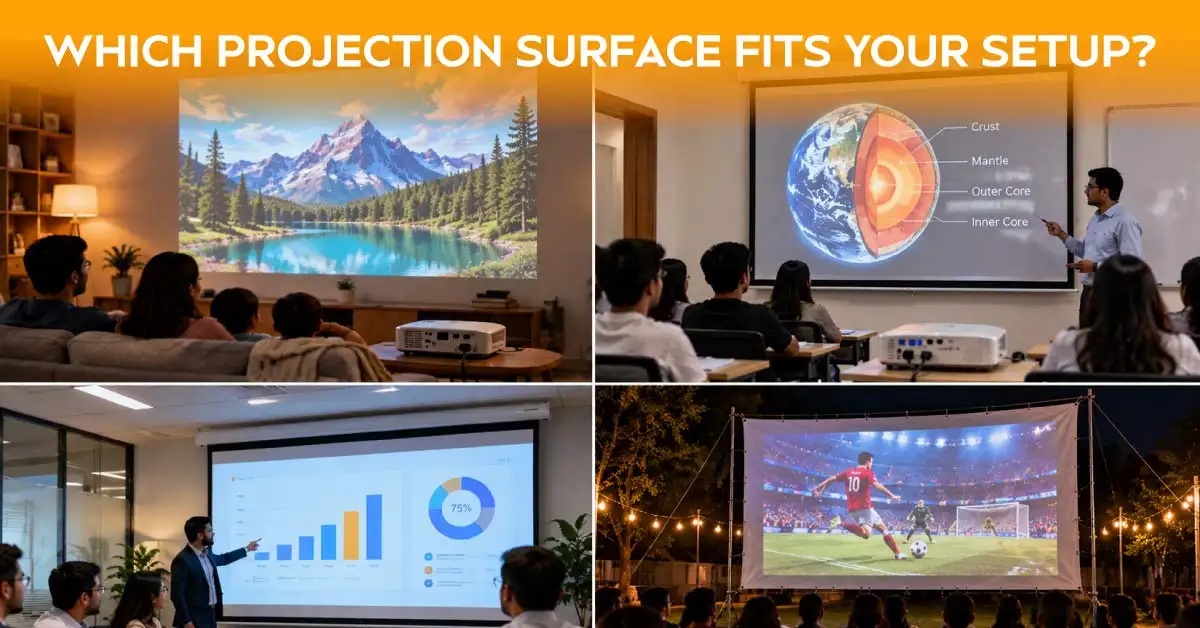
If you set up weekly or more, use a projector screen. Don't rebuild it every time.
Daily classes, different teachers, and short breaks need a tough surface. A wall-mounted manual screen handles this well. Its clear image area keeps lessons focused.
Office and Meeting Room
Presentations need a clean image every time. A wall or electric screen keeps the room tidy. Mount the projector on the ceiling above the table. It’ll keep the table clear for the presenter.
Frequent Home or Event Use
You surely want the same setup and same picture quality every time in a regular home theatre. Proper tension, a black border, and consistent material are a must for this. A projector screen makes more sense here.
Which Projector Screen Type Fits Your Setup?
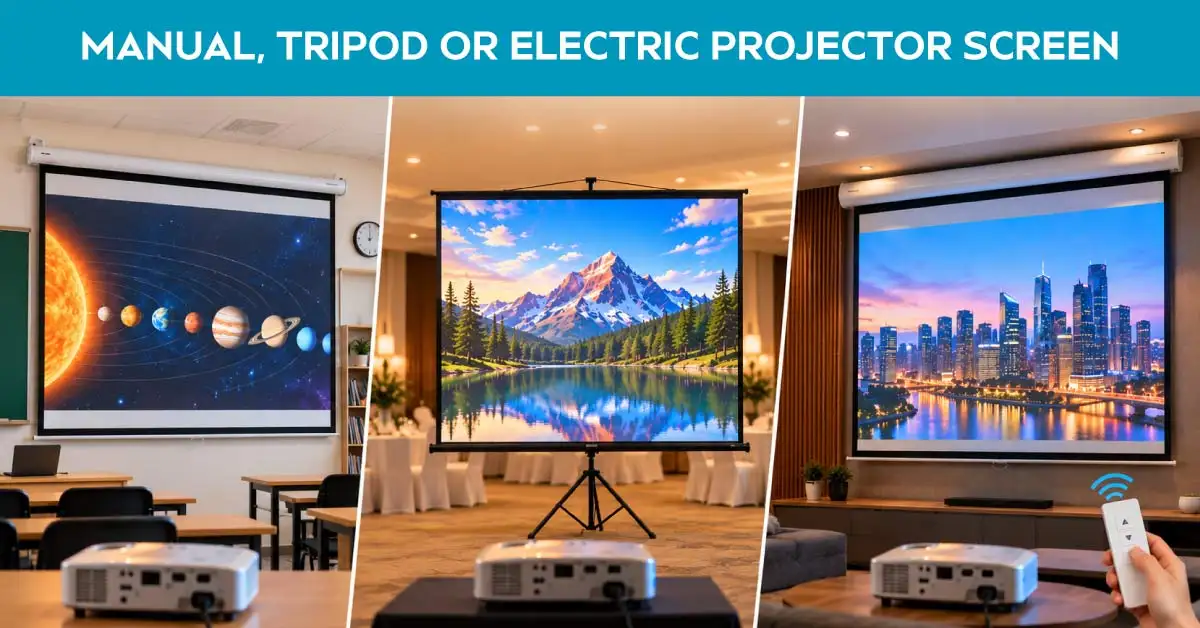
Manual, tripod, and electric are the three main types of projector screens. You just need to pick one based on your space and usage habits.
Manual Wall Screen
A manual pull-down screen mounts on the wall or ceiling. It stays out of the way between classes. It's the cheapest dedicated option. It's also the standard pick for classrooms and other fixed rooms. Check the listing for current sizes and stock before deciding.
Tripod Screen
A tripod screen needs no installation. Set it up in minutes and pack it away after the event. This makes it great for venues, training centers that move between rooms, and temporary setups. Ryansprojector accessories page carries the hardware you need for setup.
Electric or Motorized Screen
An electric or motorized screen raises and lowers at the push of a button. It gives the cleanest look for home theatres and meeting rooms. It also costs the most.Apollo,Super View,Dopah, andPC Power avilable on Ryans.
How to Choose the Right Projection Size
The right projection size depends on three things. Your room, your projector's throw, and your content. Don't just buy the biggest screen you can find.
Room and Viewing Distance
As a rough guide, sit viewers about 1.5 to 3 times the image diagonal away. In small Bangladeshi rooms, that usually means a 70 to 96-inch image. Larger halls can handle 120 to 150 inches.
Projector Throw Distance
Before choosing a size, measure the distance between your projector and the screen. Every projector's throw ratio determines the diagonal it can produce at that distance. Check this number first. It will confirm whether your chosen screen size actually fits your room.
Screen Size vs Aspect Ratio
Screen dimensions and the shape of the projected image aren't the same thing. Many Ryans screens are square, like 70×70 or 96×96 inches. Most video is 16:9, though some content still runs 4:3. On a square screen, part of the surface may go unused. A black border, though, makes this look fine.
What to Check Before Choosing a Projection Surface
Run four quick checks before you spend money. They stop most problems before you buy or drill anything.
Indoor vs Outdoor Light
Light matters more than the surface itself. When indoors, block it with curtains and dim the lights or turn them off. For outdoors, wait until dusk. Daylight washes out any surface.
Surface Smoothness, Color and Reflectivity
Pick a wall, cloth, banner, or screen. The rule is the same for all of them. Keep it smooth, opaque, matte, and neutral white. Any shine, sag, or odd color will ruin the image.
Mounting, Tension and Stability
Match your mount to the room. Fixed rooms work well with wall- or ceiling-mounted screens. Shared spaces work better with tripods. Whatever you use, keep the surface tight and steady while it's on.
Projector Image Size and Alignment
Check that your projector can fill the surface from where it will sit. Then line up the projector straight before using keystone correction.
Final Advice: Choose the Surface Based on How Often and Where You Project
You don't need the priciest screen. You need one that fits your routine. Use a good wall for casual movie nights. Try stretch cloth or a banner backside for outdoor evenings once in a while. Get a real screen when you start projecting every week.
















Leave a comment