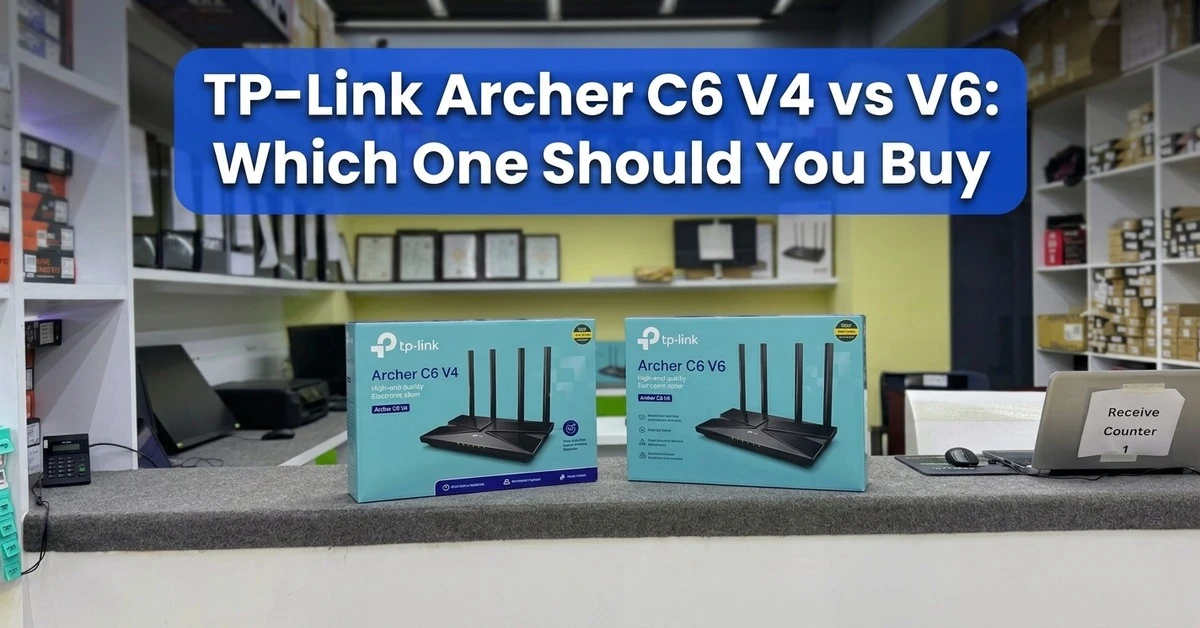
TP-Link Archer C6 V4 vs V6: Which One Should You Buy
If you searched for TP-Link Archer C6 before, you may have seen the V4 version. That version was available earlier, but now the Archer C6 model currently available at Ryans is V6.
So the main question is simple: is Archer C6 V6 actually better than V4, or is it just a newer version of the same router?
The answer is that V6 is the better choice for someone buying Archer C6 now, but it is not a huge upgrade over V4. Both are still AC1200 dual-band Wi-Fi 5 routers with Gigabit ports and many of the same useful features.
Looking at the main specs, there is no big difference in Wi-Fi speed. V6 is the newer version, but it still stays in the same AC1200 Wi-Fi 5 class.
What Actually Changed in Archer C6 V6?
The biggest change is the hardware version itself.
Router brands often update the inside parts of a model over time while keeping the same product name. That does not always mean higher speed. Sometimes the change is about newer parts, firmware support, or small improvements inside the router.
That is the case with Archer C6 V6.
It still gives you dual-band Wi-Fi, Gigabit Ethernet, MU-MIMO, Beamforming, and EasyMesh support.
So if you were expecting V6 to be a completely different router, it is not. It is a newer version of the same Archer C6 line.
Is Archer C6 V6 Faster Than V4?
Not by a big amount, at least not from the listed Wi-Fi speed.
Both versions offer up to 300 Mbps on 2.4 GHz and up to 867 Mbps on 5 GHz.
In real use, speed depends on more than the version number. It can change because of:
Distance from the router
Walls between you and the router
Number of connected devices
Wi-Fi support on your phone or laptop
Nearby Wi-Fi interference
Your internet package
Router placement
For example, a laptop connected to 5 GHz in the same room may get a much better connection than a phone using 2.4 GHz from two rooms away.
So V6 should not be judged only by the number in its name.
2.4 GHz or 5 GHz: Which One Should You Use?
Both Archer C6 V4 and V6 give you 2.4 GHz and 5 GHz Wi-Fi.
2.4 GHz usually works better over longer distances and through walls. It is useful for normal browsing, social media, smart devices, and phones used farther from the router.
5 GHz is better when you are closer to the router and want more speed. It is more suitable for streaming, video calls, large downloads, and online gaming.
For most homes, using both bands gives a better balance.
If you want to see more models with different speed classes or Wi-Fi standards, you can check the Wi-Fi Router category.
What About Gigabit Ports?
This is one of the useful parts of Archer C6.
The V6 version comes with Gigabit WAN and LAN ports, so it is not limited to 100 Mbps wired speed like some cheaper routers.
That matters if you use:
Broadband above 100 Mbps
A desktop connected by cable
Smart TV
Gaming console
Other wired devices
Gigabit ports also help if you move files between devices on the same local network.
For a wired setup, using a suitable Network Cable is also important for a stable connection.
Do MU-MIMO and Beamforming Really Matter?
They help, but they are not magic features.
MU-MIMO helps the router handle several compatible devices more efficiently when they are online at the same time.
Beamforming helps the router focus its signal toward connected devices.
You may not notice these features every minute, but they can help in a home where several phones, laptops, TVs, or other devices share the same Wi-Fi.
What If One Router Cannot Cover the Whole Home?
Coverage depends a lot on the size of the home and where you place the router.
Before buying extra equipment, try placing the router in a better spot. Keep it in an open area, above floor level, and away from thick walls or large metal objects.
If some rooms still get weak Wi-Fi, Archer C6 V6 supports EasyMesh. You can also use a compatible TP-Link Range Extender if that fits your setup better.
For a normal apartment, one Archer C6 may be enough. A larger home or multiple floors may need extra coverage.
Already Using Archer C6 V4? Should You Upgrade?
If your V4 is working fine, I would not replace it just to move to V6.
You are still staying in the same AC1200 Wi-Fi 5 class, so the difference may not feel big enough in daily use.
Keep using V4 if:
Wi-Fi is stable
Your current speed is enough
Coverage is good
Your devices connect without problems
You are happy with the router
A replacement makes more sense when the old router starts giving you trouble, coverage becomes a problem, or you want to move to newer Wi-Fi technology.
Why V6 Makes More Sense for New Buyers
This is where V6 has the clear advantage.
V4 was available before, but it is no longer the current Archer C6 option at Ryans. V6 is the version buyers can get now.
You are not losing the main features that made Archer C6 useful. V6 still gives you:
AC1200 dual-band Wi-Fi
Gigabit WAN and LAN
MU-MIMO
Beamforming
EasyMesh
Access Point mode
Four external antennas
So if you are buying Archer C6 for the first time, there is little reason to search for old V4 stock.
V6 gives you the familiar Archer C6 setup in the newer version that is currently available.
When Wi-Fi 6 Makes More Sense
If you already use Archer C6 V4 and want a real upgrade, Wi-Fi 6 is a better direction than moving from V4 to V6.
That is especially true if you have:
Many newer phones or laptops
Several devices online at the same time
Faster broadband
Regular gaming and streaming
Plans to keep the router for several years
In that case, it is worth checking current Wi-Fi 6 Routers before making a decision.
You may find that moving to a newer Wi-Fi standard gives you a more noticeable upgrade than moving from one Archer C6 version to another.
Who Should Buy Archer C6 V6?
Archer C6 V6 fits users who want a simple dual-band router with Gigabit ports without moving to a more expensive model.
It works well for normal home use such as:
Browsing
Streaming
Online classes
Video calls
Social media
Normal gaming
Connecting several everyday devices
It can also work for a small office with light daily use.
If your home has many newer devices or heavier network use, you may want to look at a newer router instead.
Is Archer C6 V6 Still Worth Buying in 2026?
Yes, if your needs are simple.
Archer C6 V6 still covers the basics well. It gives you dual-band Wi-Fi, Gigabit ports, EasyMesh, and enough features for normal home or small-office use.
It makes sense if most of your devices are still Wi-Fi 5 or older and you do not need the extra features of a newer Wi-Fi 6 router.
If you want more options from the same brand, you can also check other TP-Link Routers.
















Leave a comment