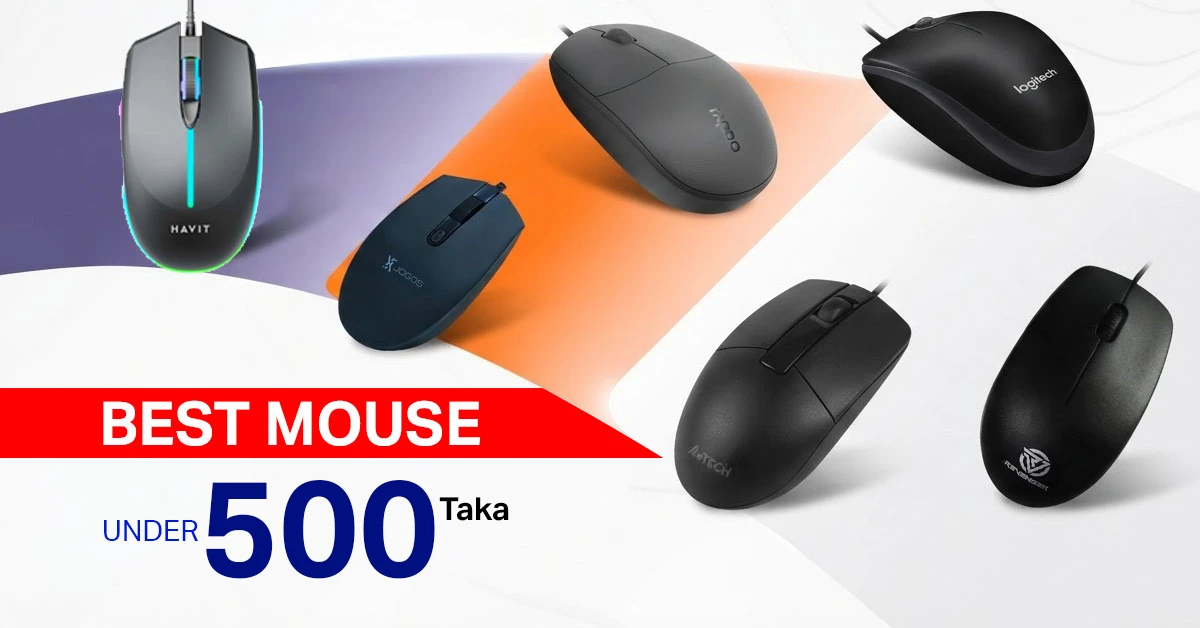
The best mouse under 500 Taka should track reliably, feel comfortable in your hand, and provide dependable clicks and scrolling for everyday work. At this budget, a simple wired mouse from a trusted brand often delivers better long-term value than a flashy model that focuses mainly on RGB or a high DPI number.
Students, office users, laptop owners, casual gamers, and home users can all find a practical option within Tk 500. The important part is matching the mouse to your hand size, grip style, desk setup, and daily workload. A compact mouse may suit a laptop bag, while a larger shape may feel better during long office sessions. Gaming-style buttons can be useful, but only when the sensor, clicks, wheel, and cable are also dependable.
7 Best Mouse Under 500 Taka: Comparison Table
The comparison focuses on real buying differences instead of repeating product-card specifications. Exact prices, stock, colours, DPI values, cable lengths, and warranty periods can change, so check the linked product page before ordering.
7 Best Mouse Under 500 Taka in Bangladesh: Detailed Product Reviews
Here are the in depth reviews of 7 mouse that has lower price as you're looking to purchase.
1. Xtreme M30 Wired Optical Mouse: Best for Basic Study and Home Use
XTREME 
- Optical Mouse
- Wired USB
- Regular Big Size
- Scroll Wheel
A straightforward wired optical mouse for study, office, and everyday home computer use. It uses USB connectivity, optical tracking, a regular big-size design, and a standard scroll wheel for simple plug-and-play operation.
Tk 250 Tk 270 Price may change
View Product
Xtreme M30 Wired Optical Mouse is a wired optical model designed for uncomplicated everyday control. Its USB connection makes it suitable for a fixed desktop or laptop setup where easy installation matters more than wireless convenience or extra buttons.
Why it stands out
- A wired connection removes battery and receiver concerns.
- The basic design is suitable for browsing, documents, online classes, and routine application use.
- It makes sense as a first mouse, backup mouse, or replacement for a damaged office mouse.
Keep in mind
- Buyers who need side buttons, advanced software, or a highly adjustable sensor should look beyond entry-level models.
- Confirm the physical dimensions if you have very large hands or prefer a palm-filling shape.
Best for: students, family computers, browsing, online classes, document work, and buyers who need an inexpensive replacement mouse.
2. Revenger RM24 Wired Optical Mouse: Best Budget Gaming-Style Choice
REVENGER 
- 1000 DPI
- Wired USB
- 3 Buttons
- Regular Big Size
A simple wired optical mouse with 1000 DPI tracking, three-button control, USB connectivity, and a regular big-size body. Its plug-and-play design makes it suitable for everyday PC, study, office, browsing, and basic home use.
Tk 350 Tk 380 Price may change
View Product
Revenger RM24 Wired Optical Mouse is a wired optical mouse positioned for buyers who prefer a darker, gaming-style appearance. It can handle ordinary desktop work and light gaming, but the design should be treated as a style preference rather than proof of a premium sensor.
Why it stands out
- The wired USB connection is simple and avoids wireless delay or battery management.
- Its styling can match a budget gaming setup better than a plain office mouse.
- It can serve both general computer use and casual games without requiring a larger budget.
Keep in mind
- A gaming label does not confirm perfect tracking, full software control, or tournament-level performance.
- Check the exact DPI, button count, and warranty on the current product page instead of assuming them from the casing.
Best for: casual gamers and younger buyers who want a gaming-inspired look while keeping the purchase below Tk 500.
3. A4Tech OP-330 Wired USB Optical Mouse: Best for Office Work
A4TECH 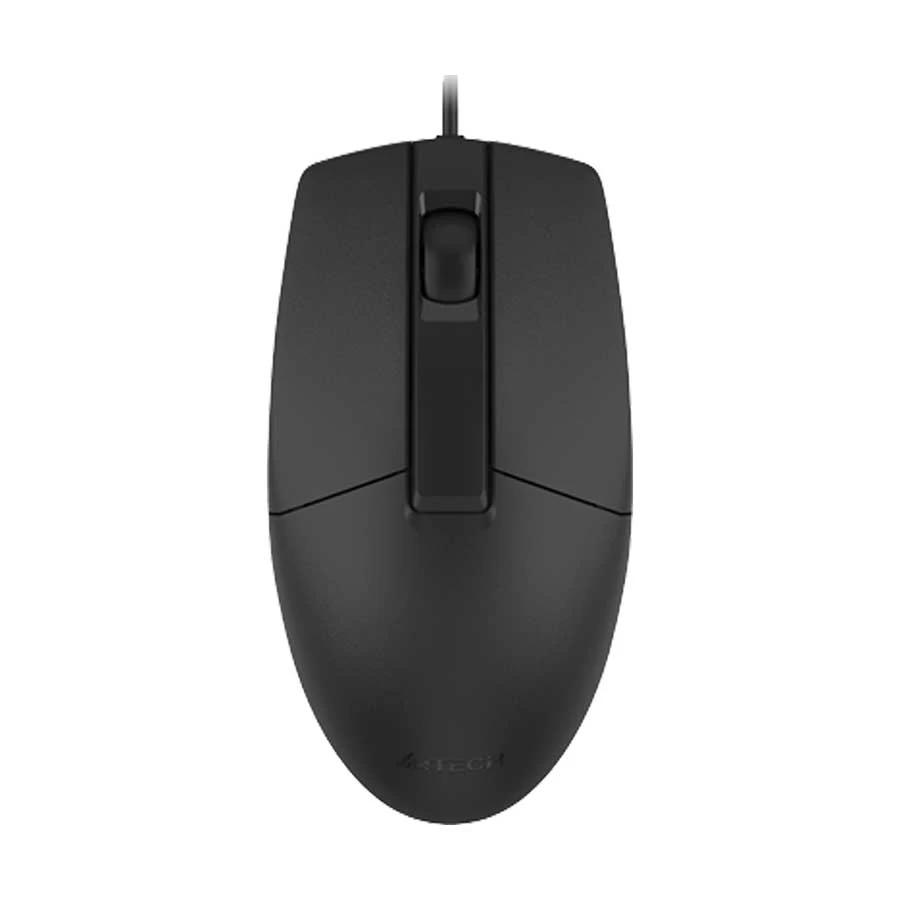
- 1200 DPI
- Wired USB
- 3 Buttons
- Ergonomic Design
A practical wired optical mouse with 1200 DPI tracking, three-button control, a wider scroll wheel, and an ergonomic symmetric design. It is well suited for office work, study, browsing, and long everyday computer use.
Tk 425 Tk 460 Price may change
View Product
A4Tech OP-330 Wired USB Optical Mouse is a practical USB optical mouse from a brand widely associated with everyday computer accessories. Its biggest advantage is not visual excitement but a conventional layout that is easy to understand and deploy across workstations.
Why it stands out
- The familiar shape and controls reduce the adjustment period for ordinary users.
- Wired operation suits fixed office PCs where reliability matters more than portability.
- The simple layout is appropriate for spreadsheets, browser work, email, billing software, and data entry.
Keep in mind
- Users who depend on side buttons or custom macros will find the control set basic.
- Comfort still depends on hand size and grip; an established brand name cannot replace a proper fit.
Best for: office users, reception desks, billing counters, computer labs, and anyone who wants a familiar wired mouse for long daily use.
4. Xtreme XJOGOS MU40R Optical Wired Mouse: Best for Casual Gaming
XTREME 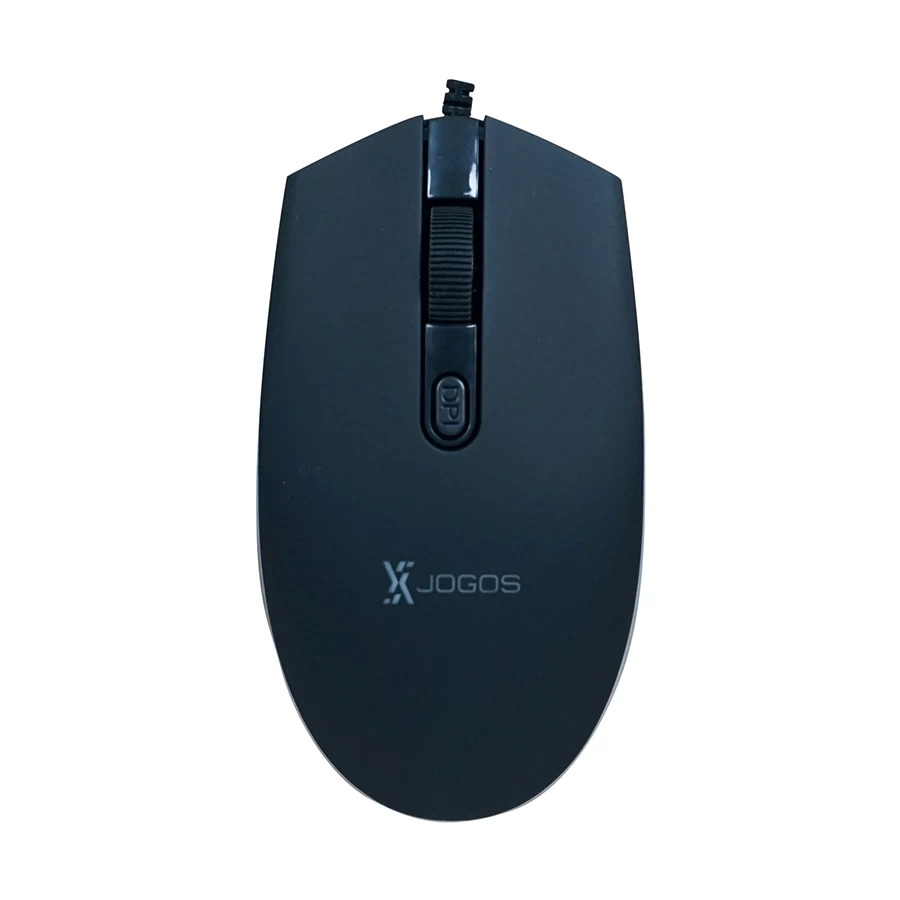
- 1200 DPI
- Wired USB
- LED Lighting
- Regular Big Size
A wired optical mouse with 1200 DPI tracking, LED lighting, USB connectivity, and a regular big-size design. It offers a gaming-focused appearance while remaining suitable for casual gaming, browsing, study, and everyday computer use.
Tk 450 Tk 490 Price may change
View Product
Xtreme XJOGOS MU40R Optical Wired Mouse is the most gaming-focused recommendation in this shortlist. Its main appeal is the combination of a wired connection and gaming-style presentation for buyers assembling a very strict-budget setup.
Why it stands out
- A wired connection is usually preferable for gaming at this price because it avoids receiver and battery compromises.
- The shape and extra gaming cues may feel more appropriate for action games than a basic office mouse.
- It gives buyers a gaming-style option without treating Tk 500 as a premium-performance budget.
Keep in mind
- High DPI or RGB, when available, should not outweigh stable tracking, click quality, and comfort.
- Competitive players should keep expectations realistic because sensor consistency and button refinement usually improve at higher prices.
Best for: casual gamers who want a gaming-oriented mouse under Tk 500 and understand the limits of the price range.
5. Logitech B100 Optical USB Mouse: Best Overall for Everyday Reliability
LOGITECH 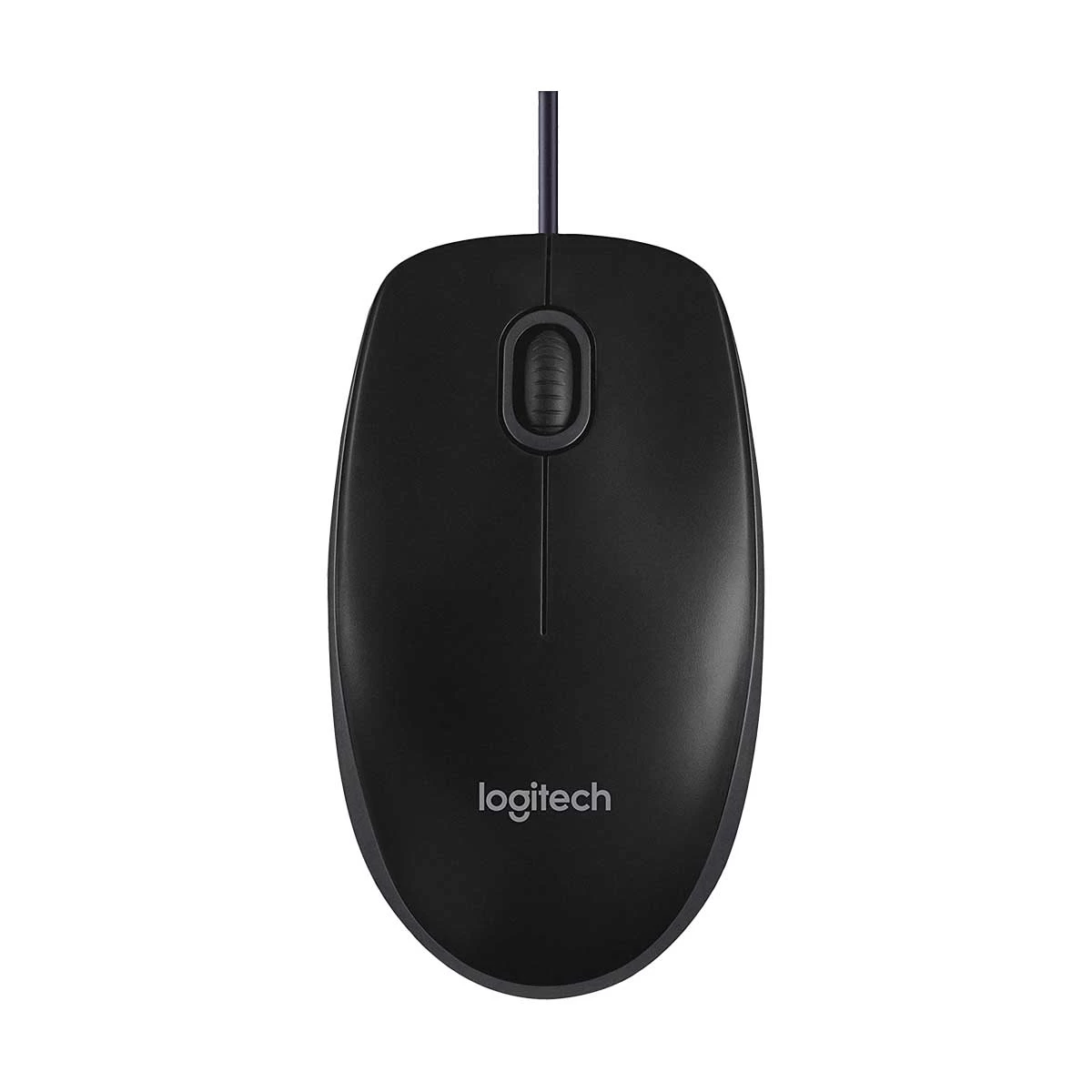
- 800 DPI
- Wired USB
- 3 Buttons
- Ambidextrous Design
A straightforward wired optical mouse with 800 DPI tracking, three-button control, and a comfortable ambidextrous full-size design. Its plug-and-play USB connection makes it a practical choice for office work, study, shared computers, and everyday use.
Tk 449 Tk 490 Price may change
View Product
Logitech B100 Optical USB Mouse is a straightforward optical USB mouse made for regular pointing, clicking, and scrolling. It does not try to look like a gaming mouse, which is exactly why it is easy to recommend for practical daily work.
Why it stands out
- The conventional layout is easy for almost anyone to use.
- It suits office applications, browsing, learning platforms, and general laptop or desktop work.
- The simple wired design avoids pairing, charging, and receiver-loss problems.
- It is a sensible choice when brand familiarity and basic usability matter more than extra features.
Keep in mind
- The design is intentionally simple, without side buttons, RGB, or gaming-focused controls.
- Users who want a very small travel mouse or a sculpted ergonomic body may prefer another shape.
Best for: office users, students, computer labs, shared family PCs, and buyers who prefer a plain, functional mouse from a globally recognised peripheral brand.
6. Rapoo N100 USB Optical Mouse: Best Lightweight Everyday Option
RAPOO 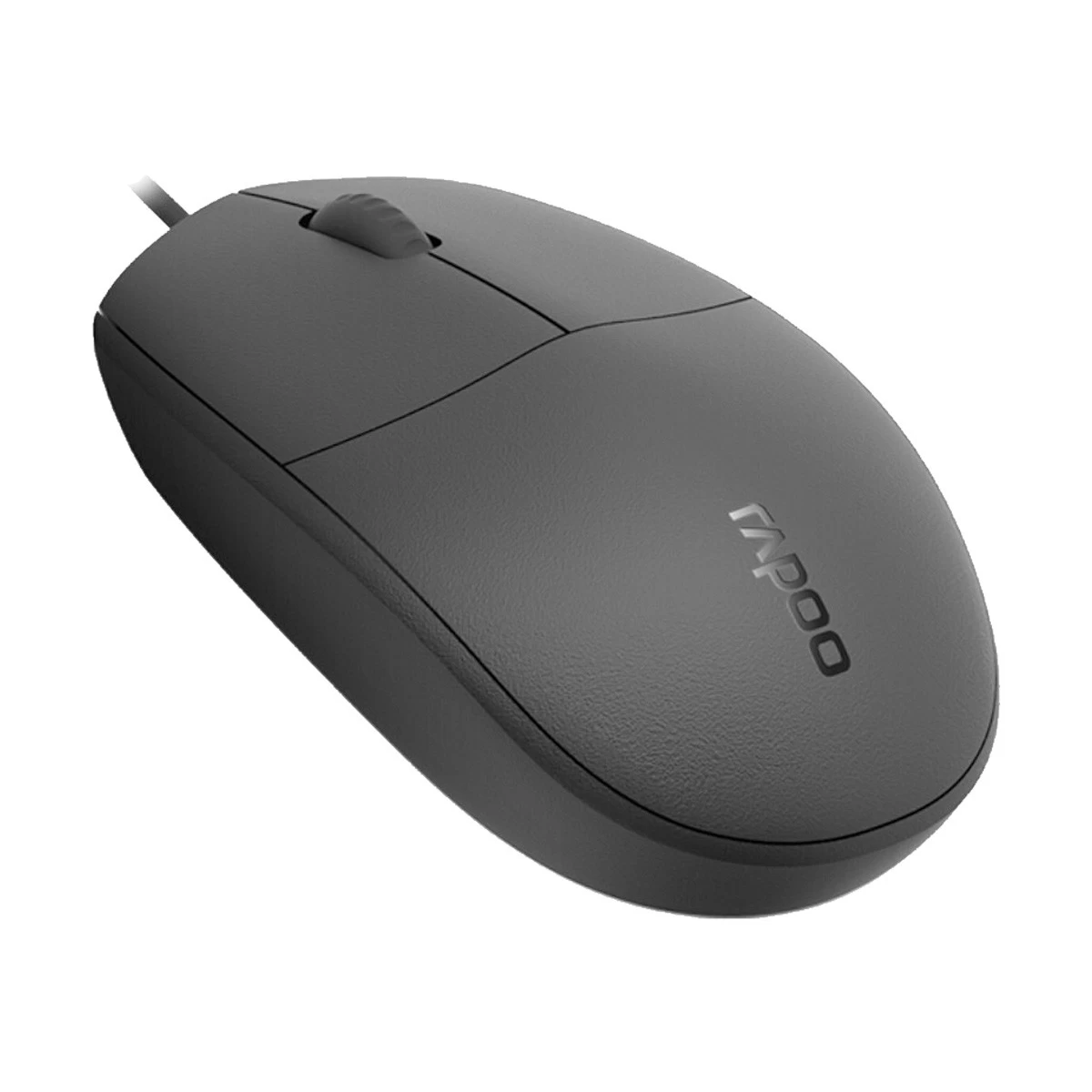
- 1600 DPI
- Wired USB
- 3 Buttons
- Ambidextrous Design
A lightweight wired optical mouse with USB connectivity, three-button control, an anti-slip scroll wheel, and a full-size ambidextrous design. It is a practical choice for laptop, office, study, browsing, and everyday computer work.
Tk 400 Tk 480 Price may change
View Product
Rapoo N100 USB Optical Mouse is a compact-looking USB optical mouse that competes directly with other basic office models. It is best evaluated on comfort, tracking consistency, and click feel rather than on decorative features.
Why it stands out
- Plug-and-play USB use keeps installation simple.
- The uncomplicated design is suitable for study, office documents, browsing, and general software.
- Its practical positioning makes it a reasonable alternative to Logitech and A4Tech within a strict budget.
Keep in mind
- The basic control layout is not intended for users who need multiple shortcuts or gaming macros.
- Check whether the size fits your preferred palm, claw, or fingertip grip before buying.
Best for: laptop users, students, office staff, and buyers who want a light, simple wired mouse for regular tasks.
7. Havit MS68 Mouse: Best Affordable Alternative
HAVIT 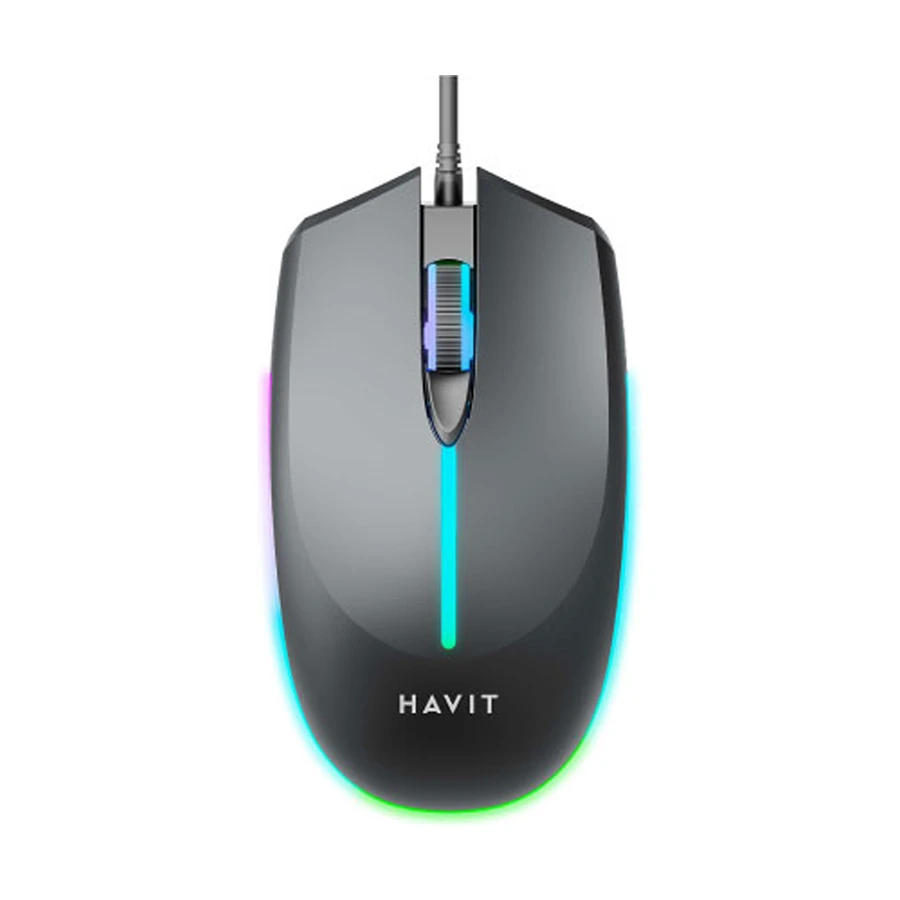
- Up to 2400 DPI
- Wired USB
- 4 Buttons
- RGB Lighting
A wired programmable gaming mouse with adjustable 800, 1200, 1600, and 2400 DPI settings, four buttons, RGB lighting, optical tracking, and a regular big-size body. It is suitable for casual gaming and general desktop use.
Tk 480 Tk 520 Price may change
View Product
Havit MS68 Mouse is an affordable general-purpose model for everyday cursor control. Havit is familiar to many budget-peripheral buyers, but the MS68 should still be chosen by its fit, connection, and current specifications rather than by the brand name alone.
Why it stands out
- It covers the essential left-click, right-click, scrolling, and cursor-control needs of ordinary users.
- A simple wired setup is convenient for fixed desktop use.
- It provides another recognised-brand option when availability or personal shape preference rules out other models.
Keep in mind
- Confirm the current DPI, dimensions, cable details, and warranty because product variants can differ.
- Buyers seeking serious gaming performance or advanced ergonomics should plan for a higher budget.
Best for: home users, students, backup-computer setups, and buyers comparing several inexpensive wired options.
How to Avoid Buying a Bad Mouse Under 500 Taka
A low price does not automatically mean poor usability, but the budget leaves little room for unnecessary features. Start with the parts you touch and use constantly: tracking, shape, clicks, wheel, cable or receiver, and warranty. Decorative lighting should come last.
Do Not Choose Only by High DPI
DPI controls how far the cursor moves for a given physical movement. A higher number can make the pointer faster, but it does not automatically make a sensor more accurate. For documents, browsing, study, and ordinary gaming, stable tracking is more useful than an exaggerated maximum-DPI claim. Adjustable DPI is convenient when it is genuinely supported, but most buyers will use only one or two comfortable sensitivity levels.
Check Whether the Size Fits Your Hand
A mouse can have acceptable tracking and still feel tiring if the shape is wrong. Palm-grip users usually prefer more hand support, claw-grip users need a shape that allows the fingers to arch naturally, and fingertip users often prefer a lighter or smaller body. Laptop users may value portability, while office users working for hours should prioritise support and relaxed button reach. Product dimensions are therefore more useful than appearance alone.
Pay Attention to Click and Scroll-Wheel Quality
The left button, right button, and scroll wheel receive more use than any decorative feature. Buttons should respond without requiring uneven pressure, and the wheel should scroll predictably without feeling loose. A budget mouse can eventually develop double-click behaviour, but no model should be described as guaranteed to fail. Proper handling, clean use, switch quality, and total click volume all affect durability.
Check the Cable Before Buying a Wired Mouse
Look at cable length, flexibility, connector quality, and how the cable exits the mouse. A cable that is too short can be inconvenient with a desktop tower placed far from the desk. A very stiff cable may drag against the surface during games. For normal office work, a basic cable is usually enough, but it should not be sharply bent near the mouse or USB plug.
Check Receiver and Battery Requirements for Wireless Models
Wireless convenience can be attractive, but models below Tk 500 may involve compromises in battery, receiver quality, sleep behaviour, or warranty. Confirm whether the required battery is included, where the USB receiver is stored, and whether replacement batteries are easy to obtain. Losing a proprietary receiver can make a low-cost wireless mouse unusable. This shortlist therefore focuses on wired choices that offer clearer value within the budget.
Do Not Assume RGB Means Better Gaming Performance
RGB changes appearance, not sensor accuracy, click response, or grip comfort. A gaming-style body can still use a basic sensor, while a plain office mouse may track more consistently for everyday work. Choose lighting only after the mouse meets your needs for fit, cable, tracking, clicks, wheel, and warranty.
Wired or Wireless: Which Gives Better Value Under 500 Taka?
For a strict Tk 500 budget, wired usually gives better value. It works through USB, needs no battery, cannot lose a separate receiver, and is suitable for both office work and casual gaming. Wireless makes sense when cable-free portability is more important than getting the strongest basic hardware for the money. Buyers who specifically need wireless may receive better long-term value by increasing the budget rather than choosing only by the lowest price.
Which Features Matter Most When You Only Have Tk 500?
Reliable cursor tracking: the pointer should move consistently on a suitable mouse pad or desk surface.
Comfortable size and shape: the mouse should match your hand, grip, and hours of use.
Dependable clicks and wheel: these controls matter more than lighting or decorative panels.
Reasonable build and cable quality: avoid loose parts, harsh edges, and awkward cable routing.
Suitable connectivity: wired is usually the safest value choice in this price range.
Warranty and seller support: confirm the exact coverage for the selected model.
DPI and extra features: consider them only after the essential qualities are acceptable.
Frequently Asked Questions
Is a gaming mouse under 500 Taka good for gaming?
It can be suitable for casual games, learning, and general home use. However, competitive gaming may expose limitations in sensor consistency, click refinement, weight balance, or software support. A gaming-style design should not be treated as proof of high-end performance.
Wired or wireless mouse under 500 Taka, which is better?
Wired is usually the better value because it avoids batteries, receiver loss, pairing issues, and possible wireless compromises. Wireless is worth considering when portability and a cable-free desk are the main priorities.
Does higher DPI mean better mouse performance?
No. DPI mainly changes cursor sensitivity. Reliable tracking, consistent movement, suitable lift behaviour, and comfort matter more than the highest advertised number.
How durable is a mouse under 500 Taka?
Durability varies by model, usage, click volume, cable treatment, dust exposure, and manufacturing consistency. A simple mouse from an established brand can serve everyday work well, but this price range should not be compared with premium peripherals.
Can budget mice develop double-click issues?
Yes, but double-click problems are not exclusive to budget mice and should not be predicted for every unit. Heavy use, worn switches, dust, electrical wear, and manufacturing variation can all contribute.
Is a wireless mouse under 500 Taka reliable?
Some models can handle basic work, but buyers should carefully check receiver quality, battery requirements, sleep behaviour, tracking, and warranty. If dependable wireless use is essential, increasing the budget may provide better options.
Which mouse under Tk 500 is best for office work?
The Logitech B100, A4Tech OP-330, and Rapoo N100 are the clearest office-focused choices in this shortlist. The best one depends on current price, hand fit, stock, and warranty.
Which mouse under Tk 500 is suitable for casual gaming?
The Xtreme XJOGOS MU40R and Revenger RM24 are the more gaming-oriented options. Still, comfort and stable tracking should be prioritised over RGB or casing design.







Leave a comment