POSTED ON October 08, 2026
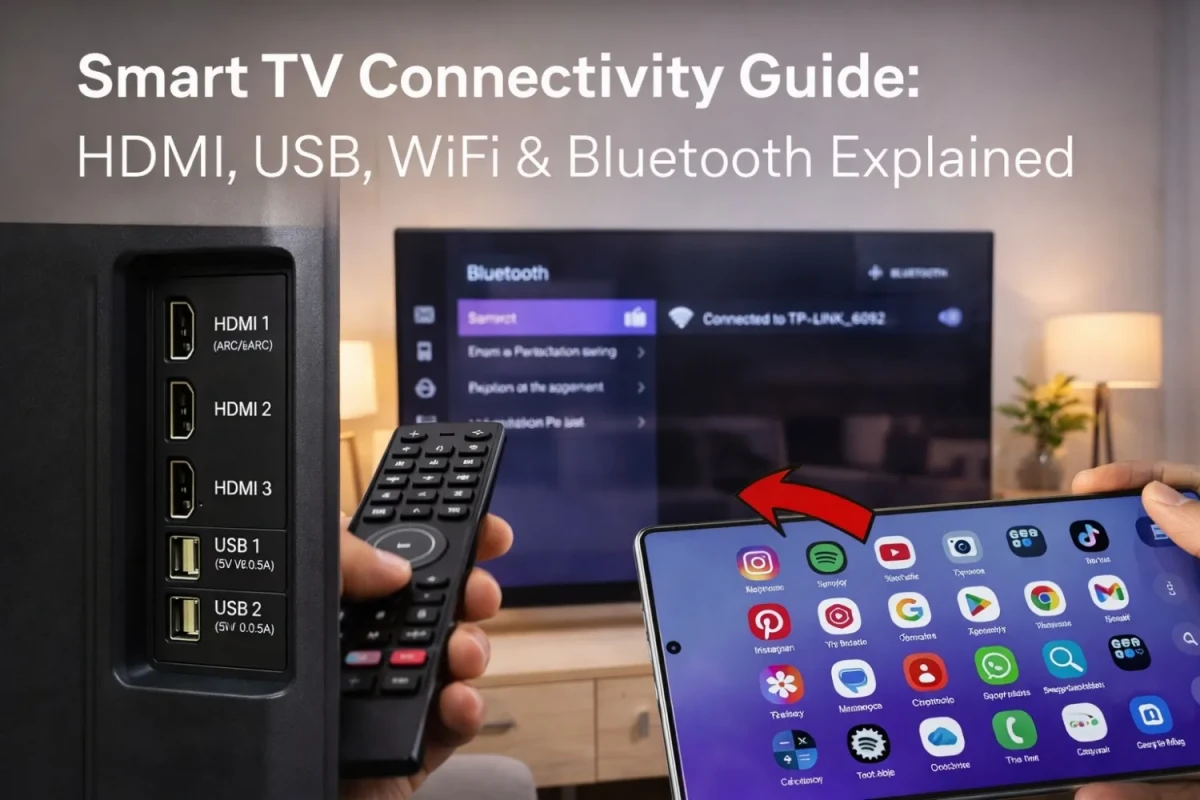
Smart TV Connectivity Guide: HDMI, USB, WiFi & Bluetooth Explained
This smart TV connectivity guide explains how HDMI, USB, WiFi, and Bluetooth work in real-life use so you can choose the right TV without confusion. It breaks down each connection in a simple way, showing how HDMI is used for set-top boxes, gaming consoles, and sound systems, while USB helps with media playback and device support. The guide also explains why WiFi is essential for streaming apps like YouTube and Netflix, and how Bluetooth adds wireless convenience for headphones and speakers. In addition, it covers screen casting and wireless sharing, helping you understand how to display content from your phone directly on your TV. Along with practical tips, it also highlights how many ports you actually need based on your usage and common mistakes to avoid. This makes it easier to pick a smart TV that fits your everyday needs and gives you a smoother, more connected experience at home.
Read More >>
POSTED ON March 30, 2026
AMD Ryzen 5 5600G-এর জন্য সেরা কুলার কোনটি?
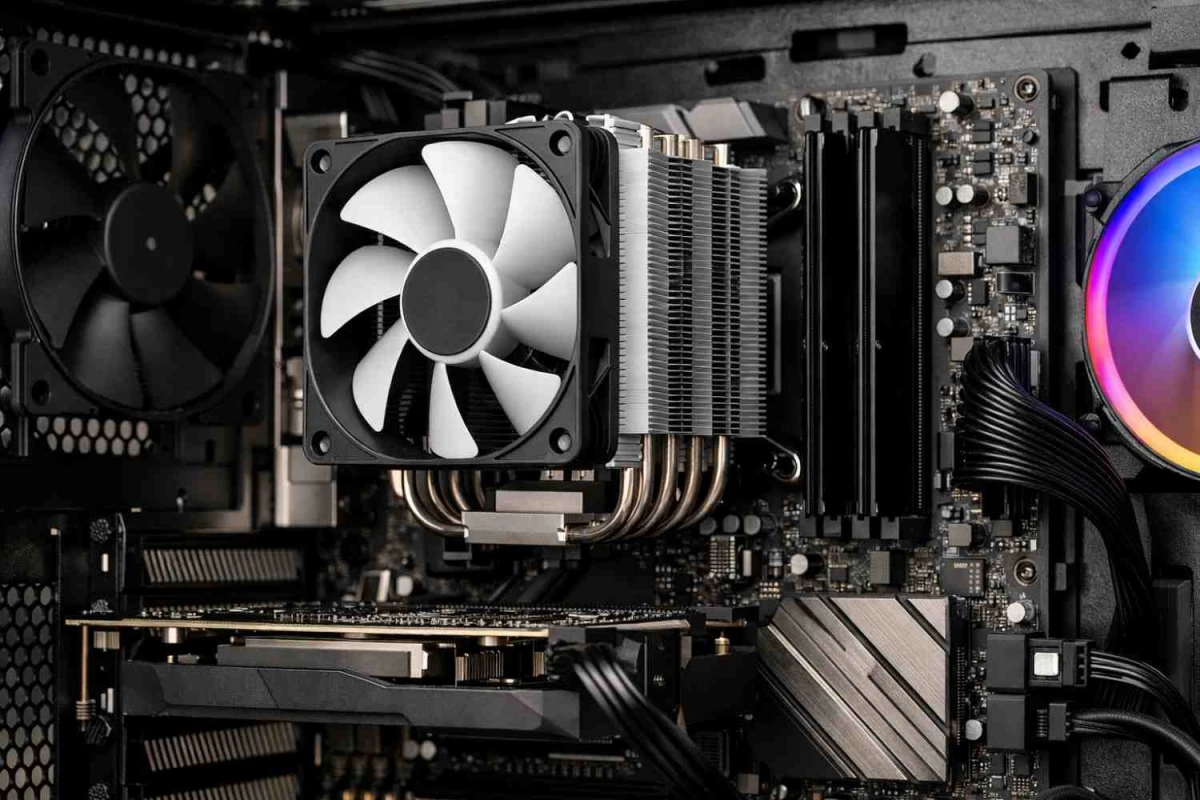
Ryzen 5 5600G-এর 65W TDP ক্লাসের জন্য স্টক কুলার সাধারণ ব্যবহারে যথেষ্ট কার্যকর হতে পারে। তবে কম শব্দ, তাপমাত্রা নিয়ন্ত্রণ এবং দীর্ঘমেয়াদে স্থিতিশীল পারফরম্যান্স নিশ্চিত করতে চাইলে DeepCool AK400 একটি অত্যন্ত যৌক্তিক ও কার্যকর আপগ্রেড হিসেবে বিবেচিত
Read More >>
POSTED ON February 25, 2026
ফোনের টাচ কাজ না করলে কী করবেন? দেখুন ৭ সমাধান!
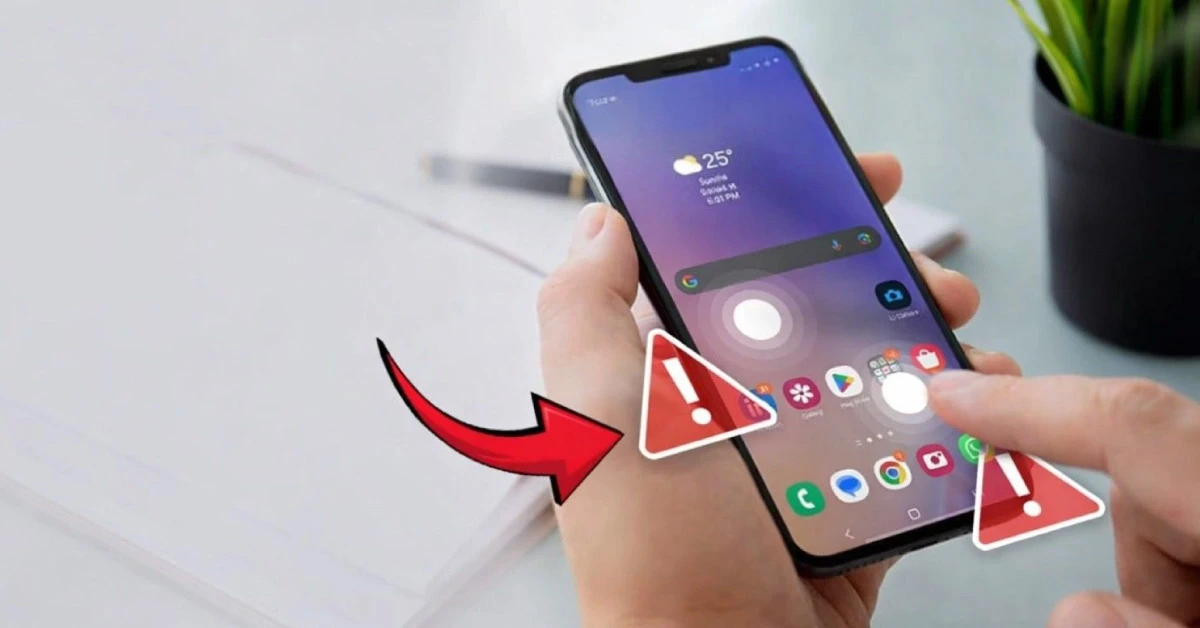
ফোনের টাচ হঠাৎ কাজ না করলে প্রথম প্রতিক্রিয়াটা সাধারণত ভয়। মনে হয়, বুঝি ফোনটাই শেষ। কারণ বাস্তবতা হলো—আজকের স্মার্টফোন পুরোপুরি টাচ স্ক্রিন নির্ভর। কল করা থেকে শুরু করে মেসেজ লেখা, ফেসবুক স্ক্রল, বিকাশ বা নগদ ব্যবহার, এমনকি অ্যালার্ম বন্ধ করাও স্পর্শ ছাড়া সম্ভব নয়। তাই স্ক্রিন সাড়া না দিলে অস্বস্তি হওয়াটা স্বাভাবিক। তবে এখানে একটু থামা দরকার। টাচ কাজ না করলেই যে বড় হার্ডওয়্যার ক্ষতি হয়েছে, এমনটা সবসময় নাও হতে পারে। অনেক ক্ষেত্রে বিষয়টি সাময়িক—হঠাৎ সফটওয়্যার গ্লিচ, সিস্টেম হ্যাং, অতিরিক্ত গরম হওয়া, স্ক্রিনে জমে থাকা ঘাম বা ধুলো, এমনকি নিম্নমানের চার্জার থেকেও সমস্যা তৈরি হতে পারে। স্টোরেজ প্রায় ভরে গেলে বা ব্যাকগ্রাউন্ডে ভারী অ্যাপ চললেও টাচ রেসপন্স ধীর হয়ে যায়। অর্থাৎ কারণ একাধিক, এবং সবকটিই সমান গুরুতর নয়। ভালো খবর হলো, বেশিরভাগ ক্ষেত্রেই কিছু সহজ ট্রাবলশুটিং ধাপ অনুসরণ করলে ঘরে বসেই সমাধান মিলতে পারে।
Read More >>

POSTED ON October 31, 2026
রাইস কুকার কেনার আগে ৭টি গুরুত্বপূর্ণ বিষয় দেখে নিন
ভাত আমাদের প্রতিদিনের খাবারের অন্যতম প্রধান অংশ হলেও নিখুঁতভাবে ভাত রান্না করা সবসময় সহজ নয়। কখনো ভাত বেশি সেদ্ধ হয়ে যায়, কখনো আবার শক্ত থেকে যায়—ফলে স্বাদ ও গুণগত মান দুটোই নষ্ট হয়। ব্যস্ত জীবনে প্রতিদিন একই মানের ঝরঝরে ও সুস্বাদু ভাত রান্না করা অনেকের জন্যই ঝামেলার বিষয় হয়ে দাঁড়ায়। এ কারণেই আধুনিক রান্নাঘরে রাইস কুকার এখন এক অত্যন্ত প্রয়োজনীয় ও কার্যকরী যন্ত্র হিসেবে জায়গা করে নিয়েছে। গ্যাসের চুলায় বারবার খেয়াল রাখা বা প্রেশার কুকারের হিসাব মেলানোর ঝামেলা ছাড়াই রাইস কুকার এক টাচেই নির্দিষ্ট পরিমাণ পানি ও চাল দিয়ে স্বয়ংক্রিয়ভাবে ভাত রান্না করতে সক্ষম। শুধু ভাত নয়, অনেক উন্নত রাইস কুকারে রয়েছে কিপ ওয়ার্ম মোড, টাইমার, স্টিমিং অপশনসহ নানা সুবিধা, যা রান্নাকে আরও সহজ ও সময় সাশ্রয়ী করে তোলে। তবে বাজারে বিভিন্ন আকার, ধারণক্ষমতা ও ফিচারের অসংখ্য রাইস কুকার থাকায় সঠিকটি নির্বাচন করা গুরুত্বপূর্ণ। পরিবারের সদস্য সংখ্যা, ব্যবহার প্রয়োজন ও অতিরিক্ত সুবিধা বিবেচনায় সঠিক সিদ্ধান্ত নিলে আপনার রান্নাঘরের অভিজ্ঞতা হবে আরও আরামদায়ক, দ্রুত এবং নিখুঁত।
Read More >>
POSTED ON October 31, 2026
হঠাৎ মোবাইলের ডিসপ্লে কালো? জানুন ৭ কারণ!
মোবাইল ফোন আমাদের দৈনন্দিন জীবনের একটি অপরিহার্য অংশ। যোগাযোগ, কাজ, বিনোদন কিংবা জরুরি প্রয়োজনে আমরা প্রতিনিয়ত ফোনের ওপর নির্ভর করি। তাই হঠাৎ করে যখন ফোনের ডিসপ্লে কালো হয়ে যায়, তখন স্বাভাবিকভাবেই আতঙ্ক ও দুশ্চিন্তা তৈরি হয়। অনেকেই মনে করেন, বুঝি ফোনটি পুরোপুরি নষ্ট হয়ে গেছে বা বড় ধরনের খরচের মুখে পড়তে হবে। কিন্তু বাস্তবে বিষয়টি সবসময় এতটা ভয়াবহ নয়। বেশিরভাগ ক্ষেত্রেই এই সমস্যার পেছনে থাকে চার্জ সংক্রান্ত জটিলতা, সাময়িক হ্যাং, স্ক্রিনের আলো কমে যাওয়া, কিংবা ছোটখাটো সফটওয়্যার গড়বড়। সঠিক কারণ না জেনে তাড়াহুড়ো করে মেরামতের সিদ্ধান্ত নিলে অপ্রয়োজনীয় সময় ও অর্থ নষ্ট হতে পারে। তাই প্রথমেই প্রয়োজন ধৈর্য ধরে সমস্যার মূল উৎস চিহ্নিত করা। এই ব্লগে সহজ ভাষায় তুলে ধরা হয়েছে কেন হঠাৎ মোবাইলের ডিসপ্লে কালো হয়ে যায়, কোন লক্ষণে কী বোঝা যায়, এবং কীভাবে ঘরেই প্রাথমিকভাবে সমাধান খুঁজে নেওয়া সম্ভব। সঠিক তথ্য জানা থাকলে আপনি নিজেই অনেক সময় বড় ঝামেলা ও অতিরিক্ত খরচ থেকে বাঁচতে পারবেন।
Read More >>
POSTED ON February 16, 2026
How To Check Laptop Battery Health in Windows 10/11 & Mac
Knowing how healthy your laptop battery is can save you from unexpected shutdowns, poor backup time, and unnecessary repair costs. Whether you are using Windows 10, Windows 11, or macOS, battery performance naturally decreases over time, but sudden draining, overheating, or random power-offs often raise concerns for users. Instead of guessing, learning how to check battery health using built-in system tools gives you clear and reliable information about your device’s condition. By understanding key details such as design capacity, full charge capacity, cycle count, and maximum capacity percentage, you can easily judge how much your battery has aged and whether it still meets your daily needs. This guide will walk you through simple, step-by-step methods to check battery health on both Windows and Mac, explain practical ways to interpret the results, and share useful habits to extend battery lifespan. Whether you recently bought a new laptop, use a second-hand device, or are experiencing sudden battery issues, these techniques will help you identify the real problem and make informed decisions. By checking your battery health regularly, you can improve performance, avoid unexpected failures, and ensure your laptop remains reliable for work, study, and entertainment.
Read More >>
POSTED ON July 18, 2026
How To Fix Laptop Overheating
Laptop overheating is a common yet often underestimated problem that can slowly turn a reliable device into a frustrating one, affecting performance, productivity, and long-term durability. What usually begins as a slightly warm keyboard or a louder-than-usual fan can quickly develop into serious issues such as frequent lag, thermal throttling, unexpected shutdowns, and even hardware damage if left unaddressed. While some heat is natural during regular use, excessive or persistent overheating is a clear sign that your laptop’s cooling system is struggling. Fortunately, in most cases, the causes are simple and manageable—ranging from blocked airflow and dust buildup to heavy software usage and aging internal components. Understanding these factors early can save you time, money, and unnecessary stress. This guide is designed to help you recognize the warning signs, identify the most common reasons behind rising temperatures, and apply practical solutions that actually work. From basic cleaning and usage habits to software optimization and professional servicing, you will learn how to keep your laptop running cool, stable, and efficient for years to come.
Read More >>